


Hugging Face Transformers v5: PyTorch-Only Shift, Modular Architecture, and What Developers Need to Know
September 18, 2025
Samsung 9100 PRO SSD Review: 14,800 MB/s PCIe 5.0 Finally Hits 8TB
September 18, 2025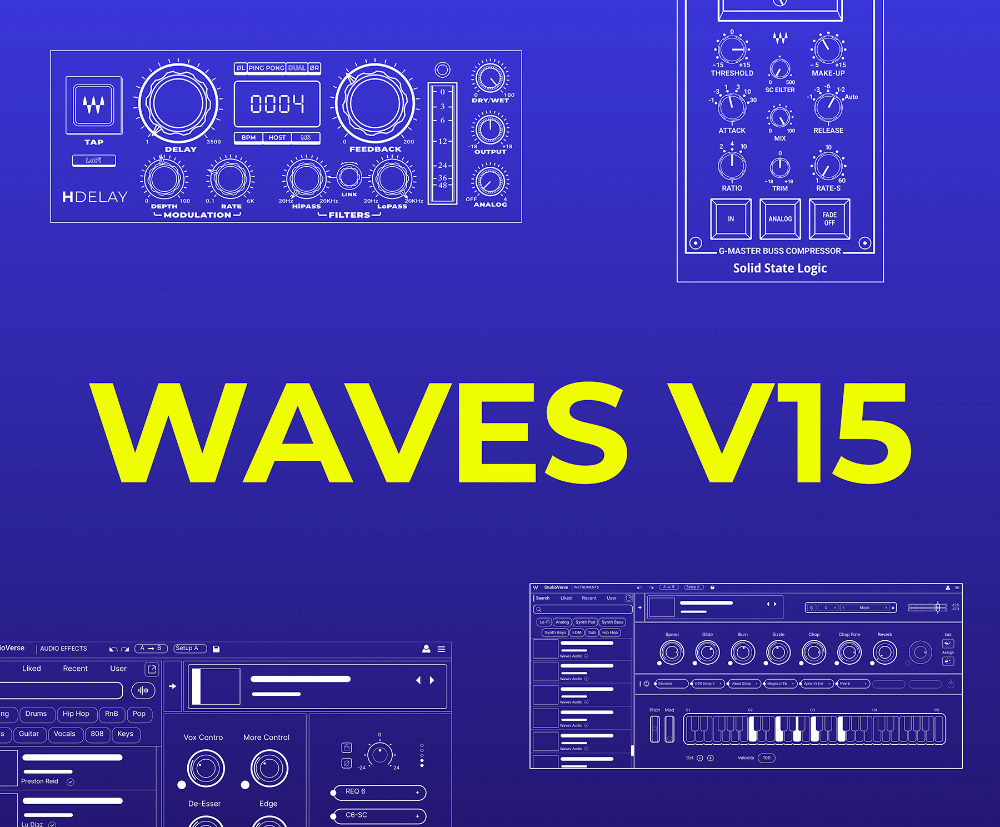
“My plugins just disappeared.” If you’ve seen this panic spreading across producer forums lately, there’s one culprit: Waves V15 and its complete elimination of VST2 support. Launched in June 2024 and steadily expanded through 2025, this isn’t your typical point update — it’s the most significant architectural shift Waves has made in over a decade. With AES Convention around the corner and producers evaluating their upgrade paths, here’s a comprehensive breakdown of everything that changed, why it matters, and what you need to do about it.
Waves V15 Kills VST2: What the Format Change Really Means
The headline change in Waves V15 is the complete removal of VST2 format support. Going forward, Waves plugins are available exclusively in VST3, Audio Unit (AU), and AAX formats. While Steinberg officially discontinued VST2 licensing years ago, few companies have made as sweeping a transition across such a massive plugin catalog. Waves maintains one of the largest plugin libraries in the audio industry — hundreds of processors spanning dynamics, EQ, reverb, delay, modulation, and more — so dropping VST2 across the entire range in one release is a bold move that signals just how serious the industry shift to VST3 has become.
For most producers running modern DAWs — Cubase, Logic Pro, Pro Tools, Ableton Live, Studio One, FL Studio, Reaper — this won’t be an issue. These DAWs have supported VST3 for years. However, the practical implications are real: if you have legacy sessions that reference VST2 instances of Waves plugins, you’ll need to remap them to their VST3 counterparts when opening those projects after updating. Most DAWs handle this remapping semi-automatically, but it’s worth testing on a backup of your session files before committing to the update on your primary system. Waves’ official V15 page recommends verifying your DAW’s VST3 compatibility before installing the update.
The supported format list is now clean and future-proof: VST3 for cross-platform compatibility, AU for Logic and GarageBand users, and AAX for the Pro Tools ecosystem. No more maintaining parallel VST2 builds, which means Waves can focus development resources on the formats that actually matter going forward. VST3 also brings technical advantages that VST2 never had — proper sidechain routing, better CPU management when plugins are silent, and more reliable preset handling across different host applications.
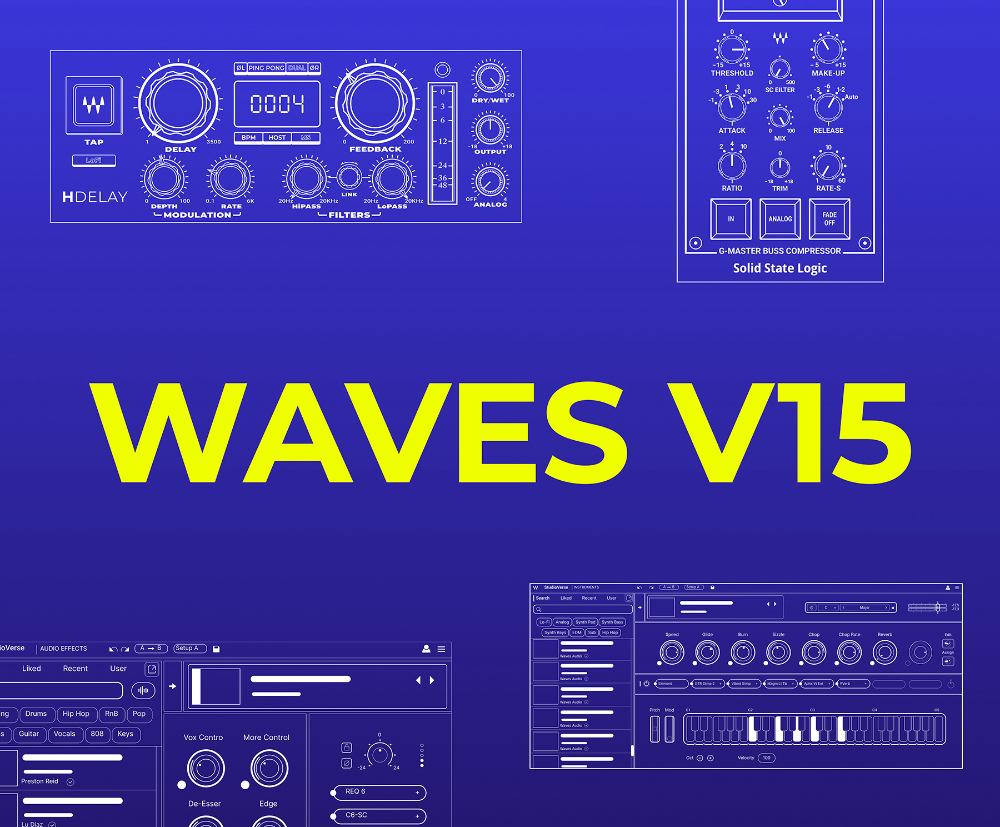
The Waves V15 Feature Stack: MIDI Mapping, Parameter Locking, and StudioVerse
The format change gets the headlines, but the feature additions in V15 are what make the upgrade genuinely compelling for day-to-day production work.
MIDI Learn Across Nearly Every Plugin
Waves has rolled out MIDI mapping to virtually its entire plugin catalog with V15. Previously, mapping hardware controllers to Waves plugin parameters meant relying on your DAW’s own MIDI learn functionality or third-party workarounds — both of which had limitations depending on the host application. Now, MIDI Learn is built directly into the plugins themselves, providing a consistent mapping experience regardless of which DAW you use.
For live sound engineers running Waves on stage, this is a transformative workflow improvement. Map your Faderport, nanoKONTROL, or any MIDI controller directly to plugin parameters without leaving the plugin window. In a studio context, this opens up tactile control for mixing sessions — assign your favorite compressor’s threshold to a physical fader, or map an EQ’s frequency sweep to a knob for real-time tonal shaping during tracking.
Parameter Locking for 62+ Plugins
Parameter Locking lets you freeze specific parameters while browsing presets — a deceptively simple feature that dramatically speeds up sound design. Lock your gain staging on the CLA-2A while auditioning tonal presets. Fix your delay time on H-Delay while comparing feedback and modulation settings. According to ProSoundWeb’s coverage, this feature is available across 62 plugins and counting, with more being added in subsequent updates.
StudioVerse Instruments: Waves Enters the Virtual Instrument Space
The former StudioRack has been rebranded as StudioVerse Audio Effects, and alongside it, Waves launched an entirely new product: StudioVerse Instruments. This community-driven virtual instrument platform offers thousands of instrument presets, signaling Waves’ strategic expansion beyond effects processing into the instrument domain. It’s built around a preset-sharing ecosystem where producers can discover, download, and share instrument configurations — think of it as Waves’ answer to the community preset libraries that have made platforms like Splice so popular.
For producers who already own a substantial Waves library, StudioVerse Instruments adds a new dimension to the ecosystem without requiring additional purchases beyond the Update Plan or Creative Access subscription. The instrument presets leverage Waves’ existing synthesis and sampling technology, packaged in a browser-friendly interface that makes sound exploration faster than traditional virtual instrument workflows.
Classic Plugins Modernized: GUI Redesigns and Feature Expansions
One of the most welcome aspects of V15 has been the systematic modernization of Waves’ legacy plugins. The December 2024 update brought completely redesigned interfaces for Doubler, SuperTap, and Enigma — plugins that have been staples in studios for decades but were showing their age visually.
But the updates go far beyond cosmetics:
- SSL G-Master Bus Compressor gained a sidechain filter — finally addressing the age-old issue of kick drums over-triggering the bus compressor without needing external routing
- H-Delay added a Dual mode for more intuitive stereo delay configurations
- L2 Ultramaximizer received sidechain capabilities — a significant addition for mastering engineers who want external signal-based control over limiting behavior
- JJP Signature Series added a Noise-off feature, letting you disable vintage noise emulation when you want a cleaner signal path
- CLA Epic, CLA EchoSphere, Scheps 73, and H-Comp received HiDPI interface updates for crisp rendering on high-resolution displays
- Abbey Road plugin series was renamed for easier identification across the catalog
The L2 sidechain addition deserves particular attention. Mastering engineers can now use an external signal to influence the limiter’s behavior, opening up techniques like sidechain-aware loudness maximization that were previously impossible without third-party routing hacks. For multiband mastering chains, this kind of precision control is a genuine game-changer.
SuperRack V15: Immersive Audio Changes Everything
The August 2025 SuperRack V15 update might be the most consequential release in the entire V15 cycle, particularly for live sound and post-production professionals. The centerpiece: full immersive audio support.
- 5.1.4, 7.1.4, and 9.1.4 channel formats — direct integration with Dolby Atmos workflows
- Immersive Wrapper plugin — transforms any existing mono Waves plugin into an immersive processor. This means your entire Waves library becomes immersive-capable without buying dedicated immersive plugins
- Third-party VST3 plugin support — non-Waves VST3 plugins can now run directly inside SuperRack
- Redesigned plugin search menu — essential for navigating large plugin collections efficiently
- Intel Core Ultra processor support added for next-gen hardware compatibility
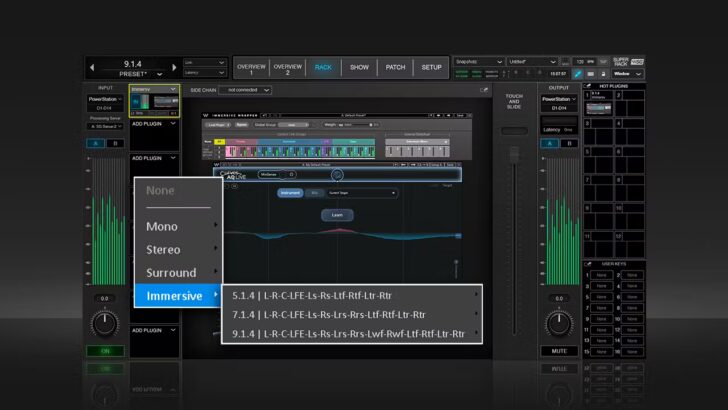
The Immersive Wrapper alone justifies the SuperRack V15 update for anyone working in spatial audio. Previously, using Waves mono plugins in an immersive environment meant instantiating separate copies across each channel — tedious, CPU-intensive, and difficult to manage. Now, a single immersive instance handles the entire surround field. With AES Convention showcasing live demos of this feature, engineers evaluating their immersive audio toolkit should pay close attention.
Waves Central: The New Installer Experience
The transition to V15 also brought meaningful improvements to the Waves Central installer. Offline installation support has been strengthened — important for studios with restricted or unreliable internet access. License management is more intuitive, making it easier to move licenses between machines. And a new notification system alerts you to available updates and upcoming license expirations before they catch you off guard mid-session.
Access to V15 requires either an active Update Plan or a Creative Access subscription. If your Update Plan has lapsed, you’ll need to renew before downloading V15 plugins. Waves Central will show you exactly where you stand — which plugins are eligible for V15 and which need a plan renewal. For studios managing multiple workstations, the improved license management means less time wrestling with activations and more time actually mixing.
Should You Update to Waves V15 Now?
The short answer: yes, but strategically. If you have active projects built on V14 or earlier, finish them first — there’s no urgency to disrupt a working setup. But for new projects, starting in V15 is the smart move. VST2 is a dead format walking. Major DAW developers will eventually drop VST2 scanning altogether, and when that happens, you’ll want your Waves plugins already running in VST3.
For live sound engineers, SuperRack V15’s immersive audio support is reason enough to upgrade immediately. For studio producers, the combination of MIDI mapping, parameter locking, and modernized GUIs makes V15 the most significant quality-of-life improvement Waves has delivered in years. The Update Plan renewal cost is modest compared to the workflow gains and future-proofing you get in return.
As the plugin ecosystem consolidates around VST3, having your studio environment optimized for the new standard isn’t just convenient — it’s essential. If you’re rethinking your studio plugin chain or immersive audio setup, getting expert guidance can save you hours of trial and error.
Need help optimizing your plugin workflow, studio setup, or immersive audio configuration? Let’s talk.
Get weekly AI, music, and tech trends delivered to your inbox.






