Samsung Odyssey Neo G9 57-Inch: Ultrawide Dual-4K Monitor Review
April 28, 2025
New Software Synths 2025: 5 Spring Releases That Deserve Your Attention
April 29, 2025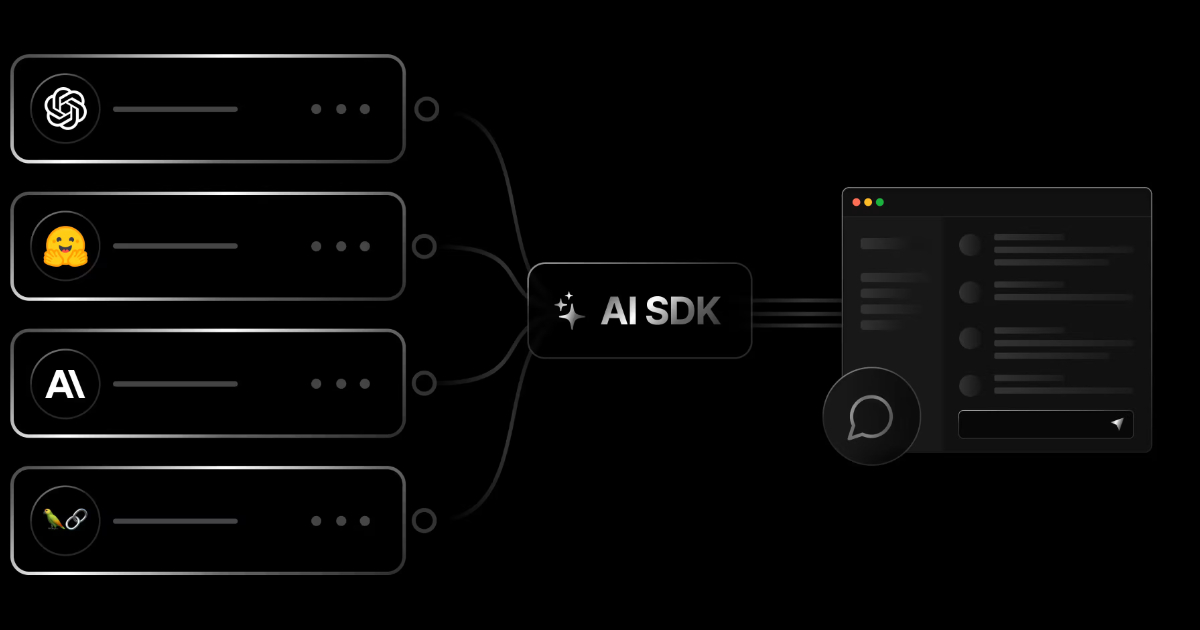
Drop the await from streamText? That’s right—Vercel AI SDK 4.0 fundamentally changes how streaming works, and the results are worth every line of migrated code. With real-time streaming tool calls, native PDF processing, and even Anthropic’s Computer Use baked in, this release turns the AI SDK from a convenience layer into a full-blown AI application framework.
What Changed in Vercel AI SDK 4.0
Released on November 18, 2024, AI SDK 4.0 is the biggest major update to Vercel’s open-source JavaScript/TypeScript AI toolkit, which now surpasses 20 million monthly downloads. The changes fall into three categories: streaming architecture overhaul, enhanced multi-step tool calling, and expanded multimodal input support.
The most significant change is that streamText no longer returns a Promise. Where you previously wrote const result = await streamText({...}), you now write const result = streamText({...}). It looks trivial, but this change eliminates unnecessary async wrapping across the entire streaming pipeline, reducing time-to-first-byte (TTFB) and simplifying error handling.
Tool Calling: Building Multi-Step Agents with maxSteps
The most practical improvement in AI SDK 4.0 is the revamped tool calling system. The old maxToolRoundtrips has been renamed to maxSteps, and the behavior is more intuitive. Setting maxSteps: 5 lets the model call tools, receive results, and make decisions in up to 5 automatic iterations.
import { generateText, tool } from 'ai';
import { z } from 'zod';

const { text, steps } = await generateText({
  model: yourModel,
  tools: {
    weather: tool({
      description: 'Get weather for a location',
      inputSchema: z.object({
        location: z.string().describe('City name'),
      }),
      execute: async ({ location }) => ({
        location,
        temperature: 72,
        condition: 'sunny',
      }),
    }),
  },
  maxSteps: 5,
  prompt: 'Compare the weather in Seoul and Tokyo',
});
In this example, the model autonomously queries Seoul’s weather, then Tokyo’s weather, then generates a comparison—all in one call. The steps array gives you full visibility into every tool call, result, and generated text at each stage. It’s dramatically cleaner than the 3.x roundtrips approach.
For production observability, the new experimental_onToolCallStart and experimental_onToolCallFinish callbacks let you track tool name, inputs, execution duration, and errors in real time. This is invaluable for debugging agentic workflows where tool chains can get complex fast.
streamText + Tool Calling: Real-Time Streaming Evolution
AI SDK 4.0’s streaming is built on a standardized Server-Sent Events (SSE) protocol with built-in keep-alive, automatic reconnection, and cache handling. This makes production deployments significantly more reliable.
import { streamText, tool } from 'ai';
import { z } from 'zod';

const result = streamText({
  model: yourModel,
  tools: {
    searchDocs: tool({
      description: 'Search documentation',
      inputSchema: z.object({ query: z.string() }),
      execute: async ({ query }) => {
        return { results: ['doc1', 'doc2'] };
      },
    }),
  },
  maxSteps: 3,
  prompt: 'Find the streaming configuration docs for AI SDK',
});

for await (const chunk of result.textStream) {
  process.stdout.write(chunk);
}
Notice there’s no await on the streamText call. You get the result object immediately and consume the textStream as an async iterator. Even when tool calls are involved, intermediate results stream in real time—the user sees progress as it happens.
PDF Support and Computer Use: Multimodal Gets Real
AI SDK 4.0 adds native PDF processing across Anthropic, Google Generative AI, and Google Vertex AI. Pass a PDF as a file type in message content, and you get text extraction, summarization, and question-answering out of the box. For enterprise workflows built around document analysis, this is a game-changer.
Even more exciting is Computer Use support. Paired with Anthropic’s Claude Sonnet 3.5, the AI can perform mouse movements, keyboard input, screenshot capture, file editing, and terminal command execution. Combined with maxSteps, you can orchestrate complex automation sequences. It’s still in beta with recommended safety measures (virtual machines, restricted access), but the implications for testing automation and workflow orchestration are massive.
Migrating from 3.x to 4.0: A Practical Guide
AI SDK 4.0 includes substantial breaking changes, but Vercel provides a comprehensive official migration guide and automated codemods that make the process manageable.
Here are the critical changes:
- streamText/streamObject: Remove
await—no longer returns a Promise - maxToolRoundtrips → maxSteps: Value is roundtrips + 1 (e.g., 2 roundtrips → maxSteps 3)
- baseUrl → baseURL: Capitalization standardized across all providers
- Framework packages split:
ai/svelte→@ai-sdk/svelte,ai/vue→@ai-sdk/vue - Experimental prefixes removed:
experimental_StreamData→StreamData,experimental_addToolResult→addToolResult - useChat changes:
streamMode→streamProtocol,optionssplit intoheaders+body - Error handling:
isXXXErrorstatic methods →isInstanceinstance methods
Automated migration is one command:
npx @ai-sdk/codemod upgrade
# Or for 4.0-specific changes only
npx @ai-sdk/codemod v4
The codemod handles most mechanical changes, but logic-affecting changes like the streamText await removal require manual verification of your streaming pipelines.
Provider Ecosystem: Grok, Cohere, and More Options
AI SDK 4.0 significantly expands the provider ecosystem. xAI’s Grok joins as a first-party provider, Cohere gets v2 support with tool calling, OpenAI adds predicted outputs and prompt caching, and Google gains file inputs, fine-tuned model support, and schema validation. Amazon Bedrock, Groq, LM Studio, and Together AI round out the supported list.
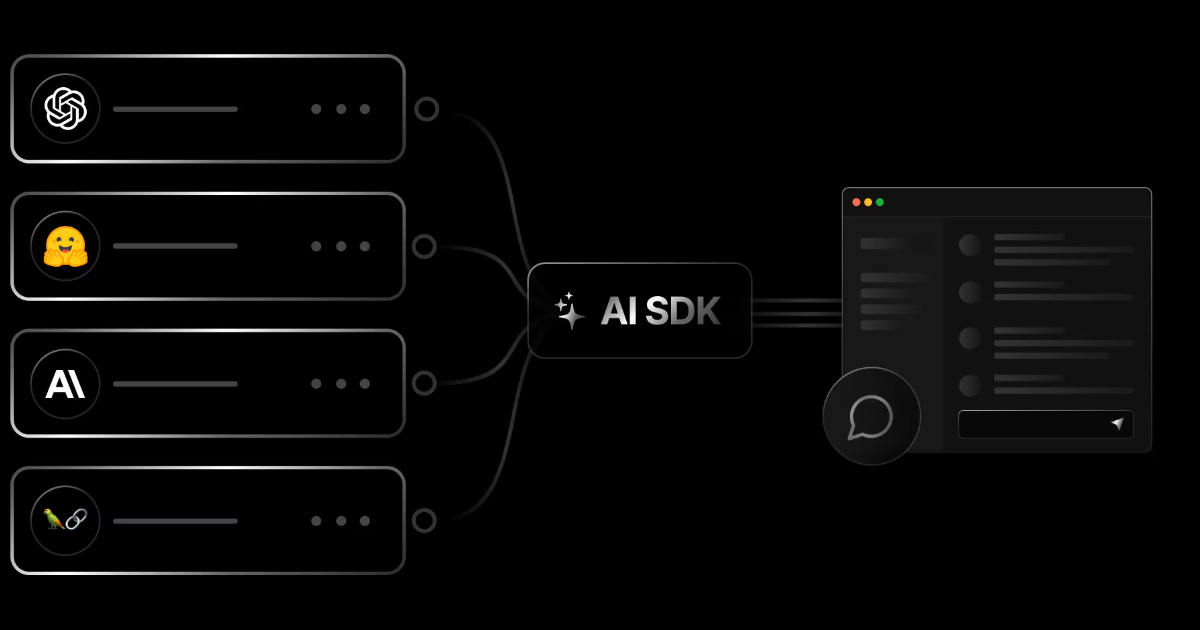
The core advantage remains provider portability—switching from OpenAI to Anthropic to Google requires changing just the model parameter. In benchmarks, AI SDK shows 30ms p99 latency versus LangChain’s 45ms at 250 requests/second throughput, a meaningful difference in production environments where every millisecond of streaming latency matters.
My Take: What AI SDK 4.0 Means in Practice
After 28 years in music, audio, and tech, I’ve watched countless frameworks rise and fall. What makes Vercel AI SDK special is its clear vision: making AI accessible to frontend developers. In fact, the tool calling patterns in AI SDK directly inspired parts of my own blog automation pipeline—the concept of an AI orchestrating sequential tool calls is exactly how my system handles research, content generation, and publishing.
The maxSteps feature in 4.0 is particularly transformative for agent patterns. Previously, you needed boilerplate to manually feed tool results back into the model. Now the framework handles that loop automatically. My pipeline’s sequential flow—research → content → images → publish—is essentially the same pattern that maxSteps enables for any developer.
Fair warning: the migration isn’t trivial. For medium-to-large projects, budget at least half a day. The codemod handles mechanical renames, but complex streaming logic needs manual review. That said, the performance gains from removing the streamText await wrapper and the reliability of SSE-based streaming make the upgrade a no-brainer.
In 2025, your AI app development choices boil down to three paths: raw OpenAI SDK for maximum control, LangChain for complex pipeline orchestration, or Vercel AI SDK for the React/Next.js ecosystem. If your stack is TypeScript and React, AI SDK 4.0 is the most balanced choice available right now.
Need help building AI-powered automation systems or technical consulting? Connect with a 28-year industry veteran.
Get weekly AI, music, and tech trends delivered to your inbox.