
UMG NVIDIA Music Flamingo: The Company That Called AI Music ‘Platform Pollution’ Just Partnered With the World’s Biggest AI Chip Maker
March 17, 2026
Claude Model Lineup 2026: Opus 4.6, Sonnet 4.6, Haiku 4.5 — Which One to Pick
March 18, 2026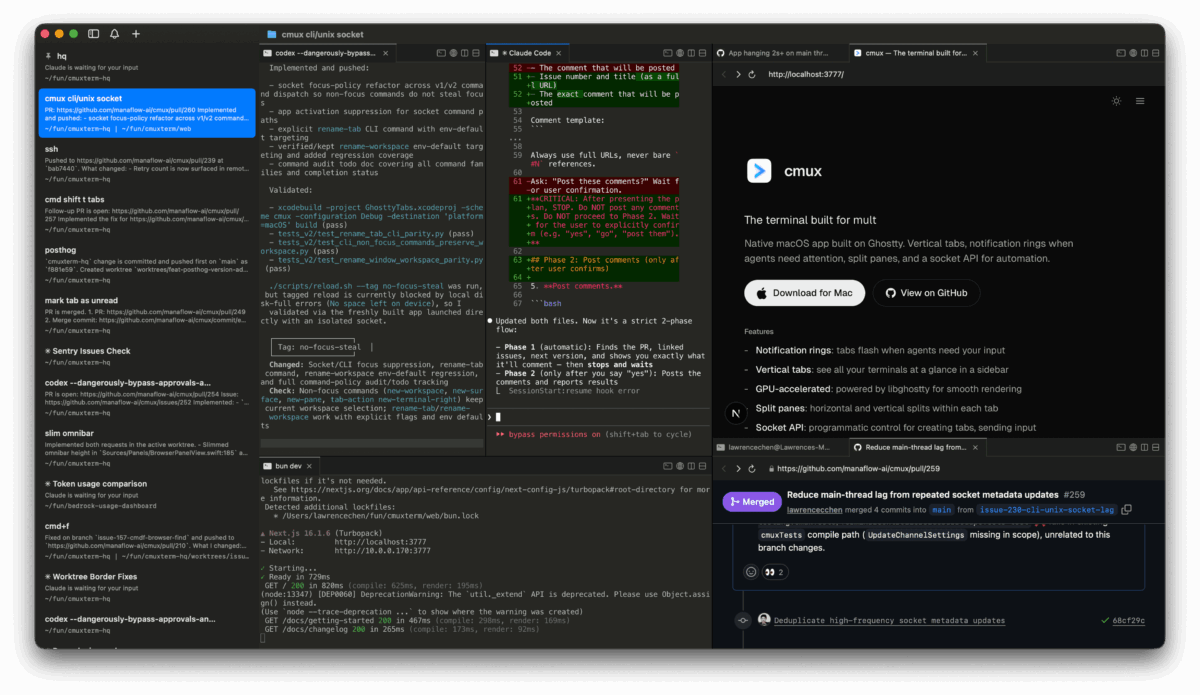
Terminal.app had been my default for years, but the Korean text rendering bugs were getting worse, I needed proper split panes, and better features for managing AI coding agents. So I moved to iTerm2 — then discovered cmux, a terminal built specifically for AI agent workflows.
The thing I worried about most? I had over 10 Claude Code conversations running across two Mac Minis. If those sessions closed, I’d lose the entire task flow — context, history, everything mid-process. That’s not something you can just restart.
Turns out, tmux solved all of it.
tmux doesn’t care about your terminal app
tmux runs as a background process. Terminal.app, iTerm2, cmux — these are just viewers. The sessions keep running regardless of which app you use to look at them.
I closed Terminal.app, opened cmux, and typed:
tmux ls
tmux attach -t aibot-01
All 10+ Claude sessions were right there. Windows, panes, running agents — all intact. The blog pipeline that had been generating posts for 6 hours didn’t skip a beat.
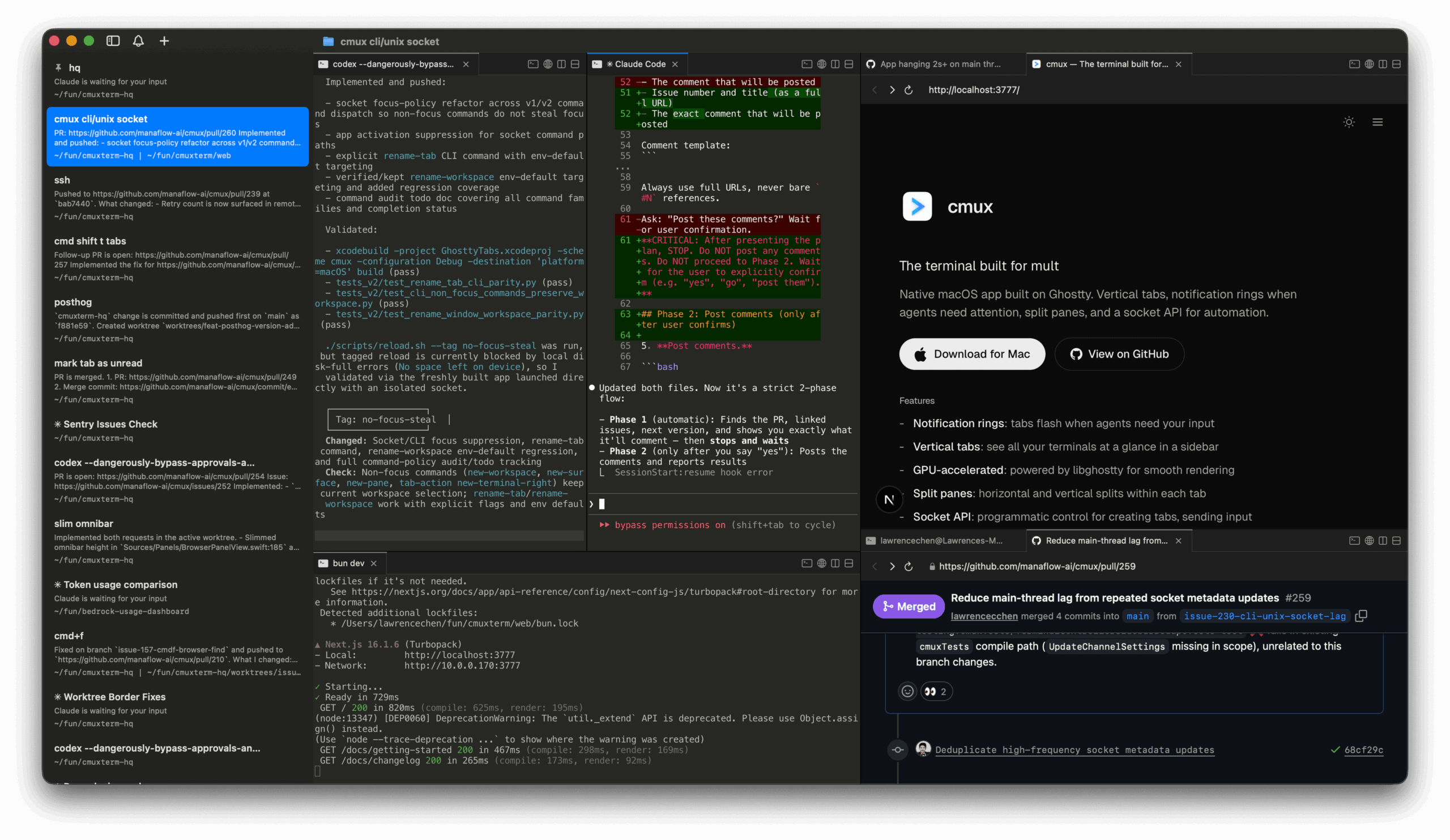
Why Terminal.app → iTerm2 → cmux
- Terminal.app — Korean text rendering bugs, no split panes
- iTerm2 — better, but still a general-purpose terminal
- cmux — vertical tabs, agent notifications, built-in browser, designed for AI workflows
The commands you need
tmux ls— list all sessionstmux attach -t name— reconnect to a sessionCtrl+B d— detach without killing anythingtmux new -s name— create a named session
That’s it. Switch terminal apps anytime — tmux keeps everything alive. Zero downtime, zero lost context.
Get weekly AI, music, and tech trends delivered to your inbox.