Samsung Galaxy S26 Ultra Leak: Snapdragon 8 Elite 2 Benchmarks and Camera Specs Revealed
November 14, 2025
AI Agent Frameworks November 2025: AutoGPT Platform, LangGraph 1.0, and 4 More Open Source Updates Compared
November 18, 2025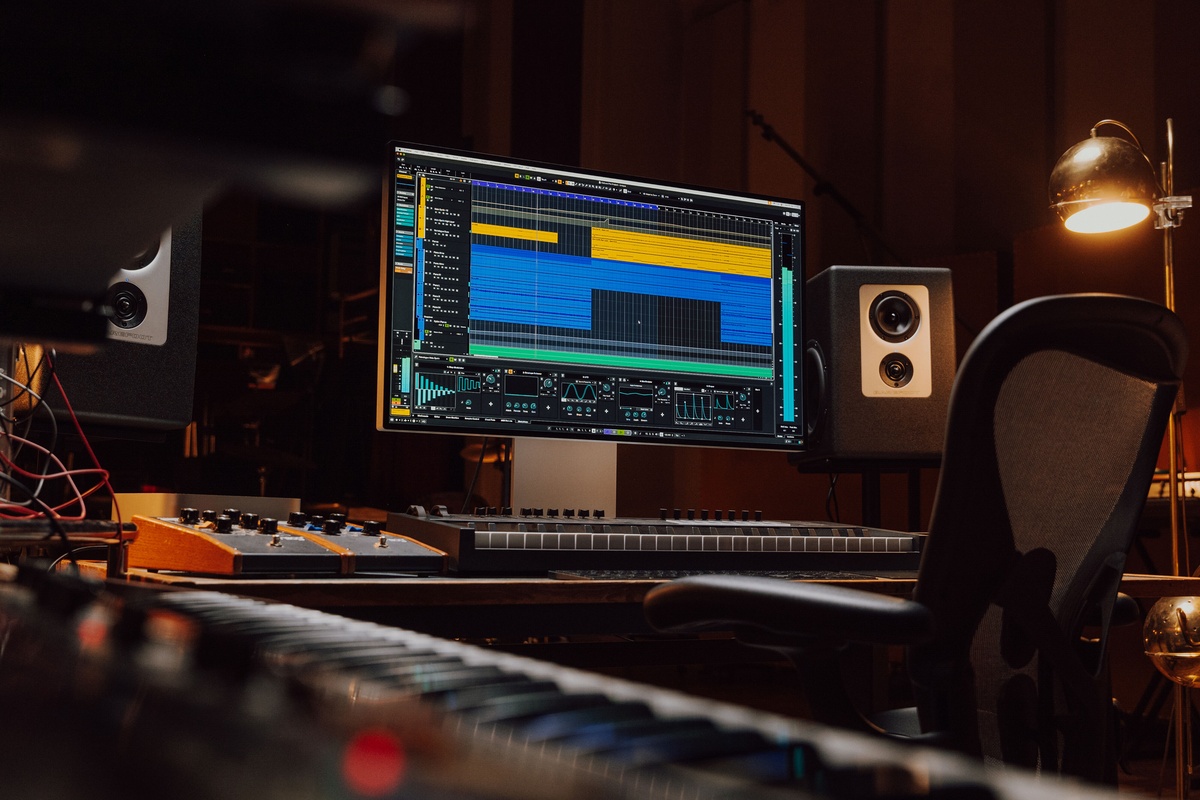
Finally, Steinberg has addressed some of the most frustrating Cubase 14 update issues that producers have been dealing with since launch. The v14.0.40 maintenance release, dropped on October 22, 2025, tackles volume automation bugs, Dolby Atmos export problems, and a handful of plugin-specific quirks that have been disrupting sessions for weeks. If you’ve been holding off on updating, here’s exactly what changed and whether it’s worth pulling the trigger — especially with Black Friday deals right around the corner.
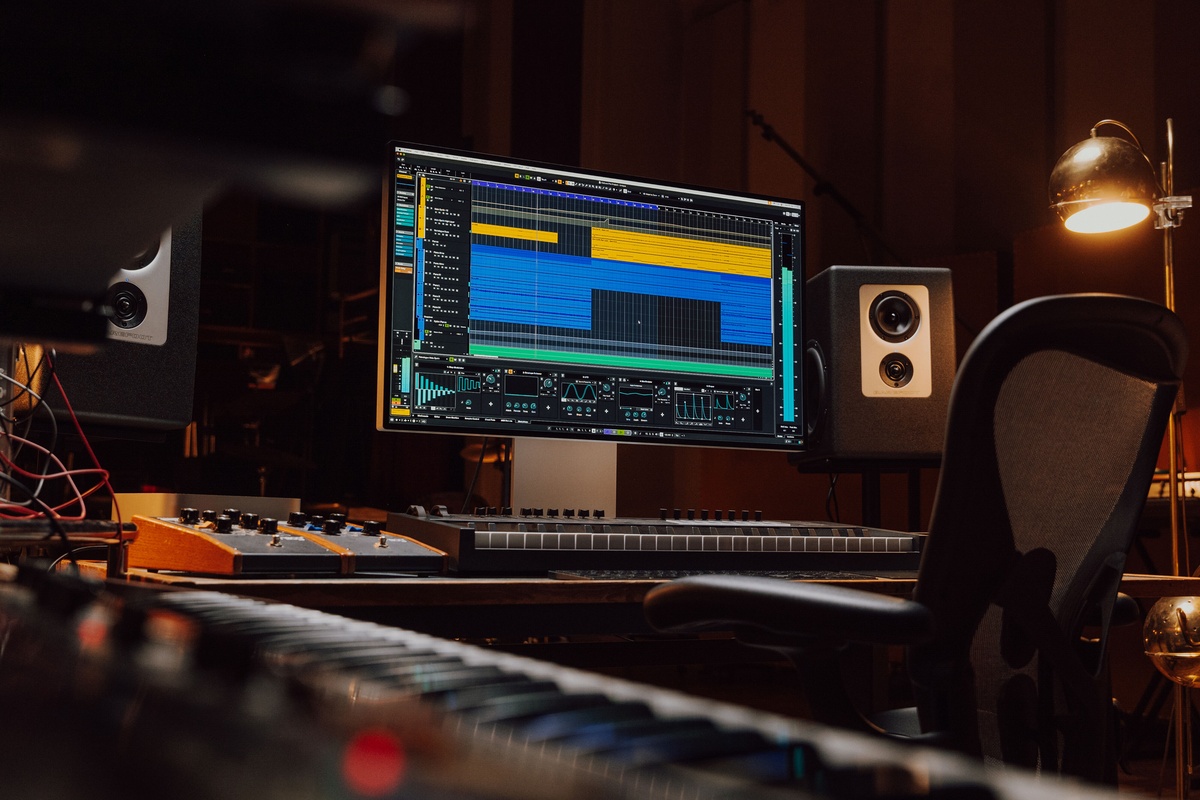
What’s in the Cubase 14 Update v14.0.40?
This isn’t a flashy feature release — it’s a maintenance update, and that’s exactly what the community has been asking for. Steinberg focused on squashing bugs that affected core workflow areas: automation, routing, MIDI Remote, and plugin behavior. Let’s break down the most important changes.
Volume Automation Fixes — No More Ghost Values
If you’ve ever removed the first automation point on a volume lane and watched helplessly as your fader refused to snap back to its proper position, you know how maddening this bug was. In Cubase 14.0.40, volume automation now properly reverts to the pre-automation value when you delete the first point. It sounds basic, but this single fix will save countless hours of frustration in complex mix sessions.
There’s also a fix for automation reading on specific plugins. Previously, certain third-party plugins would fail to read automation data correctly, leading to unpredictable parameter changes during playback. Steinberg hasn’t specified which plugins were affected, but community reports suggest it was particularly noticeable with compressor and EQ plugins that use non-standard parameter mapping.
Dolby Atmos Export — Negative Z-Values Finally Work
For immersive audio producers, this one is huge. The previous version had a critical issue where Dolby Atmos exports with negative Z-axis values would render incorrectly, essentially breaking any object positioning below the listener plane. If you’ve been working on Atmos mixes with height variation — think overhead elements transitioning down to floor level — your exports were silently corrupted.
The fix ensures that the full 3D spatial field is accurately represented in your ADM BWF exports. This is a non-negotiable requirement for anyone delivering Atmos content to platforms like Apple Music or Tidal.
Important warning for Windows users: If you’re working on Dolby Atmos projects on Windows, Steinberg recommends staying on version 14.0.32. There’s a known stability issue specific to Windows Atmos workflows in 14.0.40 that hasn’t been resolved yet. Mac users are unaffected.
MIDI Remote: Save and Recall Your Configured Devices
MIDI Remote was one of Cubase’s most ambitious features in recent versions — letting you map physical controllers to virtually any parameter in the DAW. But there was a painful oversight: your configured device setups weren’t being saved and recalled properly between sessions. You’d spend 30 minutes mapping knobs and faders on your controller, close the project, and come back to find everything reset.
Version 14.0.40 fixes this. Your MIDI Remote device configurations now persist across sessions as expected. That said, some users on the Steinberg forums have reported new MIDI Remote issues introduced by this update, so test your specific setup thoroughly before committing to it in a live session or deadline project.
Link Groups and MixConsole Stability
Two workflow-critical fixes landed in the mixer department. First, Link Group settings were randomly resetting — you’d link a set of channels, configure relative or absolute mode, and find the settings reverted after saving and reopening. This is now stable.
Second, send channels were getting hard-panned left in certain routing configurations. If you noticed your reverb sends sounding oddly mono or off-center, this was likely the culprit. The fix ensures send channels maintain their correct pan positioning.
MixConsole History also received attention — it now properly registers routing changes. Previously, if you rerouted a channel’s output or changed a send destination, the History panel wouldn’t log it, making undo/redo unreliable for routing operations. This is a subtle but important improvement for anyone who relies on the MixConsole History as a safety net during complex mixing sessions.
Modulator Enhancements and Plugin-Specific Fixes
The modulator section received a notable upgrade: you can now use modulators to control the Mute function on channels. This opens up creative possibilities for rhythmic gating, sidechain-style effects, and automated mute patterns without needing third-party plugins or complex workaround automation. The One Shot phase behavior has also been corrected, ensuring modulators trigger from the correct starting phase every time.
Plugin-Specific Bug Fixes in This Cubase 14 Update
Several bundled Steinberg plugins received targeted fixes:
- VocalChain: Resolved issues with preset loading and parameter recall that could cause unexpected tonal shifts mid-session.
- VST Amp Rack: Fixed a rendering inconsistency that affected cabinet simulation accuracy in certain signal chain configurations.
- Limiter: Addressed a metering display issue where the gain reduction meter didn’t accurately reflect the actual limiting behavior.
- Frequency EQ: Fixed a bug where mid/side mode would occasionally produce phase artifacts when switching between processing modes.
Stability Improvements Under the Hood
Beyond the visible fixes, Steinberg tackled two stability issues that could cause outright crashes. External side-chain signals — where you route audio from one track into a plugin’s sidechain input on another — could cause the DAW to become unresponsive or crash in certain buffer size configurations. This has been stabilized.
Hitpoint detection, used for slicing audio in the Sample Editor, also received stability improvements. Previously, running hitpoint detection on very long audio files or files with unusual sample rates could cause Cubase to hang. The detection algorithm is now more robust across edge cases.
Community Reception — It’s Mixed
As with any DAW update, the community response has been a blend of relief and caution. The automation and Dolby Atmos fixes are universally welcomed — these were genuine deal-breakers for affected users. However, several producers on the Steinberg forums have flagged new issues with MIDI Remote configurations and project template behavior that weren’t present before the update.
The standard recommendation applies: if you’re mid-project with a deadline, hold off. If you’re between projects or starting fresh, update and test. And always keep your previous installer available in case you need to roll back.
Black Friday Timing: Should You Upgrade to Cubase 14 Now?
With Black Friday just days away, this update lands at an interesting moment. Steinberg typically offers significant discounts on upgrades and crossgrades during the holiday season. If you’ve been on the fence about moving to Cubase 14 from an older version, the 14.0.40 update shows that Steinberg is actively ironing out the kinks. The automation fixes alone make it a substantially more reliable production environment than the initial release.
For current Cubase 14 users, the update is free and worth installing (unless you’re on Windows working with Dolby Atmos — in which case, wait for the next patch). For producers evaluating a switch from Logic Pro, Ableton Live, or Studio One, the combination of the matured feature set plus holiday pricing makes this a strong time to make the move.
The bottom line: Cubase 14.0.40 isn’t glamorous, but it’s exactly the kind of update that makes a DAW trustworthy. Automation that works, exports that don’t silently corrupt, and a mixer that remembers your settings — these are the things that separate a production tool from a liability. And with Black Friday pricing imminent, there’s never been a better moment to lock in your upgrade.
Need help optimizing your Cubase workflow or setting up Dolby Atmos mixing in your studio?
Get weekly AI, music, and tech trends delivered to your inbox.