


iZotope RX 12 Launches Generative Fill — AI Audio Repair Will Never Be the Same
February 13, 2026
Techno Kick Drum Design: 3-Layer Synthesis and Groove Programming Masterclass
February 16, 2026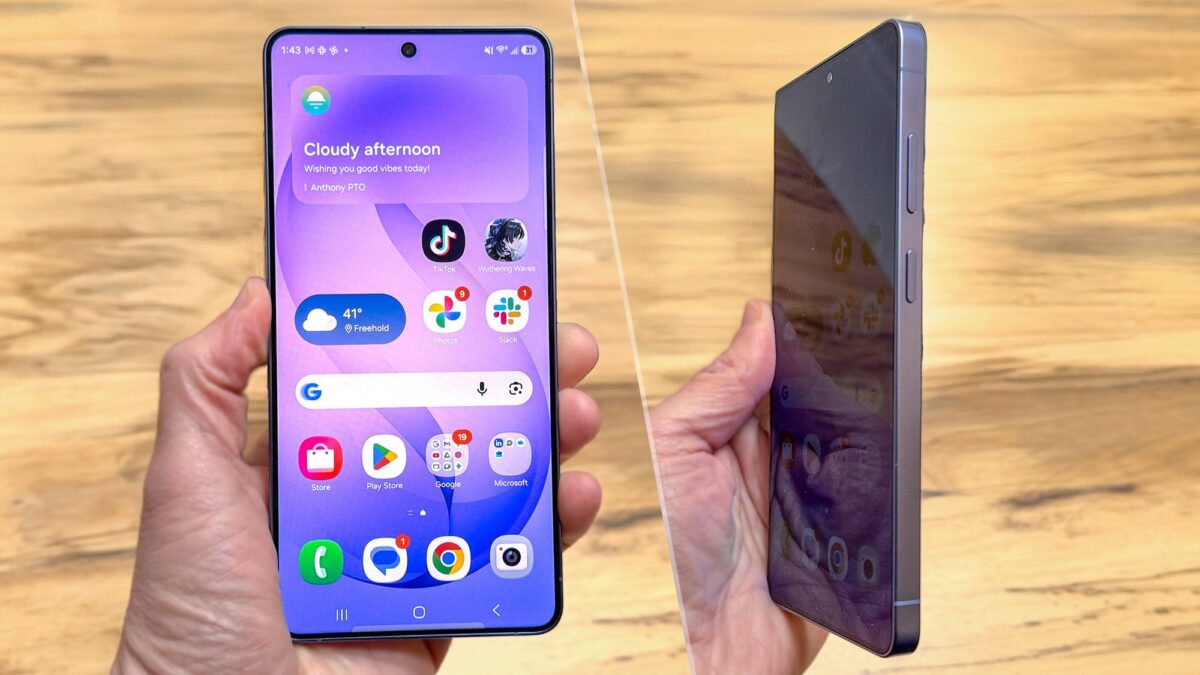
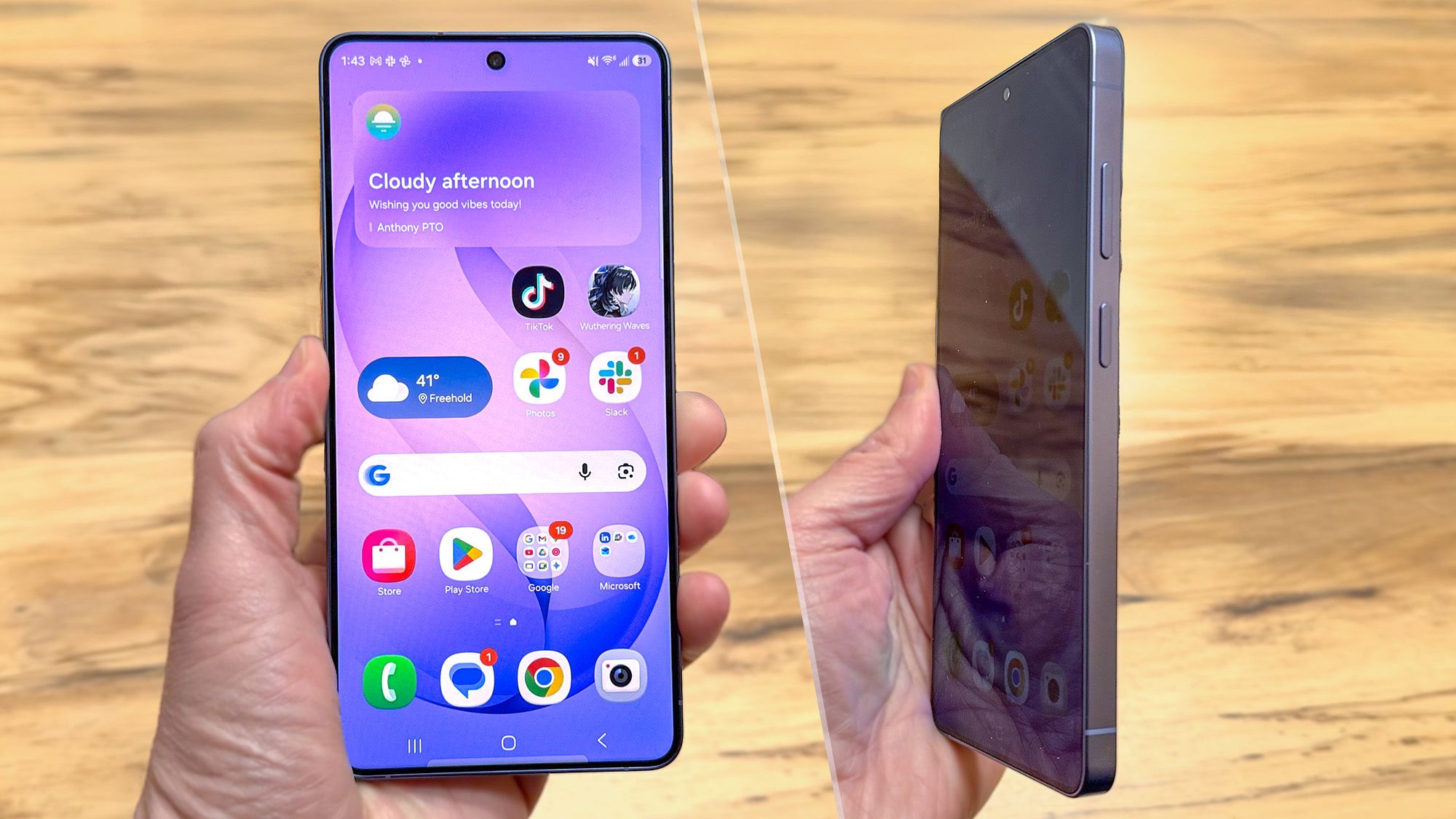
Every time you open your banking app on a crowded subway, you instinctively tilt your phone away from prying eyes. Samsung just decided to solve that problem at the hardware level — and the result is one of the most polarizing smartphone features in years. The Samsung Galaxy S26 Ultra Privacy Display embeds pixel-level light gates directly into its 6.9-inch AMOLED panel, physically restricting the viewing angle so only you can see your screen. After two weeks of daily use, here’s exactly what works, what doesn’t, and whether this $1,299 flagship deserves your money.
Samsung Galaxy S26 Ultra Privacy Display — How Pixel-Level Gates Actually Work
Announced on February 25, 2026, the Galaxy S26 Ultra layers a microscopic gate array on top of its Dynamic AMOLED 2X panel. Each pixel-level gate controls the direction of emitted light, ensuring the display appears bright and sharp from the front but dims dramatically at off-axis angles. According to Samsung’s official announcement, the phone offers two distinct privacy modes.
- Partial Screen Privacy — Selectively obscures specific screen regions like notification bars and financial data. This is the everyday mode you’ll likely leave on by default.
- Maximum Privacy Protection — Blacks out the entire display for anyone not directly in front of it. Best for reviewing sensitive documents in public spaces like airports or cafés.
The underlying panel retains its QHD+ 3120×1440 resolution and adaptive 1–120Hz refresh rate, matching the S25 Ultra spec for spec. However, the privacy layer introduces a subtle brightness penalty — roughly 15–20% dimmer under direct sunlight when privacy mode is active. It’s noticeable but not a dealbreaker in most lighting conditions.
In practice, Partial Screen Privacy is the mode you’ll use 90% of the time. It intelligently detects sensitive content areas — banking apps, password fields, notification previews — and applies the privacy filter only to those regions while keeping the rest of the screen at full brightness and clarity. Maximum Privacy Protection, by contrast, treats the entire panel as a restricted zone. The transition between modes takes roughly 200 milliseconds, fast enough that you won’t notice a flicker during switching.
The Controversy: Fuzzy Text, Headaches, and Growing User Frustration
Innovative as it is, the Privacy Display has become the phone’s most controversial feature within weeks of launch. Tom’s Guide reported that the headline feature “is turning out to be its biggest complaint,” citing widespread user reports of three specific issues.
- Fuzzy text rendering — When privacy mode is active, fine text (especially in apps with small fonts) appears slightly blurred. The effect is subtle but becomes fatiguing during extended reading sessions.
- Headaches and eye strain — Multiple users on Reddit and Samsung Community forums report headaches after 30+ minutes with Maximum Privacy enabled. The restricted light output seems to force eyes to work harder.
- Residual quality loss — Some reviewers note that even with privacy mode completely disabled, the display doesn’t quite match the vibrancy of a standard AMOLED without the gate layer.
Having spent 28 years in audio engineering, I’ve watched first-generation hardware go through this exact cycle more times than I can count. Active noise cancellation headphones in their first iteration caused ear pressure discomfort for many users — by the third generation, the technology was seamless. Samsung’s privacy display is almost certainly on the same trajectory. The underlying concept is sound; the execution needs refinement.
The 200MP f/1.4 AI Camera — ProVisual Engine in the Real World
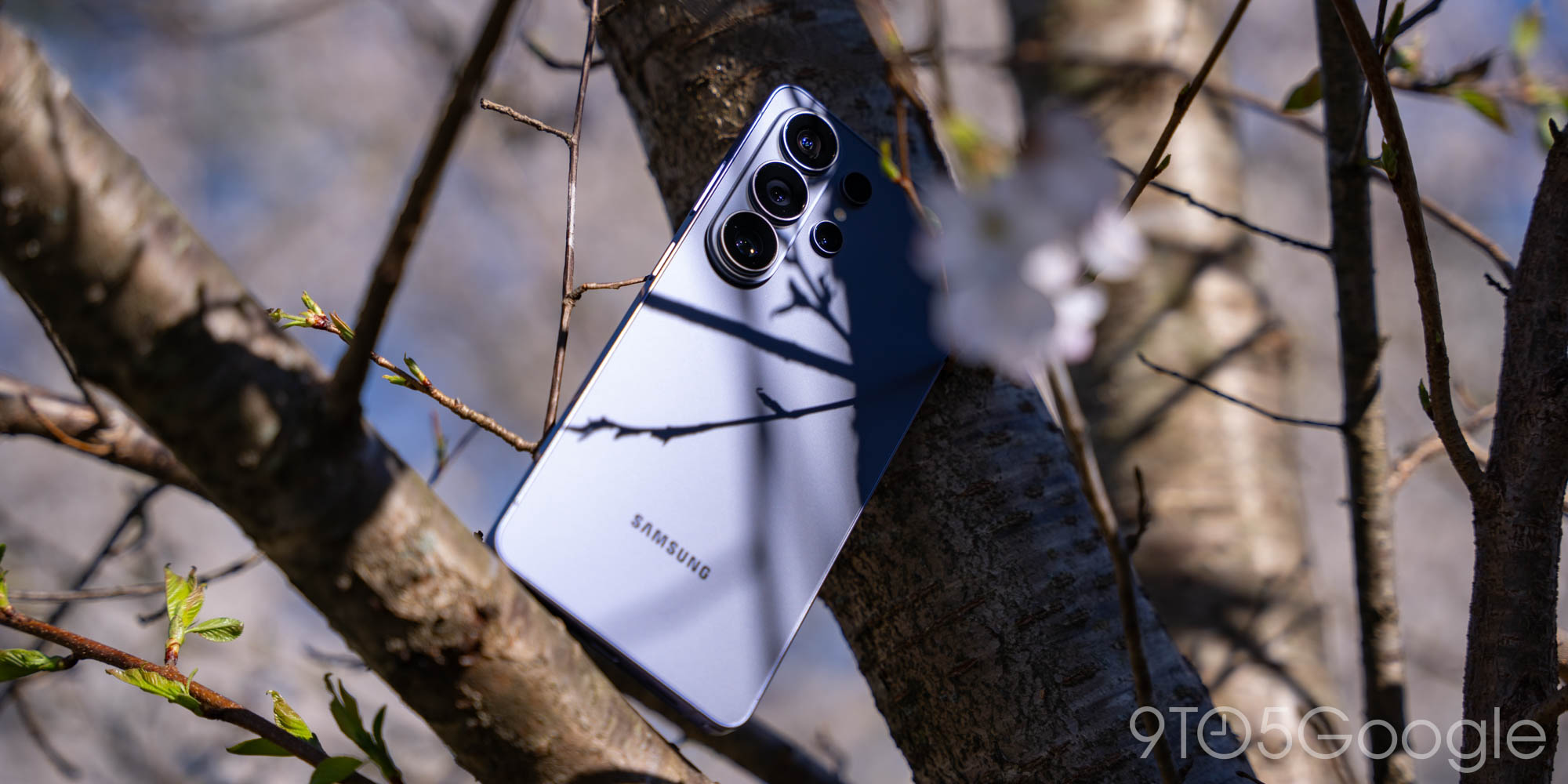
If the Privacy Display is the S26 Ultra’s most debated feature, the camera system is its most universally praised. The 200MP main sensor now pairs with an f/1.4 aperture — the widest ever on a Galaxy smartphone — pulling in 47% more light than its predecessor. Combined with the Snapdragon 8 Elite Gen 5’s dedicated AI ISP, Samsung’s ProVisual Engine processes images with noticeably less noise in challenging lighting.
The full camera array breaks down as follows:
- Main: 200MP f/1.4 — Night shots show dramatically reduced grain compared to the S25 Ultra. Detail retention at 12MP binned output is exceptional.
- Ultrawide: 50MP — Excellent for architecture, landscapes, and group shots. Edge distortion is well-controlled.
- Periscope telephoto: 50MP 5x optical — This is where the phone truly shines for concert and event photography. At 5x, subjects remain sharp with minimal processing artifacts.
- Telephoto: 10MP 3x — The everyday portrait lens. Subject separation is natural, and skin tones lean warm without looking artificial.
- Selfie: 12MP with AI ISP — Video call quality is noticeably improved, with better dynamic range in mixed indoor lighting.
The phone also supports 8K video recording, and ProVisual Engine handles real-time color correction and HDR tone mapping during capture. I tested it extensively at a live music venue, and LED stage lighting — typically a nightmare for phone cameras due to color banding and blown highlights — was handled remarkably well. The rolling shutter effect is also reduced compared to previous generations.
Performance, Battery, and Pricing — What You Need to Know
Under the hood, the Snapdragon 8 Elite Gen 5 for Galaxy delivers approximately 30% better multi-threaded performance than last year’s chip, with particular gains in on-device AI inference tasks. Galaxy AI features — from real-time translation to generative photo editing — run noticeably faster. The chip’s dedicated neural processing unit is what powers both the ProVisual Engine and the Privacy Display’s intelligent content detection, so this isn’t just a spec sheet upgrade — it directly enables the phone’s two headline features.
Day-to-day performance is exactly what you’d expect from a $1,299 flagship in 2026: apps launch instantly, multitasking between a dozen open apps shows zero lag, and gaming at maximum settings maintains stable frame rates. The phone runs cooler than the S25 Ultra under sustained load, likely thanks to the improved vapor chamber Samsung mentions in its spec sheet but doesn’t elaborate on.
The 5000mAh battery supports 65W wired charging (0–100% in roughly 35 minutes) and 25W wireless charging. Battery life with Privacy Display enabled shows about 8–10% more drain than with it off, which is a reasonable trade-off for the added security. IP68 water and dust resistance is retained.
- Pricing: $1,299 (256GB) / $1,499 (512GB) / $1,799 (1TB)
- Colors: Black, Cobalt Violet, Sky Blue, White
- Availability: March 11, 2026 (announced February 25)
The Verdict — First-Gen Trade-Offs With Clear Potential
The Galaxy S26 Ultra is a fascinating study in trade-offs. The Privacy Display is genuinely innovative — no other manufacturer has attempted screen-level privacy at this scale — but the fuzzy text and headache reports are real concerns that can’t be dismissed. If you’re sensitive to display artifacts, I’d strongly recommend spending at least 30 minutes with Maximum Privacy mode enabled in a Samsung store before committing.
The camera, however, is unequivocally Samsung’s best. The f/1.4 aperture paired with ProVisual Engine produces results that rival dedicated cameras in good lighting and significantly outperform them in low light for its sensor size. For content creators, event photographers, and anyone who treats their phone as their primary camera, this alone justifies the upgrade. The four available colors — Black, Cobalt Violet, Sky Blue, and White — all share the same titanium frame with a subtle matte finish that resists fingerprints far better than the S25 Ultra’s glossy back panel.
First-generation hardware always comes with trade-offs. The potential of Privacy Display is undeniable, and Samsung has plenty of room to refine the experience through software updates. If you want to stay ahead of the curve on smartphone technology, AI tools, and in-depth tech analysis, the newsletter below is where I break it all down weekly.
Need expert guidance on tech adoption or device selection? Connect with a technology consultant with 28 years of industry experience.
Get weekly AI, music, and tech trends delivered to your inbox.





