

Anthropic December 2025 Update: 5 Strategic Moves That Reveal the Claude Model Family Roadmap for 2026
December 22, 2025
Meta AI 2025 Recap: From Llama 3 to 4 — The Year Open Source Reshaped AI
December 23, 2025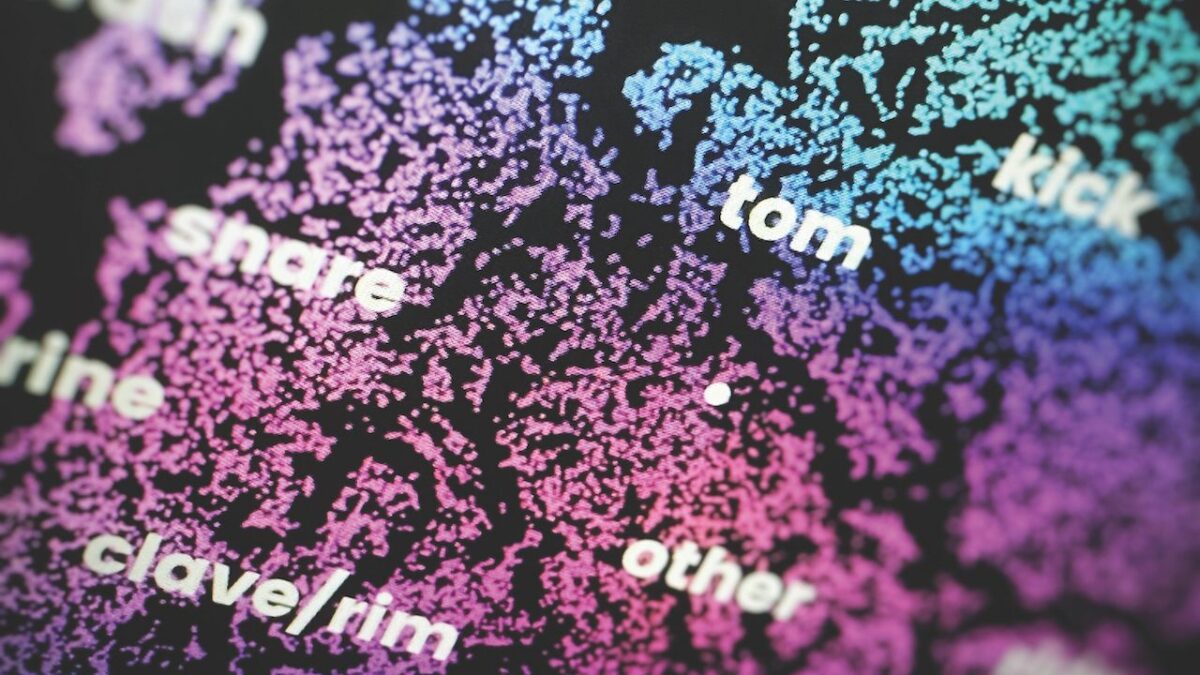
You’ve got 3TB of samples on an external drive, but it still takes five minutes to find a single kick. After 28 years of running studios, one of the most common questions I get is: “How do you organize your sample library?” Honestly, I once lived surrounded by files named ‘Kick_final_FINAL_v3.wav’ too.
Today, I’m sharing the complete sample library organization system I actually use — from folder structure design to metadata tagging to AI-powered sample managers. Follow this guide, and you’ll find any sound in under 30 seconds.
Why Sample Library Organization Matters: Time = Creativity
A producer’s worst enemy isn’t lack of talent — it’s workflow friction. According to EDMProd’s analysis, producers with disorganized sample libraries spend an average of 15-20 minutes per session just searching for sounds. That’s over 10 hours per month evaporating into thin air.
A well-organized library does more than save time — it preserves your creative flow. Being able to grab the exact sound the moment inspiration strikes is one of the biggest differences between amateurs and professionals.
Step 1: Folder Structure Design — The 3-Tier System
My recommended approach is a 3-tier folder hierarchy. Point Blank Music School advocates a similar methodology, and after years of iteration, this is what works best in practice.
Sample_Library/
├── !_Favorites/           ← Most-used samples (special char pins to top)
├── Drums/
│   ├── Kicks/
│   │   ├── Acoustic/
│   │   ├── Electronic/
│   │   └── Processed/
│   ├── Snares/
│   ├── Hi-Hats/
│   ├── Percussion/
│   └── Full_Loops/
├── Bass/
│   ├── Sub/
│   ├── Synth/
│   └── Acoustic/
├── Melodic/
│   ├── Keys/
│   ├── Pads/
│   ├── Leads/
│   ├── Plucks/
│   └── Strings/
├── Vocals/
│   ├── Chops/
│   ├── Full_Phrases/
│   └── Ad-libs/
├── FX/
│   ├── Risers/
│   ├── Impacts/
│   ├── Textures/
│   └── Foley/
├── Loops/
│   ├── by_BPM/
│   └── by_Genre/
└── _Archive/              ← Rarely used but worth keeping
The golden rule: organize by sound type, not by pack name. A folder called “Splice Pack 2025” means nothing a year later. But “Kicks > Electronic > 808” is forever searchable.
Pro tip: prefix folder names with special characters like !, #, or _ to pin them to the top of file browsers and DAW browsers. I keep an !_Favorites folder with my 50 most-used samples for the current project, then clear it when the project wraps.
Step 2: File Naming Conventions — Making Every Sample Searchable
Even the best folder structure falls apart if files are named “Sample_001.wav.” As Lucid Samples’ metadata guide emphasizes, a consistent naming convention is the backbone of any searchable library.
My naming formula:
[Type]_[Character]_[Key/BPM]_[Source].wav

Examples:
Kick_Deep808_F_Splice.wav
Snare_Acoustic_Dry_Recording.wav
Pad_DarkAmbient_Cm_Omnisphere.wav
Loop_Trap_140BPM_Cymatics.wav
With this system, searching “Deep” in your DAW browser returns every deep kick. Searching “Cm” filters all melodic samples in C minor. The key is making every filename tell a story about what’s inside.
Step 3: Metadata Tagging — The Power of Controlled Vocabulary
This is where most producers go wrong. “Kick”, “Kicks”, “Kick Drum” — all mean the same thing, but inconsistent tagging fragments your search results. The solution is a controlled vocabulary — a predefined list of approved tags.
Define fixed terms for each category before you start tagging:
- Instrument type: kick, snare, hihat, clap, tom, percussion, bass, pad, lead, pluck, strings, vocal, fx
- Character: punchy, deep, bright, dark, warm, crisp, distorted, clean, lo-fi, saturated
- Genre: trap, house, techno, ambient, lo-fi, hip-hop, pop, cinematic, dnb
- Mood: aggressive, chill, melancholic, euphoric, mysterious, dreamy
- Technique: processed, layered, one-shot, loop, dry, wet, reversed
Save this vocabulary as a text file in your sample library root folder. Reference it every time you add new samples. Consistency is everything.
Step 4: AI-Powered Sample Managers — The Best Tools in 2025
Manual organization has its limits. In 2025, AI-powered sample managers have fundamentally changed the game. Based on comparisons from MusicRadar and AudioCipher, here’s a breakdown of the major players.
ADSR Sample Manager (Free)
Pros: Completely free. Works as a VST/AU plugin directly inside your DAW. Smart and custom tags, HP/LP filters with fade controls, Ableton Link support, and ADSR cloud integration lets you browse purchased packs without downloading everything first.
Cons: Reported slowdowns with libraries exceeding 50,000 samples. Limited AI auto-tagging compared to dedicated tools.
Best for: Budget-conscious beginner-to-intermediate producers, ADSR sample pack users.
Sononym ($79)
Pros: The strongest similarity search in the business. Drag a kick in, and machine learning finds every sample with matching tone, length, and frequency characteristics. Auto-tagging based on filenames and metadata (v1.6), plus visual similarity maps that reveal relationships you’d never find manually.
Cons: Standalone app (not a DAW plugin), optimized primarily for drums and percussion — slightly weaker for melodic content.
Best for: Beatmakers focused on drum programming, sound designers.
XO by XLN Audio ($99)
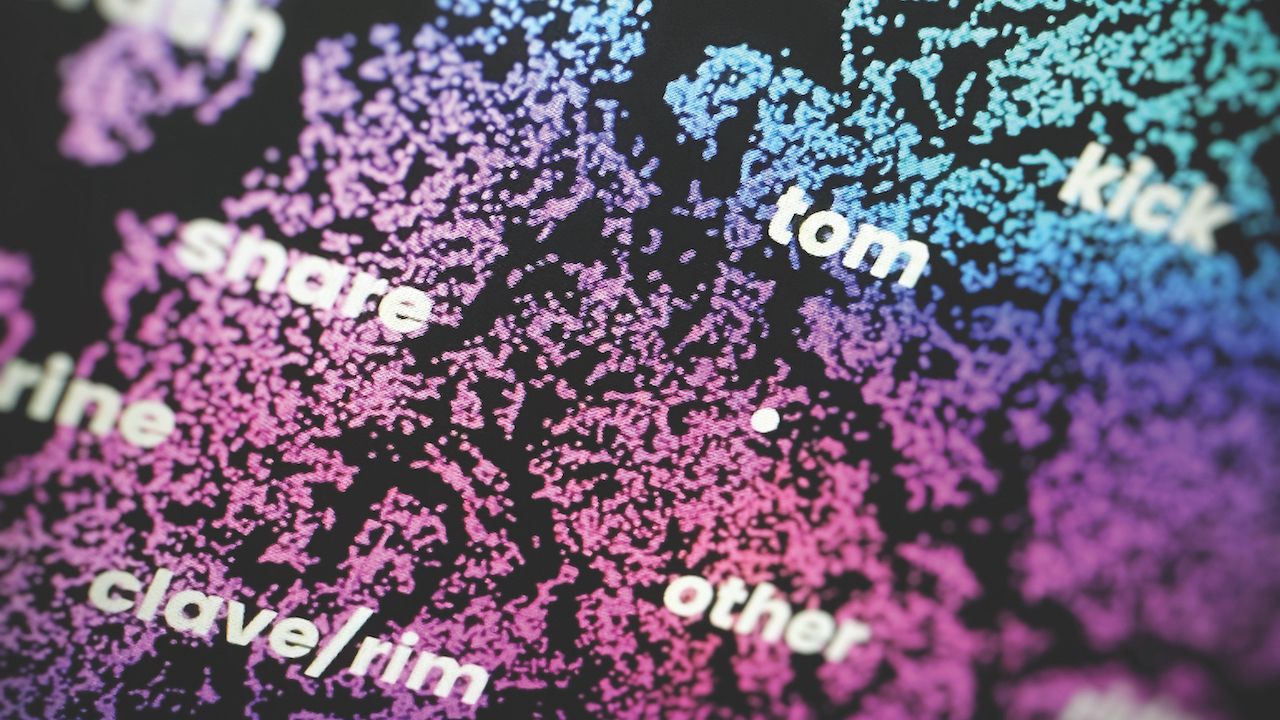
Pros: AI scans your entire library and visualizes it on a 2D map. Drag to assemble drum kits instantly. Built-in sequencer lets you build beats on the spot. Runs as a VST plugin.
Cons: Drums only — no melodic sample support. Initial scan can take significant time with large libraries.
Best for: Hip-hop and electronic beatmakers.
Atlas 2 by Algonaut ($69)
Pros: Similar AI visualization and drag-to-DAW workflow as XO, but at a lower price point. Granular filtering by genre, BPM, and key. Export results as WAV or MIDI.
Cons: Also drum-focused. Smaller community and fewer learning resources compared to XO.
Splice + Loopcloud (Subscription)
Subscription services Splice and Loopcloud provide pre-tagged cloud libraries searchable by BPM, key, genre, and mood. Splice’s Create engine uses AI to analyze your uploaded loops and automatically suggest compatible sounds — as of 2025, roughly 40% of Splice users actively leverage this feature.
Quick comparison summary:
- Zero budget → ADSR Sample Manager (free, in-DAW)
- Similarity search → Sononym ($79)
- Drum kit building → XO ($99) or Atlas 2 ($69)
- Cloud-based + discovery → Splice or Loopcloud
Step 5: DAW-Specific Sample Library Organization Tips
Once you have your folder structure and sample manager set up, integration with your DAW is the final piece.
- Ableton Live: Add favorite folders to User Library. Use Collections (color labels) for per-project grouping. Drag and drop directly from ADSR/XO plugins.
- Logic Pro: Add custom tags to Apple Loops library. Create keymapped sample sets using Sampler’s Zone feature.
- FL Studio: Register custom folders in the Browser panel. Sononym auto-tag results can be reflected in FL’s built-in browser.
- Cubase/Nuendo: MediaBay’s attribute tagging (genre, mood, location) is the most powerful in the industry — the built-in metadata system alone may be all you need.
Step 6: Maintenance Routine — Monthly Checklist to Prevent Sample Creep
As Unison Audio’s guide emphasizes, even the most perfect system crumbles without maintenance. I invest 30 minutes on the first Sunday of every month:
- Clear the Downloads folder: Move new sample packs to their proper folders + tag them
- Refresh !_Favorites: Add frequently used samples from last month’s projects, remove unused ones
- Archive sweep: Move packs untouched for 6+ months to _Archive
- Backup verification: Sync latest state to external drive or cloud
- Duplicate scan: Check for identical samples across multiple folders (free tools like dupeGuru work great)
Maintain this routine for one year, and your sample library becomes the most reliable tool in your studio.
The Complete Workflow: When a New Sample Pack Arrives
Let me walk you through the end-to-end workflow for integrating a new sample pack:
- Step 1: Extract to a temporary folder (_Inbox)
- Step 2: Audition everything — select only what you’ll actually use (never dump the entire pack!)
- Step 3: Rename selected samples using your naming convention
- Step 4: Move to type-based folders (Kicks → Drums/Kicks/Electronic, etc.)
- Step 5: Batch-tag with your sample manager (ADSR or Sononym)
- Step 6: Create shortcuts for the top 5-10 in !_Favorites
- Step 7: Archive the original ZIP on your backup drive
Make these seven steps habitual, and the principle “no unorganized sample enters the library” becomes second nature. With the year wrapping up, right now is the perfect time to reorganize your sample library before your first project of the new year.
Need professional mixing, mastering, or studio workflow optimization? Sean Kim brings 28 years of studio experience to every session.
Get weekly AI, music, and tech trends delivered to your inbox.






