

SSL 500-Series Modules 2025: Best Preamps and EQs for Your Lunchbox
August 25, 2025
Midjourney Web App Goes Public: No More Discord Required for AI Image Generation
August 26, 2025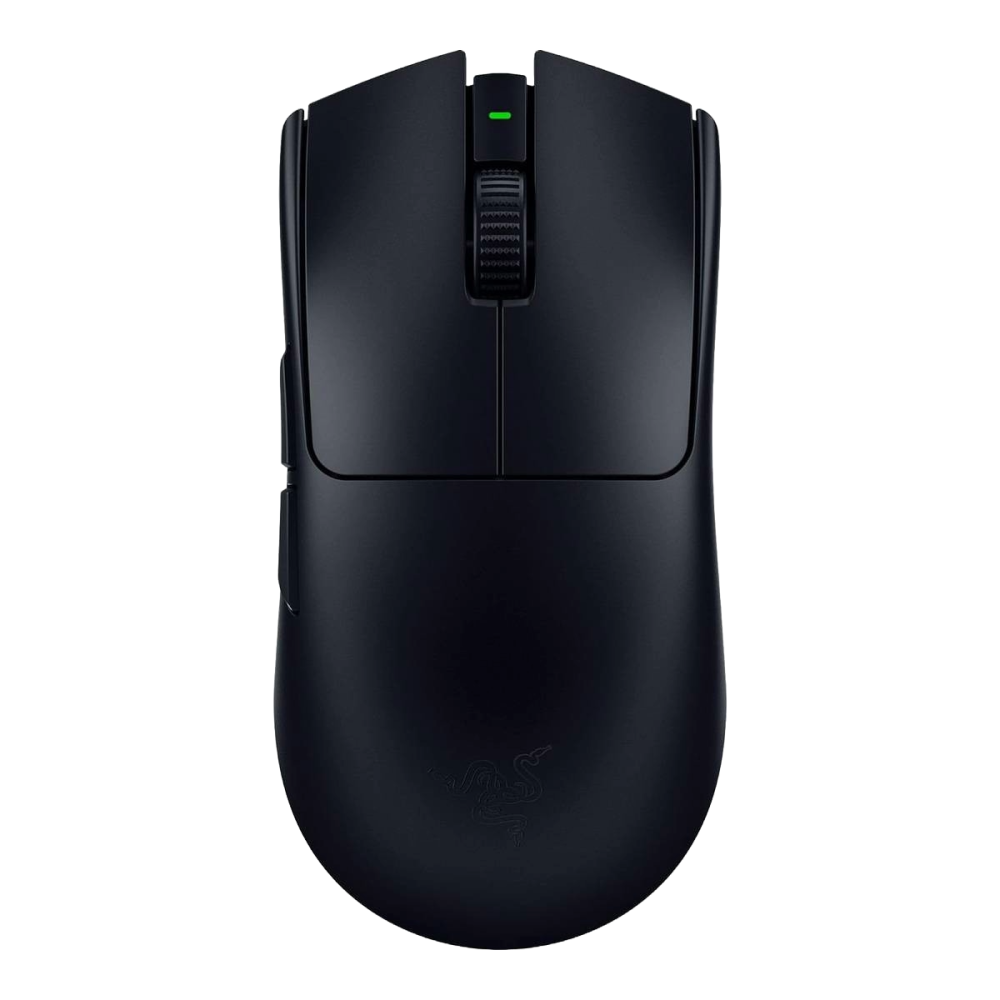
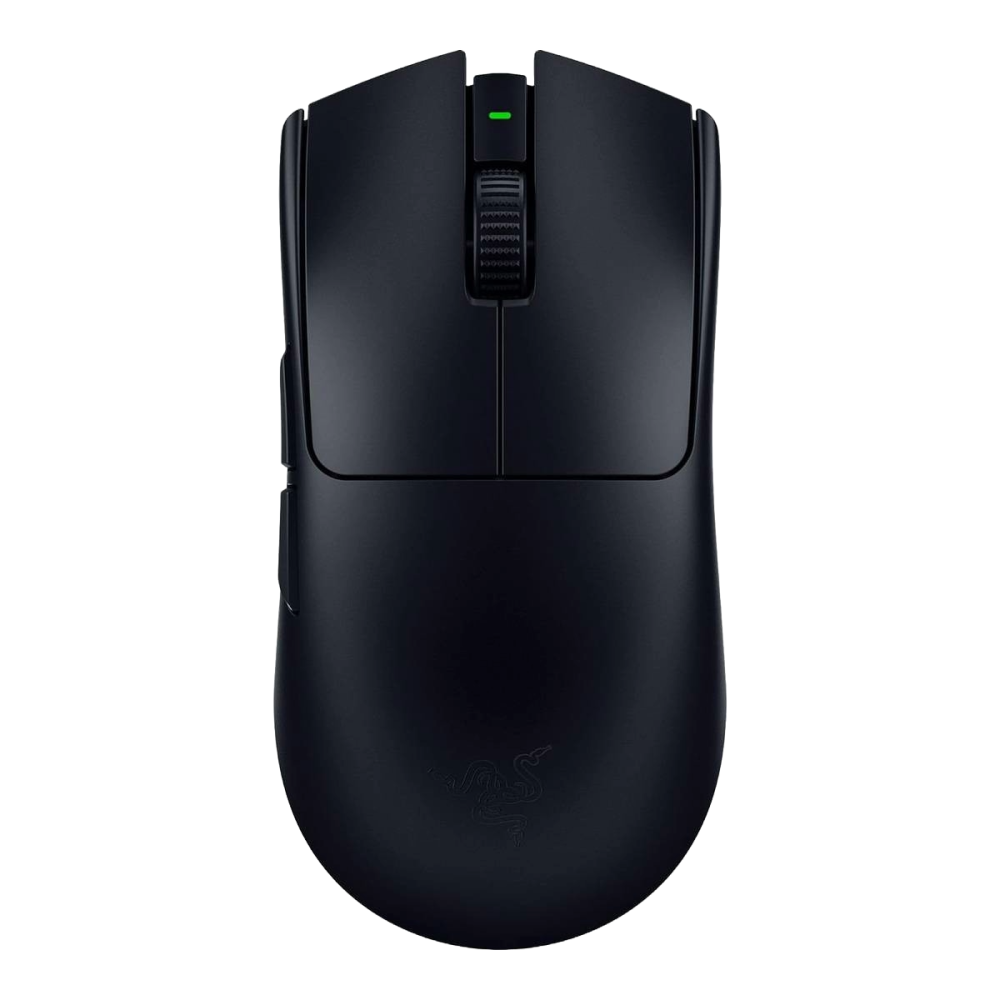
54 grams. That’s lighter than a single egg. The first time I picked up the Razer Viper V3 Pro, I genuinely questioned whether Razer had forgotten to put the internals in. A wireless gaming mouse at this weight shouldn’t exist — and yet here it is, packing an 8,000Hz polling rate and one of the most advanced sensors ever put into a peripheral. After weeks of testing across Valorant, CS2, and daily productivity work, here’s exactly what you need to know.
Razer Viper V3 Pro Specs: The Numbers That Matter
Let’s start with what makes this mouse a technical marvel. The Razer Viper V3 Pro weighs just 54g in black (55g in white), achieved partly by Razer’s controversial decision to completely ditch RGB lighting. No glow, no LEDs, nothing — just pure performance focus. For competitive players who couldn’t care less about aesthetics during a ranked match, this is the right call. For everyone else, it’s a trade-off worth considering.
Under the hood sits the Focus Pro 35K Optical Sensor Gen-2, capable of tracking up to 35,000 DPI. In practice, most competitive players run somewhere between 400-1600 DPI, but the headroom means the sensor handles rapid movements with zero spin-outs or tracking inconsistencies. The sensor’s lift-off distance is customizable down to roughly 1mm, which is critical for low-sensitivity players who frequently lift and reposition.
The headline feature, though, is the 8,000Hz wireless polling rate when paired with the included HyperPolling dongle. To put that in perspective, most gaming mice — even premium ones — top out at 1,000Hz. The Logitech G Pro X Superlight 2 recently pushed to 4,000Hz. Razer doubles that. At 8,000Hz, the mouse reports its position to your PC 8,000 times per second, translating to a 0.125ms response time. On a 240Hz or 360Hz monitor, the difference in cursor smoothness is visible and tangible.
” alt=”Razer Viper V3 Pro gaming mouse product shot”/>
The switches are Razer’s Optical Mouse Switches Gen-3, rated for 90 million clicks with a 0.2ms actuation time and absolutely zero debounce delay. Unlike mechanical switches that rely on metal contact points (which can develop double-clicking issues over time), optical switches use an infrared light beam, making them inherently more consistent and durable. The click feel is light and crisp — not as tactile as Logitech’s Lightforce hybrid switches, but noticeably faster in actuation.
Battery life tells two very different stories depending on your polling rate. At 1,000Hz, you’ll get an impressive 95 hours — nearly four days of continuous use. Switch to 8,000Hz, and that drops dramatically to around 17 hours. It’s a significant trade-off, but most users will reserve 8,000Hz for competitive sessions and drop down to 1,000Hz for casual browsing and work. Charging happens via USB-C, which is now standard.
Build Quality and Ergonomics: How It Actually Feels in Hand
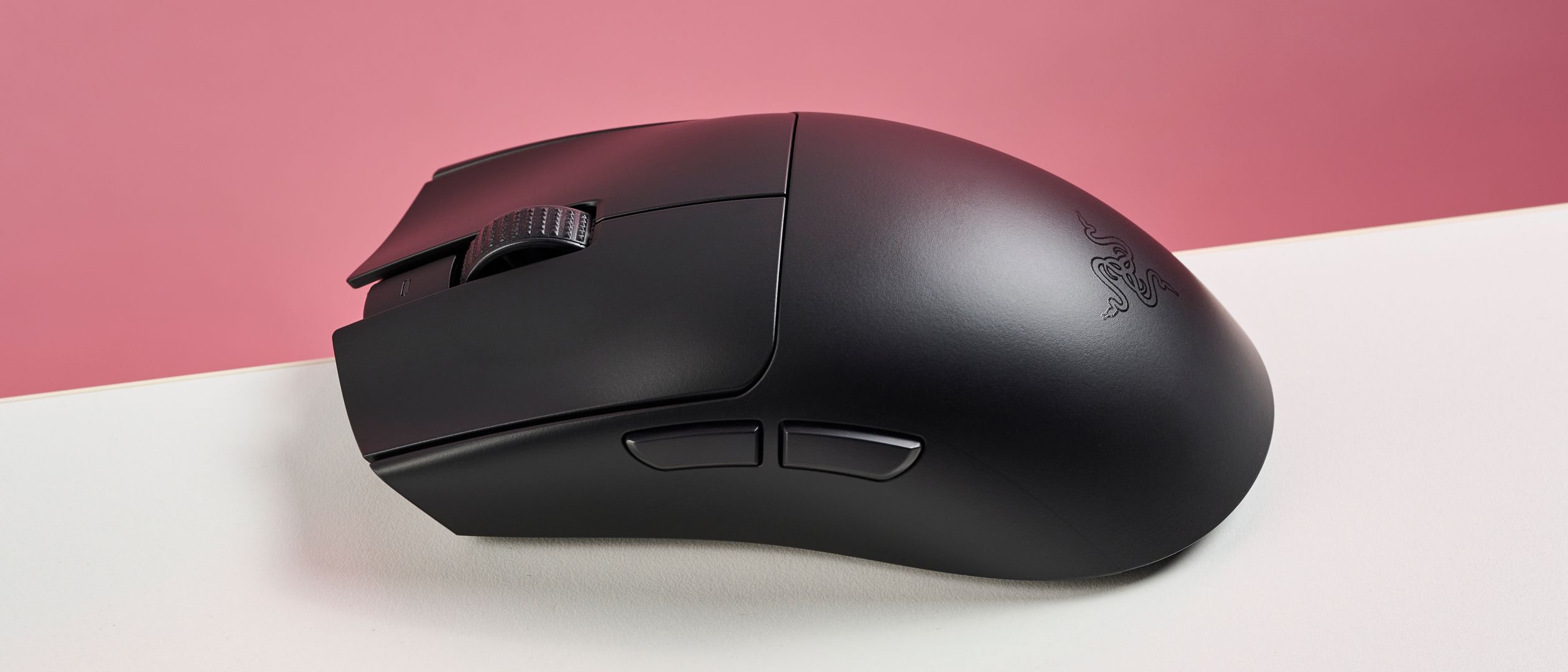
The Viper V3 Pro measures 127 x 63.8 x 39.9mm (5 x 2.51 x 1.57 inches), placing it in the medium-size category. The shape is ambidextrous with a subtle ergonomic curve, but the hump placement is where opinions diverge. It sits slightly toward the rear-center of the mouse, which makes it excellent for claw grip and fingertip grip users. Palm grip players with larger hands may find the low-profile rear doesn’t provide enough support.
How-To Geek’s review described the mouse’s movement as having “smoothness akin to a luxury sports car,” and after extended use, that comparison holds up. The surface coating is grippy without being sticky — a matte texture that maintains its grip even during sweaty gaming sessions. This is a notable improvement over many competitors that become slippery under pressure.
The stock PTFE mouse feet deserve special mention. Out of the box, they’re among the smoothest I’ve tested, providing a glide quality that usually requires aftermarket replacements on other mice. The feet are large enough to distribute weight evenly, preventing the scratchy feeling you sometimes get with smaller skates on lightweight mice.
With 8 programmable buttons and onboard memory for profile storage, you can configure the Viper V3 Pro through Razer Synapse and then ditch the software entirely. Your DPI stages, button mappings, and polling rate preferences travel with the mouse — essential for tournament environments where you can’t install software on competition PCs.
” alt=”Razer Viper V3 Pro on desk setup”/>
Real-World Performance: Where 8,000Hz Wireless Actually Matters
Here’s the question everyone wants answered: can you actually feel the difference between 1,000Hz and 8,000Hz? On a standard 60Hz or even 144Hz monitor, honestly, probably not in any meaningful way. But on a 240Hz display — the kind that serious competitive players use — the answer is a definitive yes.
The cursor movement at 8,000Hz is noticeably smoother. Quick flick shots in Valorant feel more precise, and micro-adjustments during tracking scenarios are more responsive. It’s not a night-and-day transformation, but it’s the kind of incremental advantage that competitive players spend hundreds of dollars chasing. PC Gamer called it “the ultimate esports mouse” and awarded it 84 out of 100, noting the superb tracking performance as a standout feature.
Wireless reliability is essentially flawless. Using Razer’s HyperSpeed wireless technology through the HyperPolling dongle, I experienced zero connection drops or interference during testing — even in a room with multiple Bluetooth devices, a Wi-Fi 6E router, and other 2.4GHz peripherals. The connection felt indistinguishable from wired in blind testing.
One frustrating limitation: wired mode caps out at 1,000Hz polling. If you’re using the mouse plugged in (say, when the battery dies mid-session), you lose the 8,000Hz advantage entirely. This feels like an unnecessary restriction, and it makes the included USB-C cable feel more like an emergency charging solution than a viable alternative mode.
The cable itself is also stiffer than ideal. While you’ll primarily use the Viper V3 Pro wirelessly, the rigid cable creates noticeable drag if you do plug it in. It’s not a dealbreaker since wireless is clearly the intended use case, but competitors like Pulsar and Lamzu have shown that paracord-style flexible cables are achievable at this price point.
Razer Viper V3 Pro vs. Logitech G Pro X Superlight 2: The Showdown
No review of the Viper V3 Pro would be complete without addressing its most direct competitor. The Logitech G Pro X Superlight 2 has been the default recommendation for competitive FPS players for years, so how does Razer’s challenger stack up?
Weight: Razer wins at 54g vs. Logitech’s 60g. Six grams might sound trivial, but over a six-hour gaming session, the cumulative reduction in hand fatigue is real. Both mice achieve their low weights through intelligent engineering rather than excessive shell perforation.
Polling Rate: Another clear Razer advantage — 8,000Hz vs. 4,000Hz. If you’re on a high-refresh monitor, the Viper V3 Pro delivers measurably smoother cursor tracking.
Shape: This is where Logitech takes the lead. The Superlight 2 has a more universally comfortable shape that works well across all grip styles and hand sizes. RTINGS’ comparison noted that while Razer excels in build quality and mouse feet, Logitech offers a safer, more universal shell design.
Switches: Logitech’s Lightforce switches combine optical speed with mechanical tactility, delivering a more satisfying click feel. Razer’s Gen-3 optical switches are technically faster (0.2ms vs. Logitech’s approximately 0.5ms) but feel lighter and less defined.
Coating and Feet: Razer edges ahead here. The Viper V3 Pro’s surface coating is grippier, and the stock PTFE feet are smoother than what Logitech ships. Both are excellent, but Razer requires less aftermarket modification out of the box.
Battery Life: At their default polling rates, both mice deliver similar endurance. But Logitech maintains better battery efficiency at its maximum polling rate compared to Razer’s sharp drop at 8,000Hz.
The verdict? If you prioritize raw specs and bleeding-edge performance, the Viper V3 Pro is the better mouse. If you want a safer shape that you know will be comfortable regardless of your hand size, the Superlight 2 remains the more universally recommendable option.
Pros and Cons: The Full Picture
What I Loved:
- 54g weight genuinely reduces hand fatigue during extended gaming sessions
- Industry-leading 8,000Hz wireless polling rate for the smoothest cursor movement available
- Focus Pro 35K Gen-2 sensor with flawless tracking — zero spin-outs in testing
- Gen-3 optical switches with 0.2ms actuation and no debounce delay
- 95-hour battery life at 1,000Hz is exceptional
- Superior surface coating and stock PTFE feet out of the box
- Onboard memory means your settings travel with the mouse
- Comfortable for claw and fingertip grip styles
What Could Be Better:
- $159.99 price tag is steep for most gamers
- 8,000Hz mode demolishes battery life — dropping to roughly 17 hours
- Wired mode limited to 1,000Hz polling — a frustrating cap
- No Bluetooth connectivity for casual use or travel
- No RGB lighting — purely aesthetic, but noticeable in a dark setup
- Stiff USB-C cable creates friction during wired use
- Hump shape may not suit all hand sizes, particularly larger palm grip users
- Must buy the HyperPolling Dongle bundle — no standalone mouse option
Final Verdict: Is the Razer Viper V3 Pro Worth $159.99?
The Razer Viper V3 Pro is, without qualification, one of the best competitive gaming mice ever made. At 54g with an 8,000Hz wireless polling rate, it pushes the boundaries of what’s technically possible in a wireless peripheral. The sensor is flawless, the switches are lightning-fast, and the build quality punches above its featherweight class.
Review scores across the industry reflect this excellence: How-To Geek gave it 9/10, TechRadar awarded 4/5, and PC Gamer scored it 84/100. The consensus is clear: if performance is your priority, this is the mouse to beat.
But it’s not for everyone. The $159.99 price excludes budget-conscious gamers. The lack of RGB and Bluetooth means it’s purely a competitive tool, not a lifestyle peripheral. And the divisive hump shape means you should ideally try it before committing — or at least verify that your grip style matches its ergonomic sweet spot.
For competitive FPS players chasing every possible advantage, the Razer Viper V3 Pro delivers measurable improvements in response time, weight, and cursor precision. Available in Black, White, and limited Sentinels and Faker editions, it’s a statement piece for players who believe that in competitive gaming, every millisecond counts — and they’re willing to pay for it.
Get weekly AI, music, and tech trends delivered to your inbox.





