


Google Nest Doorbell 2025: Gemini AI Package and Person Detection Changes Everything
June 23, 2025
Music Streaming Royalty Rates 2025: Spotify Pays $0.003 vs Tidal’s $0.013 — The 4x Gap Explained
June 24, 2025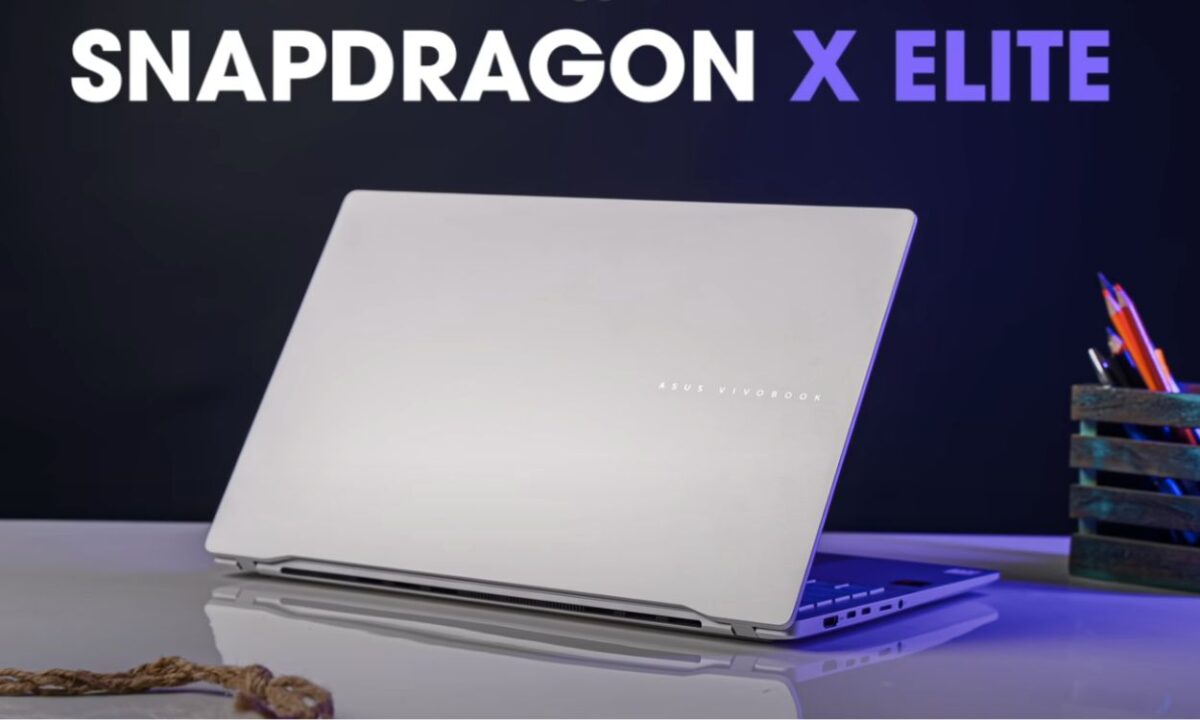
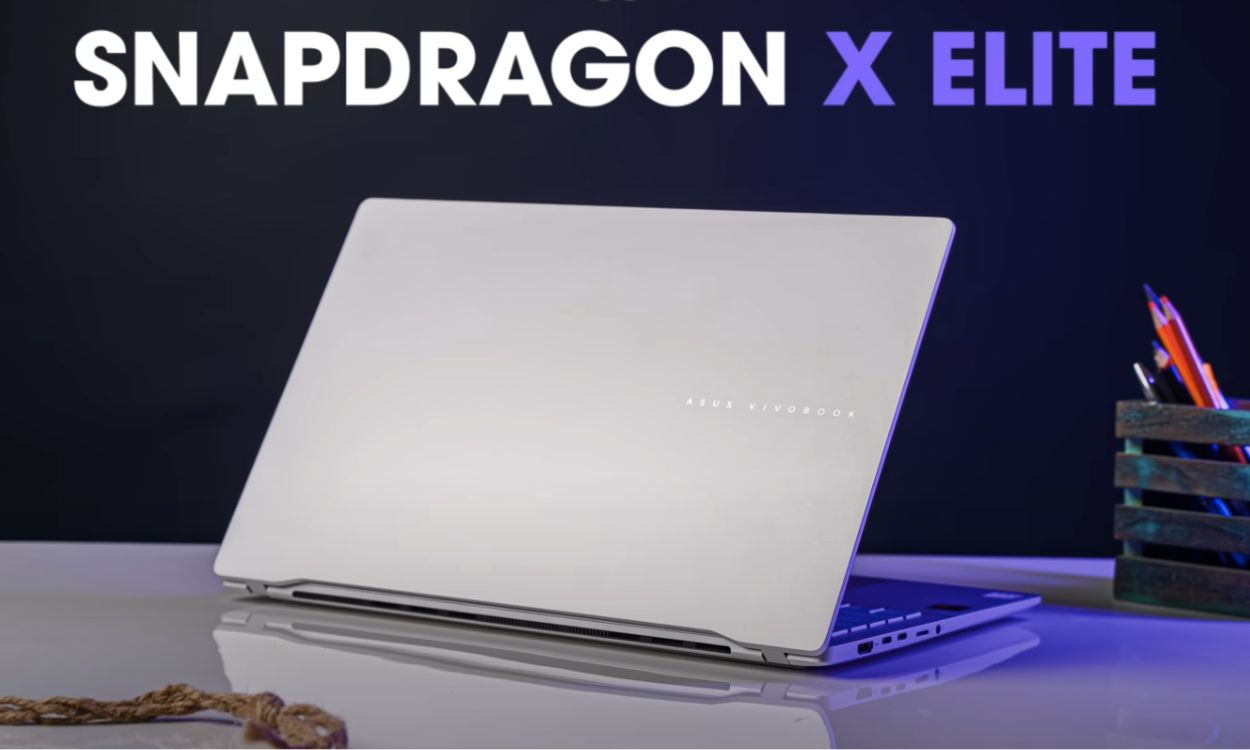
Qualcomm just did something Intel and AMD couldn’t do for over a decade — the Snapdragon X Elite laptop performance is so good it lasts an entire workday on a single charge without sacrificing real performance. The Snapdragon X Elite isn’t just another ARM experiment; it’s the first chip that genuinely threatens Apple’s MacBook dominance in the efficiency game. After running extensive benchmarks and real-world tests across multiple Snapdragon X Elite laptops, here’s exactly where this chip delivers and where it still falls short.
Snapdragon X Elite Laptop Performance: The Numbers That Matter
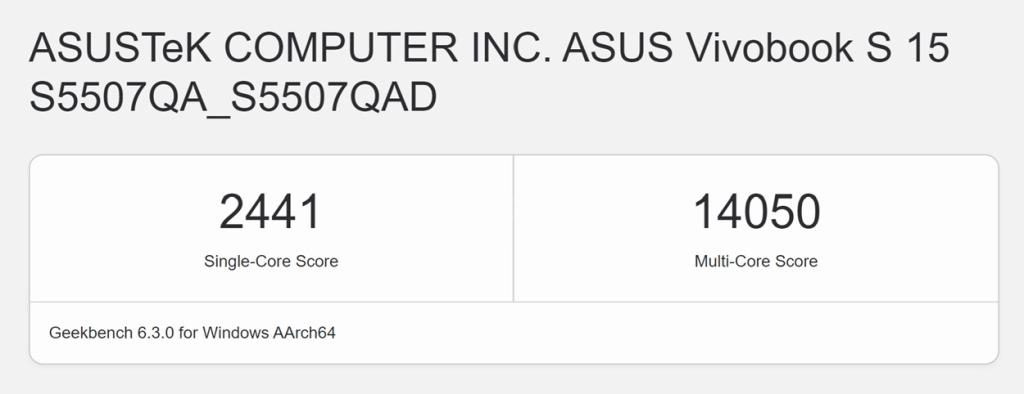
Let’s cut straight to the benchmarks. The Snapdragon X Elite (X1E-78-100 SKU) posts a Geekbench 6 single-core score of 2,441 and a multi-core score of 14,050 when plugged in. On battery? Virtually identical — 2,406 single-core and 14,044 multi-core. That near-zero performance drop on battery power alone is revolutionary for Windows laptops.
In Cinebench 2024, the X Elite hits 108 single-core and 1,100 multi-core while plugged in, dropping to just 104 and 1,024 on battery. For context, Intel’s Core Ultra 7 155H typically loses 20-30% performance when unplugged. The Snapdragon X Elite loses less than 7%.
GPU and Graphics: The Honest Assessment
The Adreno X1 GPU posts respectable numbers — Geekbench 6 GPU scores of 20,543 (OpenCL) and 23,635 (Vulkan), plus 3DMark Wild Life Extreme at 6,316 points (37.82 FPS). For productivity tasks, video playback, and light creative work, it’s perfectly adequate.
But let’s be real: gaming is still the Achilles’ heel. Most AAA titles are unplayable at 1080p, and even those that run through emulation rarely hit a stable 30 FPS. If you’re a gamer, this isn’t your chip — yet. The Adreno X1 sits behind Intel’s Arc, AMD’s RDNA 3.5 integrated graphics, and Apple’s M3 GPU in most 3D workloads.
Battery Life: Where Snapdragon X Elite Truly Dominates
This is the category where every other Windows laptop chipmaker should be nervous. Here’s what we’re seeing across real-world tests:
- Microsoft Surface Laptop 7: 14.5 hours web browsing, 21+ hours video playback
- Lenovo Yoga Slim 7x: 22 hours web browsing — nearly double comparable Intel laptops
- ASUS Vivobook S15: 10 hours 46 minutes under mixed workload, consistently 2-3 hours more than Intel/AMD equivalents
- Dell XPS 13 (Snapdragon): 15+ hours web browsing with the OLED display
The secret sauce? ARM architecture’s inherent efficiency combined with Qualcomm’s custom Oryon cores, which were designed from the ground up for sustained performance at low power. Unlike Intel’s hybrid architecture that constantly juggles efficiency and performance cores, the Snapdragon X Elite’s 12 Oryon cores deliver consistent output whether you’re plugged in or running on battery.
The 45 TOPS NPU: On-Device AI That Actually Works
Every Snapdragon X Elite laptop is a “Copilot+ PC” — and unlike most marketing buzzwords, the 45 TOPS Neural Processing Unit delivers tangible benefits. Windows Studio Effects for video calls, live captions, real-time translation, and Recall (when Microsoft finally re-enables it) all run locally without hitting the cloud.
For comparison, Intel’s Core Ultra offers 34 TOPS and AMD’s Ryzen AI 300 delivers around 40 TOPS. The Snapdragon X Elite’s 45 TOPS NPU is the most powerful on-device AI engine available in a Windows laptop today, and early inference tests show it running the Phi-3 Mini 3B model at 24 tokens per second on CPU alone.
App Compatibility: The Elephant in the Room
Windows on ARM has historically been a compatibility nightmare, but Microsoft’s Prism emulation layer has dramatically improved the situation. Here’s the reality as of June 2025:
Works flawlessly (native ARM64 or excellent emulation): Microsoft Office suite, Edge/Chrome/Firefox, Spotify, Slack, Teams, Discord, most web apps, and the majority of productivity software. Adobe has shipped native ARM64 versions of Photoshop, Lightroom, and Premiere Pro.
Works with quirks: Some creative tools still run through Prism emulation with minor performance hits. Older plugins and extensions may not load. Virtual machines (VMware, VirtualBox) have limited support.
Still problematic: Many games (no x86 kernel-level anti-cheat support), specialized CAD software, some enterprise tools with legacy drivers, and certain audio production plugins that depend on x86-specific instruction sets.
The good news: Microsoft has been aggressively updating Prism to support AVX, AVX2, BMI, F16C, and FMA instruction sets, which means the compatibility gap is closing fast. The ecosystem of native ARM64 apps is growing weekly.
Which Snapdragon X Elite Laptop Should You Buy?
After testing multiple devices, here’s how the first wave of Snapdragon X Elite laptops stacks up:
The Microsoft Surface Laptop 7 ($999+) is the safest bet — it’s the reference design Qualcomm optimized for, with excellent driver support and the best balance of performance, battery, and build quality. The Samsung Galaxy Book4 Edge ($1,349+) packs the top-tier X1E-84-100 SKU with boost clocks up to 4.2 GHz, making it the fastest option for heavy multi-threaded workloads.
For budget buyers, the ASUS Vivobook S15 offers incredible value with a 3K OLED display starting around $549 (with the Snapdragon X Plus variant). The Lenovo Yoga Slim 7x wins the battery marathon with 22 hours of web browsing and a slim, professional design. And the Dell XPS 13 brings its signature InfinityEdge OLED display to the ARM party.
Snapdragon X Elite vs Apple M3 vs Intel Core Ultra: The Verdict
The comparison everyone wants: Snapdragon X Elite matches or slightly beats Apple’s M3 in multi-core CPU tasks while consuming roughly twice the power. In single-core tests, the M3 leads by approximately 28%. In battery life, Snapdragon X Elite Windows laptops now rival — and in some cases exceed — MacBook Air endurance, which was previously unthinkable for a Windows machine.
Against Intel Core Ultra (Meteor Lake), the Snapdragon X Elite offers comparable raw performance but dramatically better efficiency. The 15+ hour battery life represents a generational leap over Intel’s 8-10 hour averages in similar form factors.
AMD’s Ryzen AI 300 series competes more closely on efficiency but can’t match the Snapdragon’s NPU power or its dramatic battery life advantage. The Ryzen AI 9 HX 370 trades blows in CPU benchmarks but typically delivers 2-3 fewer hours of battery life.
The Bottom Line: A Genuine Paradigm Shift
The Snapdragon X Elite isn’t perfect. App compatibility remains a work in progress, gaming is essentially off the table, and power users in specialized fields (audio production with legacy VST plugins, CAD, scientific computing) should wait for the ecosystem to mature. The GPU is adequate but not competitive with dedicated integrated graphics from Intel or AMD.
But for the vast majority of laptop users — professionals who live in browsers and productivity apps, frequent travelers who need all-day battery, and anyone tired of carrying a charger everywhere — the Snapdragon X Elite represents the most significant leap in Windows laptop experience in years. Qualcomm has proven that ARM can deliver on Windows, and with the Snapdragon X2 generation already on the horizon, the best is yet to come.
If you’ve been waiting for Windows on ARM to “be ready” — June 2025 is the moment it arrived. The question now isn’t whether ARM laptops can replace your Intel or AMD machine. It’s whether Intel and AMD can catch up to Qualcomm’s efficiency before the next generation drops.
Thinking about upgrading your workflow with the latest AI-powered hardware? Get weekly insights on the tech that actually matters for professionals.
Get weekly AI, music, and tech trends delivered to your inbox.





