


SSL Native Channel Strip 2 Console Emulation Deep Dive: E Series vs G Series Modes and SSL’s 2025 Plugin Strategy
September 19, 2025
Poe AI Multi-Model Conversations: How Quora’s Platform Lets You Compare 100+ AI Models in One Chat
September 22, 2025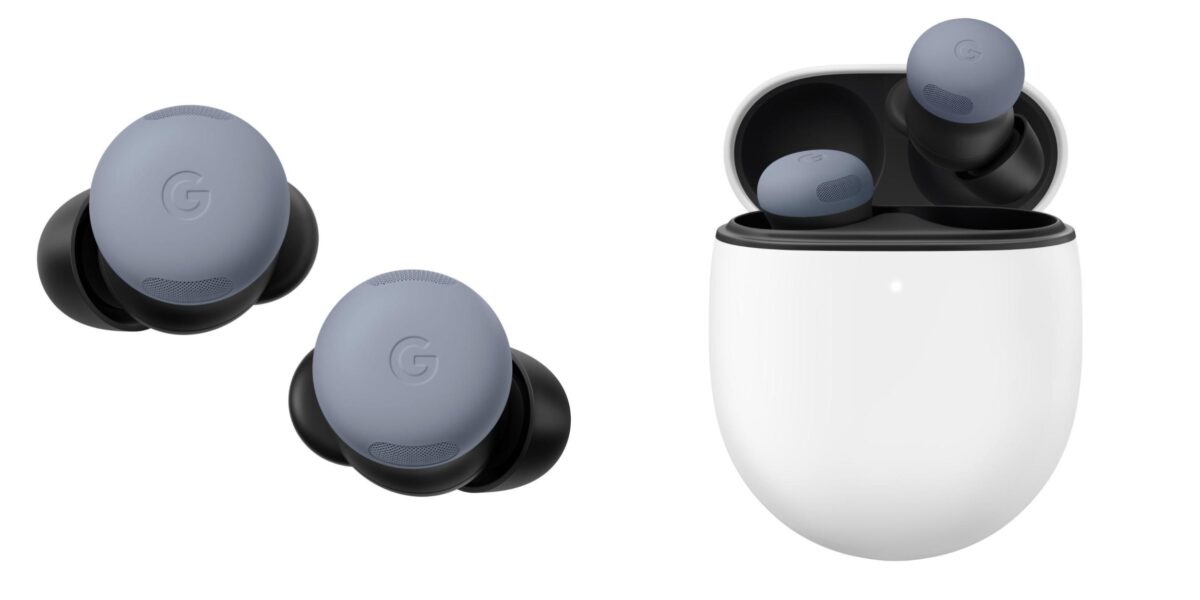
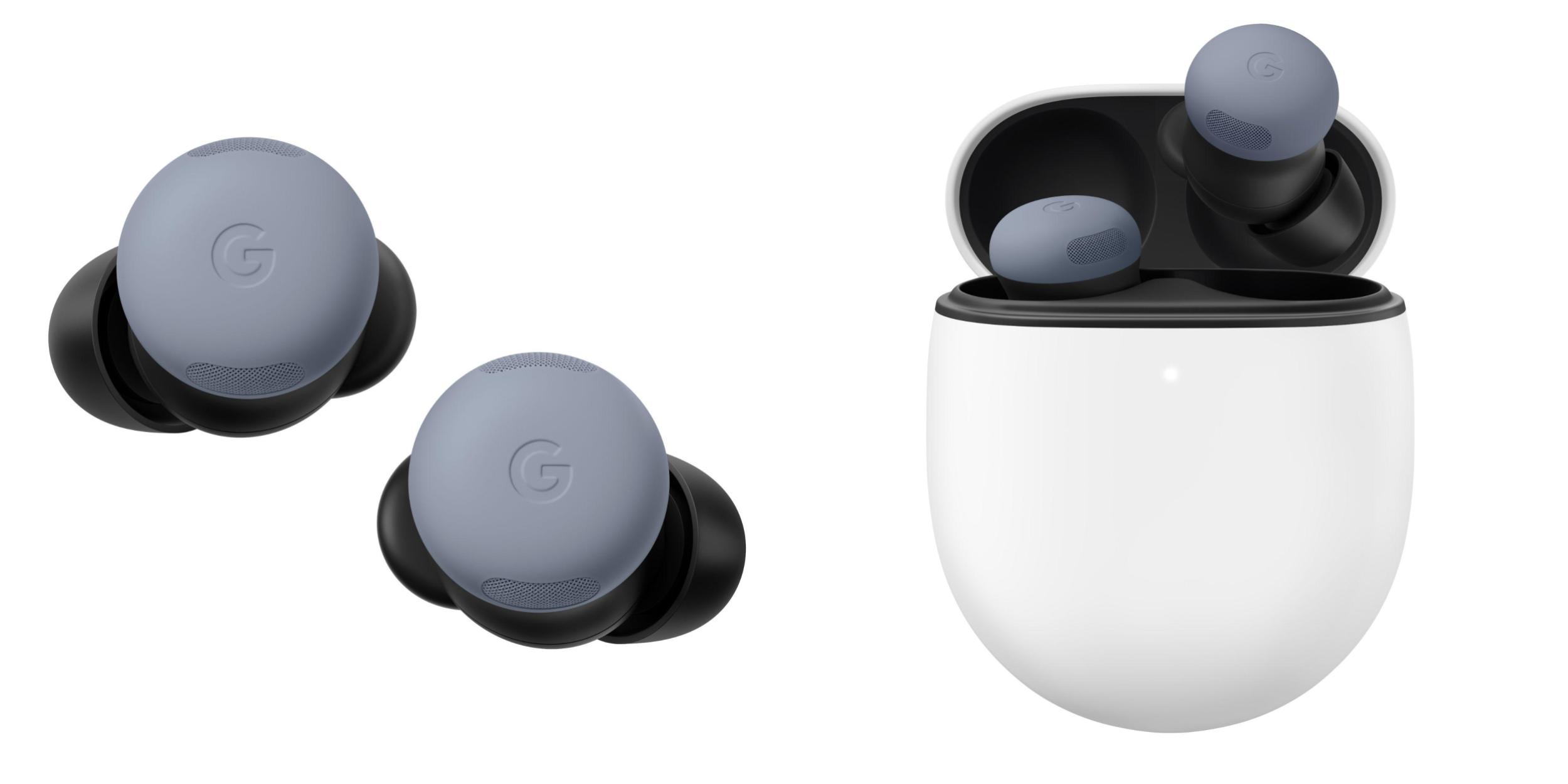
Finally — Google just dropped the biggest software update the Pixel Buds Pro 2 have ever received, and it genuinely makes these $229 earbuds feel like an entirely different product. The Pixel Buds Pro 2 Feature Drop brings Adaptive Audio, head gesture controls, enhanced Gemini Live, and loud noise protection, all packed into firmware version 4.467. If you already own these earbuds, you are about to get a lot more than you paid for.
What the Pixel Buds Pro 2 Feature Drop Actually Includes
Announced at the Made by Google event on August 20, 2025, this update started rolling out on September 25 and is now reaching users worldwide. This is not a minor firmware patch with bug fixes and stability improvements. According to 9to5Google, firmware 4.467 introduces four major AI-powered features that fundamentally change how you interact with your earbuds.
At the heart of everything is Google’s custom-designed Tensor A1 chip. This silicon processes data 90 times faster than the speed of sound, adjusts noise cancellation 3 million times per second, and uses multi-path processing to separate music from active noise cancellation. It delivers twice the ANC performance of its predecessor — and this update finally unleashes its full potential.

” alt=”Pixel Buds Pro 2 Feature Drop earbuds and charging case”/>
Adaptive Audio: The Sweet Spot Between ANC and Transparency
The headline feature of this Pixel Buds Pro 2 Feature Drop is Adaptive Audio, and it addresses one of the most annoying limitations of modern earbuds. Until now, you had two choices: full noise cancellation or full transparency. Block everything or hear everything. But real life rarely fits into binary categories.
Adaptive Audio continuously analyzes your environment and dynamically adjusts the noise cancellation level in real time. Sitting in a quiet library? Light filtering. Riding the subway? Full ANC kicks in. Walking through a busy street? It blends ambient sounds with your music so you stay aware without losing your audio experience. Droid Life described the experience as making the earbuds “feel brand new” — and that is not an exaggeration.
Apple’s AirPods Pro 2 introduced a similar Adaptive Audio feature with iOS 17, and Samsung’s Galaxy Buds 3 Pro offers Ambient Sound mode. But Google’s implementation leverages the Tensor A1 chip’s ability to make 3 million adjustments per second, which is a fundamentally different approach. Rather than switching between preset modes, it operates on a continuous spectrum, finding the optimal point for your current environment in real time.
For commuters especially, this is transformative. You no longer need to manually toggle modes when you walk from the street into a building, step onto a train, or sit down at a cafe. The earbuds just figure it out. It sounds like a small thing, but once you experience it, going back to manual switching feels archaic.
The practical implications extend beyond convenience. For cyclists who need to hear traffic while still enjoying music, Adaptive Audio provides a safety-conscious middle ground. For office workers who transition between quiet desks and noisy break rooms throughout the day, it eliminates the constant fiddling with earbud controls. And for frequent travelers navigating airports, lounges, and aircraft cabins, the seamless transitions mean one less thing to manage during already stressful journeys.
Head Gestures: Nod to Answer, Shake to Decline
The second major addition is head gesture controls. When a phone call comes in, you can now nod your head to answer it or shake your head to decline. The same gestures work for text message notifications. This is the kind of feature that sounds gimmicky until you actually need it — and then it becomes indispensable.
Think about the moments when your hands are completely occupied. You are carrying grocery bags. You are kneading dough in the kitchen. You are on a bike. You are holding a baby. In all of these situations, reaching up to tap your earbud or pulling out your phone is either inconvenient or impossible. A quick nod solves the problem instantly.
Technically, the feature uses built-in accelerometers and dedicated motion sensors to detect intentional head movements. An AI algorithm running on the Tensor A1 chip distinguishes between deliberate gestures and normal head movements — walking, looking around, or turning to talk to someone. Google says false triggers should be rare, though the feature ships disabled by default, so you will need to turn it on in the Pixel Buds app settings.
What makes this particularly exciting is the future potential. Right now, head gestures only work for call management and text notifications. But the underlying sensor infrastructure could support music playback controls, voice assistant activation, or even navigation cues. This could be the beginning of a shift from touch-based to gesture-based earbud interaction.
Enhanced Gemini Live: AI That Actually Hears You
Gemini Live through Pixel Buds Pro 2 was already impressive, but the Feature Drop makes it significantly more usable in real-world conditions. The key improvement is voice prioritization — the AI now actively isolates your voice from background noise, making it far more reliable in noisy environments.
” alt=”Pixel Buds Pro 2 Adaptive Audio settings interface”/>
Previously, trying to use Gemini on a busy street or in a crowded coffee shop was frustrating. Background noise would confuse the voice recognition, leading to misheard commands and failed requests. The Tensor A1 chip’s multi-path processing now separates your voice from environmental noise before it even reaches the Gemini model, resulting in dramatically better recognition accuracy.
This is not just an earbud upgrade — it is an expansion of Google’s entire AI ecosystem. When your earbuds become a reliable AI interface device regardless of your environment, the use cases multiply. Ask for directions while navigating a noisy train station. Dictate a message while walking through a construction zone. Get a recipe summary while your kitchen is full of clattering pots. The earbuds are evolving from simple audio playback devices into AI interaction endpoints.
Loud Noise Protection: Earbuds That Guard Your Hearing
The fourth feature is Loud Noise Protection, and it is arguably the most important from a health perspective. This feature automatically detects sudden loud sounds — sirens, construction noise, car horns, slamming doors — and instantly dampens them before they reach your ears at harmful levels. As Chrome Unboxed reported, this is part of Google’s broader hearing wellness initiative.
What makes this feature particularly valuable is that it works even in Transparency mode. When you have Transparency mode enabled, your earbuds are passing through environmental audio directly to your ears. If a fire truck suddenly blares its siren nearby, that full-volume blast goes straight into your ear canal. Loud Noise Protection intervenes automatically, reducing dangerous sound levels in milliseconds.
For music producers, audio engineers, and anyone whose livelihood depends on their hearing, this is not just a nice feature — it is genuine hearing insurance. Prolonged exposure to sounds above 85 decibels causes permanent damage, and everyday urban environments regularly exceed that threshold. Having earbuds that actively protect you without requiring any manual intervention is a meaningful step forward.
The update also includes battery notifications that alert you when your earbuds are running low or fully charged — a simple quality-of-life improvement that rounds out an already substantial update.
It is worth noting that hearing protection technology in consumer earbuds is still relatively new territory. While professional in-ear monitors have included limiter circuits for years, bringing this capability to mainstream consumer earbuds at this price point represents a meaningful democratization of hearing safety technology. As more people spend more hours per day with earbuds in their ears, features like this shift from luxury to necessity.
Competitive Landscape: Where Pixel Buds Pro 2 Stands Now
The premium earbud market is currently dominated by three players: Apple’s AirPods Pro 2, Samsung’s Galaxy Buds 3 Pro, and Sony’s WF-1000XM5. Google’s Pixel Buds Pro 2 has carved out a competitive position, and this Feature Drop strengthens its differentiation in two key areas — AI integration and software update velocity.
Apple updates hardware and software on long cycles. Samsung is investing heavily in Galaxy AI but keeps earbud-specific AI features relatively limited. Google, with its combination of the dedicated Tensor A1 chip and the Gemini AI platform, has built an architecture where software updates alone can continuously expand earbud capabilities. That is a structural advantage that compounds over time.
At $229, receiving this caliber of free feature update is genuinely impressive. As 9to5Google detailed in their Tensor A1 deep dive, the chip was designed from the start with headroom for future features — and this update proves that was not just marketing talk. The hardware you bought six months ago is measurably better today than when you unboxed it.
How to Get the Update
Firmware 4.467 is rolling out starting September 25, 2025. Open your Pixel Buds app, navigate to settings, and check for firmware updates. Keep your earbuds in the charging case during the update process, and make sure the case has sufficient battery. The update may take several minutes to download and install.
After updating, remember that head gestures are disabled by default — you will need to enable them manually in the app settings. Adaptive Audio appears as a third option alongside ANC and Transparency mode, accessible with a single tap.
Google’s Pixel Buds Pro 2 Feature Drop demonstrates what “software-defined hardware” looks like in practice. When a product you already own keeps getting meaningfully better through updates, it stops being just a pair of earbuds and starts becoming a platform. If the update has not reached your device yet, check the Pixel Buds app manually — it is worth the wait.
Get weekly AI, music, and tech trends delivered to your inbox.





