

Open Source LLM Self-Hosting 2025: 7 Best Models You Can Run Right Now
June 26, 2025
AI Design Tools Comparison: Galileo AI vs Uizard vs Visily — Google Just Acquired One of Them
June 27, 2025
I just finished a track in 57 minutes. Not a loop. Not a sketch. A full arrangement with intro, build, drop, breakdown, and outro — mixed, bounced, and done. Three years ago, that same process would have taken me a week of second-guessing every hi-hat pattern and reverb tail. The difference? I stopped treating production like an art museum and started treating it like a sport.
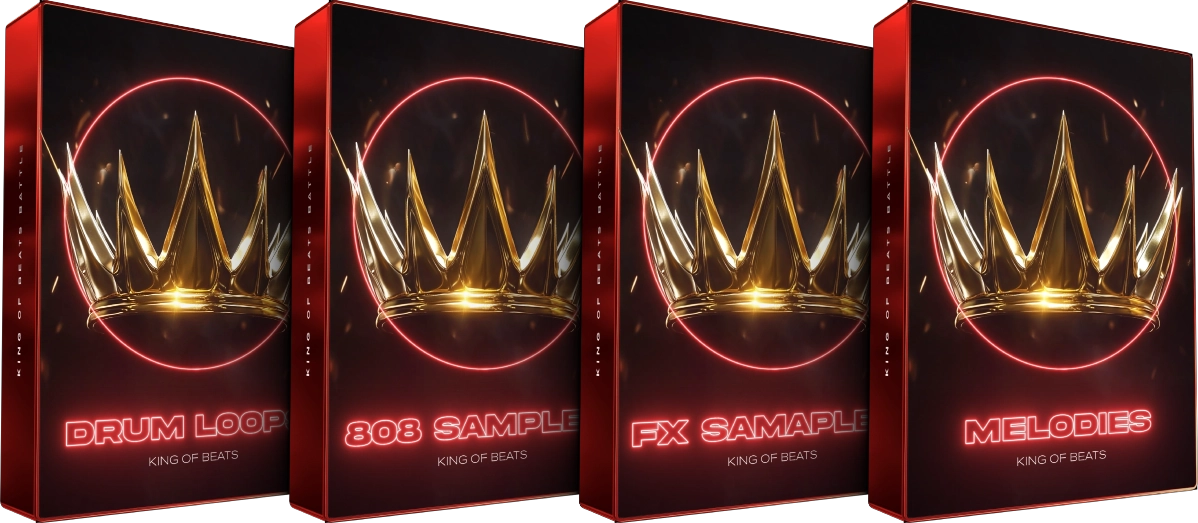
The one hour production challenge is exactly what it sounds like: set a timer for 60 minutes, start with a blank session, and deliver a finished track before the clock hits zero. No pre-made loops (unless that’s your style). No going back to “fix it later.” Just pure creative momentum from first kick drum to final bounce. And this summer, with competitions like Cymatics’ King of Beats 2025 running through July 2, there’s never been a better time to sharpen your speed.

Why the One Hour Production Challenge Actually Works
Here’s the uncomfortable truth most producers won’t admit: perfectionism isn’t quality control — it’s procrastination wearing a lab coat. According to Splice’s production skills guide, time-constrained challenges force you to “trust your intuition and make decisions quickly” rather than endlessly deliberating over whether that snare needs 0.5 dB more presence.
The science backs this up. When you impose a hard deadline, your brain shifts from analytical mode to creative flow state. You stop asking “is this perfect?” and start asking “does this work?” — which, ironically, produces better music. The tracks I’ve made under time pressure consistently have more energy and coherence than my overthought masterpieces sitting in a folder labeled “almost done.”
The one hour production challenge delivers three specific benefits that compound over time:
- Decision velocity — You learn to commit to sounds in seconds, not hours. This skill transfers directly to client work and paid sessions.
- Workflow audit — The timer exposes every bottleneck in your process. If you spend 15 minutes browsing kick samples, that’s a problem you can fix.
- Completion muscle — Finishing tracks is a skill. Most bedroom producers have 200 eight-bar loops and zero finished songs. This challenge breaks that pattern.
The 60-Minute Production Framework: Minute by Minute
After running this challenge dozens of times — both solo and with producers in my studio — I’ve landed on a framework that consistently delivers complete tracks. Here’s the breakdown:
Minutes 0–5: Template Load + Core Idea (The First Spark)
Open your pre-built template (more on this below) and establish your core musical idea. This could be a chord progression, a drum pattern, a bass line, or even a vocal melody hummed into your phone. The only rule: don’t audition more than three options. Pick something that makes you nod your head and move forward.
Minutes 5–20: Rhythm + Foundation
Build your drum pattern and bass line. These two elements define 80% of your track’s energy. Use your template’s pre-loaded drum rack — don’t browse for samples. Layer a kick, snare/clap, hi-hats, and one percussion element. Lock in a bass line that complements your core idea. By minute 20, you should have a loop that grooves.
Minutes 20–35: Melodic Elements + Texture
Add your harmonic and melodic layers. Pads, leads, arps, vocal chops — whatever serves the track. This is where Logic Pro’s new Flashback Capture feature becomes a lifesaver: if you accidentally played something brilliant during warm-up but forgot to hit record, you can retrieve it with a single key command. No more lost ideas.
Minutes 35–50: Arrangement + Structure
Duplicate your loop and start subtracting and adding elements to create sections. Intro (8 bars) → Build (8 bars) → Main section (16 bars) → Breakdown (8 bars) → Final section (16 bars) → Outro (4–8 bars). Use mutes, filter sweeps, and risers to create transitions. Don’t overthink structure — the ear knows what comes next.
Minutes 50–57: Quick Mix + Effects
Balance levels, add send reverb and delay, apply a bus compressor on the master. Don’t EQ individual tracks unless something is clearly clashing. A rough mix that grooves beats a surgically precise mix that took three hours. Use your template’s pre-routed sends to save precious minutes.
Minutes 57–60: Bounce + Done
Export your track. Listen once on your phone or laptop speakers. Resist the urge to go back. It’s done. Tag it, date it, and move on. You’ll be surprised how often these “speed tracks” end up being some of your best work.
The Template That Makes It Possible: Building Your Speed Rig
You cannot make a full track in one hour if you spend the first 15 minutes setting up your session. The template is non-negotiable. Here’s what your one hour production challenge template should include, regardless of which DAW you use:
Essential Template Components
- Drums group (4–6 tracks): Kick, snare, hi-hat, percussion 1, percussion 2, all routed to a drum bus with light compression
- Bass track: Your go-to bass synth or sampler, already loaded
- Melodic group (3–4 tracks): Pad, lead, arp/pluck, labeled and color-coded
- FX track: Risers, impacts, transitions
- Send channels: Reverb (plate or hall), delay (1/4 or dotted 1/8), both set to taste
- Master bus: Gentle bus compressor + limiter with conservative settings
DAW-Specific Speed Hacks
Ableton Live: Create a Default Set with your template. Use Drum Racks with macro controls mapped to common parameters (decay, pitch, filter). Set up Capture MIDI to recover unrecorded ideas — Ableton’s had this feature for years, and it’s perfect for the one hour production challenge.
Logic Pro: Build a template project with Track Stacks grouping your instrument families. The 2025 update’s Flashback Capture works similarly to Ableton’s Capture — finally. Load the new Dancefloor Rush pack’s 400+ DnB loops into your template for instant inspiration on drum-and-bass sessions.
FL Studio: Use the Channel Rack with pre-loaded samples and Pattern mode for rapid beat building. The “Make Unique” feature lets you quickly create variations without affecting your original patterns — essential when you’re arranging at speed.
5 Advanced Workflow Hacks for the One Hour Production Challenge
Templates get you started, but these workflow hacks are what separate a chaotic speed session from a polished 60-minute production:
- The “Three Options” Rule: Never audition more than three sounds for any element. Pick the best of three and commit. Browsing is the #1 time killer in production.
- Color-code your arrangement: Assign colors to intro (blue), verse (green), chorus (red), breakdown (yellow), and outro (gray). As EDMProd’s workflow guide notes, visual organization saves time and helps you see structure at a glance.
- Pre-routed sends, not insert effects: Reverb and delay on send channels, not individual tracks. One reverb serves your entire mix. Faster setup, better cohesion, lower CPU.
- Keyboard shortcuts as muscle memory: Learn 10 essential shortcuts: duplicate, split, quantize, undo, solo, mute, zoom in/out, bounce, and your two most-used plugin toggles. These 10 shortcuts alone can save 5+ minutes per session.
- The “No Solo” rule: After minute 35, stop soloing individual tracks. Mix in context only. If it sounds right in the full mix, it is right.
Summer 2025: The Perfect Season to Start
The summer production challenge culture is thriving right now. Cymatics’ King of Beats 2025 is accepting submissions through July 2nd, with over $10,000 in prizes. The competition format pushes producers to create polished beats under deadline pressure — exactly the kind of constraint that builds real skill.
Apple’s May 2025 Logic Pro update couldn’t have been better timed. Flashback Capture alone justifies updating before you start the challenge — recovering that perfect riff you played while adjusting levels is no longer a “what if” scenario. The enhanced Stem Splitter also opens new creative possibilities: grab a reference track, isolate the drums or bass line for inspiration, then build your own version from scratch. All within your one-hour window.
Whether you enter a competition or just challenge yourself every Saturday morning, the one hour production challenge will transform how you think about music. You’ll stop treating every session like brain surgery and start treating it like what it actually is — making music, fast, with the skills and instincts you’ve already built.
Set the timer. Trust your ears. Ship the track. The 60-minute rule isn’t about cutting corners — it’s about cutting the excuses that keep your music trapped in “almost done” purgatory.
Need help optimizing your studio workflow or getting professional mixing and mastering for your speed-produced tracks?
Get weekly AI, music, and tech trends delivered to your inbox.






