


Google Pixel Watch 4 Preview: Tensor Watch Chip and Health Sensors Revealed in Leaked Renders
May 13, 2025
Vocal Chain Signal Processing: The Complete Plugin Order and Settings Guide (2025)
May 14, 2025A $3,000 box that runs 200-billion-parameter models on your desk. That sentence alone would have been science fiction two years ago, yet here I am in May 2025, staring at the NVIDIA Project DIGITS — a Mac-mini-sized machine packing a full petaflop of AI compute — and it just finished generating its first response in 1.6 seconds.
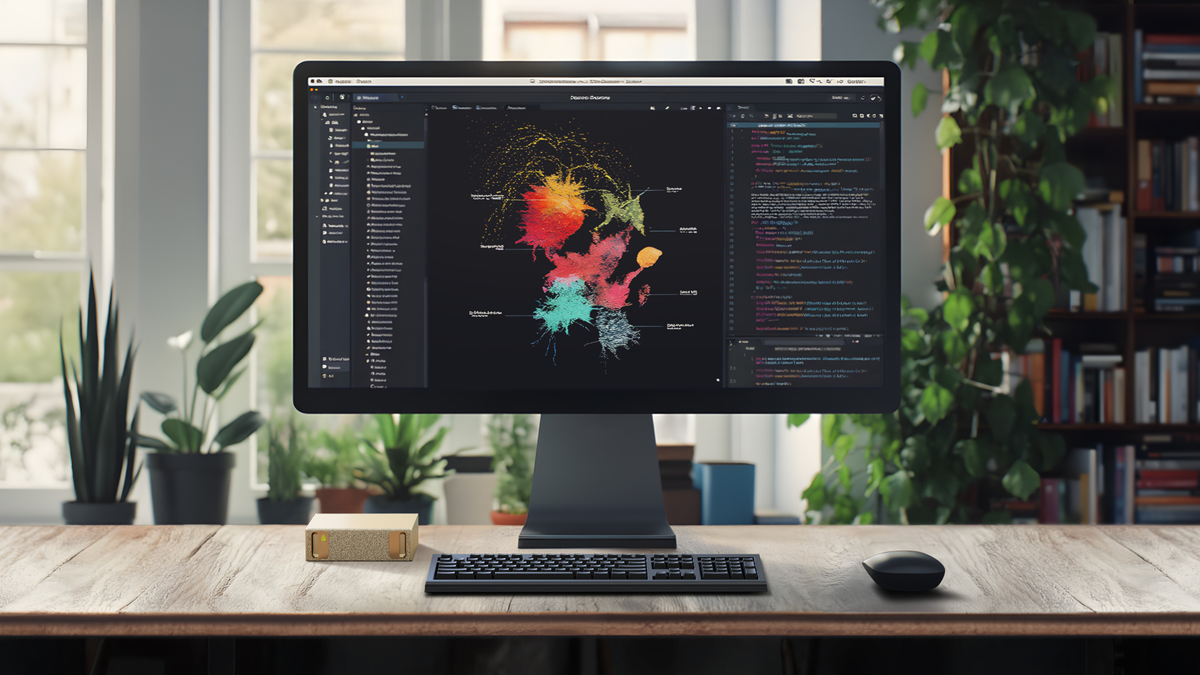
When Jensen Huang pulled this thing out at CES 2025 on January 5th, the audience reaction was immediate. Not because NVIDIA launched another GPU — they do that every year — but because this was a fundamentally different product category: a personal AI supercomputer that plugs into a standard wall outlet. Now that it has shipped, the question everyone’s asking is whether NVIDIA Project DIGITS actually delivers on that promise. After spending time setting it up and running real workloads, I have answers.
What Is NVIDIA Project DIGITS? The GB10 Grace Blackwell Superchip Explained
At the heart of Project DIGITS — later officially renamed DGX Spark at GTC in March 2025 — is the GB10 Grace Blackwell Superchip. This isn’t just a GPU on a board. It’s a complete system-on-chip co-designed with MediaTek that fuses 20 ARM-based Grace CPU cores with a Blackwell GPU featuring 5th-generation Tensor Cores, all connected via NVIDIA’s NVLink-C2C chip-to-chip interconnect.
The specs read like a workstation from a parallel universe:
- 1 PFLOPS (petaflop) of FP4 AI performance
- 128 GB unified coherent memory — CPU and GPU share the same pool
- 4 TB NVMe SSD for model storage and datasets
- Standard electrical outlet — no 240V circuit, no server room cooling
- DGX OS (Linux-based) with PyTorch, Jupyter, NeMo, and RAPIDS preloaded
- NVIDIA AI Enterprise stack ready out of the box
The 128 GB unified memory is the real headline here. That’s what lets you load 200-billion-parameter models (4-bit quantized) entirely in memory without any offloading tricks. And if a single unit isn’t enough, two DIGITS units can be linked via ConnectX networking to handle models up to 405 billion parameters — putting Llama 3.1 405B within reach on your desk.
Hands-On: Setup, Performance, and First Impressions
Unboxing to first inference took me roughly 7 minutes. The DIGITS unit ships with DGX OS pre-installed, so you connect power, plug in ethernet (or use the built-in WiFi), and boot. The initial setup wizard configures your user account, network settings, and optional Network Appliance Mode — which turns the device into a headless AI server you SSH into from your main workstation.
I opted for Network Appliance Mode immediately. For anyone who works primarily from a Mac or Windows machine, this is the way to go. The DIGITS box sits quietly on your shelf, and you interact with it through Jupyter notebooks, VS Code remote sessions, or direct API calls.
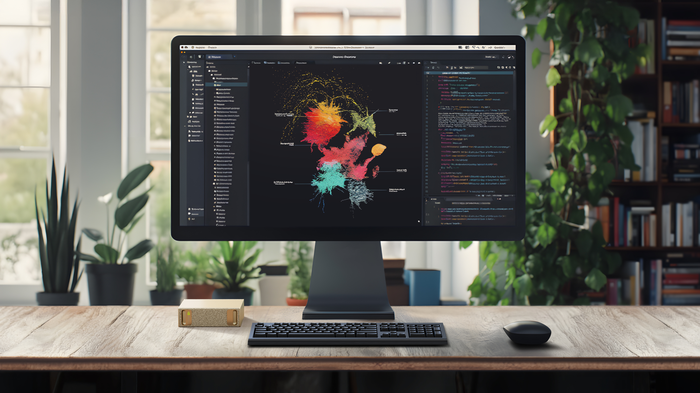
For the first real test, I loaded GPT-OSS 120B — a substantial open-source model. The results were genuinely impressive:
- Time-to-first-token: 1.6 seconds
- Generation speed: 32–33 tokens per second
- Memory usage: approximately 85 GB of the 128 GB pool
For context, running the same model on a cloud instance with comparable performance would cost roughly $2–4 per hour. At those rates, the $3,000 DIGITS unit pays for itself within 750–1,500 hours of inference time — and for researchers or developers running models daily, that’s a matter of months.
The software experience deserves its own mention. DGX OS boots into a clean Linux desktop with every major AI framework pre-configured. PyTorch recognizes the Blackwell GPU immediately — no driver hunting, no CUDA version mismatches, no dependency conflicts. Jupyter Lab launches from the dock with GPU monitoring widgets already connected. For anyone who has spent hours debugging CUDA toolkit installations on Ubuntu, this alone justifies the appliance approach. NVIDIA has essentially containerized the entire AI development stack into a turnkey hardware product.
One detail worth noting: the 4 TB NVMe SSD ships mostly empty, with DGX OS and the pre-installed frameworks consuming roughly 120 GB. That leaves over 3.8 TB for model weights, datasets, and experiment artifacts — enough to keep dozens of model variants on disk without external storage. The read speeds are fast enough that model loading from cold storage adds only 15–20 seconds even for the largest models.
Who Is NVIDIA Project DIGITS Actually For?
NVIDIA is positioning DGX Spark squarely at AI developers, researchers, data scientists, and students. The intended workflow is clear: prototype and experiment locally on DIGITS, then deploy production workloads to DGX Cloud when you need scale.
This local-to-cloud pipeline makes practical sense for several scenarios:
- AI researchers who need to iterate on model architectures without burning through cloud credits
- Enterprise developers building AI applications that require local data processing for compliance or security
- Students and educators who need access to serious AI compute without institutional GPU clusters
- Indie AI startups who want to keep their early R&D costs predictable
However, this is not a consumer product. If you’re looking for a local ChatGPT replacement for personal use, a high-end Mac Studio with 192 GB unified memory running llama.cpp would be more practical and arguably more versatile as a daily workstation. The DIGITS box earns its keep when you need the full NVIDIA CUDA ecosystem, NeMo for fine-tuning, or RAPIDS for GPU-accelerated data science.
NVIDIA Project DIGITS vs. the Competition: Where Does It Fit?
The competitive landscape for personal AI compute is evolving fast. Here’s how DIGITS stacks up against the realistic alternatives as of May 2025:
Apple Mac Studio M4 Ultra (192 GB) — Around $5,000–$7,000 depending on configuration. Offers excellent unified memory for inference via llama.cpp or MLX, but lacks CUDA support entirely. If your workflow depends on PyTorch with CUDA kernels, the Mac is out.
Custom RTX 5090 Desktop (2x) — Two RTX 5090 cards with 32 GB VRAM each gives you 64 GB of GPU memory for around $4,000–$5,000 in GPU costs alone, plus the rest of the build. That’s half the memory of DIGITS, and you’re dealing with PCIe bandwidth instead of NVLink-C2C coherent memory.
Cloud GPU instances — Maximum flexibility, zero upfront cost, but $2–$8/hour for comparable compute adds up fast. For intermittent use, cloud wins. For daily development, the math favors local hardware within months.
The DIGITS sweet spot is clear: if you need 128 GB of coherent GPU-accessible memory, the full NVIDIA software stack, and a compact form factor — and you can justify $3,000 — there is literally nothing else on the market right now that checks all those boxes.
Sean’s Take: What This Means for Creative Professionals
After 28 years working across music production, audio engineering, and increasingly AI-driven creative tools, I’ve watched the “AI on your desk” promise evolve from marketing hype to something real. The NVIDIA Project DIGITS is the first product I’ve used that genuinely delivers on that promise without compromise — at least within the NVIDIA ecosystem.
What excites me most isn’t running chatbots locally. It’s the fine-tuning capability. With NeMo pre-installed and 128 GB of unified memory, you can take a base model, fine-tune it on proprietary data — say, a corpus of mastering session notes or client feedback logs — and create specialized AI tools that never send your data to a third-party server. For audio professionals handling unreleased material under NDA, or studios managing client IP, that’s not a nice-to-have. It’s a requirement.
I’ve already started prototyping a local inference pipeline for automated session tagging — using a fine-tuned model that understands audio production terminology better than any general-purpose LLM. On DIGITS, the iteration cycle is minutes, not hours. That compression of feedback loops is where the real productivity gain lives.
My honest reservation: DGX OS is Linux-only. For creative professionals whose primary tools (Pro Tools, Logic, Ableton) are macOS or Windows, the DIGITS box becomes an additional device in your setup rather than a replacement for anything. You need to be comfortable with SSH sessions and Jupyter notebooks. NVIDIA has made the software stack remarkably accessible for a Linux appliance, but it’s still a Linux appliance. If the next generation ships with a Windows or macOS client that abstracts away the OS layer, adoption among creative professionals will explode.
The Bottom Line: A New Category Done Right
NVIDIA Project DIGITS — now officially DGX Spark — establishes a product category that didn’t exist six months ago. For $3,000, you get a petaflop of AI compute, 128 GB of unified memory, and NVIDIA’s complete software ecosystem in a box smaller than a shoebox. The performance numbers are real, the setup is surprisingly painless, and the local-to-cloud workflow with DGX Cloud makes this more than just a standalone device.
Is it perfect? No. The Linux-only OS limits accessibility, the $3,000 price point puts it beyond hobbyist territory, and the 128 GB memory ceiling means the largest open-source models (like unquantized 405B) still require the dual-unit ConnectX setup. But for AI developers and researchers who live in the NVIDIA ecosystem, this is the most compelling piece of hardware to land on a desk in 2025.
If you’ve been racking up cloud GPU bills and wondering when local AI compute would catch up — this is that moment. The initial CES reveal promised a lot. The shipping product delivers.
Exploring AI hardware, local inference, or building automation pipelines? Let’s talk about what setup fits your workflow.
Get weekly AI, music, and tech trends delivered to your inbox.





