


IFPI Global Music Report 2026: Revenue Hits $31.7 Billion, 837M Streaming Subscribers, and Vinyl’s 19th Year of Growth
March 23, 2026
iZotope Tonal Balance Control 3 Review: Spotify Reference Capture, Built-In EQ, and a $129 Metering Revolution
March 24, 2026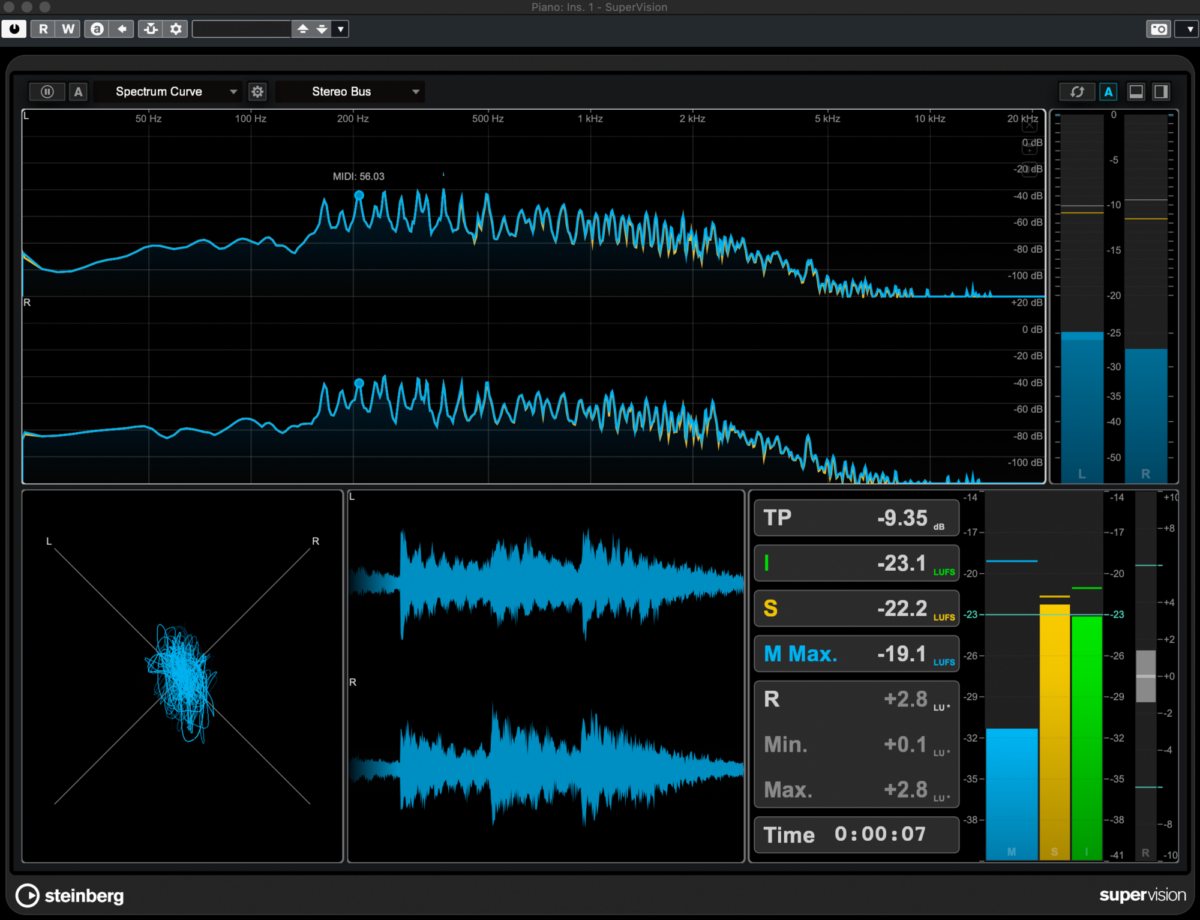
Finally. After years of incremental updates, Nuendo 15 drops on March 25 with the kind of changes that actually matter to working post-production engineers. Folder and Group tracks merged into a single track type. A dedicated Analyzer Track with built-in intelligibility measurement. An automation overhaul that tackles the daily frustrations every film mixer knows too well. Steinberg isn’t playing it safe this time.
The world premiere on March 19 gave us a detailed look at what’s coming, and the community reaction has been split right down the middle. Some are calling it the most significant Nuendo update in years. Others wanted more Atmos features and walked away underwhelmed. Let’s break down each major feature and figure out whether this upgrade deserves your $160.
1. Nuendo 15 Folder Group Tracks: Organization Meets Routing
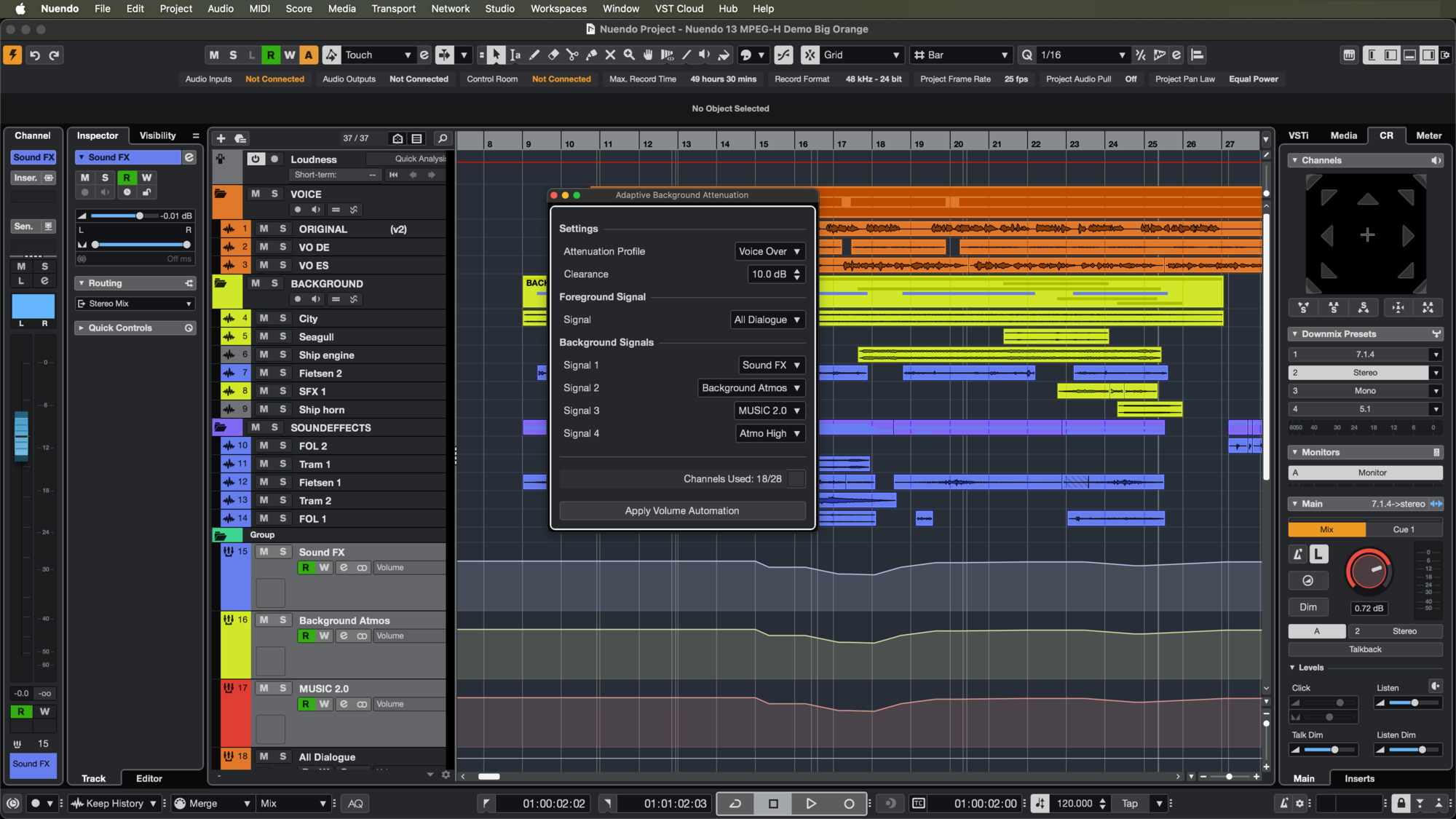
The headline feature of Nuendo 15 is Folder Group Tracks, and it’s the one that’s generating the most excitement in post-production circles. Here’s the problem it solves: in every previous version of Nuendo (and Cubase), folder tracks and group tracks were entirely separate entities. You’d create a folder to organize your dialogue tracks visually, then create a separate group bus to route those same tracks for processing. Two track types doing related but disconnected jobs.
Nuendo 15 merges these into a single track type that can toggle between folder mode and group bus mode with one click. This works in both the project window and the mixer. When you switch a folder to group mode, it becomes a full audio bus with inserts, sends, and metering. Switch it back, and it collapses into a clean organizational folder.
For those keeping score, Bitwig Studio and Ableton Live have offered similar concepts for years. But Steinberg’s implementation is specifically tailored for post-production workflows where session sizes routinely exceed hundreds of tracks. A feature-length film’s dialogue edit might have 200+ tracks. Being able to organize and route them with the same track object eliminates an entire layer of session management overhead.
The Steinberg forums lit up with praise for this feature, though some users raised valid concerns about the visual behavior when folders are collapsed. Can you still see the group bus metering? Can you access inserts without expanding the folder? These are the workflow details that will determine whether this feature lives up to its promise in actual sessions.
One important note: this feature currently appears to be Nuendo-exclusive. Cubase users are already asking when they’ll get it, but Steinberg hasn’t committed to a timeline. This reinforces Nuendo’s positioning as the premium option for serious production work.
2. Analyzer Track: Built-In Intelligibility Measurement
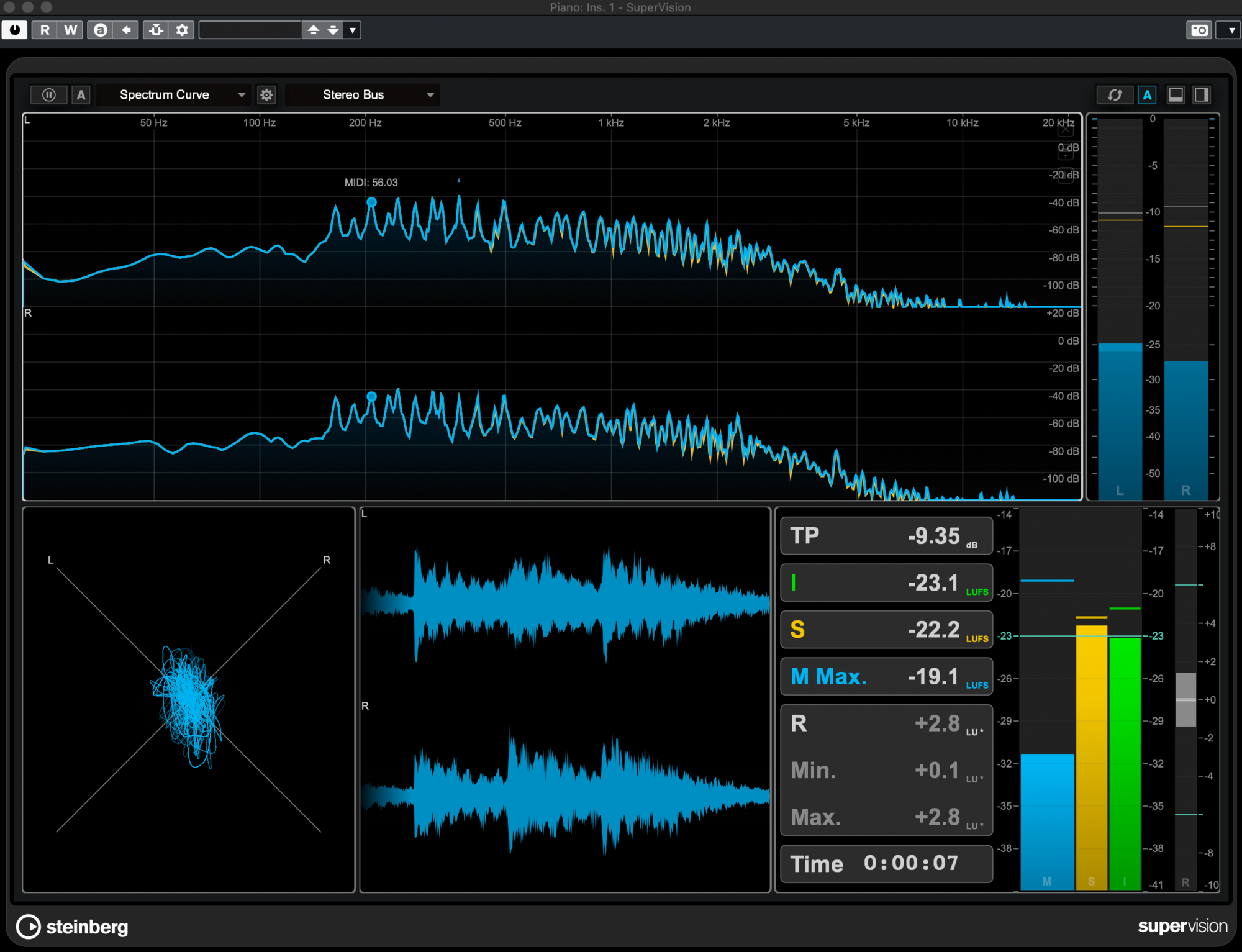
The second major addition is the Analyzer Track, a new dedicated track type for audio analysis. Instead of loading SuperVision as a plugin insert on individual tracks or busses, you now get a persistent analysis view that sits in your timeline alongside your audio.
The standout capability here is intelligibility measurement. In a world where Netflix, Disney+, and every major streaming platform are tightening their dialogue clarity requirements, having DAW-level intelligibility analysis is a genuine workflow improvement. You can check whether your dialogue is cutting through the music and effects bed without bouncing to a separate measurement tool or relying on subjective listening alone.
The Analyzer Track is also expected to support peak clip histograms and spectrogram views, making it useful beyond dialogue work. Mastering engineers and music mixers can use the persistent spectral analysis to spot frequency buildups and resonances across entire arrangements. Having this as a track rather than a plugin means it’s always visible and doesn’t consume an insert slot.
3. 12 Modulators and the Automation Overhaul
Nuendo 15 introduces 12 parameter modulators for controlling VST plugin parameters and native DAW parameters through modulation rather than static automation. For sound design work — think evolving ambiences, sci-fi effects, or game audio assets — this opens up creative possibilities that previously required third-party modulation plugins or tedious manual automation drawing.
But the bigger story for most working engineers is the automation improvements. These are the changes that will save you minutes every session, which adds up to hours every week:
- Automation Copy-Paste Between Tracks: You can finally copy automation data from one track and paste it to another. This sounds basic, but Nuendo users have been working around this limitation for years with clunky export/import workflows.
- Per-Track Automation Punch-Out: Control automation recording on a track-by-track basis. No more accidentally overwriting automation on the wrong track during a complex pass.
- Write on Play: Automation writing activates automatically when playback starts. This may be a Nuendo-exclusive feature, positioning it closer to Pro Tools’ automation workflow.
- Last Touch Automation: When you release a fader, the last value you touched is held. Simple, essential, and surprisingly overdue.
- Automation Panel Resizing: The automation panel can finally be resized. Sometimes the smallest changes are the most satisfying.
Individually, these might seem like minor quality-of-life improvements. Collectively, they represent Steinberg closing the automation workflow gap with Pro Tools that has been one of the main reasons post-production facilities have hesitated to switch DAWs.
4. Video Export, MXF Improvements, and Media Workflow Updates
As a post-production DAW, Nuendo has always needed strong video and media capabilities. Version 15 adds direct video export with file size compression options, which means you can render a video with your rough mix directly from the DAW without bouncing through a separate video editor. When you need to send a director a quick review copy with updated audio, this eliminates an entire step from the delivery workflow.
MXF format support has been improved, and a new channel-count conversion feature lets you convert between different channel configurations. Going from 5.1 to stereo, or creating a downmix from a 7.1.4 Dolby Atmos bed, is now handled natively. The addition of multichannel file splitting and combining — which works by rendering new files — rounds out the media handling improvements.
There’s also a welcome ADR workflow enhancement: search functionality within column headers for filtering dialogue transcription tags and markers. If you’ve ever managed thousands of ADR cues on a feature film, you know how much time this can save. Additionally, horizontal scrolling direction has been unified between Windows and macOS (SHIFT + mouse wheel behavior in editors), addressing a long-standing platform inconsistency that tripped up engineers working across both operating systems.
5. Nuendo 15 vs Pro Tools: Is the Gap Finally Closing?
Let’s address the elephant in the control room. Every Nuendo update invites comparison with Pro Tools, and Nuendo 15 is no different. The Folder Group Tracks bring Nuendo closer to the kind of integrated organization-plus-routing workflow that Pro Tools users have long taken for granted. The automation improvements — especially Write on Play and per-track punch-out — directly mirror Pro Tools automation behaviors that post engineers have cited as reasons not to switch.
But gaps remain. Users on KVR Audio and other forums have pointed out that per-clip EQ and compression — a Pro Tools staple — is still absent. And the Dolby Atmos improvements in this release were thinner than many expected, especially given the rapid growth of immersive audio delivery requirements.
Meanwhile, DaVinci Resolve’s Fairlight continues to expand as a free alternative for post-production audio, putting pressure on both Nuendo and Pro Tools from the budget end of the market. Steinberg needs to maintain its premium positioning while delivering enough practical workflow improvements to justify the upgrade cost. Nuendo 15 largely succeeds at this, but the lack of substantial Atmos enhancements feels like a missed opportunity in 2026.
Pricing and Upgrade Path: Is Now the Right Time?
Nuendo 15 is priced at $160 USD for the upgrade, with a 20% grace period discount available for the first three days after launch. If you’ve already registered Nuendo 14, you can receive the update automatically on March 25. For users jumping from older versions, the upgrade has been described as “a huge leap” — and with good reason, given the cumulative improvements across multiple version cycles.
Steinberg’s comment during the March 19 world premiere that they only showed “a glimpse” is worth noting. There may be additional features that haven’t been revealed yet, which could sweeten the deal further.
The bottom line: Nuendo 15 isn’t a revolution. It’s a systematic resolution of the workflow pain points that post-production engineers deal with every single day. Folder Group Tracks alone could save you significant session setup time. The automation improvements bring Nuendo closer to Pro Tools parity where it matters most. And the Analyzer Track with intelligibility measurement addresses a genuine industry need that’s only going to become more important as streaming platforms tighten their delivery specs. If you’re mixing for picture in 2026, Nuendo 15 deserves a serious look.
Working with Nuendo 15 or upgrading your post-production workflow? With 28 years of audio engineering experience, we can help you get the most out of your setup.
Get weekly AI, music, and tech trends delivered to your inbox.






