


RTX 5070 at $549, RTX 5060 at $299 — NVIDIA’s CES 2025 Blackwell GPU Lineup Explained
January 19, 2026
Apple Intelligence January 2026 Update: Gemini-Powered Siri, 16 New Languages, and a Secret AI Search Engine
January 20, 2026
37 expired demo plugins cluttering your scan list. A DAW template you built three years ago and never touched since. A sample library where “Kick_final_NEW” sits next to “Kick_final_NEW_v2_USE_THIS.” Sound familiar? With NAMM 2026 (January 22–24) just days away and shiny new gear like the ASM Leviasynth, Akai MPC XL, and Korg microAUDIO about to flood your feed, now is the time to set your music production resolutions 2026—starting with the studio you already have.
After 28 years in music production and audio engineering, I’ve learned that the single highest-ROI move every January isn’t buying new gear—it’s optimizing what you’ve already got. These seven studio workflow upgrades are tactical, specific, and completable this week. No vague “be more creative” goals here. Just concrete systems that’ll make every session faster, cleaner, and more productive long before the NAMM hype settles.
1. Plugin Audit and Cleanup: Cut the Dead Weight
The first of your music production resolutions 2026 should be the simplest: audit your plugins. Most producers actively use less than 30% of their installed plugins. The remaining 70% are just digital clutter—slowing down scan times, causing compatibility warnings, and making it harder to find the tools you actually reach for.
As Audio Plugin Deals’ producer reset guide emphasizes, the new year reset starts with your plugin folder. Here’s the practical framework:
- Full inventory: Export or manually list every installed plugin. Note the version, license status, and when you last used it. A spreadsheet works fine.
- The 3-month rule: If you haven’t opened a plugin in three months, deactivate it. Not delete—deactivate. This removes the psychological friction of permanent deletion while still cleaning your workspace.
- Build a favorites chain: Curate your top 10–15 go-to plugins into your DAW’s favorites system. Logic Pro’s Plugin Manager, Ableton’s Collections, FL Studio’s Plugin Database—every major DAW has this feature. Use it.
- Purge expired demos: Trial versions, expired subscriptions, and abandoned freebies should be uninstalled immediately.
This single step can shave 20–30 seconds off DAW boot time and eliminate those nagging “plugin not found” dialogs when opening older projects. With new releases like FabFilter Pro-C 3 arriving in early 2026, you want a clean foundation before adding anything new to the stack.
2. DAW Template Rebuild: Routing, Bus Sends, and Master Chain
Your workflow evolves every few months, but when was the last time your template caught up? If you’re still manually creating bus sends and loading your go-to plugins at the start of every session, you’re burning creative energy on administrative tasks.
Mixing Monster’s home studio workflow guide outlines the core principles of template optimization. An effective DAW template should include:
- Bus routing structure: Pre-built submix buses for Drums, Bass, Synths, Vocals, and FX. Color-code them and establish a consistent naming convention across all projects.
- Send effects: Your most-used reverbs (Room, Plate, Hall) and delays (Short, Long) pre-loaded on AUX/Return tracks. This saves the repetitive process of loading and configuring spatial effects from scratch.
- Master chain: A metering plugin (LUFS), limiter, and A/B reference tool should live permanently on your master bus. You should be able to check loudness and compare against references without any setup.
- Genre variants: Create 2–3 template variations for your primary genres. A hip-hop template with 808-focused routing is fundamentally different from an orchestral scoring template.
A well-designed template means you can open a new session and start capturing ideas within 30 seconds instead of spending 10 minutes on routing. Over a week of daily sessions, that’s over an hour of recovered creative time.
3. Sample Library Reorganization: Tagging, Folder Structure, and Cloud Sync
“Where was that kick sample?” If you’ve ever asked this mid-session, your sample library needs work. Having 50,000 samples means nothing if you can’t find the right one in under 10 seconds.
- Hierarchical folder structure: Organize by instrument type (Drums > Kicks > Acoustic / Electronic / Processed), then by genre, then by BPM or key.
- Metadata tagging: Tools like Sononym, ADSR Sample Manager, and XO by XLN Audio can auto-tag samples by BPM, key, and tonal characteristics. Batch tagging dramatically speeds up search time.
- Naming conventions: Adopt a consistent format: “[Instrument]_[Character]_[BPM]_[Key].wav”—for example, “Kick_Punchy_128_Cmaj.wav”
- Cloud sync: Use Splice, Dropbox, or Google Drive to keep your library accessible across multiple machines. Essential for producers who work between a laptop and desktop setup.
- Duplicate removal: It’s common to have the same sample pack extracted in multiple locations. Use tools like dupeGuru to find and eliminate redundant files.
With NAMM 2026 set to unveil new sample packs and sound design tools, and the Akai MPC XL featuring an expanded pad layout with enhanced sample browsing, having a clean, well-organized library will let you integrate new content seamlessly rather than adding to existing chaos.
4. Monitor Calibration and Listening Environment Check
No amount of mixing skill can compensate for an inaccurate monitoring environment. January is the perfect time for an annual listening environment audit.
- SPL calibration: Use a smartphone SPL meter (NIOSH SLM app recommended) with pink noise to verify both monitors output identical dB SPL at your listening position. Even a 2dB discrepancy between left and right will skew your panning decisions.
- Room acoustics recheck: Run REW (Room EQ Wizard)—free software—to measure your frequency response. Excessive buildup in the 100–300Hz range? Reposition your bass traps or consider adding absorption.
- Room correction profile update: If you use Sonarworks or similar correction software, re-measure your profile. As demonstrated by the Klipsch Fives II with Dirac Live integration shown at CES 2026, automated room correction continues to advance rapidly.
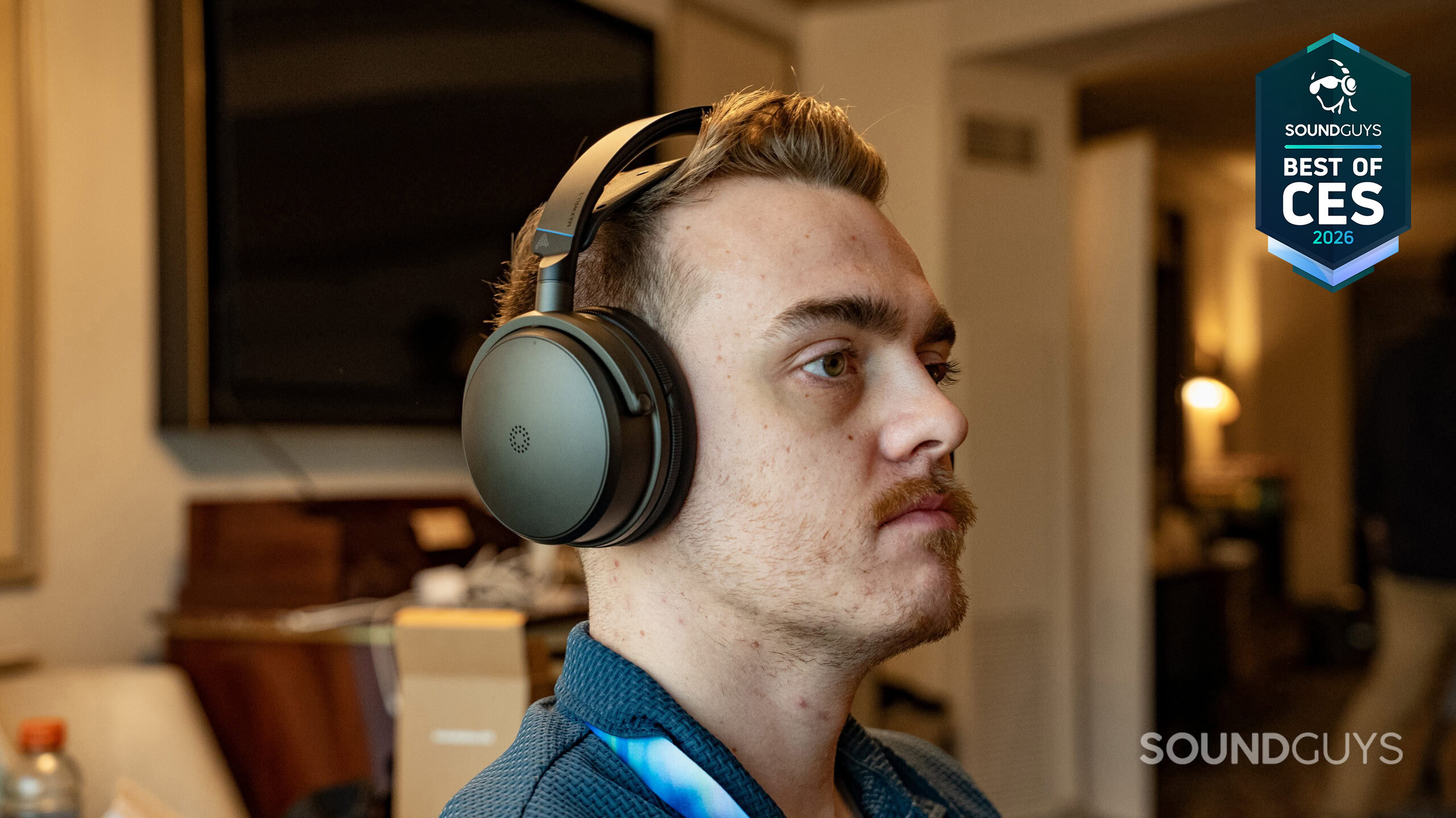
- Headphone cross-check: Establish a habit of verifying speaker mixes on reference headphones. The Audeze Maxwell 2, highlighted at CES 2026, represents the kind of high-fidelity monitoring headphone that makes cross-referencing truly effective.
Monitor calibration takes 30 minutes but impacts every single session until your next calibration. It’s arguably the highest-ROI music production resolutions 2026 upgrade on this list.
5. Reference Track Library Creation
Searching for a reference track only when a client asks you to “make it sound like this song” is too late. Building a curated reference library in advance gives you a permanent benchmark for mixing decisions.
- Genre-based selection: Pick 3–5 reference tracks per major genre you work in—hip-hop, pop, EDM, R&B, rock, jazz, orchestral.
- Selection criteria: Prioritize Grammy-winning or Billboard-charting tracks with exceptional sonic quality. Look specifically for masters with well-preserved dynamic range.
- Frequency-specific references: Tag tracks by their strengths—outstanding low end, perfect vocal balance, exceptional spatial imaging—so you can pull up the right reference for the right problem.
- DAW integration: Create a dedicated reference folder and include a deactivated reference track in your session templates. Load REFERENCE, Magic AB, or Metric AB on your master bus for instant A/B comparison.
- Quarterly refresh: Update your references every quarter. Production trends evolve, and your benchmarks should evolve with them.
EDMProd’s workflow guide identifies reference track usage as a cornerstone of professional workflow. Mixing without references is navigating without a map—you might arrive somewhere, but probably not where you intended.
6. Session File Versioning and Backup System
“Final_mix_v3_REAL_FINAL_actual_FINAL.wav”—if this naming convention looks uncomfortably familiar, you need a versioning system. Professional session management is a survival skill, not a nice-to-have.
- Naming convention: Adopt “[ProjectName]_v[Version]_[Date]_[Stage]” format. Example: “SummerVibes_v04_20260119_mixdown”. Always use two-digit version numbers (v01, v02) for proper file sorting.
- Automated backup: Configure Time Machine (macOS), Backblaze, or Arq for automatic incremental backups. Supplement with weekly manual backups to an external SSD.
- Cloud synchronization: Sync your active project folder to Google Drive, Dropbox, or iCloud. This ensures recoverability in case of hardware failure.
- Archive policy: Completed projects get bounced as stems, compressed, and moved to cold storage (external HDD or cloud archive). Include a README.txt documenting plugins used, BPM, key, and client information.
- The 3-2-1 rule: 3 copies, 2 different media types, 1 offsite. This data protection principle applies to music production just as much as it does to enterprise IT.
With NAMM 2026 introducing tools like the Fender Studio Pro 8 and producers increasingly working across multiple DAWs, systematic project management becomes even more critical. Without it, migrating between platforms turns into a nightmare of missing files and broken references.
7. Finishing Workflow: From Arrangement to Final Bounce Checklist
Plenty of producers start tracks. Far fewer finish them. The most impactful of all music production resolutions 2026 is building a system that gets songs across the finish line. EDMProd’s workflow guide recommends clearly separating creative and technical phases—and a finishing checklist enforces exactly that discipline.
The Finishing Checklist (Music Production Resolutions 2026 in Practice)
- Arrangement completion check: Is the structure clear—intro, verse, pre-chorus, chorus, bridge, outro? Does the energy curve (builds and drops) flow naturally?
- Sound design lockdown: Have all presets been customized? Are there any placeholder sounds still in the session?
- Mixing pass sequence: Level balance → EQ → Compression → Spatial effects → Automation. Follow the order. Resist the urge to jump ahead.
- Multi-environment check: Test on headphones, car speakers, and a phone speaker in addition to your studio monitors. Minimum two alternative listening environments.
- Loudness verification: Target -14 LUFS integrated for streaming. Use Youlean Loudness Meter or iZotope Insight to verify before final bounce.
- Final bounce specs: WAV 24-bit/48kHz (master), MP3 320kbps (preview), stems (client delivery)—all bounced in a single pass.
- Metadata embedding: Artist name, track title, ISRC code, and album art embedded directly in the file before distribution.
Save this checklist as a template in Notion or Google Docs and reference it for every project. Pair it with the 25-minute sprint technique—setting a timer and focusing on a single task until it rings—to power through the finishing phase without getting lost in endless tweaks.
Before NAMM 2026: Optimize First, Buy Second
NAMM 2026 is days away. The ASM Leviasynth’s innovative sound engine, Korg’s microAUDIO series, and the Akai MPC XL’s expanded workflow are going to be tempting. But before you add anything new to your setup, optimize what you already have.
These seven studio workflow upgrades cost little to nothing—most are completely free—yet they’ll deliver a measurable boost to your productivity. Start with the plugin audit, work through the list one upgrade per day, and by the time NAMM opens on January 22, your studio will be ready to fully leverage whatever new gear catches your eye. A clean, organized studio doesn’t just feel better—it makes you better.
Need professional mixing & mastering to take your productions to the next level? Greit Studios can help.
Get weekly AI, music, and tech trends delivered to your inbox.






