


Razer Viper V3 Pro Review: Can a 54g Wireless Mouse Actually Redefine Competitive Gaming?
August 25, 2025
Ableton Live 12 Max for Live Essentials: 10 Must-Have Devices Every Producer Needs
August 26, 2025
“Today we’re opening up web image creation to everyone!” — with those words from CEO David Holz on August 21, 2024, the Midjourney web app finally broke free from Discord’s grip. If you’ve ever wanted to generate stunning AI images but couldn’t stomach learning Discord bot commands, your wait is over.
Why the Midjourney Web App Changes Everything
For nearly two years, Midjourney held a bizarre distinction in the AI world: it was arguably the best AI image generator available, yet it forced every user to interact through Discord — a platform designed for gamers, not designers. Want to generate an image? Open Discord, find the right channel, type a slash command, and hope your creation doesn’t get buried in a flood of other users’ prompts. It was powerful but deeply unintuitive.
That friction wasn’t accidental. Midjourney’s small team, led by founder David Holz, used Discord as a ready-made infrastructure that let them scale without building a full web platform from scratch. But as competitors like DALL-E, Adobe Firefly, and Stable Diffusion offered polished browser interfaces, the Discord-only approach became Midjourney’s biggest liability.
The alpha version of Midjourney’s web editor quietly launched in December 2023, but it was restricted to power users who had already generated over 10,000 images. In August 2024, that gate came down entirely. First, the web editor with inpainting and outpainting tools debuted on August 16. Then, on August 21-23, the full web app opened to everyone — including brand-new users who had never touched Midjourney before.
” alt=”Midjourney web app interface showing the image generation prompt bar and gallery”/>
Getting Started with the Midjourney Web App: 25 Free Images, No Strings
One of the most significant changes is the free trial. New users who visit midjourney.com now get approximately 25 free image generations — no credit card required. You can sign in with either a Google account or an existing Discord account, and if you’ve used Midjourney on Discord before, your history and settings carry over seamlessly.
This is a calculated move. As MakeUseOf reported, Midjourney had previously suspended free trials in 2023 due to abuse. The web app’s account verification system — requiring a Google or Discord login — gives the team better control over who creates trial accounts, reducing the bot-driven abuse that plagued the Discord-based free tier.
Web App vs. Discord: What You Actually Get
The web interface isn’t just Discord in a browser window — it’s a fundamentally different experience. Here’s what the Midjourney web app brings to the table:
Visual-First Workflow
Instead of memorizing parameters like --ar 16:9 --v 6.1 --stylize 750, the web app offers clickable controls. Aspect ratio? There’s a slider. Style intensity? Drag a knob. Image references? Drag and drop them into a visual panel instead of uploading to Discord and pasting URLs. For anyone coming from tools like Canva or Adobe Express, this feels instantly familiar.
Built-In Editor with Inpainting
The web editor, launched on August 16, 2024, combines several features that previously required third-party tools or complex Discord workflows. Vary Region (inpainting) lets you select a portion of your image and regenerate just that area. Outpainting extends your canvas beyond the original borders. Pan, zoom, and crop controls work in real-time. This is the kind of post-generation editing that used to require round-tripping through Photoshop.
Collaboration and Organization
Two features stand out for professional users: Rooms and Moodboards. Rooms allow teams to collaborate on image generation in shared spaces — think Google Docs for AI art. Moodboards let you curate collections of generated images as visual references, which feeds back into Midjourney’s Personalization Profiles to fine-tune the AI’s output to your aesthetic preferences. The Organize page provides proper asset management, a far cry from scrolling through Discord chat history to find that one image you generated three weeks ago.
Privacy by Default
On Discord, every image you generate in public channels is visible to everyone. The web app defaults to private generation — your prompts and images are yours alone unless you choose to share them. For businesses using AI-generated imagery for client work or product design, this alone justifies the switch.
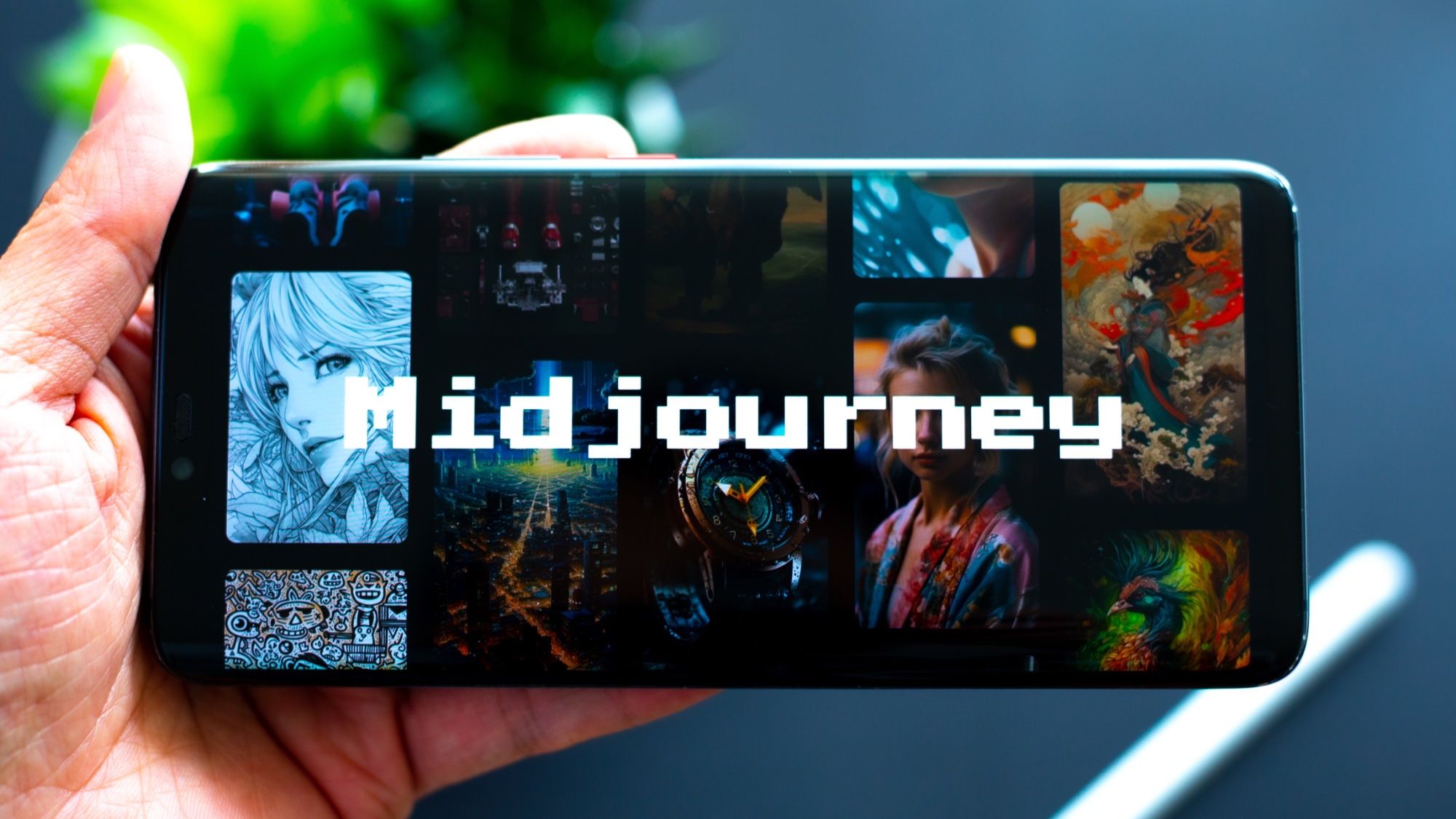
” alt=”Midjourney web app editor comparison with Discord bot interface”/>
Discord Isn’t Dead (Yet) — Here’s Why 60% Still Prefer It
Here’s a surprising data point: in an August 2024 micro-poll, roughly 60% of existing Midjourney users said they still preferred Discord. Why? Speed and muscle memory. Power users who’ve spent months perfecting their workflow can iterate faster by copy-pasting prompts in Discord than by clicking through a GUI. The Discord bot also supports API automation through tools like Zapier, enabling batch generation pipelines that the web app doesn’t yet match. And the real-time community feedback loop — seeing what others are creating and riffing on their prompts — is something the web app’s private-by-default approach intentionally sacrifices.
As Tom’s Guide’s Ryan Morrison put it, after testing the web app he was “never going back to Discord.” But his perspective represents the mainstream user — designers, marketers, and content creators who want results without learning a command-line-adjacent interface. The Discord power users, meanwhile, have little reason to switch if their current workflow is already optimized.
V6.1: The Engine Under the Hood
The web app launch coincided with Midjourney V6.1, and the timing was deliberate. V6.1 brings improved coherence in complex scenes, better text rendering within images (still not perfect, but significantly improved), and more consistent adherence to detailed prompts. Launching the web app alongside the latest model ensures that first-time users see Midjourney at its best — not the rougher output of earlier versions that might have made them dismiss the tool.
For existing subscribers, V6.1 is available on both Discord and the web app. The model itself is platform-agnostic — only the interface changes.
The Competitive Landscape: Why This Matters Now
Midjourney’s move to the web doesn’t happen in a vacuum. DALL-E 3 is integrated directly into ChatGPT, reaching hundreds of millions of users without them needing a separate tool. Adobe Firefly is baked into Photoshop and Illustrator, targeting professionals who already live in Adobe’s ecosystem. Stable Diffusion offers open-source flexibility with web UIs like ComfyUI and Automatic1111. Each competitor has a frictionless entry point — and until August 2024, Midjourney didn’t.
The web app levels that playing field. A marketing manager who needs a quick hero image can now visit midjourney.com, sign in with Google, type a prompt, and have a polished image in under a minute. That’s the same ease of access that DALL-E and Firefly offer, but with Midjourney’s distinctly artistic output quality that has made it the preferred choice for creative professionals.
What This Means for the Future of AI Image Generation
The Midjourney web app launch signals a broader industry shift: the command-line era of AI tools is ending. Users expect visual, intuitive interfaces — whether they’re generating images, editing video, or composing music with AI. The tools that win won’t necessarily be the ones with the most powerful models, but the ones that make those models accessible to the widest audience.
For creators and businesses evaluating AI image tools, the calculus just shifted. Midjourney’s artistic quality was never in question — its accessibility was. With the web app removing that barrier, the question is no longer “Is Midjourney worth learning Discord for?” but simply “Which AI image tool produces the results you need?” And for many users, the answer has been Midjourney all along — they just needed a front door that wasn’t locked behind a chat app.
Exploring AI-powered tools for your creative or business workflow? Whether it’s automation pipelines, AI integration, or technical consulting — let’s talk.
Get weekly AI, music, and tech trends delivered to your inbox.






