


Corsair iCUE Link Ecosystem: The Complete Guide to Cable-Free PC Building in 2025
May 22, 2025
How to Create Professional FL Studio Beats: 7 Steps From Blank Project to Final Mix
May 23, 2025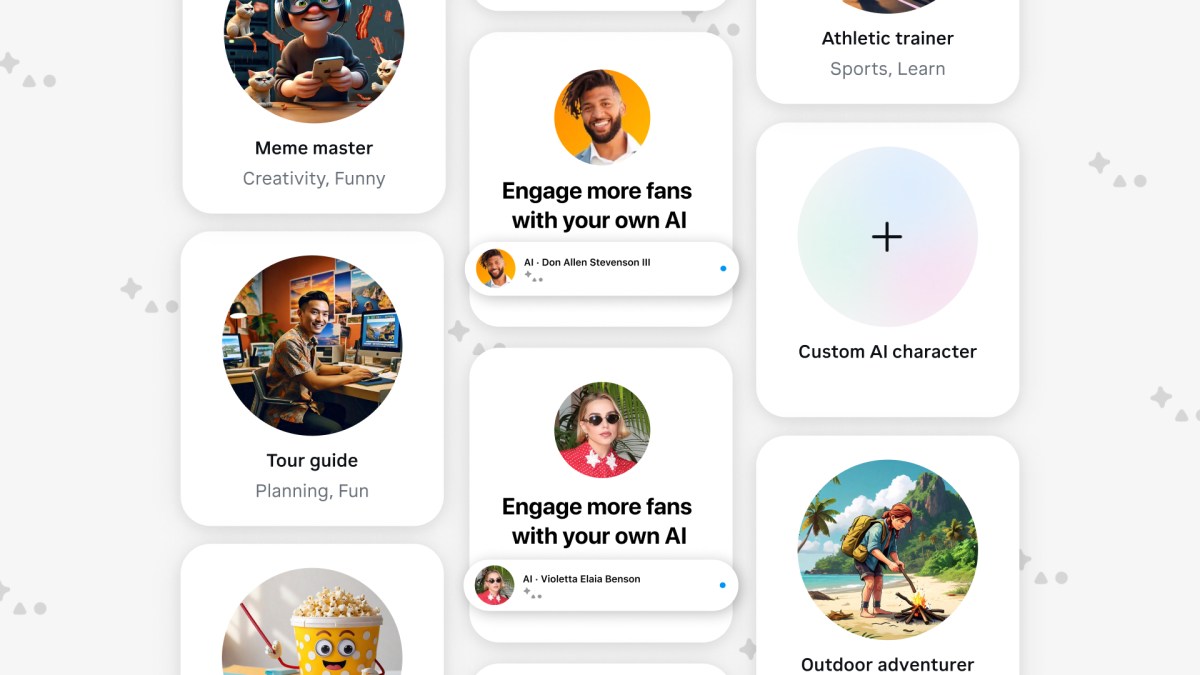
Stop paying developers thousands of dollars to build chatbots. Meta AI Studio just gave every creator and small business owner the power to spin up custom AI characters — no code, no API keys, no headaches — and deploy them directly on Instagram, Messenger, and WhatsApp where your audience already lives.
Meta AI Studio is Meta’s answer to OpenAI’s custom GPTs and Character.AI, but with one massive advantage: native integration with the platforms that have 3.9 billion monthly active users combined. While Google I/O and Microsoft Build are dominating the news cycle this week, Meta has been quietly building something that could reshape how creators interact with their audiences at scale.
What Is Meta AI Studio and Why Should You Care?
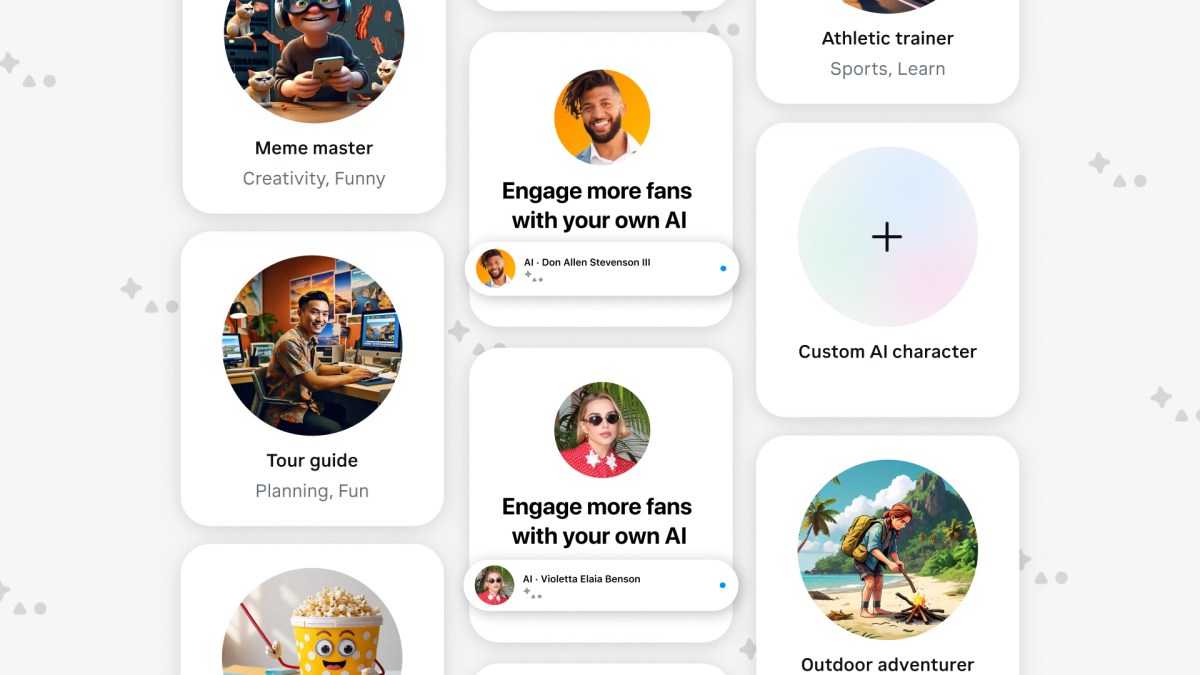
Meta AI Studio is a no-code platform powered by Meta’s Llama 3.1 model that lets anyone create custom AI characters with unique personalities, tones, and knowledge bases. These aren’t just chatbots stuck on a website nobody visits — they live inside Instagram DMs, Messenger conversations, and WhatsApp chats where real engagement happens.
Think about what this means for a moment. If you’re a fitness creator with 50,000 followers and you get 200 DMs a day asking the same questions about workout plans, you can now create an AI version of yourself that handles those conversations 24/7 — in your voice, with your expertise, following your guidelines.
The platform was initially announced in July 2024 and has been steadily expanding its capabilities. By May 2025, it’s become a legitimate contender in the custom AI space, particularly for anyone whose audience lives on Meta’s family of apps. The timing is strategic — as Google showcased its AI agents at I/O and Microsoft pushed Copilot extensions at Build, Meta is doubling down on making AI accessible to the creator economy rather than just enterprise developers.
Meta AI Studio vs. Custom GPTs vs. Character.AI: The Competitive Landscape
Before diving into the how-to, let’s address the elephant in the room. Why Meta AI Studio when custom GPTs and Character.AI already exist?
Distribution is the differentiator. OpenAI’s custom GPTs require users to go to ChatGPT. Character.AI lives in its own app. Meta AI Studio characters meet your audience where they already spend hours every day. No new app downloads, no friction, no “click this link to chat with my bot.”
- Meta AI Studio: Native on Instagram, Messenger, WhatsApp. No coding. Llama 3.1 powered. Free for creators.
- Custom GPTs: Powerful but confined to ChatGPT ecosystem. Requires users to have a ChatGPT account.
- Character.AI: Entertainment-focused. Strong personality modeling but no business integration.
For creators and businesses, the calculus is simple: your AI character should be where your customers already are. And for most consumer-facing brands, that’s Instagram and Messenger.
How to Create Your Custom Meta AI Studio Character in 5 Steps
Here’s the practical walkthrough. According to Meta’s official announcement, the entire process takes under 15 minutes from start to deployment.
Step 1: Access Meta AI Studio and Choose Your Starting Point
Navigate to ai.meta.com/ai-studio and log in with your Meta account. You’ll see two options: start from a template or build from scratch. Templates are great for common use cases like customer support, FAQ bots, or persona-based characters. Starting from scratch gives you full control.
Pro tip: If this is your first time, start with a template and customize it. You’ll learn the system faster and can always create a more complex character later.
Step 2: Define Your AI Character’s Identity
This is where Meta AI Studio gets interesting. You’re not just setting up a chatbot — you’re creating a character with:
- Name: Something memorable and on-brand (e.g., “Studio Assistant” or a character name)
- Personality traits: Professional, casual, witty, empathetic — pick up to 5 traits
- Tone of voice: How formal or casual the responses should be
- Avatar: Upload a custom image or use Meta’s generation tools
- Tagline: A one-liner that appears when users first interact
The personality engine runs on Llama 3.1, which means your character doesn’t just follow scripts — it genuinely adapts its communication style based on the traits you define. This is a significant leap from the rigid decision-tree chatbots of the past.
Getting the personality right matters more than most people realize. A character that’s too formal for a streetwear brand or too casual for a financial advisory firm will feel off immediately. Spend extra time here — test different trait combinations in the preview before moving on. The best Meta AI Studio characters feel like a natural extension of the brand, not a bolted-on bot.
Step 3: Train Your Character with Knowledge and Example Responses
Here’s where you make your AI character actually useful. Feed it:
- Knowledge base: FAQs, product info, policies, your content library
- Example conversations: Show it how you’d respond to common questions
- Boundaries: Topics to avoid, escalation triggers, off-limits responses
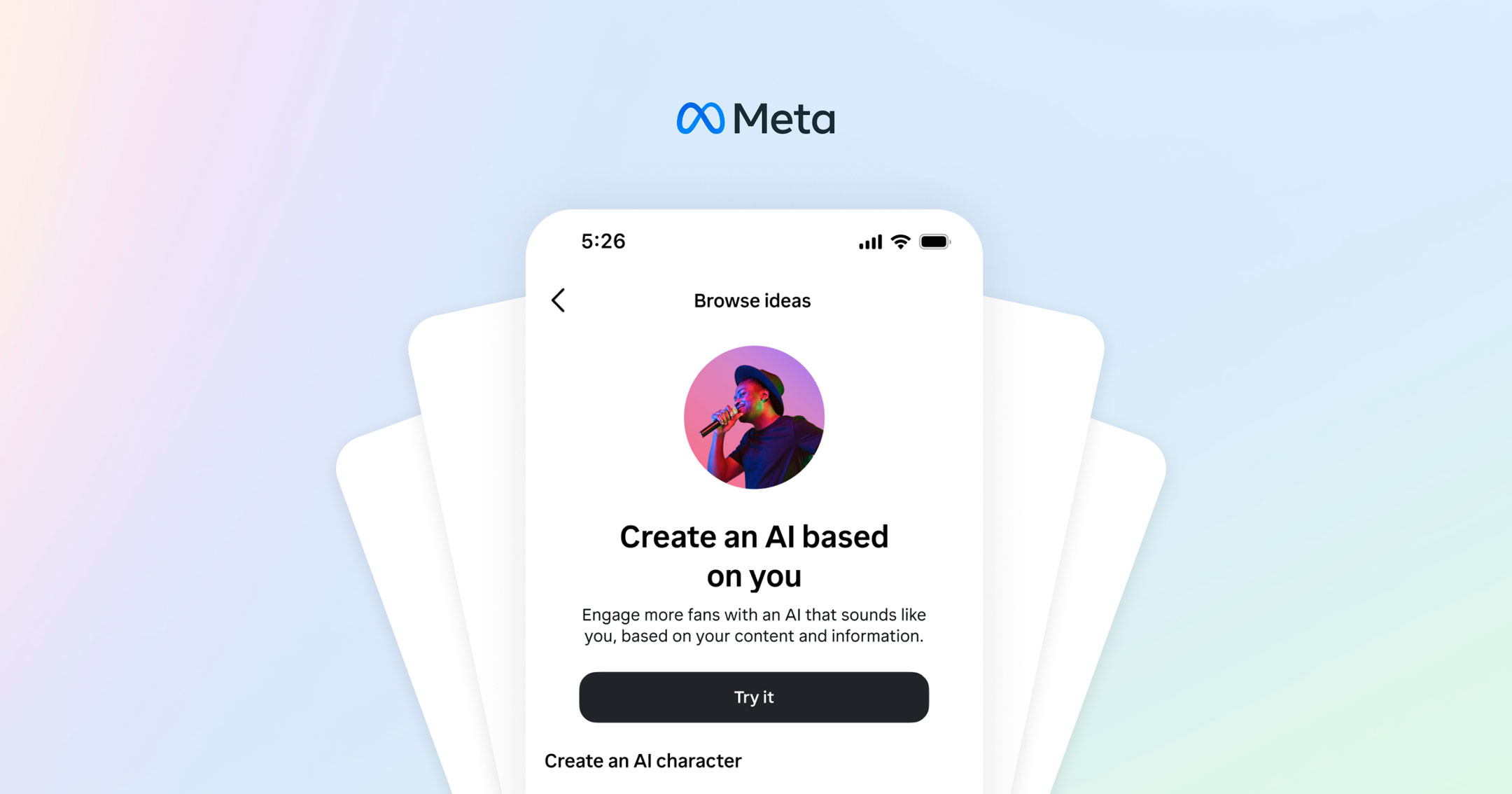
- Instagram/Threads content: The AI can learn from your existing posts and threads
The example responses feature is particularly powerful. Instead of writing complex prompts, you simply show the AI “when someone asks X, here’s how I’d respond” — and Llama 3.1’s advanced NLP extrapolates the pattern to handle similar questions it’s never seen.
Step 4: Configure Deployment and Auto-Reply Settings
Meta AI Studio gives you granular control over where and how your character operates:
- Platform selection: Toggle deployment on Instagram DMs, Messenger, WhatsApp, or web
- Auto-reply rules: Set when the AI responds automatically vs. when it defers to you
- Business hours: AI handles off-hours messages, you take over during work hours
- Escalation: Define keywords or scenarios that trigger a handoff to a human
The creator dashboard provides real-time analytics on conversations, satisfaction signals, and common topics — giving you a feedback loop to continuously improve your character’s responses.
Step 5: Test, Iterate, and Launch
Before going live, Meta AI Studio provides a sandbox environment where you can:
- Chat with your character as if you were a user
- Test edge cases and boundary responses
- Verify personality consistency across different topics
- Check that escalation triggers work properly
Once you’re satisfied, hit publish. Your AI character goes live instantly on your selected platforms. The feedback loop built into the system means your character gets smarter over time as it handles more conversations.
A critical tip from experience with AI deployment: don’t launch to your entire audience on day one. Start by enabling the AI character for a subset of conversations — perhaps only auto-replies during off-hours — and monitor the quality of responses for the first 48-72 hours. Review the conversation logs, identify weak spots, add more example responses to cover gaps, and then gradually expand coverage. This iterative approach prevents the “bad first impression” problem that kills user trust in AI tools.
Real-World Use Cases: Who Benefits Most from Meta AI Studio?
The no-code approach opens the door to use cases that were previously only accessible to businesses with engineering teams:
- Creators (10K-1M followers): Handle repetitive DMs about collab inquiries, product recommendations, and FAQs without hiring a VA
- E-commerce brands: Product recommendations, order status, size guides — all inside Instagram DMs where purchase decisions happen
- Educators and coaches: Provide 24/7 access to course material, answer student questions, schedule sessions
- Local businesses: Appointment booking, menu inquiries, hours of operation — via Messenger where local discovery happens
- Music producers and artists: Handle booking inquiries, licensing questions, and fan engagement across platforms
The common thread? Meta AI Studio eliminates the gap between “I need a chatbot” and “I have a chatbot.” What used to take weeks of development now takes 15 minutes of configuration.
Limitations and Risks to Consider
No tool is perfect, and transparency matters. Here’s what you should know before going all-in:
- Hallucination risk: Like all LLM-based systems, your AI character can generate inaccurate information. This is especially critical for businesses providing health, financial, or legal information.
- US-first rollout: Meta AI Studio initially launched in the US, with international expansion still in progress. Check availability for your region.
- Platform dependency: Building on Meta’s platform means you’re subject to their policies, algorithm changes, and potential feature deprecation.
- Privacy considerations: Conversations are processed through Meta’s infrastructure. Review the data handling policies before deploying for sensitive use cases.
Meta learned from its September 2023 celebrity AI pilot — where AI versions of public figures caused confusion — and has implemented clearer labeling. Every AI character interaction is now clearly marked as AI-generated.
There’s also the question of content moderation. Your AI character represents your brand, and if it goes off-script in a way that offends a customer, that’s on you — not Meta. Invest time in setting robust boundaries, testing adversarial prompts, and having a clear escalation path to a human agent for sensitive conversations. The granular controls in the creator dashboard exist for a reason — use them.
The Bigger Picture: AI Characters as the New Customer Interface
With Google, Microsoft, and now Meta all betting heavily on AI-powered interactions this May, the trajectory is clear: AI characters won’t just supplement human communication — they’ll become the primary interface between brands and audiences. Meta AI Studio’s advantage isn’t the AI itself (Llama 3.1 is impressive but not uniquely so). The advantage is distribution.
When your AI character lives inside the same app where someone double-tapped your post, swiped through your stories, and clicked your profile link — the journey from discovery to conversation happens without friction. That’s the strategic play Meta is making, and it’s a compelling one.
For creators and businesses serious about scaling their presence without scaling their headcount, Meta AI Studio represents the most accessible entry point to AI-powered engagement available today. The five steps above will get you from zero to a functioning AI character in under 15 minutes — the real work comes in refining that character over time with real conversation data.
Building AI-powered tools into your workflow — whether it’s chatbots, automation pipelines, or custom integrations — can be a game-changer when done right.
Get weekly AI, music, and tech trends delivered to your inbox.






