


Microsoft Ignite 2025: Azure AI Foundry, Copilot Agents, and 5 Enterprise Updates You Need to Know
November 27, 2025
DJI Mini 5 Pro Review: 1-Inch Sensor and 4K120fps in a 249.9g Drone Changes Everything
November 27, 2025
Your mastering chain is broken — and you probably don’t even know it. After 28 years and thousands of masters, I can tell you that most engineers stack plugins by guesswork without understanding why each processor sits where it does in the signal flow. EQ before compression? After? What about stereo imaging? Today, I’m laying out the exact 7-step mastering chain I use in professional sessions, so you can stop guessing and start mastering with intention.
” alt=”mastering chain signal flow diagram from EQ to limiter” />
What Is a Mastering Chain and Why Does Signal Order Matter?
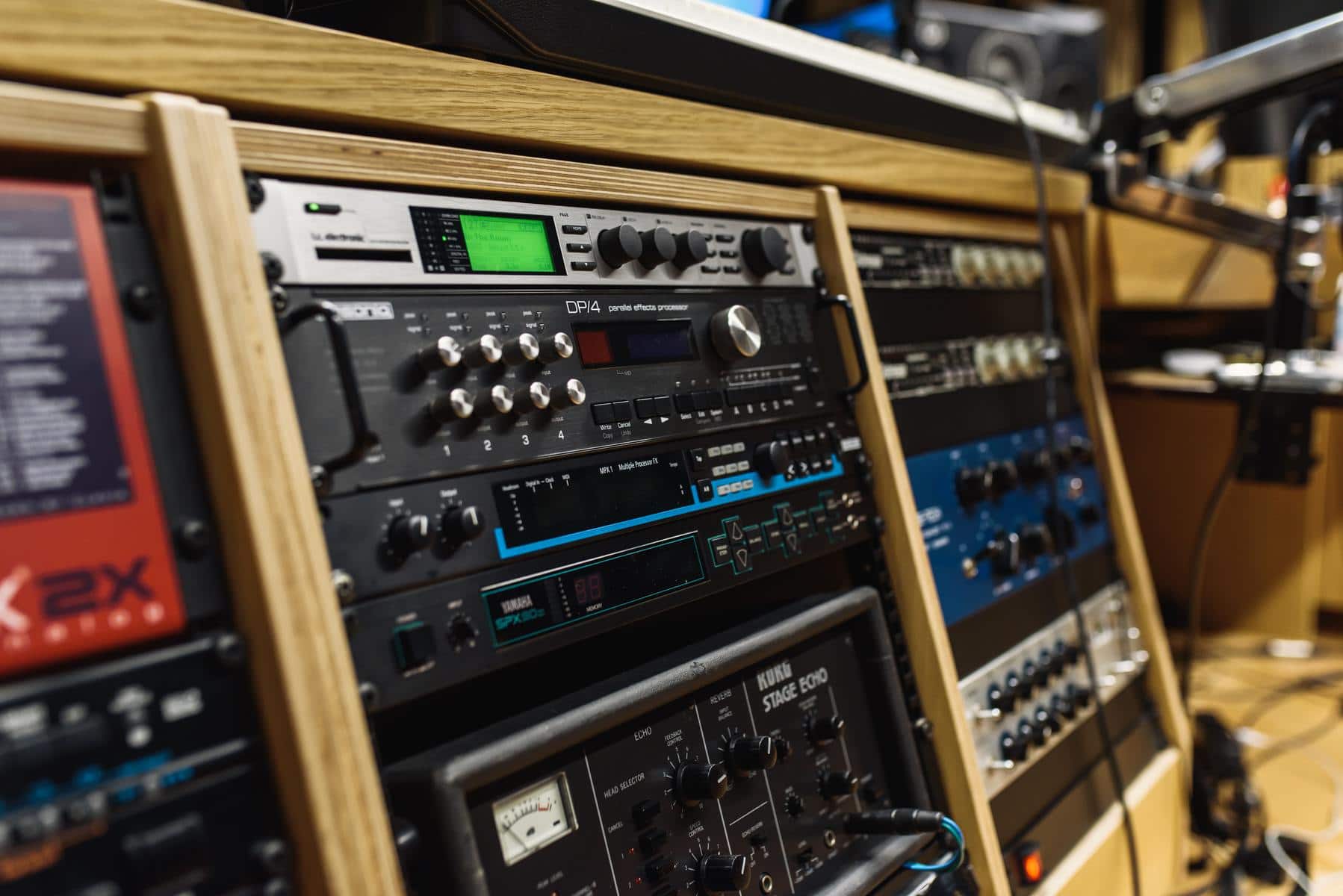
A mastering chain is the sequential series of audio processors applied to a final stereo mix before distribution. The operative word here is “sequential.” Your signal passes through each plugin in order — the output of one becomes the input of the next. This means placing an EQ before a compressor produces fundamentally different results than placing it after. The compressor reacts to what it receives, and if you’ve already shaped the frequency balance, it will compress differently than if it’s hitting the raw mix.
In the analog era, engineers physically patched hardware units together with cables through a patchbay. Changing the order meant re-routing physical connections. In the digital world, we can drag and drop plugins freely — but that freedom has actually created more confusion, not less. As iZotope’s mastering guide emphasizes, understanding signal flow logic is the foundation of good mastering.
The simplified mastering chain most people learn is: Corrective EQ → Glue Compression → Limiter. That three-step framework works as a starting concept, but professional mastering demands more nuance. Let me walk you through the expanded 7-step chain that covers everything you need.
The Complete 7-Step Mastering Chain: Full Signal Flow Breakdown
Step 1: Gain Staging
Everything begins here. Before any processing, you need to ensure your input level is appropriate. Load your stereo mix and check the peak levels — you want them sitting between -6dB and -3dB. Too low, and you’ll run into noise floor issues with subsequent processors. Too high, and you risk digital clipping before any processing even begins. Place a simple trim or gain utility plugin at the very front of your mastering chain. This unglamorous step prevents a cascade of problems downstream.
Step 2: Corrective EQ
This is arguably the most critical stage of the entire mastering chain. The goal here is not to make things sound “better” — it’s to remove problems. Think of it as cleaning the canvas before painting.
- High-pass filter at 20-30Hz: There’s no musical content down here — just subsonic rumble that eats up headroom and can cause your limiter to pump unnecessarily.
- Cut the mud at 200-300Hz: A narrow 1-2dB cut in this region clears up muddiness that plagues many mixes. This is the most common corrective move in mastering.
- Tame harshness at 8-10kHz: Sibilance, cymbal harshness, and overly bright vocals often concentrate here. A gentle cut or a dynamic EQ band can smooth things out without dulling the mix.
The industry standard for corrective EQ is FabFilter Pro-Q 4. Its dynamic EQ bands, mid/side processing, and surgical precision make it indispensable. Right now during Black Friday 2025, FabFilter is offering 25% off — Pro-Q 4 at $134 or the Total Bundle (which includes Pro-L limiter and Pro-C compressor) at $637. If you don’t own it yet, this is the time.
Step 3: Glue Compression
The compressor’s job in a mastering chain is not aggressive dynamic control — it’s subtle “gluing” that makes the mix feel like one cohesive piece rather than a collection of individual tracks. Here are the settings that work as a solid starting point:
- Attack: Slow (30ms+) — you want transients to punch through
- Release: Medium (100-300ms) or Auto
- Ratio: 2:1 to 4:1
- Gain Reduction: 1-2dB is the sweet spot — if you’re hitting 3dB or more, you’re likely over-compressing for mastering
SSL G-Bus style compressors and API 2500 emulations are particularly beloved for glue compression. The Plugin Alliance Black Friday sale is insane this year — their bx_2098 EQ is going for $10 (93% off), and they have compressor bundles at similar discounts. At these prices, there’s no reason not to expand your toolkit.
Step 4: Tonal/Color EQ
Where Step 2 was surgical removal, Step 4 is artistic enhancement. This is where you add character — a gentle high-shelf boost to add “air,” a subtle low-mid bump for warmth, or a broad presence boost around 3-5kHz to bring the mix forward. Pultec-style EQs excel here because their broad, musical curves add color without harshness.
Universal Audio’s Studio Classics bundle — which includes their Pultec EQP-1A, 1176, and LA-2A emulations — is currently 90% off at just $59. For the quality of these emulations, that’s practically a gift. These are the same algorithms that have been used on Grammy-winning records.
” alt=”mastering chain plugin settings screenshot showing EQ compressor and limiter” />
Step 5: Stereo Imaging
Stereo imaging is often overlooked in the mastering chain, but it determines the spatial perception and width of your final master. The critical rule: keep everything below 200Hz in mono. Bass frequencies in stereo cause phase issues on playback systems and waste energy. Above that, you can gently widen the mid and high frequencies to create a more immersive soundstage — but restraint is key. Over-widening causes mono compatibility collapse.
iZotope Ozone 11 Advanced has one of the best stereo imager modules in the business, with per-band control. It’s on sale for $209 (75% off) this Black Friday — and since Ozone also includes an EQ, compressor, and limiter, it can actually serve as your entire mastering chain in one plugin if you’re just starting out.
Step 6: Limiter
The limiter is the final gatekeeper of your mastering chain. It serves two purposes: achieving the target loudness and preventing true peak clipping. Here are the essential settings:
- Output Ceiling: -1.0dBTP (True Peak) — this provides encoding headroom for streaming codecs like AAC and Ogg Vorbis
- Gain Reduction: 2-3dB is ideal — anything beyond 5dB and you’re likely crushing dynamics
- Target Loudness: -14 LUFS for Spotify, -16 LUFS for Apple Music — know your platform
FabFilter Pro-L 2, Ozone 11’s Maximizer, and Sonnox Oxford Limiter are the most trusted options. Eventide is also offering 82% off their entire catalog this Black Friday, which includes some excellent multiband processing tools that can complement your limiter.
Step 7: Metering & Quality Control
The final position in your mastering chain should always be a metering plugin. This isn’t processing — it’s verification. You need LUFS metering, true peak metering, and a spectrum analyzer to confirm your master meets target specifications. Sonarworks Reference (50% off this Black Friday) is excellent for monitoring calibration, and Youlean Loudness Meter is a fantastic free option for LUFS measurement. Never skip the QC step — it’s the difference between professional and amateur mastering.
5 Common Mastering Chain Mistakes (And How to Avoid Them)
After training hundreds of engineers, I see the same mistakes repeat themselves. Here’s what to watch out for:
- Relying on the limiter for all your loudness: If you’re pushing 6+ dB of gain reduction on the limiter, your master will sound flat and distorted. Build loudness gradually across the chain — a dB from EQ moves, a dB from compression, then the limiter handles the last 2-3dB.
- Mastering without reference tracks: Always A/B your work against commercially released reference tracks in the same genre. Your ears fatigue after 20-30 minutes, and without a reference point, you’ll drift. Use a level-matched reference to keep yourself honest.
- Over-widening stereo image: Width feels impressive in headphones, but if your master collapses in mono — which happens on phone speakers, Bluetooth speakers, and club systems — you’ve failed. Always check mono compatibility.
- Boosting when you should be cutting: In mastering, subtractive EQ is your default tool. If something doesn’t have enough presence, cut what’s masking it rather than boosting the target frequency. Boosts should stay within 0.5-1dB.
- Ignoring your monitoring environment: The best mastering chain in the world is useless in an untreated room. Room acoustics and monitor calibration should come before any plugin purchase. Spend on acoustic treatment first, plugins second.
Black Friday 2025: Best Mastering Plugin Deals Roundup
If you’ve been waiting to build or upgrade your mastering chain, this Black Friday is delivering some of the deepest discounts I’ve seen in years. Here’s my curated list of the deals worth grabbing:
- FabFilter Pro-Q 4 — $134 (25% off): The corrective EQ standard
- FabFilter Total Bundle — $637 (25% off): Complete mastering chain in one bundle
- iZotope Ozone 11 Advanced — $209 (75% off): All-in-one mastering suite with AI assist
- Plugin Alliance bx_2098 EQ — $10 (93% off): Incredible tonal EQ value
- Universal Audio Studio Classics — $59 (90% off): Pultec, 1176, LA-2A emulations
- Eventide full catalog — 82% off: Reverbs and multiband effects
- Sonarworks Reference — 50% off: Monitor calibration essential
If you’re building a mastering chain from scratch, the FabFilter Total Bundle gives you everything — EQ, compressor, limiter, multiband, and metering — in one purchase. For a more budget-friendly start, Ozone 11 Advanced is a complete mastering environment with the added benefit of AI-assisted processing that helps beginners find a reasonable starting point.
Final Thoughts: There’s No Perfect Mastering Chain, But There Are Principles
After 28 years behind the console, one thing I’m certain of: there is no universal preset that works for every song. Genre, mix quality, and target platform all influence how you should configure your mastering chain. A hip-hop master for Spotify will look very different from a classical master for vinyl. But the underlying logic of signal flow — gain staging first, corrective processing before creative, dynamics before limiting, and metering always last — these principles remain constant regardless of genre or era.
Use the 7-step framework in this guide as your skeleton, then let your ears and experience guide the details. Trust the process, check your work against references, and remember that subtlety is the hallmark of great mastering. And if Black Friday is still running when you read this — grab the tools you need while the discounts last. Your future masters will thank you.
Need your tracks mastered by a professional with 28 years of experience? Let’s talk about getting your music release-ready.
Get weekly AI, music, and tech trends delivered to your inbox.






