


Microsoft Agent Framework RC: Complete Guide to the Unified AutoGen + Semantic Kernel SDK for .NET and Python (2026)
March 23, 2026
IFPI Global Music Report 2026: Revenue Hits $31.7 Billion, 837M Streaming Subscribers, and Vinyl’s 19th Year of Growth
March 23, 2026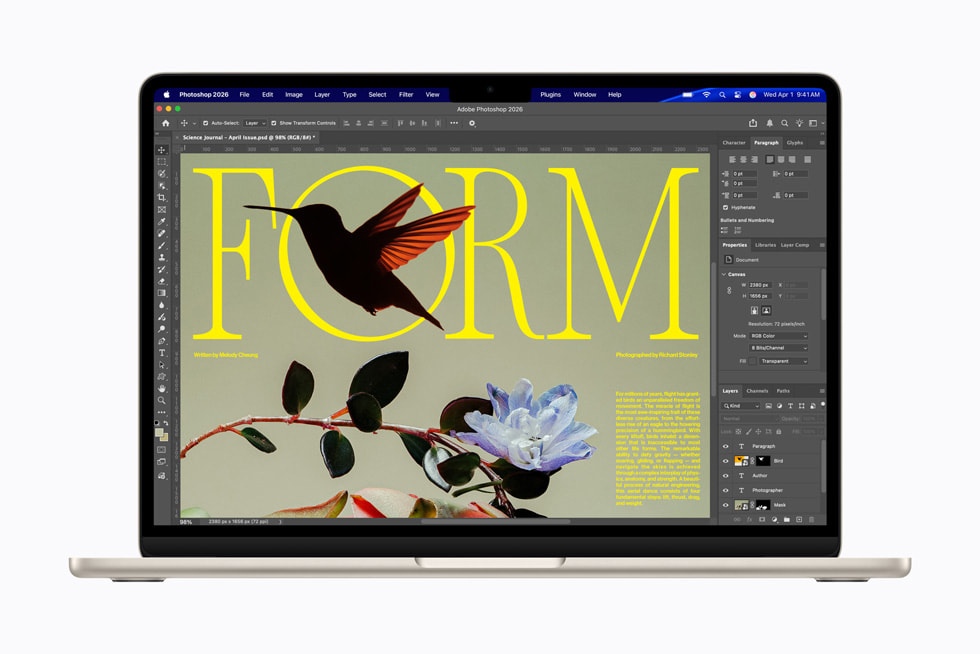
Geekbench 6 single-core: 4,195. Multi-core: 17,276. From a fanless ultrabook. The MacBook Air M5 landed on March 11, 2026, and those numbers alone are enough to make you do a double-take. We’re talking 11% single-core improvement, 17% multi-core gain, and a 31% GPU leap over the M4 — all without a fan, all inside the same impossibly thin chassis. But here’s the question that actually matters: if you’re already running an M4, is this enough to justify opening your wallet?
I’ve spent the past two weeks digging through every benchmark, tearing apart spec sheets, and stress-testing real-world workflows. Here’s the complete picture — the numbers, the nuances, and the honest verdict on who should upgrade and who should save their money.
MacBook Air M5: Full Spec Breakdown
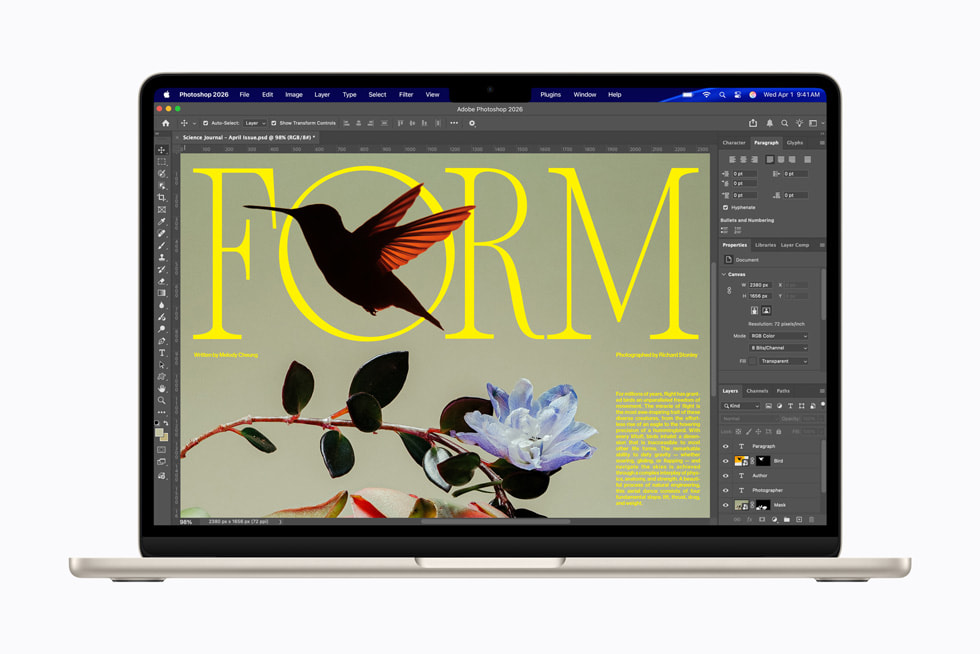
Apple didn’t just drop a faster chip into the same machine. The M5 MacBook Air brings meaningful upgrades across the board — doubled base storage, dramatically faster SSD performance, Wi-Fi 7, and an AI processing pipeline that’s genuinely impressive. According to Apple’s official announcement, the M5 delivers up to 4x faster AI task performance compared to the M4.
Here’s what you’re getting:
- Processor: Apple M5 — 10-core CPU, up to 10-core GPU, Neural Accelerator in every core
- Memory: 16GB standard, configurable to 24GB or 32GB (unified memory bandwidth: 153GB/s, a 28% jump over M4)
- Storage: 512GB base (doubled from M4), configurable up to 4TB
- Display: 13.6-inch or 15.3-inch Liquid Retina
- Camera: 12MP Center Stage
- Ports: 2x Thunderbolt 5, 3.5mm headphone jack (high-impedance support)
- Wireless: Wi-Fi 7, Bluetooth 6 (Apple N1 chip)
- Battery: Up to 18 hours
- Price: 13-inch from $1,099 / 15-inch from $1,299 (education pricing from $999)
- Colors: Sky Blue, Midnight, Starlight, Silver
- Availability: Pre-order March 4, shipping March 11
MacBook Air M5 vs M4: The Complete Benchmark Comparison
Numbers don’t lie — but they can mislead if you don’t look at the full picture. Here’s a comprehensive side-by-side breakdown based on MacRumors’ benchmark testing and multiple independent reviews:
The CPU gains are evolutionary, not revolutionary. But the GPU jumping 31% and SSD speeds more than doubling — that’s where the M5 starts to feel like a genuinely different machine. The L2 cache increase from 4MB to 6MB is also worth noting: a 50% bump that directly impacts creative workloads involving repetitive data access patterns.
Real-World Performance: Where You’ll Actually Feel the Difference
As Engadget’s comparison review correctly pointed out, casual users won’t feel the M4-to-M5 jump in daily tasks. Web browsing, email, document editing — both chips are already overkill for these workflows. If your daily routine consists of a dozen Chrome tabs, Slack, and a Google Docs spreadsheet, neither the M4 nor the M5 will ever break a sweat.
But the story changes significantly once you push into demanding creative and professional workflows:
- Video editing: Copying a 29GB Final Cut Pro project from an external SSD was approximately 30% faster on the M5. Timeline scrubbing and export times show measurable improvements
- AI and machine learning: The Neural Accelerator upgrade delivers up to 4x faster on-device AI processing. Apple Intelligence tasks — summarization, image generation, Smart Reply — run noticeably quicker
- Gaming: The 31% GPU improvement translates to hitting 100fps in some titles during testing. Not quite a gaming laptop, but the gap is narrowing
- Music production: Running plugin-heavy sessions in Logic Pro and Ableton Live benefits directly from the 28% memory bandwidth increase. The higher L2 cache also reduces latency in real-time audio processing
- Large file workflows: The SSD write speed improvement of 219% is transformative for photographers working with RAW files and videographers managing large project libraries
- Software development: Compiling large codebases, running Docker containers, and spinning up local development environments all benefit from the faster SSD and increased memory bandwidth. The 10-core CPU handles parallel build processes more efficiently than the M4’s configuration
One benchmark that stood out in particular: in a real-world test involving a 29GB Final Cut Pro project transfer from an external Thunderbolt SSD, the M5 completed the operation roughly 30% faster than the M4. That might sound incremental on paper, but when you’re transferring project files between a studio desktop and your mobile setup multiple times a week, those seconds compound into meaningful time savings over the course of a month.
The Unsung Heroes: Storage and Connectivity Upgrades
Here’s what I think deserves more attention than the chip itself: the MacBook Air M5 now starts at 512GB of storage. Previous generations started at 256GB, which felt increasingly cramped in 2025. Doubling the base storage at essentially the same price point is arguably the most consumer-friendly upgrade in this release.
Wi-Fi 7, powered by Apple’s new N1 wireless chip, supports theoretical speeds up to 46Gbps. In real-world testing, the improvement over Wi-Fi 6E is immediately noticeable — especially for large file transfers and cloud-based workflows. Bluetooth 6 brings improved stability and reduced latency for wireless audio devices, which matters for anyone using Bluetooth headphones during production work.
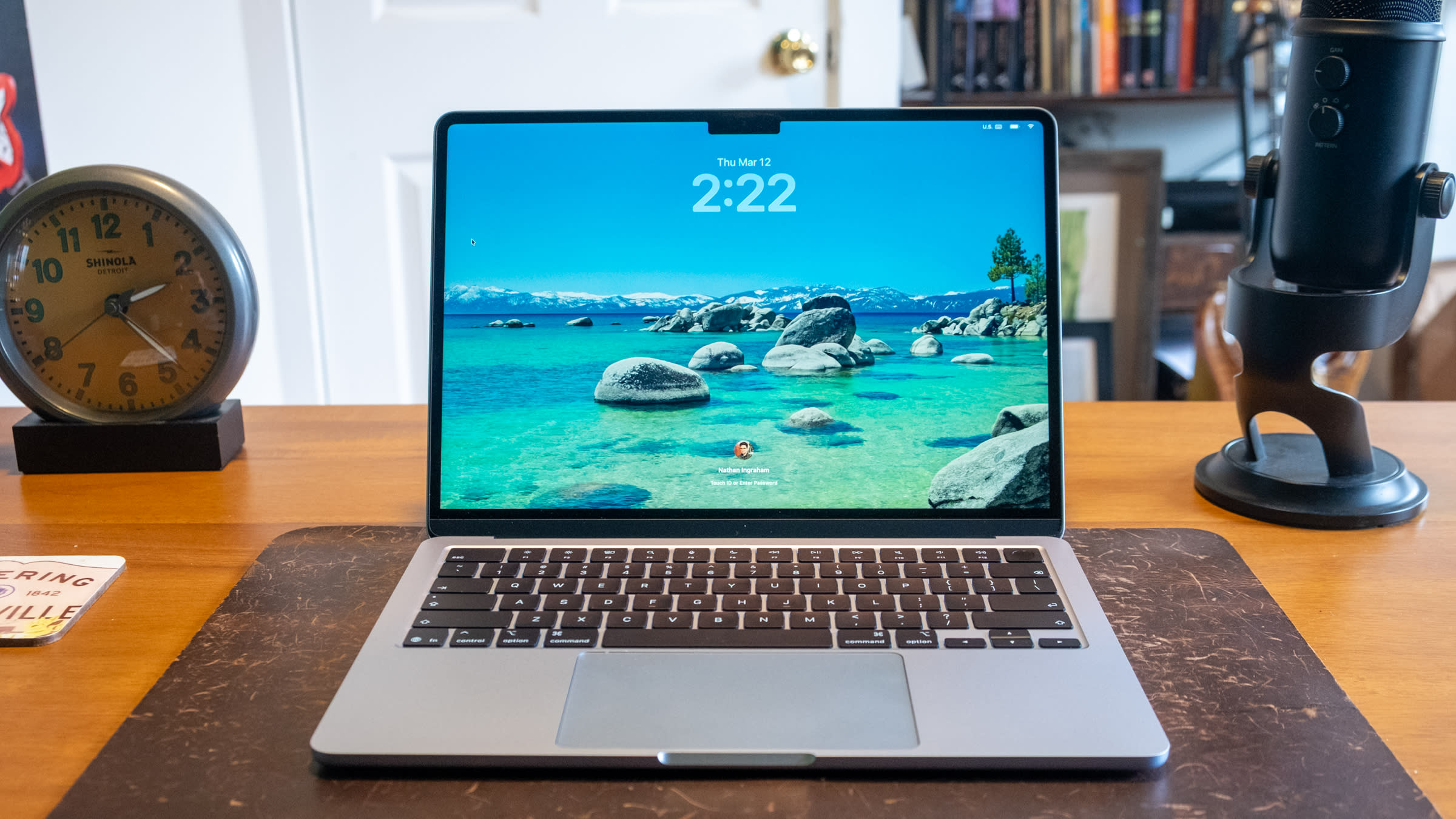
The two Thunderbolt 5 ports support dual external displays simultaneously, and the bandwidth headroom means you can comfortably connect an audio interface, external SSD, and display all at once without compromising performance. The 3.5mm headphone jack with high-impedance support is another thoughtful inclusion — studio-grade headphones like the Sennheiser HD 650 or Beyerdynamic DT 990 Pro can be driven directly without an external amplifier in most listening scenarios. For music producers and content creators who work between a studio and mobile setup, this flexibility is invaluable. As 9to5Mac’s review noted, the connectivity improvements may be the most practically meaningful upgrade in the entire package.
Who Should Upgrade — and Who Shouldn’t
Let’s cut through the marketing and get practical. Your upgrade decision should be based entirely on what you’re currently using.
Upgrade Now: It’s Worth It
- M1 or earlier users: The performance gap is massive. The M5 delivers over 2x the multi-core performance of the M1, plus dramatically better battery life, display quality, and connectivity
- Intel Mac holdouts: Stop waiting. Every single metric — performance, battery, thermals, weight — is in a different league
- Anyone stuck with 256GB storage: The base 512GB with up to 4TB configuration finally eliminates the Air’s biggest historic weakness
- First-time Mac buyers: At $1,099, the MacBook Air M5 is the best value entry point in Apple’s lineup and arguably the best ultrabook available at any price
- Creators prioritizing AI workflows: The 4x improvement in on-device AI processing makes Apple Intelligence genuinely useful rather than a marketing bullet point
Wait: You Don’t Need This Yet
- M4 MacBook Air owners: The honest truth is that you won’t feel a meaningful difference in daily use. The M4 is still an excellent machine, and the M4-to-M5 gap doesn’t justify the cost for most users
- M3 users who are happy: If your current setup handles everything you throw at it, waiting for M6 is a reasonable strategy — the incremental improvement doesn’t warrant an annual upgrade cycle
- Professionals who need more power: If you require Thunderbolt 5 bandwidth for pro peripherals, more than 32GB of RAM, or ProRes hardware acceleration, the MacBook Pro with M5 Pro or M5 Max is the right call
- Multi-monitor power users: While the Air now supports two external displays, the Pro lineup still offers more flexibility for complex multi-display configurations
Pricing Strategy: Getting the Best Value
The $1,099 starting price for the 13-inch model is technically a slight increase over the M4 generation. But factor in the doubled base storage — previously a paid upgrade — and you’re actually getting more for less. The 15-inch model starts at $1,299, and Tom’s Guide called it “almost perfect” at this price point.
Here’s my buying advice: memory is not upgradeable after purchase, so if you do any creative work — music production, video editing, development — spring for the 24GB configuration at minimum. The 32GB option is worth considering if you regularly work with large sample libraries, multiple DAW instances, or heavy Xcode projects. Storage, on the other hand, can be supplemented with external SSDs, so the base 512GB is a reasonable starting point for most users. Education buyers get a significant discount starting at $999, making this an even easier recommendation for students and educators.
It’s also worth noting the color options: Sky Blue, Midnight, Starlight, and Silver. The Midnight finish, which debuted with the M2 generation, continues to be a popular choice — and Apple claims the anodization process has been refined to further reduce fingerprint visibility, a common complaint with earlier dark-finish models.
The Verdict: Evolution Done Right
The MacBook Air M5 isn’t a revolution — and that’s exactly the point. The design hasn’t changed. The form factor is identical. The weight is the same. Apple’s strategy of incremental but meaningful improvements continues to work because each generation builds on an already excellent foundation. A 31% GPU boost, SSD speeds that have more than doubled, Wi-Fi 7, doubled base storage, and genuine AI processing improvements — these additions collectively push the fanless ultrabook category to a new benchmark.
If you’re on an M1 or M2, now is the time to upgrade. If you’re on an M3 or M4, there’s no urgency — but the M5 Air will be at the top of your shortlist when your next upgrade cycle comes around. Regardless of where you land on the upgrade question, one thing is clear: in 2026, the MacBook Air remains the most complete fanless laptop you can buy, and the M5 only widens the gap.
Get weekly AI, music, and tech trends delivered to your inbox.





