


5 Mixing Mistakes Beginners Make: Common EQ and Compression Errors
May 28, 2025
Logic Pro 11.2 Update: Flashback Capture, Enhanced Stem Splitter, and Three New Sound Packs
May 28, 2025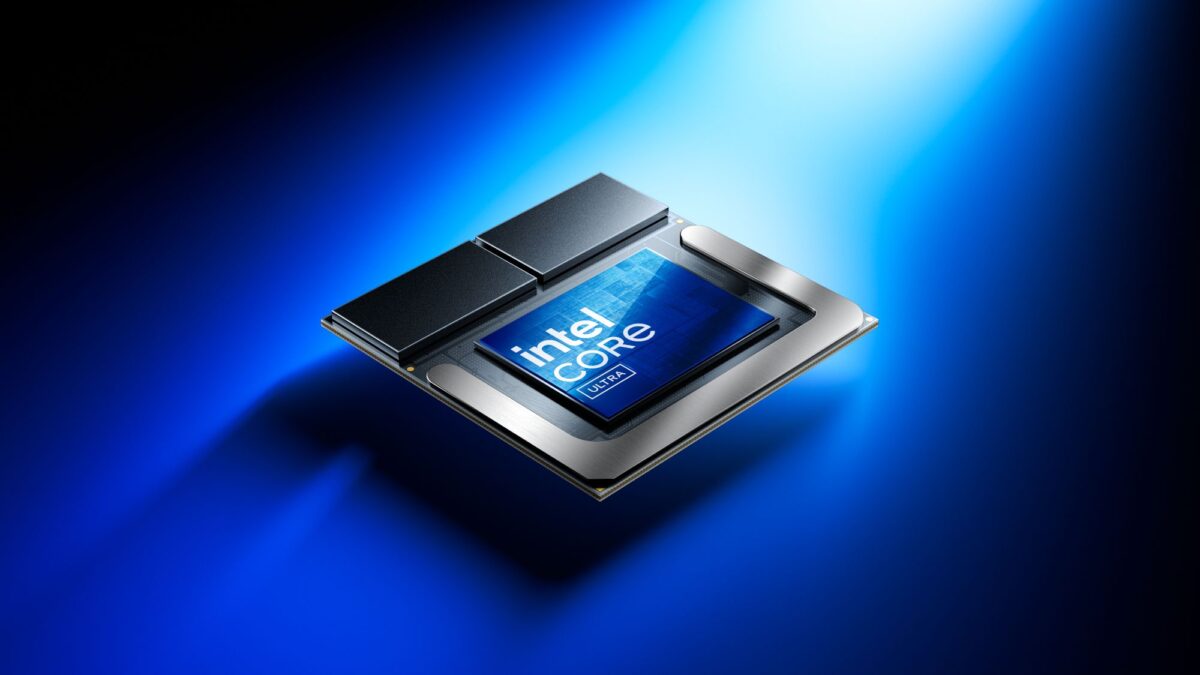
Finally, x86 can hang with ARM on battery life. After years of watching Qualcomm’s Snapdragon X Elite steal the efficiency crown, the Intel Lunar Lake laptop lineup has arrived with a bold counter-punch: 18+ hours of real-world battery, competitive single-core performance, and a 48 TOPS NPU baked right into the chip. Eight months in, the results are clear — Intel’s Core Ultra 200V series isn’t just competitive, it’s rewriting the ultrabook playbook.
I’ve spent the past several months tracking every major Intel Lunar Lake laptop release, comparing benchmarks, battery tests, and real user feedback. Here’s the definitive breakdown of the five best Lunar Lake ultrabooks you can buy right now — and exactly how they stack up against Snapdragon X Elite.
What Makes Intel Lunar Lake Different: The Core Ultra 200V Architecture
Before diving into individual laptops, it’s worth understanding why Lunar Lake represents such a dramatic shift for Intel. The Core Ultra 200V isn’t an incremental update — it’s a ground-up rethink of how Intel builds mobile processors.
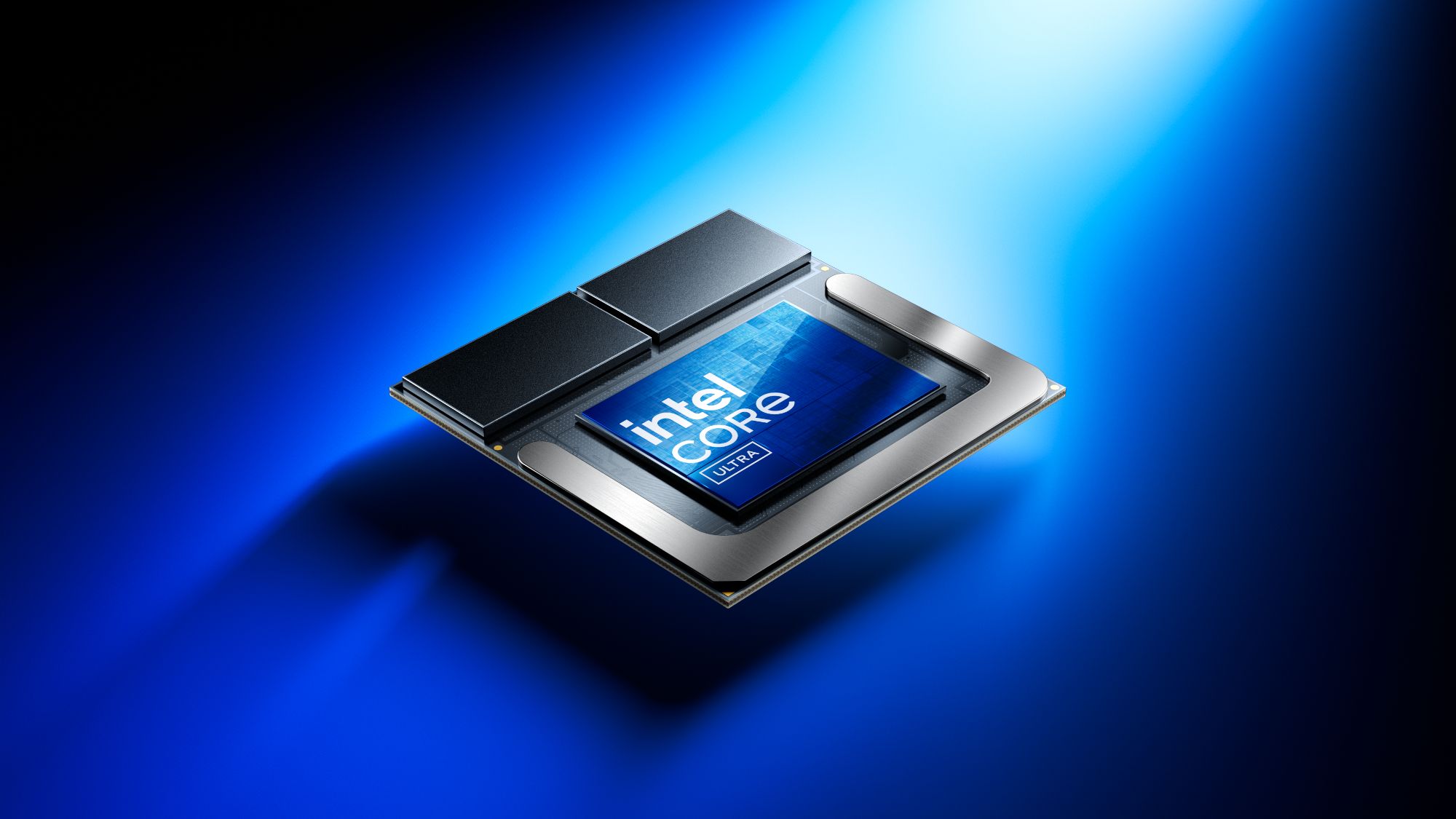
The biggest change is the monolithic SoC design with on-package LPDDR5X memory. By soldering the RAM directly onto the processor package, Intel eliminated the power-hungry memory controller that plagued previous generations. The result? A 15-37W TDP range that finally lets x86 laptops compete on efficiency without sacrificing performance.
The CPU configuration uses 8 cores — 4 high-performance Lion Cove P-cores paired with 4 efficient Skymont E-cores. It’s fewer cores than Snapdragon X Elite’s 12, and that trade-off matters (more on this later). But the per-core performance? Intel claims the fastest mobile CPU cores in the world, and benchmarks from Tom’s Guide largely back that up — Lunar Lake’s single-core scores run roughly 7% ahead of Snapdragon X Elite.
Then there’s the 48 TOPS NPU, making every Lunar Lake laptop a certified Microsoft Copilot+ PC. On-device AI processing is no longer a future promise — it’s standard equipment.
The 5 Best Intel Lunar Lake Laptops Compared: Battery, Performance, and Value
Let’s break down the top contenders. Each of these laptops runs a Core Ultra 7 258V (or 256V variant), but the differences in chassis design, display choice, and thermal management create surprisingly varied real-world results.
1. Dell XPS 13 9350 — The Battery Life King
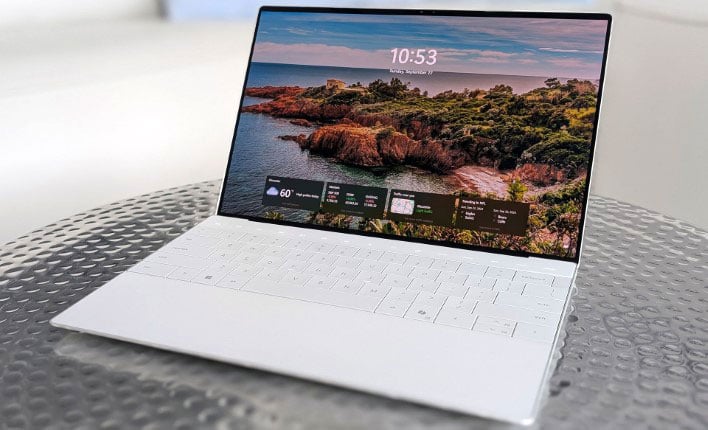
The Dell XPS 13 with Lunar Lake is the laptop that proved Intel could match ARM on endurance. In testing by Laptop Mag, the non-OLED configuration hit an astounding 18 hours and 34 minutes of battery life. Choose the OLED panel, and you’ll sacrifice some runtime, but the FHD+ model delivers workday-and-then-some endurance.
- CPU: Core Ultra 7 258V
- Battery: 18h 34min (FHD+)
- Weight: 1.2 kg
- Display: 13.4-inch FHD+ or OLED options
- Best for: Road warriors who need all-day battery above everything else
In video playback tests, the Dell XPS 13 reached 26 hours on Lunar Lake versus 27 hours for the Snapdragon X Elite version of the same chassis. That’s a 1-hour gap. A year ago, Intel was trailing by 5+ hours. The efficiency revolution is real.
2. ASUS Zenbook S 14 UX5406 — Best Value with Premium Build
ASUS took a different approach with the Zenbook S 14, pairing Lunar Lake with a ceraluminium chassis and a stunning 3K OLED display. Battery life lands between 13 hours 51 minutes and 15 hours depending on workload — shorter than the Dell, but you’re getting a far better display and a more premium build quality for the money.
- CPU: Core Ultra 7 258V
- Battery: 13h 51min – 15h (3K OLED)
- Weight: 1.2 kg
- Display: 14-inch 3K OLED
- Best for: Creators and professionals who want the best screen without sacrificing portability
The ceraluminium material isn’t just a marketing gimmick — it’s a ceramic-aluminum composite that’s lighter than traditional aluminum while being more scratch-resistant. Combined with the 120Hz OLED panel, this is arguably the most well-rounded Intel Lunar Lake laptop in the lineup.
3. Lenovo Yoga Slim 7i Aura Edition — Maximum Endurance, Maximum Screen
Want the absolute longest runtime from a Lunar Lake machine? The Lenovo Yoga Slim 7i Aura Edition delivers approximately 24 hours of video playback, making it potentially the longest-lasting x86 Windows laptop ever tested. As Tom’s Hardware reported, that’s roughly 5 hours longer than an Apple M3 MacBook Air.
- CPU: Core Ultra 7 258V
- Battery: ~24h video playback
- Weight: 1.5 kg
- Display: 15.3-inch 1800p 120Hz LCD
- Best for: Users who want a larger screen and marathon battery life for travel
The trade-off is weight (1.5 kg vs. 1.2 kg for most competitors) and the LCD panel instead of OLED. But if your priority is screen real estate and never hunting for a power outlet, the Yoga Slim 7i is the clear winner.
4. Acer Swift 14 AI — The Record Breaker
Acer’s Swift 14 AI quietly set the record for the highest battery life ever measured in an x86 Windows laptop: 18 hours and 51 minutes. That number, confirmed by Digital Trends, edges out even the Dell XPS 13 and represents a milestone for Intel’s architecture.
- CPU: Core Ultra 7 258V / 256V
- Battery: 16h 26min – 18h 51min
- Weight: 1.3 kg
- Display: 14-inch OLED
- Best for: Users who want top-tier battery AND an OLED display
What makes the Swift 14 AI particularly compelling is that it pairs that record-setting battery life with an OLED panel. Most Lunar Lake laptops force you to choose between great battery and a great display. The Swift 14 AI says you can have both.
5. MSI Prestige 13 AI+ Evo — The Sub-1kg Ultraportable
At just 990 grams, the MSI Prestige 13 AI+ Evo is the lightest Intel Lunar Lake laptop on this list. Battery life is more modest at around 12 hours, but MSI has made significant improvements over the Meteor Lake predecessor, and the Arc 140V integrated graphics deliver surprisingly capable performance for light creative work.
- CPU: Core Ultra 7 258V
- Battery: ~12h
- Weight: 0.99 kg (under 1 kg!)
- Display: 13.3-inch OLED
- Best for: Frequent flyers and anyone who prioritizes absolute minimum weight
As NotebookCheck noted, the Prestige 13 AI+ delivers great graphics performance relative to its weight class. The Intel Arc 140V iGPU outperforms both the previous Iris Xe and AMD’s Radeon 890M in several benchmarks — a notable achievement for a sub-kilogram machine.
Intel Lunar Lake vs. Snapdragon X Elite: The Real Comparison
This is the question everyone asks: should you buy a Lunar Lake laptop or a Snapdragon X Elite machine? After months of real-world data, here’s the honest breakdown.
Where Lunar Lake wins: Single-core CPU performance (7% advantage), native x86 app compatibility (no emulation layer), integrated graphics (Arc 140V vs. Adreno), and mature driver/software ecosystem. If you run legacy Windows apps, specialized professional software, or anything that relies on x86 instruction sets, Lunar Lake is the safer bet.
Where Snapdragon X Elite wins: Multi-core performance (roughly 44% advantage thanks to 12 cores vs. 8), slightly better sustained battery in some configurations, and cellular connectivity options. If your workflow involves heavy multi-threaded tasks like video rendering or large compile jobs, Snapdragon’s extra cores make a tangible difference.
Battery — the tie-breaker that isn’t: In the same Dell XPS 13 chassis, Lunar Lake delivers 26 hours of video playback versus Snapdragon’s 27 hours. That 1-hour gap is within margin-of-error territory. Battery life is no longer a reason to choose one over the other, as PCWorld’s testing confirmed.
The 16% productivity improvement over Intel’s own Meteor Lake predecessor (measured in PCMark benchmarks) is perhaps the most telling number. Lunar Lake isn’t just catching ARM — it’s leaving Intel’s previous generation in the dust.
Who Should Buy What: Recommendations by Use Case
After comparing all five laptops across battery, performance, build quality, and value, here are my recommendations:
- Best overall Intel Lunar Lake laptop: ASUS Zenbook S 14 — the balance of display quality, build, battery, and price is unmatched
- Best battery life: Acer Swift 14 AI (with OLED) or Dell XPS 13 (FHD+ for maximum runtime)
- Best for large screen productivity: Lenovo Yoga Slim 7i Aura Edition — 15.3 inches with 24-hour endurance
- Best ultraportable: MSI Prestige 13 AI+ Evo — under 1 kg with a capable OLED screen
- Best for app compatibility: Any Lunar Lake laptop over Snapdragon X Elite — x86 native means zero compatibility headaches
If you’re on the fence between Lunar Lake and Snapdragon X Elite, ask yourself one question: do you need maximum multi-core power, or maximum compatibility? For 90% of ultrabook users — web browsing, office work, light creative tasks, AI-powered features — Lunar Lake delivers everything Snapdragon does, plus seamless x86 compatibility. That alone makes it the smarter choice for most buyers.
The Bottom Line: x86 Efficiency Is No Longer a Compromise
Intel’s Lunar Lake generation has fundamentally changed the conversation. A year ago, choosing an x86 Windows ultrabook meant accepting worse battery life as a trade-off for compatibility. That trade-off is gone. The Core Ultra 200V series delivers 18+ hours of real-world battery, competitive single-core performance, a powerful integrated GPU, and a 48 TOPS NPU for on-device AI — all while running every Windows app natively.
With Computex 2025 around the corner and Arrow Lake-H successors on the horizon, Intel’s efficiency story is only getting started. But right now, if you need a new ultrabook, the five laptops above represent the best of what the Intel Lunar Lake laptop generation has to offer. The efficiency revolution is here — and it’s running on x86.
Navigating the rapidly evolving laptop landscape can be overwhelming, especially when choosing between architectures, AI capabilities, and the right configuration for your workflow. If you need guidance on picking the right tech setup or optimizing your productivity stack, feel free to reach out.
Want help choosing the right laptop or building an efficient tech workflow? Let’s talk.
Get weekly AI, music, and tech trends delivered to your inbox.





