

Corsair Dominator Titanium DDR5-8000 Review: Is This $834 Extreme OC Kit Worth It?
August 18, 2025
Elektron Analog Heat +FX Review: 8 Analog Drive Circuits Meet Digital Effects in One Box
August 19, 2025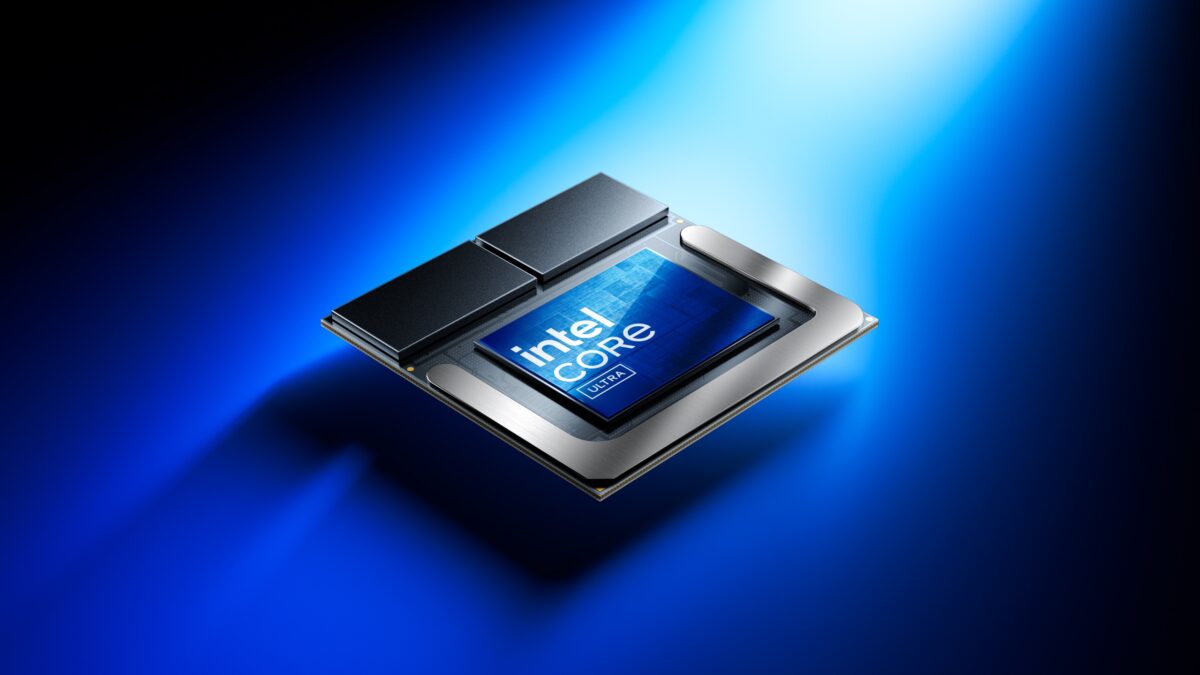
48 TOPS from a laptop NPU. A year ago, that number sounded like marketing fantasy. Now, after 11 months of Intel Lunar Lake NPU shipping in Core Ultra 200V laptops, we have the real-world data to separate fact from hype — and with Hot Chips 2025 kicking off in just five days, the timing couldn’t be better for a deep dive into what Intel’s NPU 4 actually delivers.
When Intel announced the Lunar Lake architecture at Hot Chips 2024, the AI PC race was already heating up. Qualcomm had its Snapdragon X Elite with 45 TOPS. AMD was pushing Ryzen AI. But Intel made a bold claim: their NPU 4 would hit 48 TOPS, tripling the neural compute engines from 2 to 6, and deliver a total platform AI performance of 120 TOPS. The question was whether those numbers would translate to actual user-facing performance gains. After nearly a year of shipping silicon, we finally have the answer.
Intel Lunar Lake NPU Architecture: From 12 to 48 TOPS
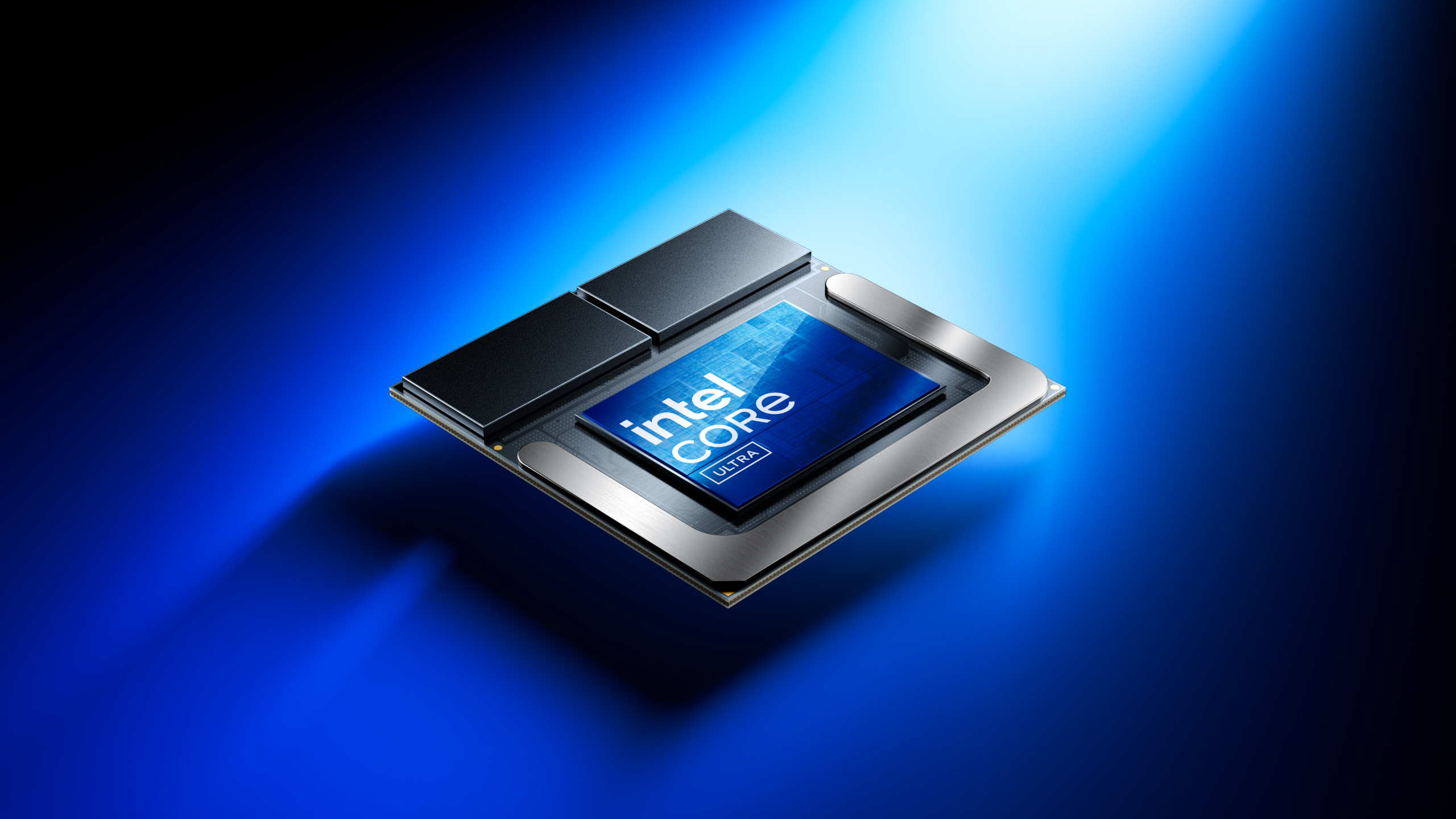
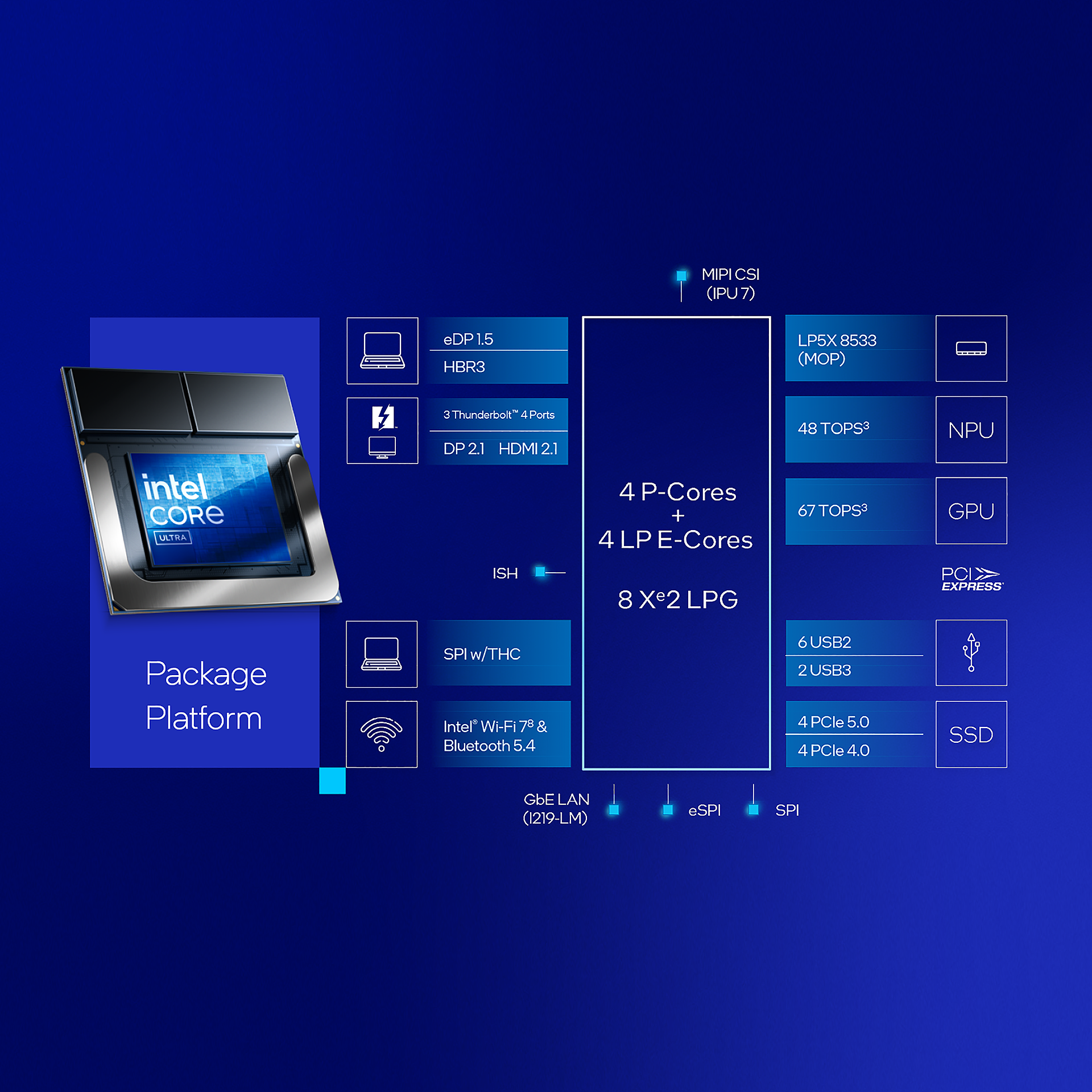
The jump from Meteor Lake’s NPU 3 to Lunar Lake’s NPU 4 isn’t incremental — it’s a generational leap. Intel tripled the neural compute engines from 2 to 6, pushed clock speeds higher, and designed the entire subsystem for maximum throughput at peak load. The result: 48 TOPS of dedicated NPU performance, a 4x improvement over Meteor Lake’s 12 TOPS.
To put that 4x jump in context: the NPU 3 on Meteor Lake was Intel’s first serious attempt at a dedicated neural processor for client PCs. At 12 TOPS with just 2 neural compute engines, it was functional but limited — good for basic background tasks like noise suppression and camera blur, but nowhere near capable enough for the generative AI workloads that were rapidly becoming mainstream. The NPU 4 was designed from the ground up with a different target: running large language model inference, image generation, and real-time AI assistants entirely on-device without touching the GPU or draining the battery.
But the Intel Lunar Lake NPU doesn’t work in isolation. Intel architected the Core Ultra 200V as a heterogeneous AI platform where workloads get routed to the optimal processing unit. The total platform breaks down like this:
- NPU 4: 48 TOPS — sustained AI inference, background tasks, always-on models
- Arc GPU: 67 TOPS — parallel AI workloads, image generation, large batch processing
- CPU: 5 TOPS — lightweight AI tasks, pre/post-processing
- Total platform: 120 TOPS of combined AI compute
Intel’s expected workload split tells the real story: roughly 30% NPU, 40% GPU, and 30% CPU for typical AI workflows. This isn’t about any single number — it’s about having the right processor handle each piece of the workload. As an Intel VP candidly admitted, “TOPS is kind of a goofy metric” — what matters is end-to-end task completion time, and that’s where the heterogeneous approach shines.
Benchmark Reality: Intel Lunar Lake NPU vs. Qualcomm and AMD
Numbers on a spec sheet are one thing. Benchmark results after 11 months of real-world testing tell a different story — and for Intel, it’s largely a positive one.
The headline benchmark that turned heads: Stable Diffusion running on the NPU completes in 5.28 seconds on Lunar Lake, compared to 5.89 seconds on Qualcomm’s Snapdragon X Elite. That’s a meaningful gap in one of the most demanding on-device AI workloads consumers actually care about. Image generation is no longer a cloud-only task — it runs locally, on battery power, in under six seconds.
Why does the Stable Diffusion benchmark matter so much? Because it represents the class of AI workloads that people actually want to run on their laptops — generative models that previously required a discrete GPU or cloud API call. When a laptop NPU can generate an image in 5.28 seconds, it fundamentally changes the workflow for designers, content creators, and developers prototyping AI applications. No internet connection required. No API costs. No latency waiting for a server response. The entire inference pipeline runs locally, and the 11.5% speed advantage over Qualcomm shows Intel’s NPU 4 architecture is particularly well-optimized for diffusion model inference.
According to WCCFTech’s analysis of Intel’s launch data, the Geekbench AI results paint an even broader picture: Lunar Lake delivers 58% better AI compute performance than its nearest competitors. That’s not a marginal win — it’s a clear tier separation.
The Efficiency Story: 50% Less Power, 2.29x Better Perf-per-Watt
Raw performance is only half the story for a laptop chip. The Intel Lunar Lake NPU’s real breakthrough might actually be efficiency. Intel achieved a 50% reduction in package power compared to Meteor Lake, which translates to a 2.29x improvement in performance-per-watt. For a 4x performance jump to come with half the power draw — that’s the kind of engineering that changes laptop categories.
The battery life benchmarks back this up convincingly. In direct comparisons, Lunar Lake-based laptops delivered:
- 39% better battery life than AMD Ryzen AI 9 HX 370
- 47% better battery life than Qualcomm Snapdragon X1E-78-100
That 47% gap over Qualcomm is particularly striking because Qualcomm’s entire pitch for the Snapdragon X Elite centered on ARM efficiency. Intel managed to beat the efficiency champion at its own game — while running x86 and maintaining full backward compatibility with the existing Windows software ecosystem. No app compatibility concerns, no ARM emulation overhead, no wondering whether your favorite tools will work. You get dramatically better battery life AND every x86 application runs natively.
The practical implications for professionals are significant. An engineer running local AI inference for code completion, a creative professional using on-device image generation for rapid prototyping, or a researcher testing models on their laptop — all of these workflows benefit from the combination of high NPU throughput and exceptional power efficiency. You can run AI-intensive workloads all day on battery without the anxiety of watching your remaining charge plummet. That was simply not possible before Lunar Lake.
Copilot+ PC and the 40 TOPS Threshold
Microsoft’s Copilot+ PC program set 40 TOPS of NPU performance as the minimum requirement for next-generation AI features. At 48 TOPS, Lunar Lake doesn’t just meet the bar — it clears it with 20% headroom. This matters because Microsoft has been progressively rolling out NPU-accelerated features throughout 2025: real-time translation, intelligent image search, AI-powered creativity tools, and background assistance that runs without touching the GPU or draining the battery.
The practical experience with Copilot+ features over the past 11 months has been revealing. Features like Windows Recall, Live Captions with real-time translation, and AI-powered image editing in Photos all run exclusively on the NPU. Users with Lunar Lake laptops report these features running smoothly in the background with negligible impact on battery life or system performance — precisely because the NPU handles them independently from the CPU and GPU. This is the promise of dedicated AI silicon made real.
The Copilot+ qualification also signals where the market is heading. If 40 TOPS is today’s minimum, the next round of AI features will likely demand 60-80 TOPS from the NPU alone. Intel’s architectural approach — scaling neural compute engines — gives them a clear path to that target without a complete redesign. Going from 6 to 8 or 10 neural compute engines in a future Panther Lake NPU 5 could push well past 60 TOPS while maintaining the same power efficiency trajectory.
What Hot Chips 2025 Should Reveal
Hot Chips 2025 runs August 24-26 at Stanford, and based on the confirmed schedule, we’re expecting deep technical sessions on next-generation NPU architectures. With 11 months of Lunar Lake data in hand, Intel has real deployment metrics to present — not just projections.
The key questions heading into the conference:
- Panther Lake preview: Will Intel reveal the NPU 5 architecture and its TOPS target?
- Software ecosystem progress: How many ISVs have optimized for the NPU 4, and what workloads are actually running on it vs. falling back to the GPU?
- Power efficiency details: The 2.29x perf-per-watt number is impressive — can Intel share the microarchitectural innovations that enabled it?
- Competitive response: Qualcomm and AMD will also present. How do their 2025 roadmaps compare?
The Bigger Picture: On-Device AI Is No Longer Optional
A year ago, “AI PC” was a marketing term looking for a definition. In August 2025, it’s a concrete product category with measurable performance metrics. Lunar Lake’s 48 TOPS NPU proved that on-device AI inference isn’t just possible — it’s fast, efficient, and already better than cloud-based alternatives for many everyday tasks. Privacy-sensitive workloads stay on-device. Latency-critical applications respond instantly. And the total cost of ownership drops because you’re not paying per-API-call for inference that your laptop can handle locally.
The Intel Lunar Lake NPU didn’t just win benchmarks. It shifted the conversation from “can laptops do AI?” to “which AI workloads should stay local vs. go to the cloud?” And with competitors pushing hard — Qualcomm iterating on Snapdragon X, AMD ramping Ryzen AI — the next 12 months will determine whether Intel can hold this lead or if it was a one-generation advantage.
For anyone building AI-dependent workflows on laptops — whether that’s creative professionals using local Stable Diffusion, developers testing models on-device, or enterprise users relying on Copilot+ features — the Core Ultra 200V series has been the benchmark to beat since September 2024. Hot Chips 2025 will tell us what comes next.
Navigating the AI PC landscape for your team or next hardware investment? Let’s talk about what actually matters for your workflow.
Get weekly AI, music, and tech trends delivered to your inbox.





