


Nintendo Switch 2 Summer Update: 25+ Games Fixed, Mario Kart World v1.2.0, and Jamboree TV Launch
July 7, 2025
Best Budget Studio Monitors 2025: 6 Pairs Under $300 That Actually Deliver
July 8, 2025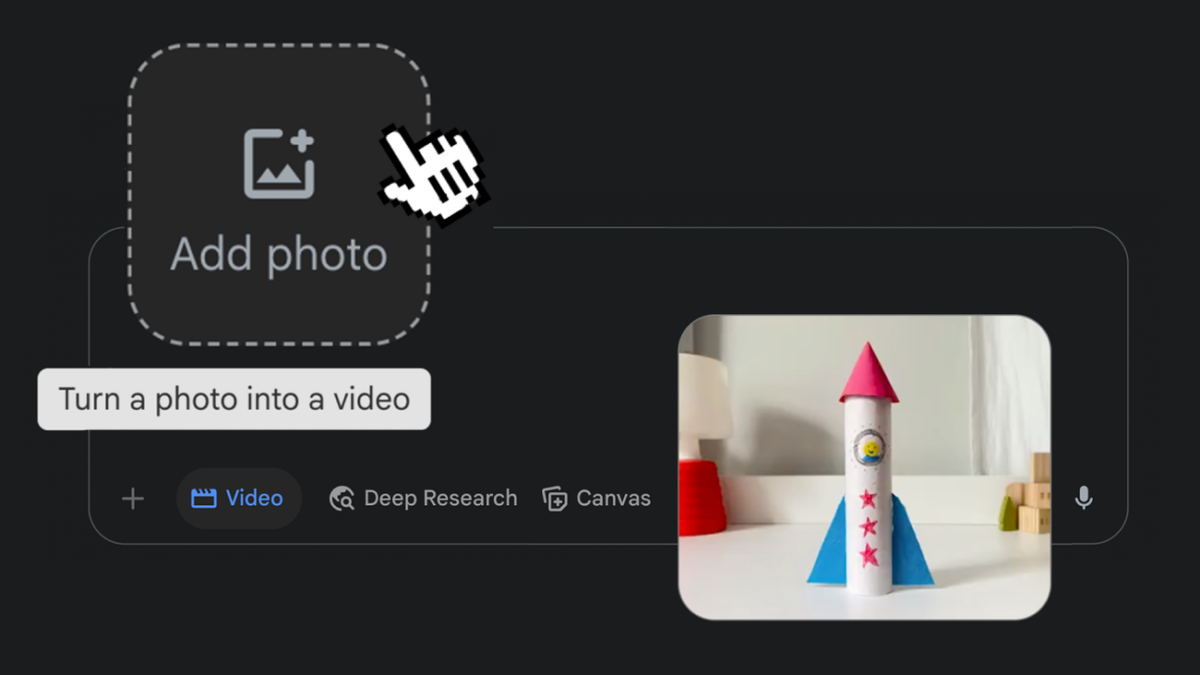
Your old photos just learned how to move. Google quietly rolled out one of the most impressive AI features of 2025 — Gemini photo to video — and after spending a day turning everything from vacation snapshots to pet portraits into cinematic 8-second clips with full audio, I can say this: still photography will never feel quite the same again.
What Is Gemini Photo-to-Video and Why It Matters
Announced on July 10, 2025, Google’s Gemini photo to video feature uses Veo 3 — the company’s state-of-the-art generative video model — to transform any static photograph into a dynamic 8-second video clip. But here’s what sets it apart from every other image-to-video tool: it generates native audio alongside the visuals. Upload a beach photo, and you’ll hear waves crashing. Animate a coffee shop scene, and ambient chatter fills the background.
This isn’t just a tech demo. It’s available right now inside the Gemini app for Google AI Pro and Ultra subscribers across more than 150 countries, with mobile apps rolling out within the week.
How Gemini Photo-to-Video Actually Works: Step by Step
The workflow is remarkably simple — almost suspiciously so for something this powerful:
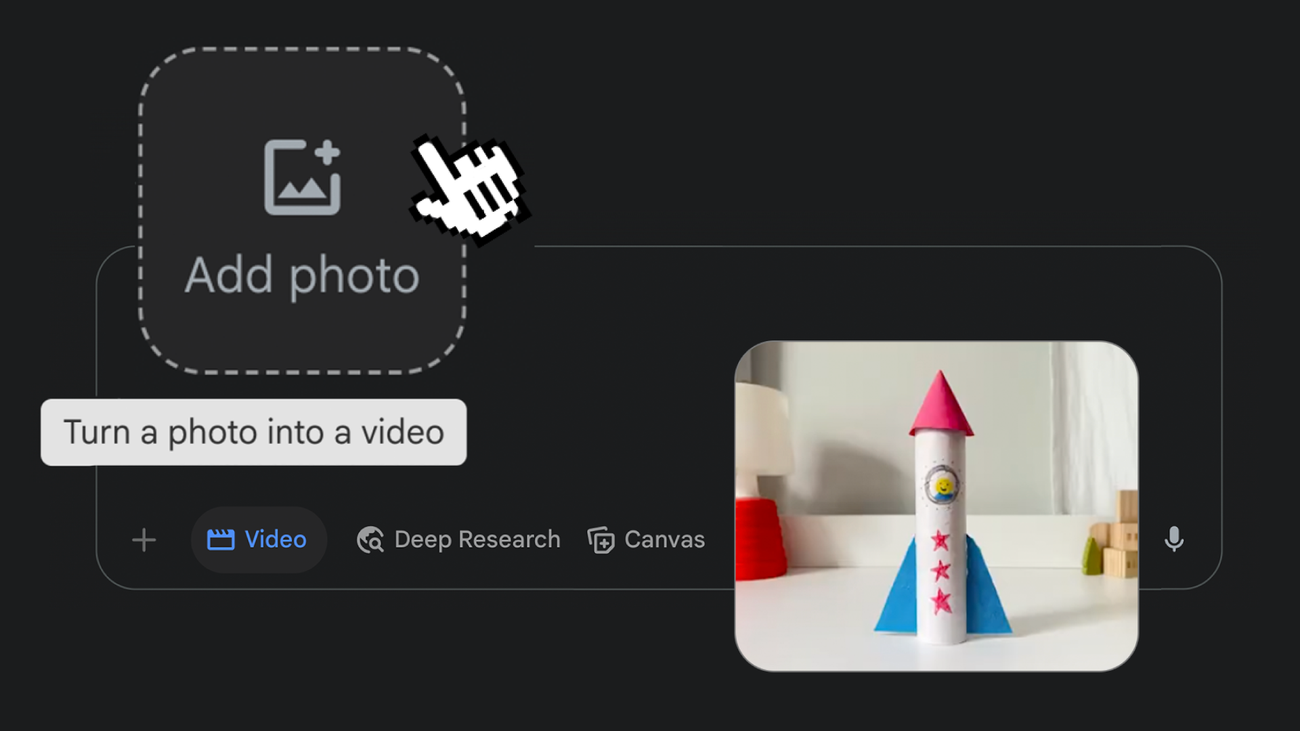
- Open Gemini and select “Videos” from the tool menu in the prompt box
- Upload any still photograph from your device
- Describe the scene — what should move, what audio you want, the mood you’re going for
- Wait approximately 3 minutes while Veo 3 processes the request
- Download your 8-second 720p MP4 video with AI-generated sound
Google suggests getting creative by “animating everyday objects, bringing your drawings and paintings to life, or adding movement to nature scenes.” In practice, the prompting is forgiving — even vague descriptions like “make the leaves blow in the wind” produce surprisingly coherent results.
Technical Specs: What Veo 3 Delivers Under the Hood
Let’s break down the Gemini photo to video technical specifications:
- Model: Veo 3 (Google DeepMind’s latest generative video model)
- Output Resolution: 720p (1280×720)
- Aspect Ratio: 16:9 landscape format
- Duration: 8 seconds per clip
- Audio: Natively generated — ambient sound, music, even dialogue
- Format: MP4 download
- Processing Time: ~3 minutes per video
- Daily Limit: 3 videos/day (Pro), 5 videos/day (Ultra)
The 720p resolution might disappoint creators expecting 4K output, but for social media content — Instagram Stories, TikTok clips, YouTube Shorts — it’s perfectly serviceable. Google has hinted that “social media formats and higher resolution output options” are on the roadmap.
Hands-On: 5 Things That Impressed Me (and 2 That Didn’t)
What Works Brilliantly
1. Audio generation is the real game-changer. Every competing image-to-video tool produces silent clips. Gemini photo to video generates contextually appropriate audio — birds chirping in a garden photo, engine rumble for a car shot, soft piano for a portrait. This alone puts it a step ahead of Runway Gen-3 and Pika Labs.
2. Motion physics feel natural. Water flows downstream, hair moves with wind direction, shadows track correctly with implied light sources. The Veo 3 model clearly understands spatial relationships in ways earlier models struggled with.
3. Prompt flexibility is generous. Unlike some competitors that require precise camera movement terminology, Gemini accepts natural language descriptions. “Make it feel like a slow dolly shot” works just as well as technical terminology.
4. Paintings and drawings animate beautifully. Upload a watercolor painting and ask Gemini to animate it — the results maintain the original artistic style while adding subtle, painterly motion. This is genuinely useful for illustrators and artists.
5. Integration into the Gemini ecosystem. No separate app, no new subscription. If you’re already a Google AI Pro subscriber, you have it. The feature also works through Google Flow, the company’s filmmaking-focused AI platform, with additional cinematic controls.
What Needs Work
1. 720p resolution cap feels limiting. For professional content creation or large-screen playback, 720p shows its age. The competition — particularly Runway’s Gen-3 Alpha — already offers 1080p output. Google needs to close this gap quickly.
2. Three videos per day is restrictive. If you’re iterating on a creative project, three attempts per day isn’t enough to find the right look. Ultra subscribers get five, but even that feels tight for production workflows.
Gemini Photo-to-Video vs the Competition: Where Does It Stand?
The AI video generation space is crowded in mid-2025. Here’s how Gemini photo to video stacks up:
vs OpenAI Sora: Sora produces longer clips (up to 20 seconds) at higher resolution, but lacks native audio generation. Sora also requires a separate ChatGPT Pro subscription ($200/month). For pure image-to-video with sound, Gemini wins on value.
vs Runway Gen-3 Alpha: Runway offers more granular control over camera movements and better resolution (1080p), but its pricing starts at $12/month for basic access with significant generation limits. Runway has no native audio — you need to add sound in post-production.
vs Pika Labs: Pika offers a generous free tier and faster processing, but output quality consistently falls behind Veo 3 in terms of motion coherence and detail preservation. No native audio either.
The takeaway? If audio matters to your workflow — and for social media content, it absolutely does — Gemini photo to video currently has no direct competitor offering the same integrated experience.
Pricing and Availability: Who Gets Access
Google made photo-to-video available immediately on gemini.google.com for subscribers in 150+ countries:
- Google AI Pro: $20/month — 3 videos/day
- Google AI Ultra: $250/month — 5 videos/day
- Free tier: Not available
- Mobile: Android and iOS rollout within the week of July 10
For existing Pro subscribers, this is essentially a free upgrade — you’re getting a feature that competitors charge separately for, bundled into your existing subscription.
Safety Measures: Watermarks and SynthID
Every video generated through Gemini photo to video carries dual safety measures: a visible “Veo” watermark in the corner and Google’s invisible SynthID digital watermark embedded in the video data. SynthID survives compression, cropping, and re-encoding, making it possible to identify AI-generated content even after it’s been shared and re-uploaded across platforms.
In the deepfake era, this responsible approach matters. Google’s dedicated safety team conducts ongoing evaluations to prevent misuse, and the 3-5 daily video limit also serves as a practical guardrail against mass-generated synthetic content.
Who Should Use This — and Who Should Wait
Gemini photo to video is immediately useful for social media managers who need quick, engaging video content from existing photo assets. Content creators working on Instagram Reels, TikTok, or YouTube Shorts will find the audio generation particularly valuable — no more hunting for royalty-free background music.
Professional filmmakers and video editors should wait. The 720p cap, 8-second limit, and daily generation restrictions make this impractical for production workflows. Google Flow may evolve to address this audience, but today’s release is squarely aimed at casual and prosumer creators.
For everyone else — hobbyists, photographers wanting to add life to their portfolios, parents looking to animate family photos — this is genuinely magical. The barrier to entry is a $20/month subscription you might already have, and the results are consistently impressive enough to share without disclaimers.
Want to integrate AI video tools into your content workflow or build an automated creative pipeline? Let’s talk strategy.
Get weekly AI, music, and tech trends delivered to your inbox.






