


AirPods Pro 3 Launch: Hearing Aid Features, Heart Rate Sensing, and 2x Better ANC for $249
September 4, 2025
Arturia V Collection 10 (X) Review: Are 39 Vintage Instruments Worth $599?
September 5, 2025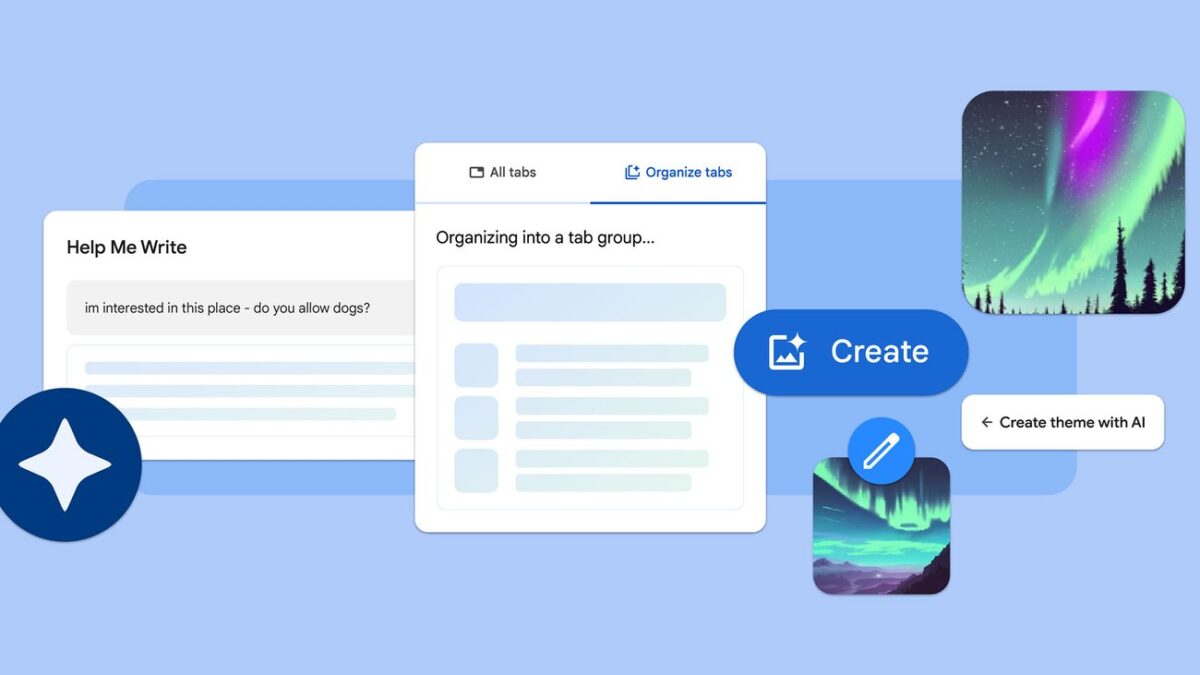
You have 30 tabs open. You know that article about Gemini Nano is somewhere in there, but good luck finding it between the Amazon cart, three Stack Overflow pages, and a recipe you opened two hours ago. Google Chrome AI features just got a massive September 2025 update that finally tackles this universal browser pain point — and it goes far beyond tab management.
Why Google Chrome AI Features Matter Right Now
On September 18, 2025, Google officially unveiled a sweeping AI overhaul for Chrome. According to the official Google blog announcement, this update integrates Gemini directly into Chrome, enabling the browser to understand page content, work across multiple tabs simultaneously, and handle tedious tasks autonomously. This isn’t a minor quality-of-life patch — it’s a fundamental shift in what a browser can do.
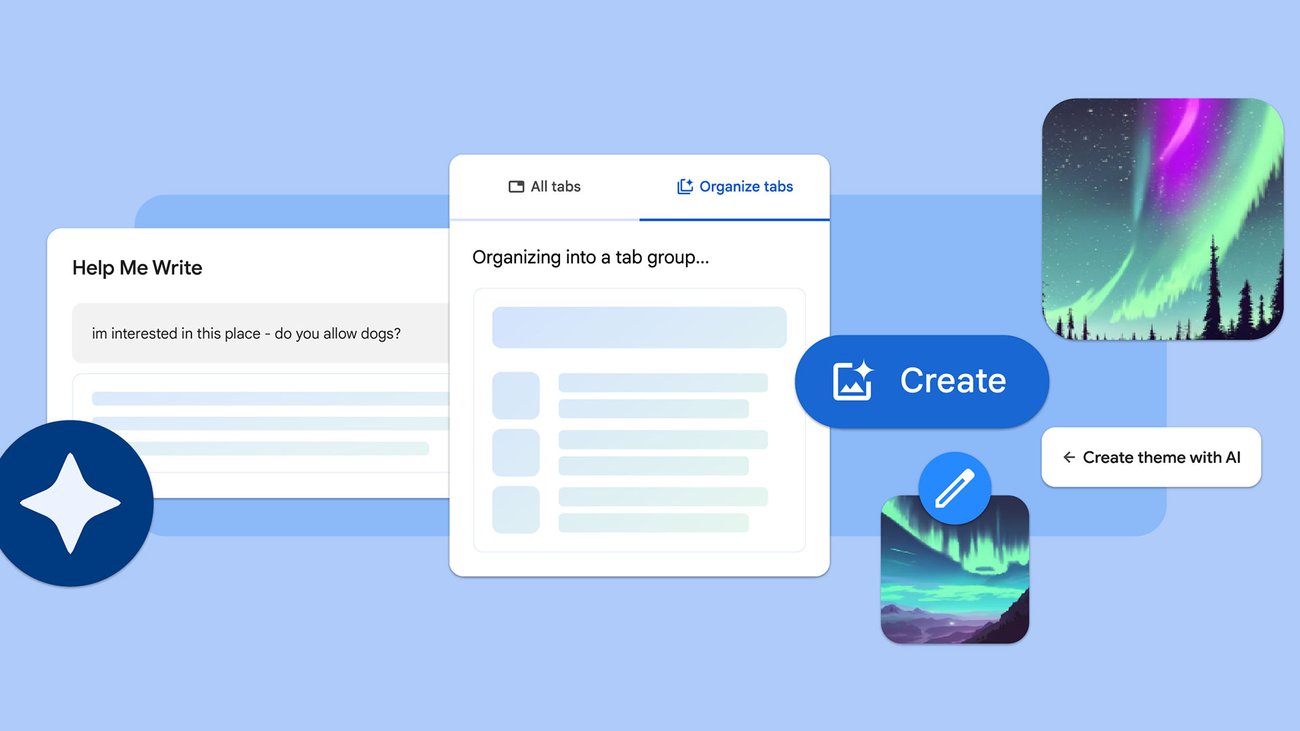
The two headline features are Tab Organizer, which uses AI to automatically group and label your open tabs, and Help Me Write, a context-aware writing assistant that works in any text field across the web. Both are powered by Gemini, with on-device processing through Gemini Nano ensuring speed and privacy.
Tab Organizer: AI-Powered Tab Groups That Actually Work
Let’s be honest — tab management has been Chrome’s Achilles heel for years. Despite introducing manual tab groups back in 2020, actually organizing tabs remained a tedious chore that most users simply ignored. You could drag tabs into groups and color-code them, but who has time for that when you’re deep in research mode? The new Tab Organizer changes this equation entirely by bringing AI intelligence to the problem.
Here’s how it works: Tab Organizer analyzes the content of your open tabs — not just URLs or domain names, but the actual page content — and suggests logical groupings. If you’re planning a trip and have flight comparison sites, hotel bookings, and restaurant reviews scattered across your tab bar, the AI will suggest a “Travel Planning” group complete with a relevant emoji. TechCrunch described it as Google’s answer to “crippling tabs addiction,” and that assessment feels accurate.
What makes the September 2025 version particularly impressive is its multi-tab context awareness. The AI doesn’t just look at individual pages in isolation — it understands relationships between tabs. If you have a GitHub repository open alongside its documentation, related Stack Overflow questions, and a deployment guide, Tab Organizer recognizes these as parts of the same development workflow. This contextual intelligence represents a significant leap from the initial launch, where grouping was often surface-level and based primarily on domain matching.
The practical impact is significant for anyone who regularly works with more than ten tabs. Researchers juggling academic papers and source materials, journalists cross-referencing multiple news outlets, developers bouncing between code repositories and documentation, and project managers monitoring various dashboards — essentially anyone doing knowledge work in a browser — will notice the difference immediately. The AI suggestions aren’t perfect every time, but they’re surprisingly good at capturing the intent behind your browsing patterns. In my testing, the grouping accuracy was roughly 80-85%, which is more than enough to save meaningful time compared to manual organization.
Getting the Most Out of Tab Organizer
- Trigger Tab Organizer when you have 8 or more tabs open for the best grouping results
- AI-suggested group names and emoji are fully editable — customize them to match your workflow
- Save tab groups by project so you can quickly restore context when switching between tasks
- On-device processing via Gemini Nano means your tab content stays private — nothing is sent to external servers
Help Me Write: Context-Aware AI Writing in Every Text Field
The second major Google Chrome AI feature is Help Me Write, and it might be the more transformative of the two. Instead of requiring you to switch to a separate AI tool like ChatGPT or Claude to draft text, Help Me Write brings AI writing assistance directly to wherever you’re already typing on the web.
The key differentiator is context awareness. As Google’s official announcement explains, Help Me Write doesn’t just generate generic text — it understands the webpage you’re currently viewing. Writing a product review on an e-commerce site? The AI references the product details on the page. Composing a reply to a customer service inquiry? It factors in the conversation thread above your text field.
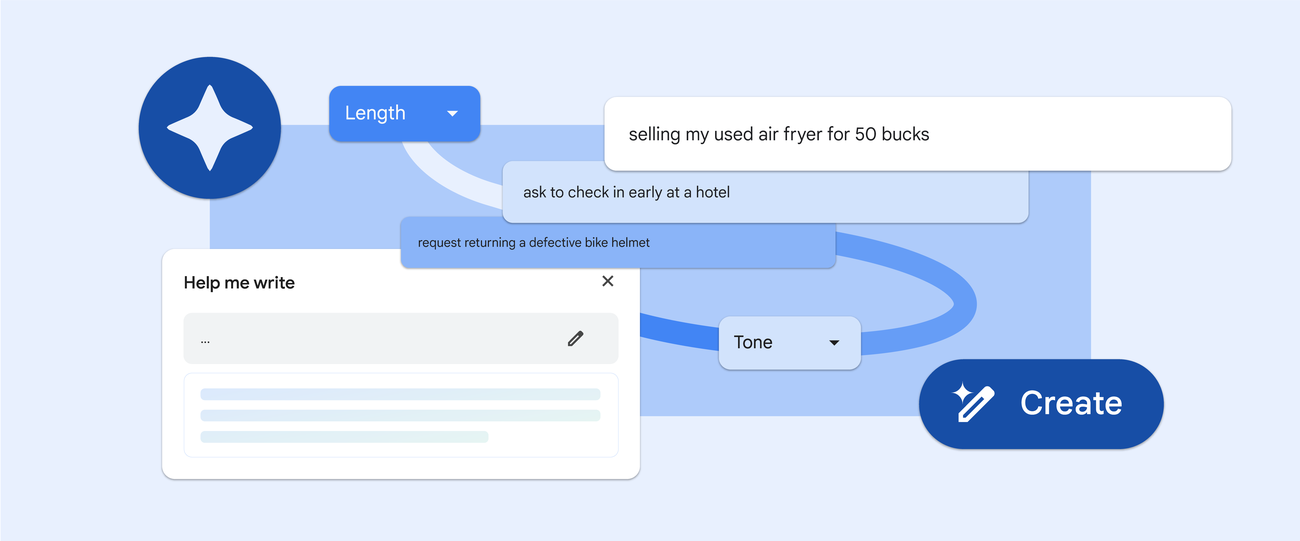
The use cases span virtually every writing scenario on the web. Product reviews, RSVP responses, professional inquiries, social media posts, forum replies, job application cover letters — anywhere there’s a text input field, Help Me Write can assist. For non-native English speakers, this feature is particularly valuable, offering natural phrasing suggestions that go beyond what a simple grammar checker can provide. Instead of awkward translations or stilted phrasing, the AI produces text that reads naturally because it understands the conversational context of the page.
In the September 2025 update, Help Me Write’s capabilities have expanded significantly. The AI can now handle longer-form content with better coherence across multiple paragraphs, adjust tone based on context (formal for business emails, casual for social media, technical for developer forums), and even suggest revisions to existing text rather than just generating from scratch. You can highlight a paragraph you’ve already written and ask Help Me Write to make it more concise, more professional, or more persuasive. This iterative editing capability makes it a genuine writing companion rather than just a one-shot text generator.
One particularly useful scenario: composing responses to complex customer service threads. Instead of reading through an entire email chain and crafting a response from scratch, Help Me Write scans the conversation history visible on the page and drafts a reply that addresses the specific points raised. The time savings for anyone who handles high volumes of written communication — support teams, sales professionals, community managers — could be substantial.
Gemini Nano: The On-Device Engine Behind It All
Both Tab Organizer and Help Me Write are built on Gemini, but it’s Gemini Nano — Google’s lightweight on-device model — that deserves special attention. According to the Chrome Developer blog, Gemini Nano’s CPU support has expanded to cover a much wider range of devices, making these AI features accessible beyond just high-end hardware.
Why does on-device processing matter? Three reasons. First, speed — there’s no server round-trip, so AI responses feel nearly instantaneous. Second, privacy — your tab contents and typed text never leave your device for basic AI operations. Third, reliability — the core AI features work even with an unstable internet connection.
Google has also leveraged Gemini Nano for security features in this update. On-device scam detection now warns users about suspicious websites in real-time, and notification management on Android has reduced unwanted notifications by 3 billion per day. These numbers underscore that on-device AI has moved well past the experimental phase into production-scale infrastructure.
The Bigger Picture: What This Means for Browser AI Competition
Google’s September Chrome AI update doesn’t exist in a vacuum. It arrives alongside Apple’s iPhone event and the AES Convention, in a season packed with major tech announcements. The timing signals Google’s intent to establish Chrome as the definitive AI-powered browser before competitors catch up.
Microsoft has been integrating Copilot into Edge, and Apple is weaving Apple Intelligence deeper into Safari. But Google’s approach — embedding Gemini directly into the browser engine with on-device processing — creates a distinctly different value proposition. Rather than bolting AI onto the side of a browser, Chrome is evolving into a platform where AI is a native capability.
For everyday users, the practical takeaway is simple: your browser is getting significantly smarter, and these features work with minimal setup. Tab Organizer and Help Me Write don’t require subscriptions, separate accounts, or complex configurations. They’re built into Chrome, powered by Gemini, and designed to make the mundane parts of web browsing faster and less tedious.
There are limitations worth noting. Help Me Write performs best in English, with other languages still catching up in quality and nuance. Tab Organizer’s suggestions occasionally miss the mark, particularly with very specialized or niche content, requiring manual adjustment. On-device AI processing through Gemini Nano does consume more local CPU and memory resources, which could impact performance on older or budget hardware — though Google’s expanded CPU support aims to mitigate this gradually.
Privacy-conscious users should also understand the hybrid model at play. While Gemini Nano handles many tasks on-device, some of the more complex AI operations — particularly in Help Me Write — may still route through Google’s cloud servers. Google has been transparent about this distinction, but it’s worth checking which specific features use on-device versus cloud processing if data privacy is a primary concern for your workflow.
Still, the trajectory is unmistakable — the browser is no longer just a window to the web. It’s becoming an intelligent assistant that understands what you’re doing and actively helps you do it better. If you spend most of your workday in a browser — and statistically, most knowledge workers spend over 60% of their computer time in one — these Google Chrome AI features are worth exploring the moment they’re available on your device. The tab chaos era may finally be coming to an end.
Looking to build AI-powered automation or integrate smart tools into your workflow? Let’s design a custom solution.
Get weekly AI, music, and tech trends delivered to your inbox.






