Best Smart Displays October 2025: Amazon Echo Show vs Google Nest Hub — Which AI Assistant Wins Your Kitchen Counter?
October 15, 2025
Cherry Audio Vintage Synth Plugins: 3 Legendary Recreations Under $70 Each in 2025
October 16, 2025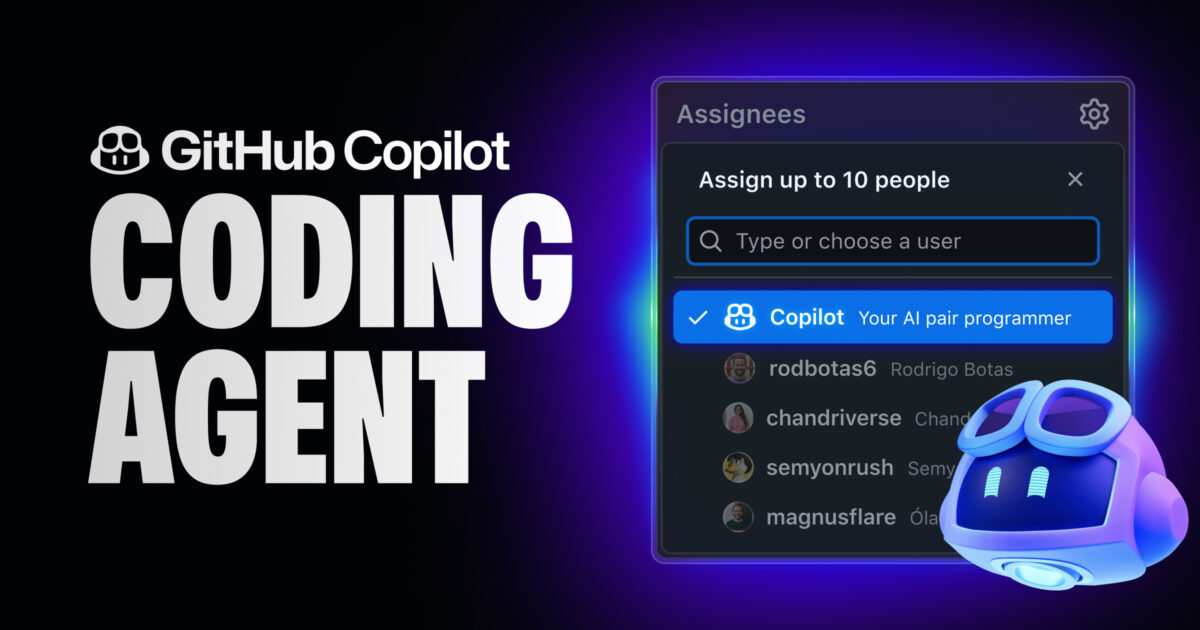
Assign a GitHub issue and walk away. When you come back, there’s a draft pull request waiting — complete with commits, passing tests, and a summary of what was done. This isn’t a demo or a prototype. GitHub Copilot agent mode is real. As of September 2025, GitHub Copilot’s coding agent is generally available for every paid subscriber, and its October 2025 update just made it even more powerful. The shift from AI that suggests code to AI that writes complete pull requests is no longer theoretical — it’s happening right now.
What Is GitHub Copilot Agent Mode, Exactly?
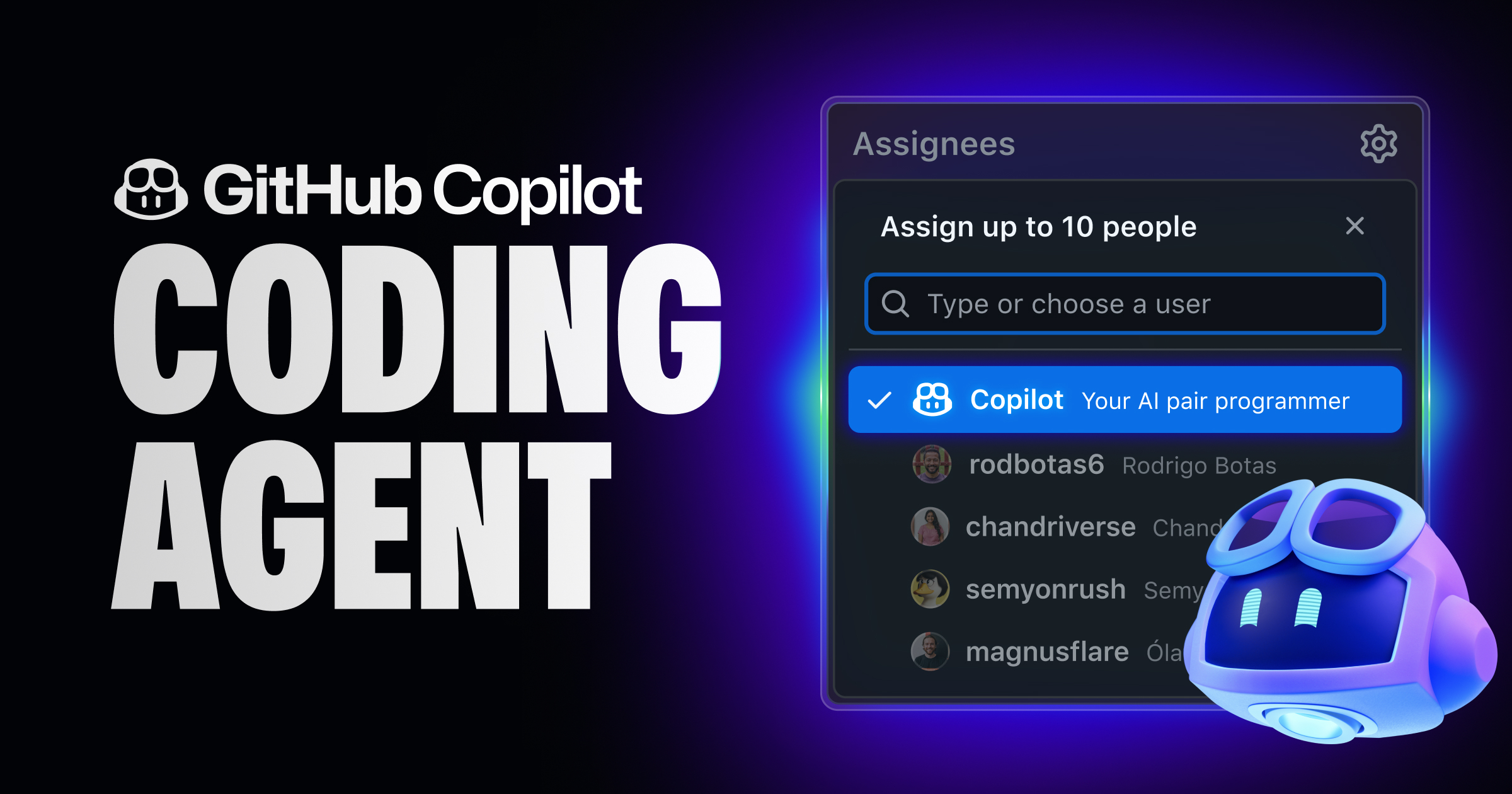
GitHub Copilot agent mode is an asynchronous coding agent that goes far beyond the autocomplete suggestions you’re used to. First unveiled at Microsoft Build in May 2025, the agent operates in its own sandboxed development environment powered by GitHub Actions. You assign it an issue — or trigger it from VS Code — and it works independently in the background, writing code, running tests, and ultimately opening a draft pull request for your review.
The key word here is “asynchronous.” Unlike traditional Copilot, which requires you to be actively coding for it to offer suggestions, the GitHub Copilot coding agent works while you do something else entirely. Assign the issue at 10 AM, go to your standup meeting, and by the time you’re back at your desk there’s a PR ready for review. It’s like having a tireless junior developer who never needs coffee breaks — and who is available around the clock.
The difference between the original GitHub Copilot and this new agent mode is fundamental. The original Copilot was a synchronous tool — it watched you type and predicted what came next, line by line. Agent mode operates on an entirely different level. It can create files, install dependencies, run test suites, and iterate on its own code when tests fail. You’re not interacting with a fancy autocomplete anymore. You’re delegating work to an autonomous software agent that happens to live inside your GitHub repository.
What the Agent Excels At — And Where It Falls Short
GitHub has been refreshingly transparent about the agent’s sweet spot: low-to-medium complexity tasks. That covers a surprisingly wide range of everyday development work, and understanding these boundaries is crucial for getting real value from the tool rather than being frustrated by its limitations.
The agent performs well with tasks like adding new features that follow existing patterns in your codebase, fixing bugs with clear reproduction steps, extending test suites to improve coverage, refactoring code for readability or performance, and improving documentation. These are exactly the kinds of tasks that eat up developer time but don’t necessarily require deep architectural thinking. For a team with a healthy backlog of well-defined issues, the agent can meaningfully accelerate throughput.
On the flip side, tasks requiring creative design decisions, complex system integration, or fundamental architecture changes are still firmly in human territory. The agent needs clear context and established patterns to work effectively. Give it a vague ticket like “make the app faster” and you’ll be disappointed. Give it “add rate limiting to the /api/users endpoint following the pattern in /api/orders” and you’ll likely be impressed. The lesson is clear: the more specific and well-scoped your issue, the better the agent’s output will be.
There’s also a critical safety mechanism worth highlighting: the Copilot coding agent cannot approve or merge its own pull requests. All CI/CD workflows only run after a human has approved the PR. This is a deliberate design choice that ensures AI-generated code always goes through human review before reaching production. No autonomous deployment scenarios here — and that’s exactly how it should be. This human-in-the-loop approach is essential for building trust in AI coding tools, especially in enterprise environments where production stability is non-negotiable.
The Road to GA: A Timeline of Rapid Evolution
The journey to the current GitHub Copilot agent mode has been remarkably fast, compressed into just seven months from initial preview to general availability. Understanding this timeline helps contextualize just how rapidly the landscape of AI-assisted development is changing.
In February 2025, GitHub introduced an agent mode preview in VS Code Insiders — an autonomous multi-step coding capability that worked directly in the editor. This was the first real taste of agentic coding within a mainstream IDE. The agent could autonomously plan and execute multi-step tasks, but it still operated synchronously within the editor session. You had to be present, watching it work in real time.
By May 2025, at Microsoft Build, GitHub elevated the concept dramatically. The announcement of the asynchronous coding agent — one that could work in the background, spin up its own development environment via GitHub Actions, and produce complete pull requests from GitHub Issues — marked a true paradigm shift. This wasn’t just smarter autocomplete anymore; this was the beginning of what GitHub calls “agentic software development.” The agent got its own workspace, its own compute resources, and the ability to operate without any human supervision until the work was done.
Then came September 25, 2025: general availability for all paid Copilot subscribers. Pro, Pro+, Business, and Enterprise users all gained access. For Business and Enterprise customers, admins need to enable the feature from the Policies page — a detail that matters because it means organizations can make a deliberate, policy-driven decision about when and how to adopt agent-based workflows. This isn’t a feature that gets accidentally turned on; it requires intentional organizational buy-in.
The GA release wasn’t just about removing a beta label. It signaled that autonomous coding agents had crossed the threshold from experimental technology to enterprise-grade tooling. Companies could now integrate AI coding agents into their official development workflows with the confidence that GitHub was standing behind the feature’s reliability, security, and long-term support. The message was clear: this is not a toy — it’s a production tool.
The October 2025 Update: @copilot in Any Pull Request
Just one month after GA, GitHub rolled out a massive update to the coding agent in October 2025. The headline feature? You can now mention @copilot in any pull request comment and ask the agent to make changes to existing PRs. This is arguably the most impactful update since the agent’s initial announcement, because it integrates AI directly into the code review workflow — the place where developer time is most constrained.
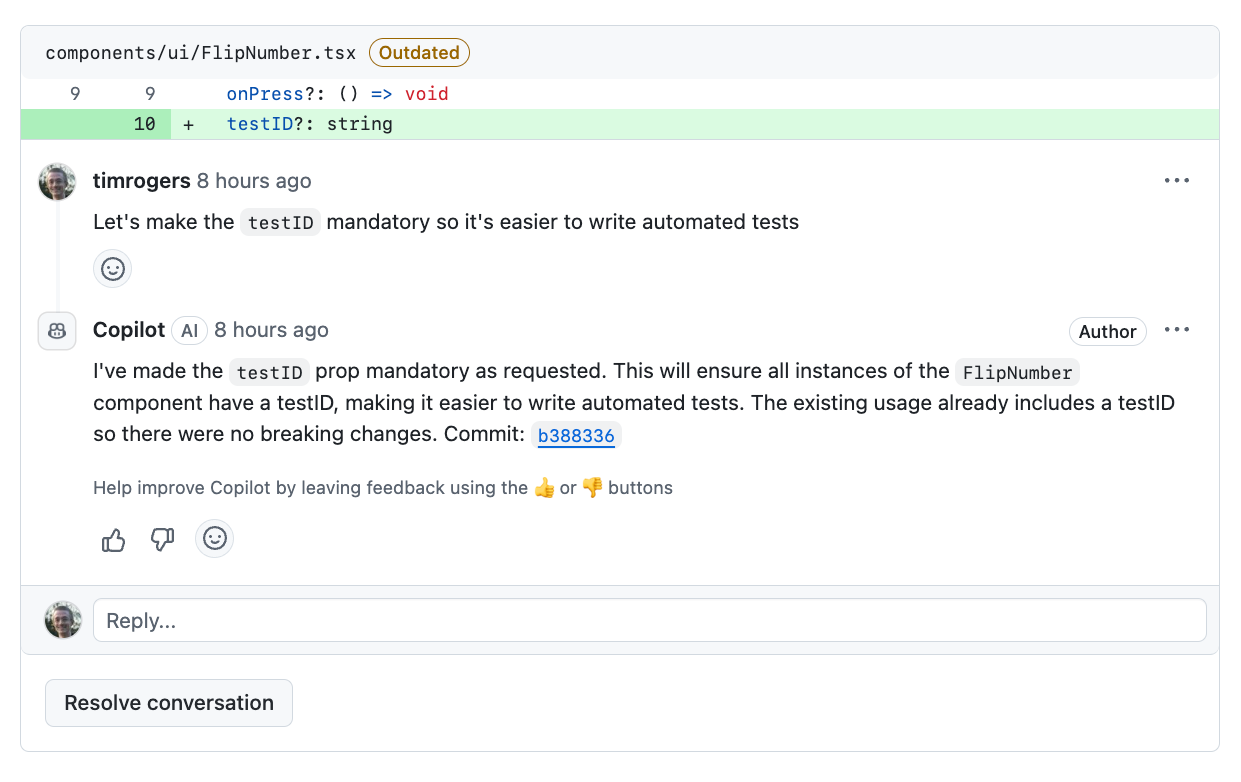
The implementation is clever. Rather than modifying the existing PR directly, the agent creates a child pull request using the original PR’s branch as its base. The original PR stays untouched until the child PR is merged back. A “Parent” tag makes it easy to track the relationship between the original and the agent-generated PR. This design preserves the integrity of the original work while allowing the AI to make its changes in an isolated, reviewable context.
Think about what this means for code review workflows in practice. Previously, if a reviewer found issues during code review, they’d leave comments and the original author would have to come back, context-switch from whatever they were working on, understand the feedback, make the fixes, and push new commits. If the author was on vacation or had moved to another project, the PR could sit idle for days. Now, a reviewer can tag @copilot and say “fix the error handling in the authentication middleware” and the agent handles it immediately. The review-fix-re-review cycle gets dramatically shorter — sometimes from days to hours.
The October update also brought several other significant improvements that deserve attention. Self-hosted runner support means enterprises can now run the coding agent on their own infrastructure, completely addressing security concerns about proprietary code leaving corporate environments. For industries like finance, healthcare, and defense — where data sovereignty isn’t optional — this was the missing piece that makes adoption feasible. JetBrains IDE support means developers aren’t locked into VS Code, opening the door for teams that use IntelliJ IDEA, PyCharm, or WebStorm. And CLI delegation enables developers to trigger the agent from terminal scripts and custom automation pipelines, making it possible to integrate Copilot’s coding agent into existing DevOps toolchains.
The Bigger Picture: How AI Pair Programming Is Evolving
GitHub Copilot agent mode represents a fundamental shift in what AI pair programming means. The original Copilot was synchronous — it watched you code and offered suggestions in real time. You were always in the driver’s seat, accepting or rejecting completions line by line. The coding agent flips that model on its head. With agent mode, AI becomes an autonomous collaborator rather than a reactive assistant. You delegate work at the task level, not the line level.
The agent plans its own approach, implements the solution, runs tests, iterates when things fail, and delivers a complete piece of work packaged as a pull request. Your role shifts from writing code to reviewing code — from creator to curator. For many development teams, that’s a profound change in how daily work gets done. Senior developers spend less time on routine implementations and more time on architecture, mentoring, and strategic technical decisions.
There are legitimate concerns that the developer community needs to address head-on. If AI handles the routine coding tasks that traditionally serve as training ground for junior developers, how do newcomers build their foundational skills? One perspective is that juniors can now skip the mechanical aspects of coding and move faster toward understanding system design, code review practices, and architectural thinking — skills that are arguably more valuable in an AI-augmented world. But this requires intentional mentorship and restructured learning paths, not just handing everything to the agent.
There’s also the question of review burden. If agents can generate pull requests at machine speed, do we end up with more PRs than humans can meaningfully review? The answer likely depends on how teams structure their agent usage. Treating the coding agent as a tool that handles well-defined, scoped tasks — rather than throwing every open issue at it — keeps the review workload manageable while still capturing significant productivity gains.
These aren’t rhetorical questions — they’re challenges the development community will need to address as tools like GitHub Copilot agent mode become mainstream. But the trajectory is unmistakable. The era of AI autonomously participating in the software development lifecycle — from issue triage to code writing to pull request creation to review iteration — is no longer coming. As of October 2025, it’s here, it’s production-ready, and it’s available to every developer with a paid GitHub Copilot subscription. The question isn’t whether to adopt AI coding agents, but how to integrate them effectively into your team’s workflow.
Looking to integrate AI coding agents into your development workflow or build custom automation pipelines? Let’s find the right approach for your team.
Get weekly AI, music, and tech trends delivered to your inbox.