


How to Record Acoustic Guitar: 7 Microphone Placement Techniques That Actually Work
August 29, 2025
Claude Sonnet 4.5 Release: 77.2% SWE-Bench Score, 30-Hour Autonomous Coding, and Why Developers Are Switching
September 1, 2025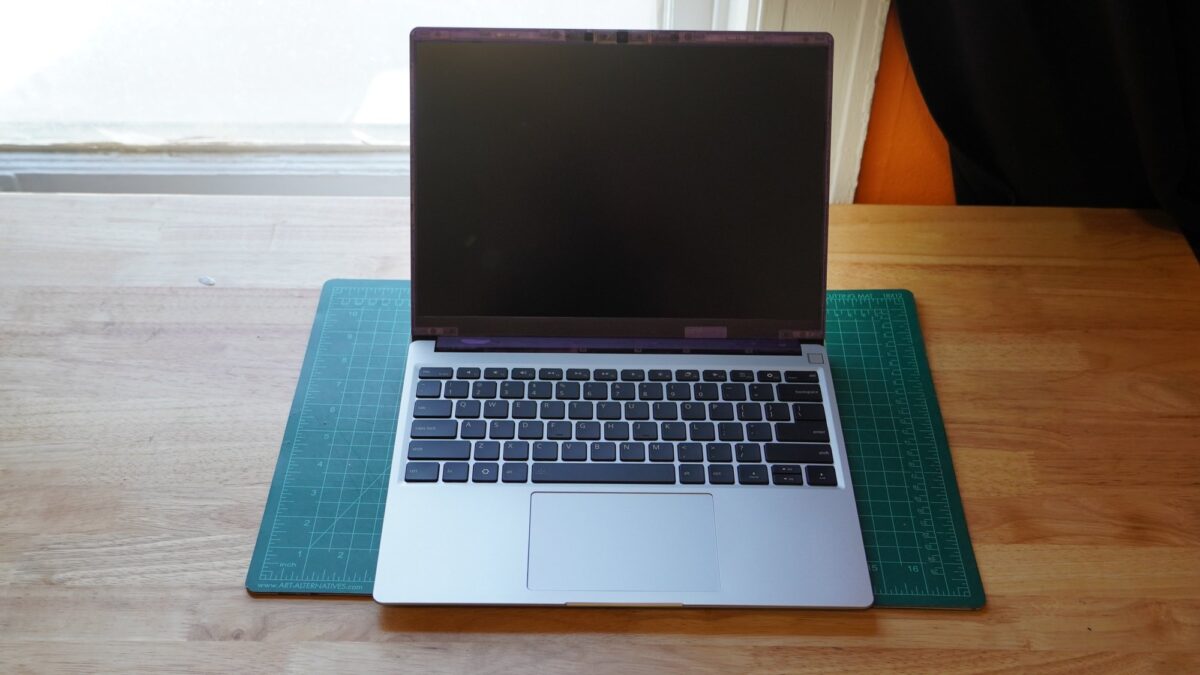
A laptop you can actually fix yourself — and now it has a Ryzen AI 9 HX 370 under the hood. The Framework Laptop 13 AMD has been the poster child of the right-to-repair movement since its debut, and the 2025 refresh finally pairs that modular philosophy with AMD’s latest Zen 5 silicon. But does swappable hardware translate into a daily driver you’d actually want to use? After digging through every major review and benchmark, here’s what the numbers — and the trade-offs — really look like.
Framework Laptop 13 AMD: What’s New for 2025
Framework didn’t just drop a new CPU into the same chassis. The 2025 refresh of the Framework Laptop 13 AMD introduces three processor options from AMD’s Ryzen AI 300 series: the Ryzen AI 5 340, Ryzen AI 7 350, and the flagship Ryzen AI 9 HX 370. That top-tier chip packs 12 CPU cores running at up to 5.1 GHz boost clock with RDNA 3.5 integrated graphics — a substantial leap over the previous Ryzen 7 7840U generation.
Beyond the processor, Framework redesigned the thermal system with a new heatpipe layout and switched to Honeywell PTM7958 thermal paste. The keyboard has been completely revamped, and there are new translucent bezel options in Purple, Green, and Black. Memory support jumps to 96 GB DDR5-5600, which is frankly overkill for a 13-inch ultraportable — but Framework users tend to appreciate having options.
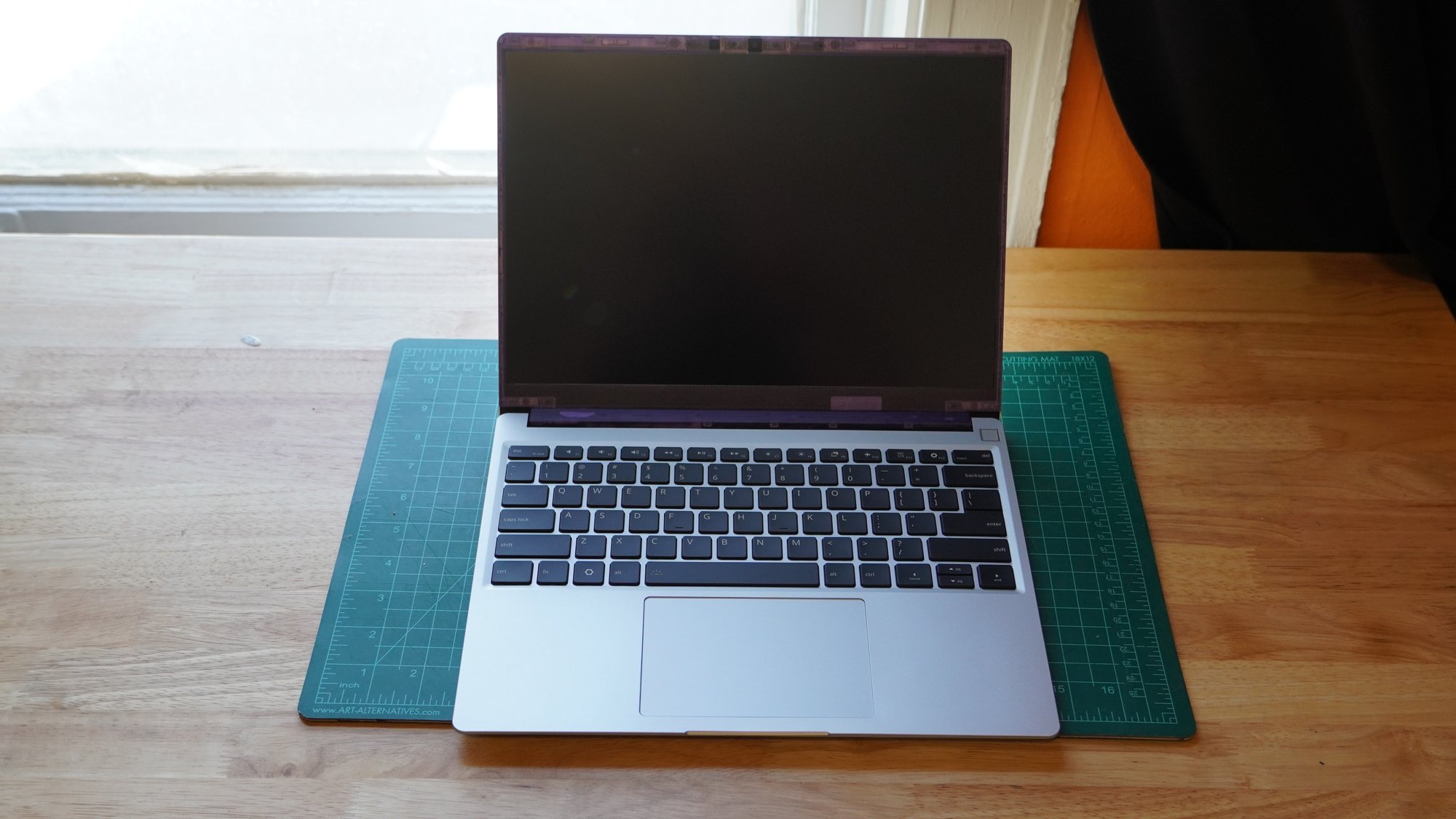
” alt=”Framework Laptop 13 AMD with Ryzen AI 300 series processor open on desk”/>
Performance Benchmarks: Ryzen AI 9 HX 370 Delivers
The Framework Laptop 13 AMD with the HX 370 puts up impressive numbers for a 13-inch form factor. Tom’s Hardware measured a Geekbench 6 single-core score of 2,894 and multi-core of 12,924 — figures that put it comfortably ahead of most ultraportable competitors and represent a clear generational jump from the 7840U predecessor.
PC Gamer gave the HX 370 configuration an 87 out of 100 rating, calling it “the finest Framework around.” The performance uplift is especially noticeable in sustained multi-threaded workloads — exactly the kind of tasks where the extra cores and improved thermal design pay dividends. Compile times, video encoding, and multi-tab browsing all benefit from the Zen 5 architecture.
For GPU-dependent tasks, the RDNA 3.5 integrated graphics handle light creative work and even some casual gaming. Don’t expect dedicated GPU performance, but for photo editing in Lightroom or basic video cuts in DaVinci Resolve, it’s more than adequate.
Engadget awarded the 2025 model an 84 out of 100, noting a clear performance leap over the 7840U predecessor while calling it an “iterative upgrade rather than a revolutionary leap.” That’s fair — Framework isn’t reinventing the wheel here, but the Ryzen AI 300 series brings the kind of generational improvement that makes the upgrade path genuinely worthwhile for existing owners.
The Modularity Advantage: Why Framework Laptop 13 AMD Stands Apart
This is where the Framework story gets genuinely interesting. The entire modularity ecosystem means you’re not buying a laptop — you’re investing in a platform. Framework’s expansion card system lets you swap USB-C, USB-A, HDMI, DisplayPort, MicroSD, and storage modules on the fly. No dongles, no compromises, and you pick exactly which ports you need.
But the real value proposition? PCWorld highlighted the upgrade pathway: existing Framework 13 owners can grab the new AMD mainboard for $699 and drop it into their current chassis. Compare that to buying an entirely new $1,500+ laptop from Lenovo or Dell every few years, and the economics start making a compelling case.
The repairability story is equally strong. Every component is designed to be user-replaceable with standard tools. Screen cracked? Order a replacement panel. Battery degraded after three years? Swap it yourself in under ten minutes. In an industry where manufacturers actively fight against consumer repair, Framework continues to prove that repairable design and premium build quality aren’t mutually exclusive.
Pricing and Configurations: From $899 DIY to $1,946 Pre-Built
Framework’s pricing structure reflects the DIY ethos. The base DIY Edition starts at $899 — you bring your own RAM, SSD, and OS. Pre-built configurations begin at $1,099 and scale up from there. PCWorld tested a Ryzen AI 7 350 configuration that came out to $1,946, which admittedly puts it in premium ultrabook territory.
Here’s the breakdown from Framework’s official announcement:
- Ryzen AI 5 340 DIY: Starting at $899
- Ryzen AI 7 350 Pre-built: Starting at $1,099
- Ryzen AI 9 HX 370 DIY: Higher tier pricing
- Upgrade mainboard only: $699 for existing owners
The price premium is real. Competitors like Lenovo’s ThinkPad T14s Gen 6 and HP’s OmniBook Ultra 14 offer similar performance at lower price points — and with significantly better battery life. But they lock you into a disposable upgrade cycle that Framework deliberately avoids.
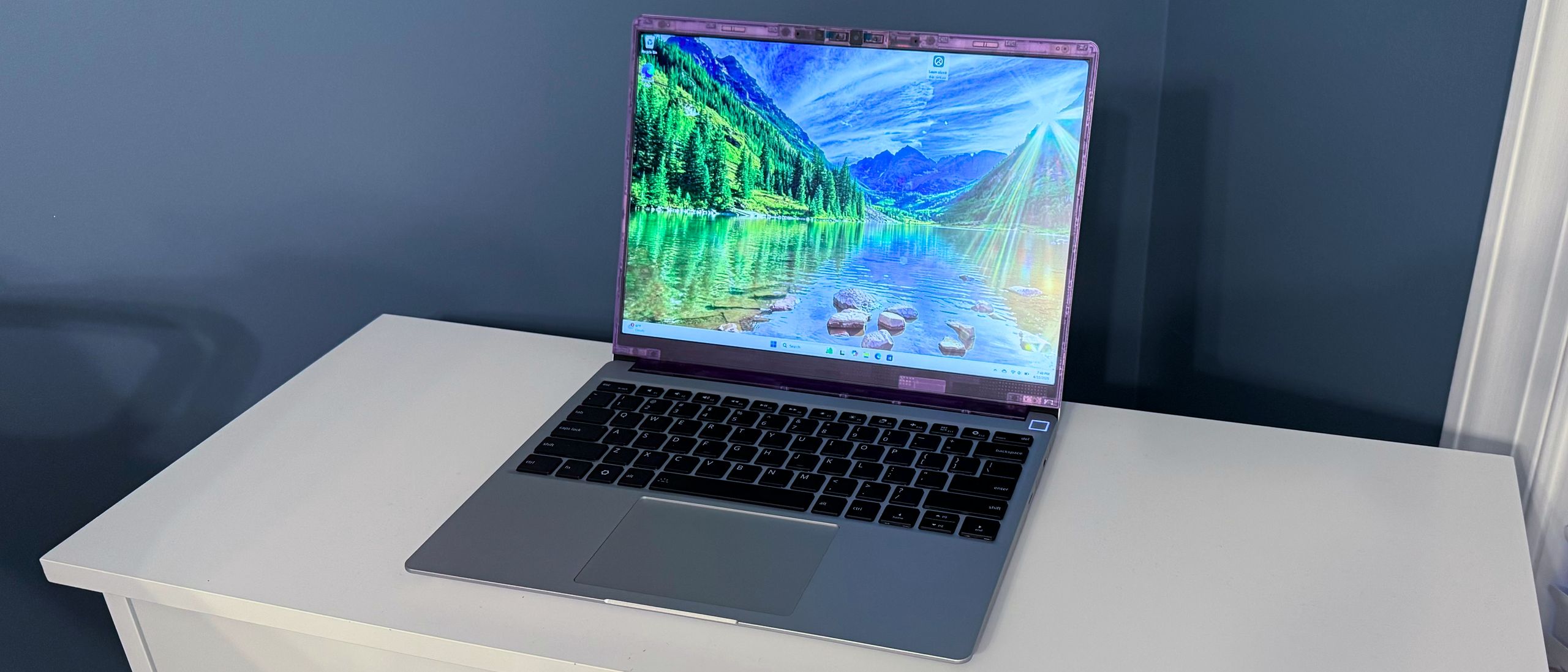
” alt=”Framework Laptop 13 AMD modular expansion card system and thin profile”/>
Battery Life: The Elephant in the Room
Every review tells the same story: the Framework Laptop 13 AMD’s battery life is its weakest link. The 62.3 Wh battery manages around 11 hours of video playback according to PCWorld’s testing — decent on paper, but real-world mixed usage drops that number considerably.
The comparison gets uncomfortable when you stack it against competitors. Lenovo’s ThinkPad T14s Gen 6 hits 23.5 hours in similar tests — more than double the Framework’s endurance. Tom’s Hardware gave the battery life a notably poor score in their 3.5/5 overall rating.
Why the gap? The modular mainboard design introduces thermal constraints that affect power efficiency. The expansion card system adds power draw. And Framework’s commitment to a user-replaceable battery means they can’t use the custom-shaped cells that competitors glue permanently into their chassis for maximum capacity. It’s a genuine trade-off: repairability versus runtime.
Display and Keyboard: Iterative Improvements
The 13.5-inch display hits 540 nits of brightness — more than enough for indoor use and passable outdoors. The 3:2 aspect ratio remains one of Framework’s best design decisions, giving you more vertical screen real estate for documents, code, and web browsing compared to the standard 16:9 panels.
PC Gamer noted some ghosting issues that persist from previous generations, which means gamers and video editors might notice motion blur in fast-moving content. For typical productivity and browsing, though, the display quality is perfectly fine.
The new keyboard is a genuine upgrade. PC Gamer specifically praised the key feel, and the overall typing experience now competes with ThinkPad keyboards — which is about the highest compliment a laptop keyboard can receive. The travel distance and tactile feedback hit that sweet spot between mushy and clicky, making extended typing sessions genuinely comfortable.
Wi-Fi 7 support is another welcome addition, future-proofing the connectivity stack for the next several years. Combined with the DDR5-5600 memory support, the Framework Laptop 13 AMD ticks nearly every spec box you’d want in a 2025 ultraportable — at least on paper.
Thermal Design and Fan Noise: Still a Work in Progress
Framework redesigned the cooling system with a new heatpipe layout and upgraded thermal paste, but fan noise remains an issue under sustained load. Engadget pointed out that the modular mainboard design inherently limits thermal solutions — the board needs to maintain a standardized form factor for swappability, which constrains how aggressively Framework can engineer the cooling.
During light tasks, the fans stay quiet. Push the Ryzen AI 9 HX 370 with sustained workloads, and you’ll hear them spin up noticeably. It’s not a dealbreaker for most users, but if you work in quiet environments — recording studios, libraries, shared offices — it’s worth noting.
Who Should Buy the Framework Laptop 13 AMD?
The Framework Laptop 13 AMD isn’t for everyone, and that’s by design. This laptop makes the most sense for three groups:
- Right-to-repair advocates who want to vote with their wallets for repairable, sustainable hardware
- Tech enthusiasts who enjoy configuring their exact setup and upgrading components over time
- Existing Framework owners who can leverage the $699 mainboard upgrade instead of buying a completely new machine
If battery life is your top priority, or if you simply want the best performance-per-dollar without caring about modularity, competitors like the ThinkPad T14s Gen 6 or HP OmniBook Ultra 14 deliver more for less. The Framework premium is real — you’re paying for the philosophy as much as the hardware.
The Verdict: A Platform, Not Just a Laptop
The 2025 Framework Laptop 13 AMD earns its place as the best Framework laptop yet. The Ryzen AI 300 series brings meaningful performance gains, the redesigned keyboard addresses a long-standing complaint, and the $699 upgrade path gives existing owners a genuinely cost-effective way to stay current. Reviewers consistently rate it between 84 and 87 out of 100 — strong marks that reflect a product doing exactly what it promises.
But it remains an iterative upgrade rather than a revolutionary leap. Battery life still trails competitors by a wide margin, fan noise persists, and the price premium requires you to genuinely value modularity and repairability. If you do, the Framework Laptop 13 AMD is the only game in town. If you don’t, there are objectively better-value options on the market.
The most interesting thing about Framework isn’t any single laptop generation — it’s the long game. Every year, the platform gets better, and every existing owner gets to participate in those improvements without throwing away perfectly good hardware. In an industry drowning in planned obsolescence, that alone might be worth the price of admission.
Get weekly AI, music, and tech trends delivered to your inbox.





