Sony A7R VI 80MP Leak: The Full-Frame Mirrorless That Could Kill Medium Format
August 21, 2025
Orchestral Mockups That Sound Real: The Complete Template Building Tutorial
August 22, 2025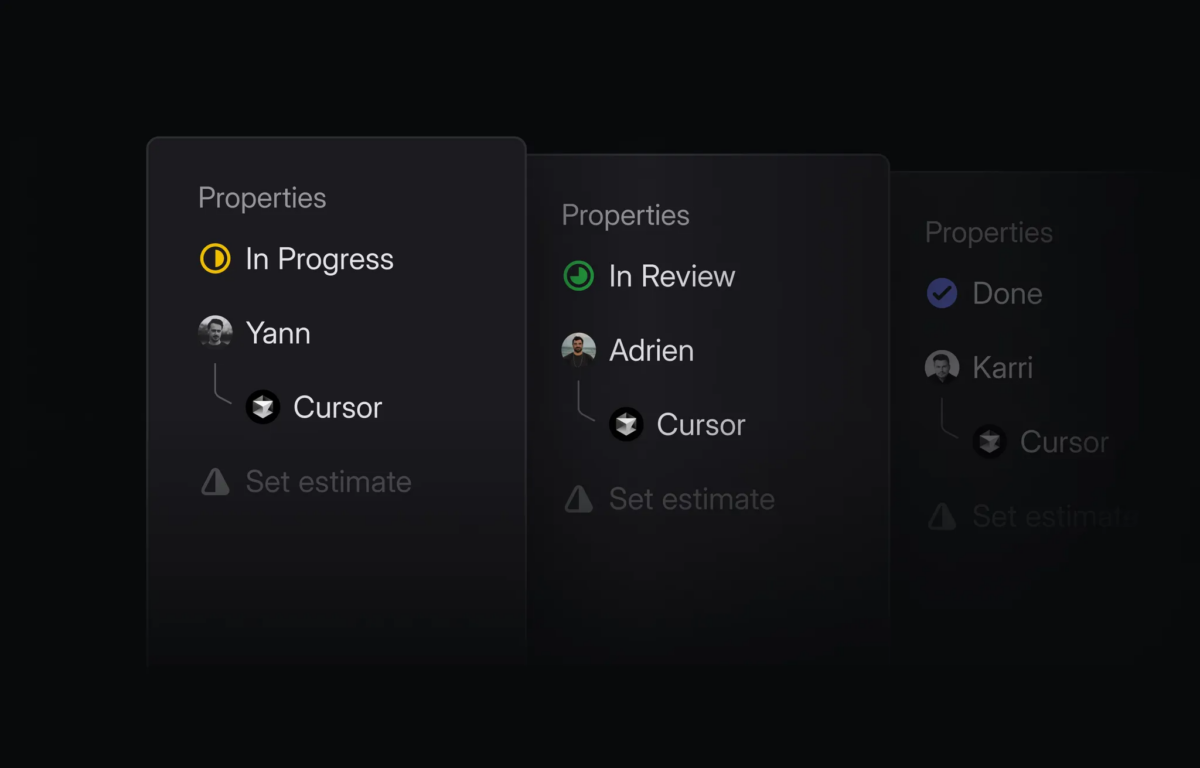
Assign an issue to @Cursor in Linear and walk away — that’s the pitch behind Cursor 1.5, released August 21, 2025. The AI code editor that already redefined how developers interact with their IDE just took its biggest step yet: turning background agents into full-fledged project teammates that live inside your issue tracker.
What’s New in the Cursor 1.5 Update
Version 1.5 isn’t a massive feature dump — it’s a focused release that deepens Cursor’s agent capabilities and polishes the developer experience around them. The headline feature is Linear integration, but there are four other meaningful additions worth breaking down.
Linear Integration: Background Agents Meet Project Management
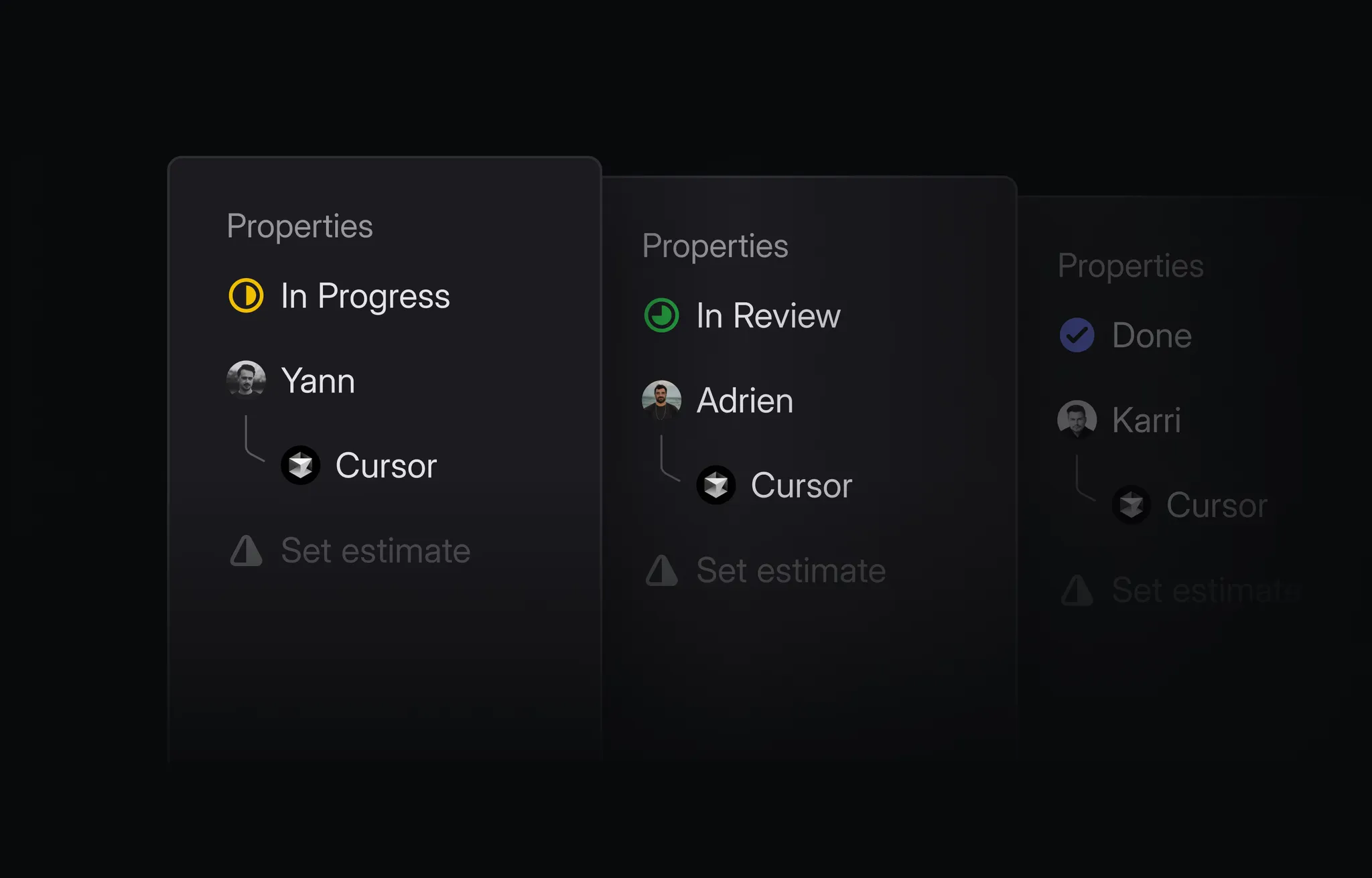
The Cursor × Linear integration lets you delegate issues directly to a Cursor background agent from within Linear. Mention @Cursor in a comment or assign an issue to it, and the agent pulls in the full context — issue description, comments, linked references — then gets to work. It creates a branch, writes the code, and drafts a pull request. When it’s done, the PR link appears right in your Linear issue.
What makes this genuinely useful rather than gimmicky: teams can set up automatic triaging rules so certain task categories route to Cursor agents without any manual intervention. Cursor’s own team reports using this workflow for thousands of internal tasks, with many issues resolved on the first attempt — what they call “one-shots.”
Progress stays synchronized across three surfaces: Linear, the Cursor web app, and your local IDE. You can check on the agent’s work from whichever tool you happen to have open. This isn’t just for engineers, either — product managers and support staff can ask @Cursor questions about how the codebase works to investigate customer issues, rather than escalating every question to engineering.
Redesigned Agent Terminal
The terminal now opens on the left with a clear backdrop and border animation that highlights when it’s blocking your workflow — waiting for command approval, for example. When you reject an auto-run, the input auto-focuses so you can respond immediately. It’s a small UX change, but anyone who’s spent time staring at a frozen terminal wondering if the agent is waiting for input will appreciate it.
Native OS Notifications
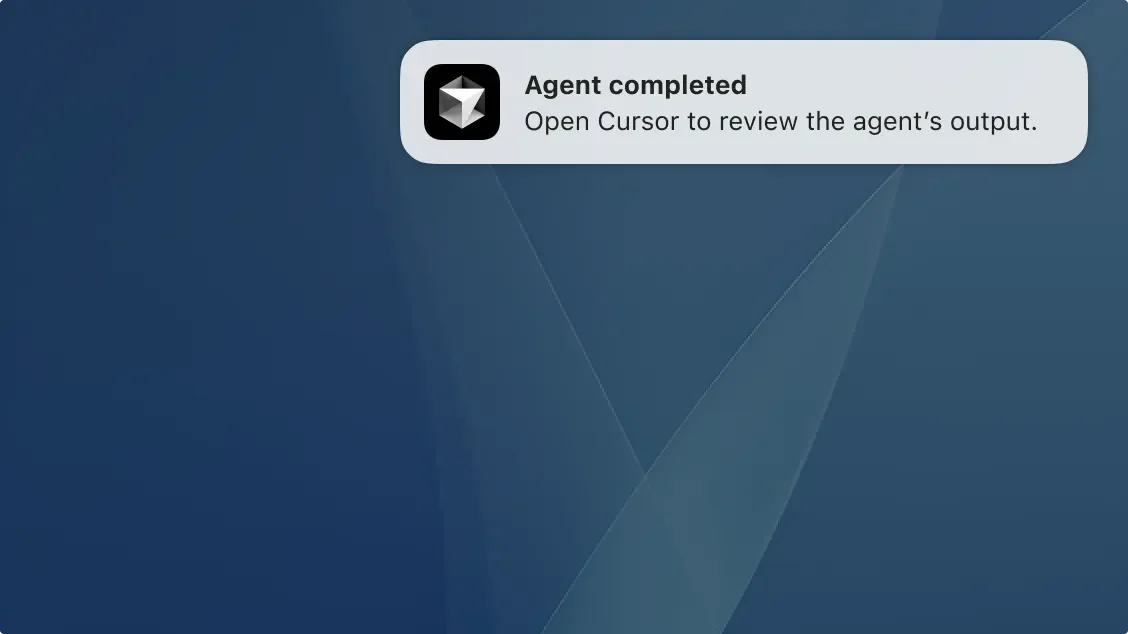
You can now receive native operating system notifications when an agent run finishes or when it needs input — for example, approving a terminal command that isn’t on your allowlist. Enable this from Settings and you’ll never miss a background agent completion again. This is especially critical for long-running tasks where you’ve switched to another window or taken a break.
MCP Elicitation Support
Cursor 1.5 adds support for MCP elicitation, a new capability in the Model Context Protocol spec that lets MCP servers request structured input from users. Think configuration choices, user preferences, or environment-specific parameters — defined with JSON schemas and presented as interactive forms rather than raw prompts. This is foundational for building more sophisticated tool integrations that need user decisions at runtime.
Notebook and Model Improvements
Tab now maintains awareness of complete notebook context, and copying cell content in chat references code rather than pasting raw text. Edit notebook tools are accessible across all model options. GPT-5 with Agent mode now supports creating todos, and a visual indicator shows queued message send timing. Context usage also displays consistently in the chat input, so you always know how much of your context window you’re using.
Why the Cursor 1.5 Update Matters: The “Agent as Teammate” Paradigm
Let’s zoom out. The AI coding assistant market in 2025 has three dominant players: Cursor ($20/month), GitHub Copilot ($19–39/month), and Windsurf ($10–15/month). Each has a different philosophy. Copilot leans on ecosystem integration with GitHub. Windsurf competes on speed and price. Cursor’s bet is on agentic workflows — AI that doesn’t just suggest code but actively participates in the development process.
The Linear integration crystallizes this vision. When you can assign an issue to an AI agent the same way you assign it to a junior developer, you’ve crossed a psychological threshold. It’s no longer “AI autocomplete” — it’s “AI colleague.” The agent reads the ticket, understands the context, creates a branch, writes code across multiple files, runs tests, and delivers a PR. Your job shifts from writing code to reviewing it.
Practical Setup: Getting Started With Cursor 1.5 Background Agents
Here’s the quick-start workflow for the Linear integration:
- Open your Cursor dashboard and connect your Linear workspace
- In Linear, assign an issue to
@Cursoror mention@Cursorin a comment - The agent analyzes the issue context and begins working
- Monitor progress in Linear, Cursor web, or your IDE
- Review the generated PR when the agent completes
For OS notifications, go to Settings → Notifications and toggle on agent completion alerts. For MCP elicitation, you’ll need MCP servers that support the new elicitation spec — check your server’s documentation for compatibility.
Bug Fixes and Stability
Cursor 1.5 also shipped with five bug-fix patches addressing a critical crash with large files, command palette overflow issues, sidebar icon sizing, dropdown hover states, tooltip positioning, modal backdrop click behavior, and general stability improvements. If you’ve experienced random crashes when working with large codebases, this update alone might be worth the upgrade.
What This Means for Your Development Workflow
The Cursor 1.5 update pushes AI coding assistants closer to genuine team augmentation. Background agents that integrate with project management tools eliminate context switching — you describe what you need in natural language, and the agent handles the implementation. Combined with MCP elicitation for structured interactions and native OS notifications for async awareness, Cursor is building toward a future where the AI agent is always available, always context-aware, and always a Linear assign away from getting to work.
Whether you’re a solo developer looking to multiply your output or a team lead exploring how to distribute well-defined tasks to AI agents, Cursor 1.5 represents a meaningful step forward. The real question isn’t whether AI coding assistants will become teammates — it’s how quickly your team adapts to managing them like one.
Need help building AI-powered automation pipelines or integrating AI agents into your development workflow?
Get weekly AI, music, and tech trends delivered to your inbox.