


Best Sample Libraries for Film Scoring: Orchestral Tools vs Spitfire vs CineSamples — The Definitive 2025 Comparison
July 18, 2025
AI Photo Editing Comparison 2025: Google Magic Editor vs Apple Clean Up vs Samsung Generative Edit — 7 Real-World Test Results
July 21, 2025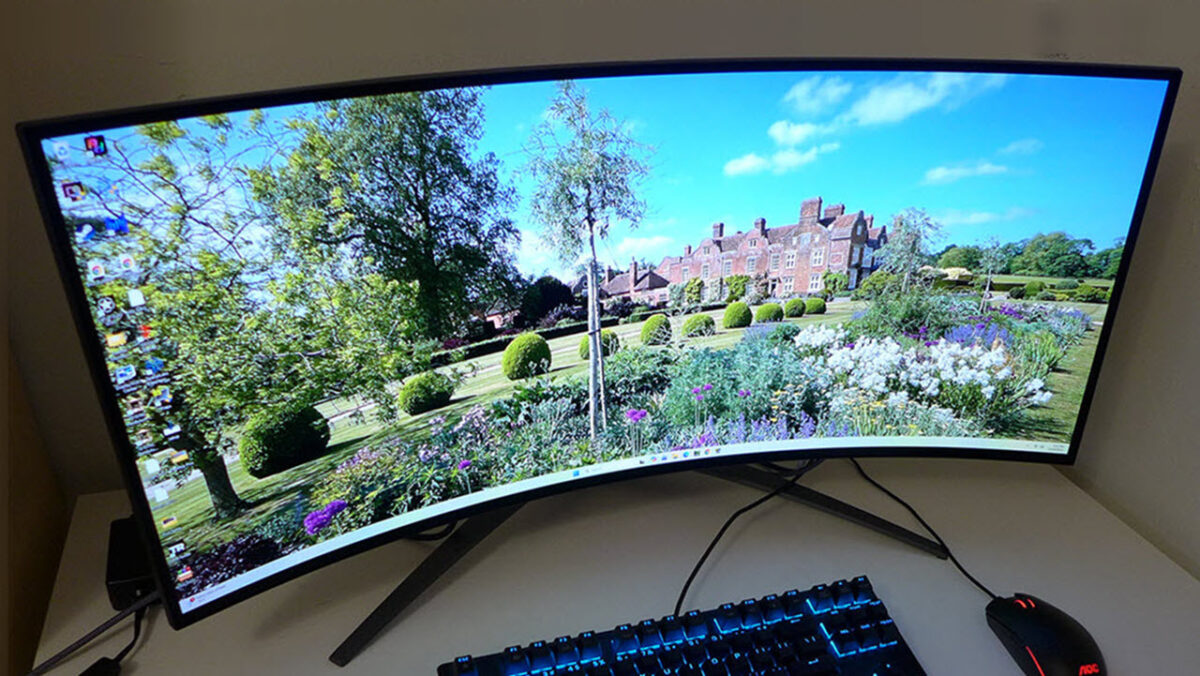
What if you never had to choose between a flat monitor and a curved one again? The Corsair Xeneon Flex OLED just made that decade-old debate completely irrelevant — and after spending weeks with this 45-inch bendable beast, I’m convinced this is what the future of displays looks like.
Corsair Xeneon Flex OLED: Bending the Rules of Display Design
The Corsair Xeneon Flex 45WQHD240 isn’t just another ultrawide gaming monitor. It’s the world’s first consumer display that physically bends from completely flat to an aggressive 800R curvature — and you control every degree in between. Built around an LG W-OLED panel, this 45-inch 3440×1440 ultrawide delivers 240Hz refresh rates, a mind-blowing 0.03ms grey-to-grey response time, and the kind of contrast ratios (1,500,000:1) that only OLED technology can achieve.
At $1,999.99, it’s not cheap. But consider what you’re getting: a monitor that adapts to your workflow instead of forcing you to adapt to it. Flat for spreadsheets and video editing. Curved for Cyberpunk 2077 and Apex Legends. Any angle in between for everything else.
The Bendable Mechanism: Gimmick or Game-Changer?
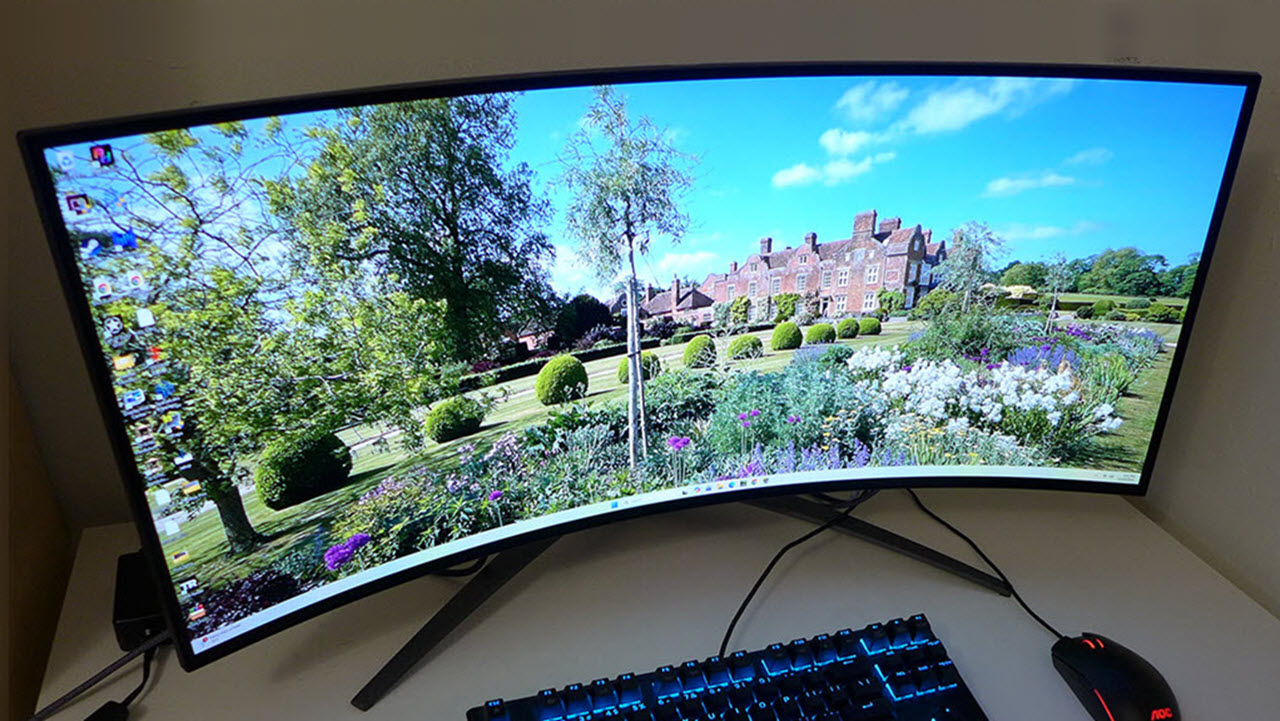
Let’s address the elephant in the room first. Yes, the bending mechanism actually works, and no, it’s not going to snap your $2,000 investment in half. Two handles extend from either side of the panel, and you physically push them forward to curve the display. The first bend is genuinely nerve-wracking — you’re pushing an OLED panel that costs as much as a decent laptop. But after a few adjustments, it becomes second nature.
There’s an audible click when you hit the maximum 800R curvature, which serves as a helpful stopping point. But the real beauty is that you’re not locked into two extremes. Want a subtle 1500R curve for general use? Done. Need 1000R for racing sims? Easy. You can even curve just one side of the screen if you want asymmetric immersion — though I’m not sure why you would.
According to Tom’s Hardware’s review, the bending feature “completely envelopes the user” in a way that traditional curved monitors simply can’t match, because you’re choosing the exact curvature that feels right for each scenario.
Display Quality: Where OLED Dominance Shines
Strip away the bendable gimmick, and you still have one of the finest OLED panels money can buy. The Corsair Xeneon Flex OLED covers 99.87% of the sRGB gamut and 96% of DCI-P3, with an average Delta E of just 0.9 when using the sRGB clamp. For context, anything under 2.0 is considered imperceptible to the human eye — this panel is nearly three times better than that threshold.
Brightness is where things get nuanced, as with all OLEDs. You’ll get a dazzling 1,000+ nits on small HDR highlights (3% window), which makes explosions and sunlit scenes pop beautifully. But full-screen brightness drops to around 135 nits — fine for gaming in a dimmed room, but potentially limiting if you work in a bright office. The sweet spot is around 437 nits at a 25% window, which covers most real-world HDR content effectively.
The 1,500,000:1 contrast ratio delivers the signature OLED experience: perfect blacks that make dark scenes in games and movies feel infinitely deep. Loading screens don’t just go dark — they disappear entirely.
Gaming Performance: 240Hz at 0.03ms Is No Joke
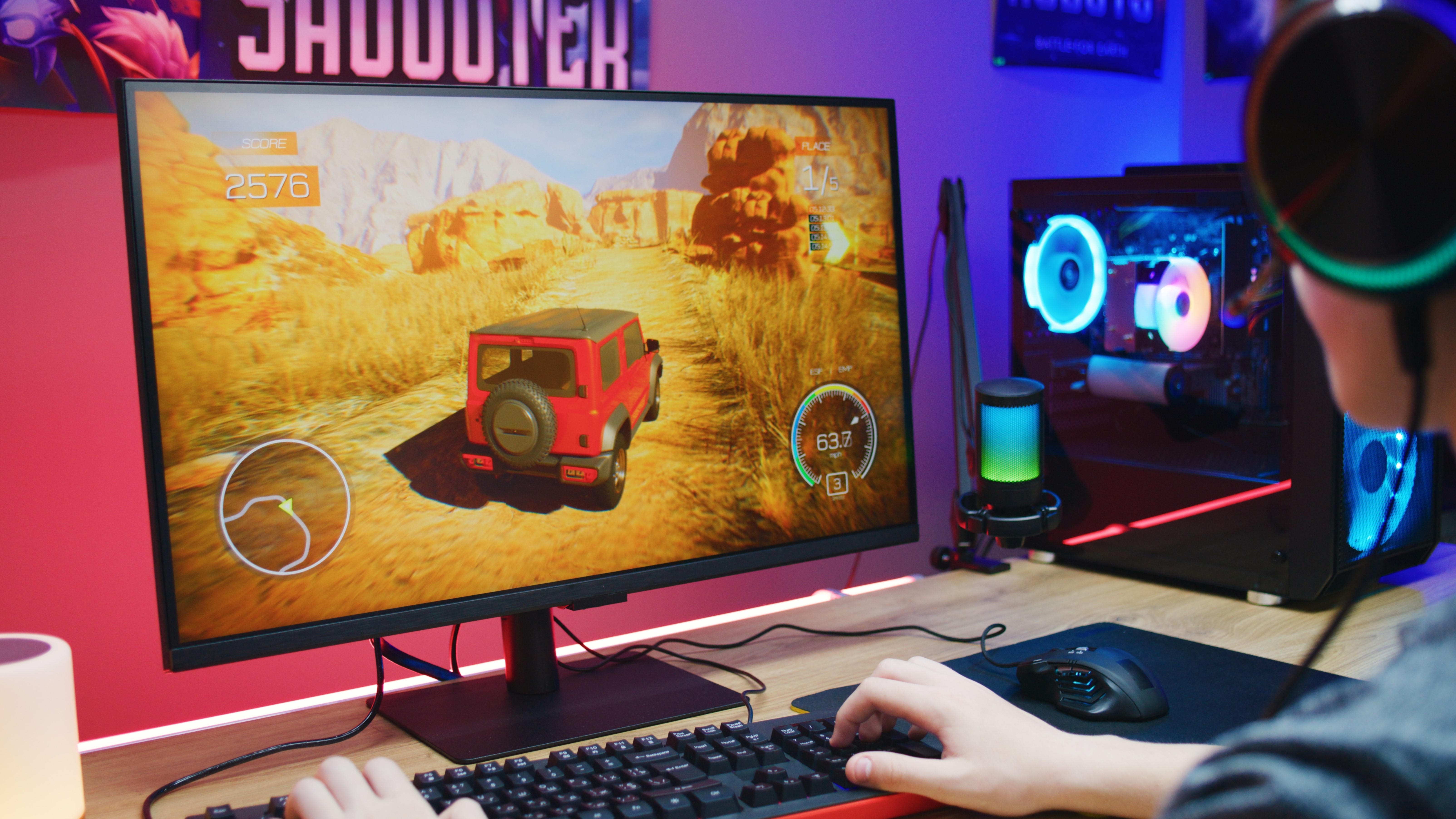
Here’s where the Corsair Xeneon Flex OLED truly earns its premium price tag. The combination of 240Hz refresh rate and 0.03ms grey-to-grey response time delivers motion clarity that makes even the best IPS gaming monitors look like they’re running through molasses.
In Blur Busters UFO tests, there’s zero ghosting, zero smearing, and zero overshoot. Fast-paced FPS titles like Valorant and CS2 feel buttery smooth, with every flick shot registering exactly where you expect it. The 0.01ms pixel on/off time means OLED’s response advantage over LCD isn’t just theoretical — it’s viscerally noticeable in competitive gaming.
Both NVIDIA G-SYNC and AMD FreeSync Premium are supported, so you’re covered regardless of your GPU brand. Given the 3440×1440 resolution, you’ll need at least an RTX 4070 Ti or RX 7800 XT to consistently push 240fps in modern titles, but even at lower frame rates, the adaptive sync keeps everything tear-free.
Real-World Gaming Scenarios
In Cyberpunk 2077 with ray tracing enabled, the Corsair Xeneon Flex OLED transforms Night City into something breathtaking. The neon signs reflecting off wet streets achieve true infinite contrast — bright highlights against absolute black — that LCD monitors simply cannot reproduce. Curving the display to around 1000R puts the edges of the ultrawide panel in your peripheral vision, creating an immersion level that rivals VR without the headset fatigue.
For competitive FPS players, flattening the panel provides the distortion-free accuracy needed for precise aiming. In titles like Valorant and Counter-Strike 2, the 240Hz refresh rate combined with OLED’s near-instantaneous pixel response eliminates the motion blur that plagues even the fastest IPS panels. Enemy models moving across the screen remain razor-sharp, giving you a tangible competitive edge.
Productivity and Creative Work
The ultrawide 21:9 format naturally lends itself to multitasking. With the panel flat, you get a massive canvas for video editing timelines in DaVinci Resolve or Premiere Pro, with enough horizontal space to keep your timeline, preview window, and effects panel all visible simultaneously. The 96% DCI-P3 coverage means color grading is reliable without needing an external reference monitor for most projects. For developers and writers, however, the 83 PPI limitation becomes apparent quickly — you’ll want to increase your font size or sit slightly further back.
The 83 PPI Problem: Size vs. Sharpness Trade-Off
At 45 inches with only 3440×1440 pixels, the Corsair Xeneon Flex has a pixel density of just 83 PPI. For comparison, a 27-inch 1440p monitor sits at 109 PPI, and a 32-inch 4K display hits 138 PPI. This means if you sit at a typical desk distance (60-70cm), you will notice individual pixels — especially with text rendering.
As PC Gamer pointed out, a 42-inch 4K OLED TV offers similar screen real estate with significantly sharper text at half the price. It’s a valid criticism: for $1,000, you can get an LG C2 42-inch OLED that delivers 4K sharpness, albeit without the bendable feature or 240Hz refresh rate.
The saving grace? When gaming, the lower pixel density is far less noticeable because you’re focused on motion, not static text. And the ultrawide 21:9 aspect ratio provides genuine peripheral vision benefits that a 16:9 panel can’t replicate.
Build Quality and Connectivity
Corsair has built the Xeneon Flex like a tank — which it needs to be, given you’re literally bending it regularly. The stand is rock-solid with height, tilt, and swivel adjustments, though it occupies a significant chunk of desk real estate. The bending handles tuck away when not in use, keeping the aesthetic clean.
Connectivity is generous: two HDMI 2.0 ports, one DisplayPort 1.4, a USB-C port with 65W Power Delivery, and a USB hub with three USB-A 3.0 downstream ports. The USB-C connection is particularly useful for laptop users who want a single-cable desk setup.
Corsair also backs the Xeneon Flex with a 3-year warranty that includes both a zero dead-pixel and zero burn-in guarantee — a significant commitment that addresses the two biggest concerns OLED buyers have. Given OLED burn-in anxiety, this warranty alone adds considerable peace of mind.
Who Should (and Shouldn’t) Buy the Corsair Xeneon Flex OLED
Buy it if: You’re a serious gamer who also uses your monitor for creative work and want the ultimate flexibility (literally). The ability to switch between flat and curved on demand is genuinely useful if your workflow spans gaming, video editing, and productivity. The 240Hz OLED gaming experience is unmatched at this size.
Skip it if: You primarily need a monitor for text-heavy work — the 83 PPI pixel density will frustrate you daily. Also skip if you’ve already committed to either curved or flat — dedicated monitors in either category offer better value. And if your budget is tight, a 42-inch LG C2 or C3 OLED at half the price delivers 90% of the visual experience.
The Verdict: A Spectacular Proof of Concept
The Corsair Xeneon Flex OLED is a genuinely impressive piece of engineering that solves a real problem: the curved-vs-flat dilemma. Its LG W-OLED panel delivers breathtaking color accuracy, infinite contrast, and gaming performance that puts it in the top tier of monitors available today. The 3-year warranty with burn-in coverage shows Corsair’s confidence in the product’s longevity.
But at $1,999.99, it’s asking you to pay a premium for flexibility — both physical and metaphorical. The pixel density issue is real, the full-screen brightness lags behind the competition, and the bending mechanism, while functional, still feels like it belongs to a future that hasn’t quite arrived yet. For most gamers, a dedicated 34-inch curved OLED ultrawide or a 42-inch 4K OLED TV will be the smarter buy. But for those who refuse to compromise on versatility, the Xeneon Flex is the only game in town.
Looking for expert guidance on building the perfect gaming or creative workstation setup? Whether it’s display selection, audio integration, or workflow optimization — Sean can help.
Get weekly AI, music, and tech trends delivered to your inbox.





