

Ableton Live 12 Clip Launching: 5 Advanced Techniques That Transform Your Electronic Music Sets
October 20, 2025
Hugging Face Community Models: 7 Open Source AI Highlights from October 2025
October 21, 2025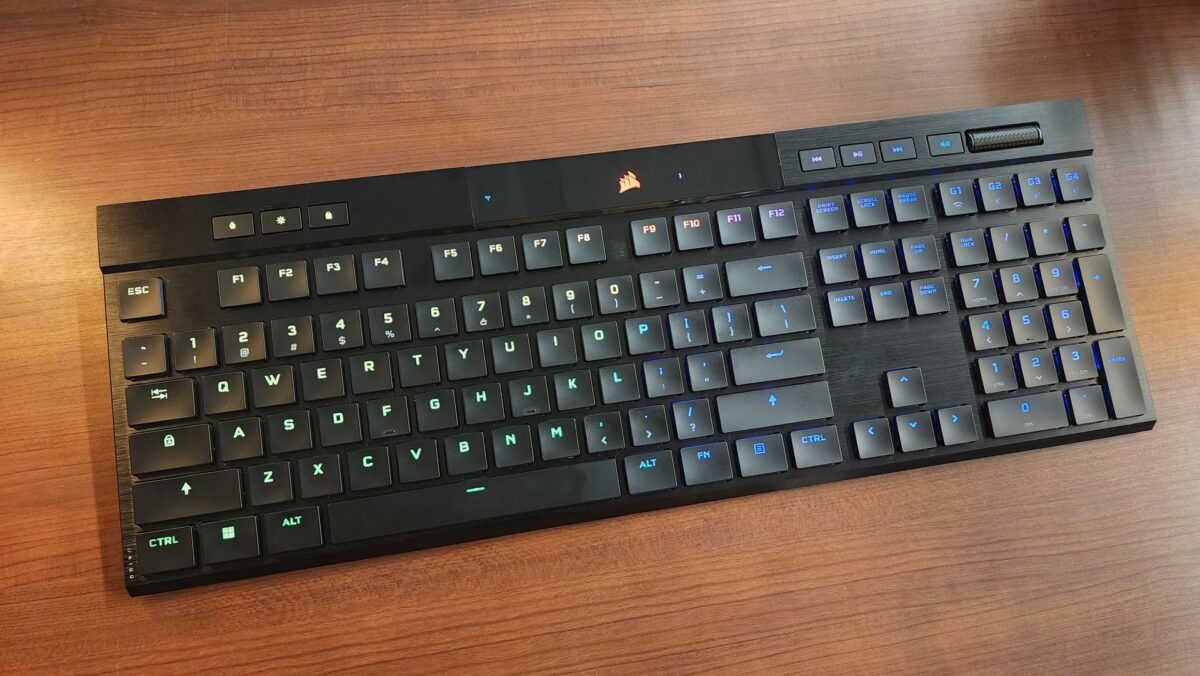
Finally — a mechanical keyboard that doesn’t look like it belongs in a bunker. The Corsair K100 Air Wireless measures just 11mm at its thinnest point, making it roughly the height of two stacked credit cards. That’s not a typo. Corsair managed to stuff Cherry’s brand-new MX Ultra Low Profile switches, tri-mode wireless connectivity, and full RGB into a CNC-milled aluminum frame thinner than most laptop keyboards.
What Makes the Corsair K100 Air Wireless Different
The Corsair K100 Air Wireless isn’t just another low-profile keyboard — it’s the first production keyboard to feature Cherry’s MX Ultra Low Profile (ULP) Tactile switches. These switches use a unique mechanism with a spring and pair of metal wings to attach to the keycap, delivering 0.8mm actuation distance and 1.8mm total travel in a switch housing that measures just 3.5mm tall. For context, standard Cherry MX switches stand about 18mm. That’s a nearly 80% reduction in height while maintaining genuine tactile feedback.
The result is a typing experience that sits in an interesting middle ground. It’s mechanical — you feel the tactile bump, hear a subtle click — but the travel distance is closer to Apple’s Magic Keyboard than a traditional mech board. Users who’ve spent years on laptop keyboards will feel right at home, while mechanical keyboard enthusiasts get the satisfaction of real switches without the desk-dominating profile.
Build Quality: CNC-Milled Aluminum That Commands Respect
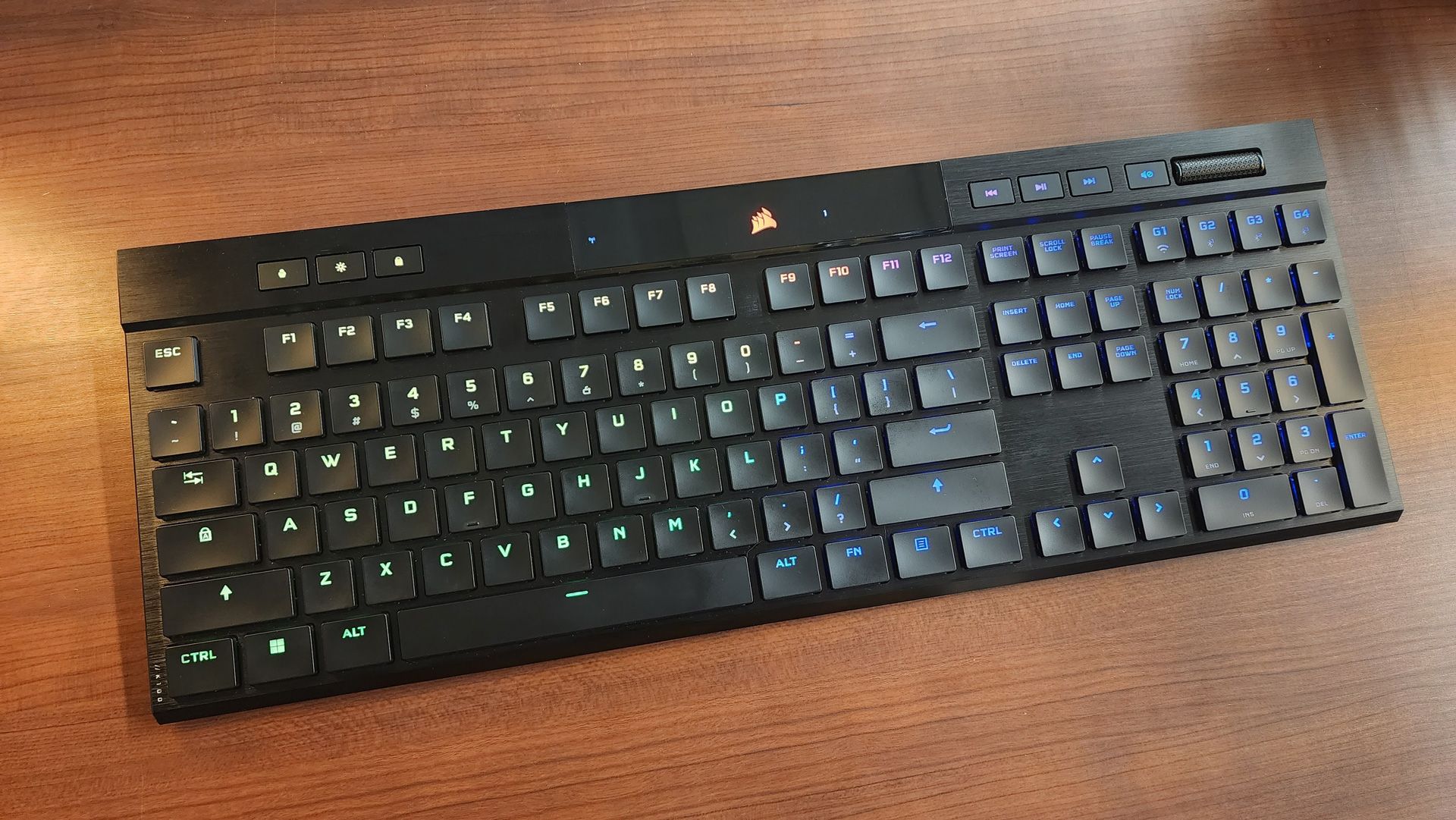
Pick up the K100 Air and you immediately understand where your $279.99 went. The chassis is a single piece of CNC-milled brushed aluminum that shows zero flex — no bending in the middle, no twisting at the corners. At 1.72 pounds (780g), it’s heavy enough to feel premium without being cumbersome for travel.
The brushed aluminum finish looks spectacular on a dark desk setup, but it does have a practical downside: fingerprints and dust are highly visible. If you’re particular about your workspace aesthetics (and if you’re spending $280 on a keyboard, you probably are), expect to wipe it down regularly.
The keycaps are flat-profiled, similar to what you’d find on a premium laptop. They’re functional and feel smooth under the fingers, but they do show oil buildup over time. Corsair includes a keycap puller in the box, though replacement options are currently limited given the proprietary ULP switch design.
Tri-Mode Connectivity: Slipstream, Bluetooth, and Wired
The Corsair K100 Air Wireless connects three ways, and each mode serves a distinct purpose:
- Slipstream 2.4GHz Wireless — Sub-1ms latency via the included USB-A dongle. This is your gaming and primary workstation mode. The connection is rock-solid with AES 128-bit encryption.
- Bluetooth 4.2 — Connects to up to three devices simultaneously. Perfect for switching between your work laptop, tablet, and phone. Latency is higher than Slipstream but perfectly acceptable for typing and productivity.
- USB-C Wired — Enables the AXON 8,000Hz hyper-polling rate (0.125ms response time). Primarily useful for competitive gaming where every fraction of a millisecond counts.
The multi-device Bluetooth capability is where the K100 Air truly shines for productivity users. Switching between paired devices is instantaneous with the dedicated device-toggle keys on the top row. In a typical workflow — coding on the main desktop, responding to Slack on the laptop, checking references on the iPad — the seamless switching eliminates the need for multiple keyboards.
Battery Life: 200 Hours Is Not a Typo
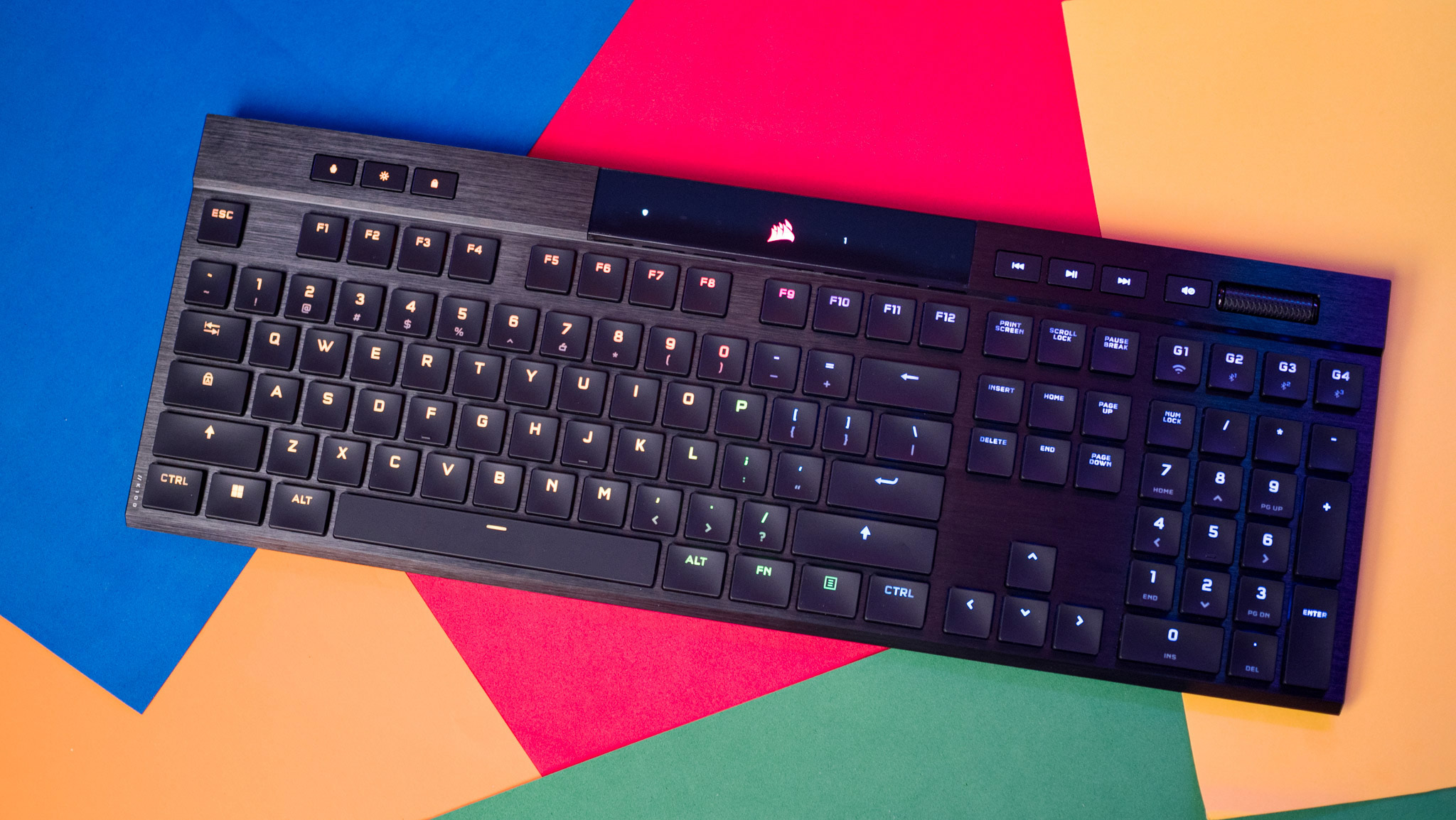
Corsair rates the K100 Air at 200 hours with RGB off and 50 hours with full per-key RGB enabled. In real-world mixed use — RGB at about 50% brightness, switching between Slipstream and Bluetooth — expect roughly 80-100 hours between charges. That translates to about two to three weeks of heavy daily use before reaching for the USB-C cable.
Compare this to the Logitech G915, which manages about 40 hours with lighting on, and the K100 Air’s advantage becomes clear. For users who hate charging their peripherals, this is a significant selling point.
Corsair K100 Air vs Logitech G915: The Ultra-Thin Showdown
The most natural comparison for the K100 Air is Logitech’s G915 series, which dominated the low-profile wireless mechanical keyboard space before Corsair’s entry. Here’s how they stack up:
- Thickness — K100 Air: 11mm (thinnest) / G915: 22mm. Corsair is almost exactly half the height.
- Switches — K100 Air: Cherry MX ULP Tactile (0.8mm actuation) / G915: Kailh Low Profile (1.5mm actuation). Corsair’s switches are faster to actuate.
- Polling Rate — K100 Air: 8,000Hz (wired) / G915: 1,000Hz. Massive advantage for Corsair in wired mode.
- Battery — K100 Air: 200 hours (no RGB) / G915: ~40 hours (RGB on). Corsair wins convincingly.
- Price — K100 Air: $279.99 / G915: ~$199.99. The Corsair carries an $80 premium.
- Build Material — Both use aluminum frames, but the K100 Air’s CNC-milled construction feels noticeably more rigid.
The K100 Air wins on nearly every spec, but the $80 price gap is real. If ultra-thin design and bleeding-edge switch technology matter to you, the premium is justified. If you’re comfortable with a slightly thicker board, the G915 remains an excellent value at its lower price point.
Productivity: Where the K100 Air Quietly Excels
While Corsair markets the K100 Air as a gaming keyboard, its true strength might be productivity. The combination of ultra-slim profile, multi-device Bluetooth, extended battery life, and four dedicated programmable macro keys makes it an exceptional tool for professionals.
For content creators, the iCUE software integration allows mapping macro keys to application-specific shortcuts — Photoshop actions, Premiere Pro timeline controls, DAW transport commands. The flat profile means the keyboard sits at a natural wrist angle without a wrist rest, reducing fatigue during long sessions.
Programmers will appreciate the full NKRO (N-Key Rollover), snappy actuation, and the ability to switch between development environments on different machines via Bluetooth without touching a KVM switch. The tactile feedback from the Cherry MX ULP switches provides enough keystroke confirmation for accurate touch typing without the noise that disturbs open-office neighbors.
The Downsides: What $280 Doesn’t Buy You
No keyboard is perfect, and the K100 Air has legitimate weaknesses:
- Non-swappable switches — The Cherry MX ULP design is soldered. If you prefer linear or clicky switches, you’re out of luck. There’s no hot-swap option.
- Flat keycap profile — Some reviewers noted increased typos during the adjustment period. The completely flat surface lacks the sculpted rows that help fingers find home positions on traditional keyboards.
- Price — At $279.99 MSRP, it’s one of the most expensive wireless keyboards on the market. Prices have been spotted as low as $182 on sale, but at full price, it’s a hard sell for budget-conscious buyers.
- Limited keycap compatibility — The proprietary ULP switch stem means you can’t use standard MX keycaps. Custom keycap options are virtually nonexistent.
- Bluetooth 4.2, not 5.0 — While functional, the older Bluetooth version means slightly higher latency and power consumption compared to BT 5.0 implementations in newer competitors.
Who Should Buy the Corsair K100 Air Wireless?
The Corsair K100 Air Wireless is built for a specific type of user: someone who wants mechanical switch quality in the thinnest possible package, values multi-device connectivity, and doesn’t mind paying a premium for bleeding-edge engineering. If you currently use a laptop keyboard or Apple Magic Keyboard and wish it had tactile feedback and better build quality — this is your upgrade.
It’s harder to recommend if you’re a keyboard enthusiast who values switch variety and customization. The locked-in Cherry MX ULP switches and proprietary keycap compatibility limit long-term flexibility. For pure gaming, keyboards like the Corsair K100 (full-size) or Razer Huntsman V3 Pro offer deeper travel and more switch options at lower prices.
But for the productivity-focused professional who moves between multiple devices throughout the day and appreciates exceptional build quality — the K100 Air delivers an experience no other keyboard on the market can match. At 11mm thin, it’s not just a keyboard. It’s an engineering statement.
Looking for the right peripherals to optimize your creative workflow? Whether it’s studio hardware selection or tech consulting for your setup, Sean can help.
Get weekly AI, music, and tech trends delivered to your inbox.





