


NVIDIA GTC 2026 Preview: 5 Reasons NIM Microservices and NemoClaw Will Reshape Enterprise AI
March 3, 2026
GDC 2026 AI Game Development: NPCs That Finally Talk Back — And 52% of Devs Aren’t Happy
March 4, 2026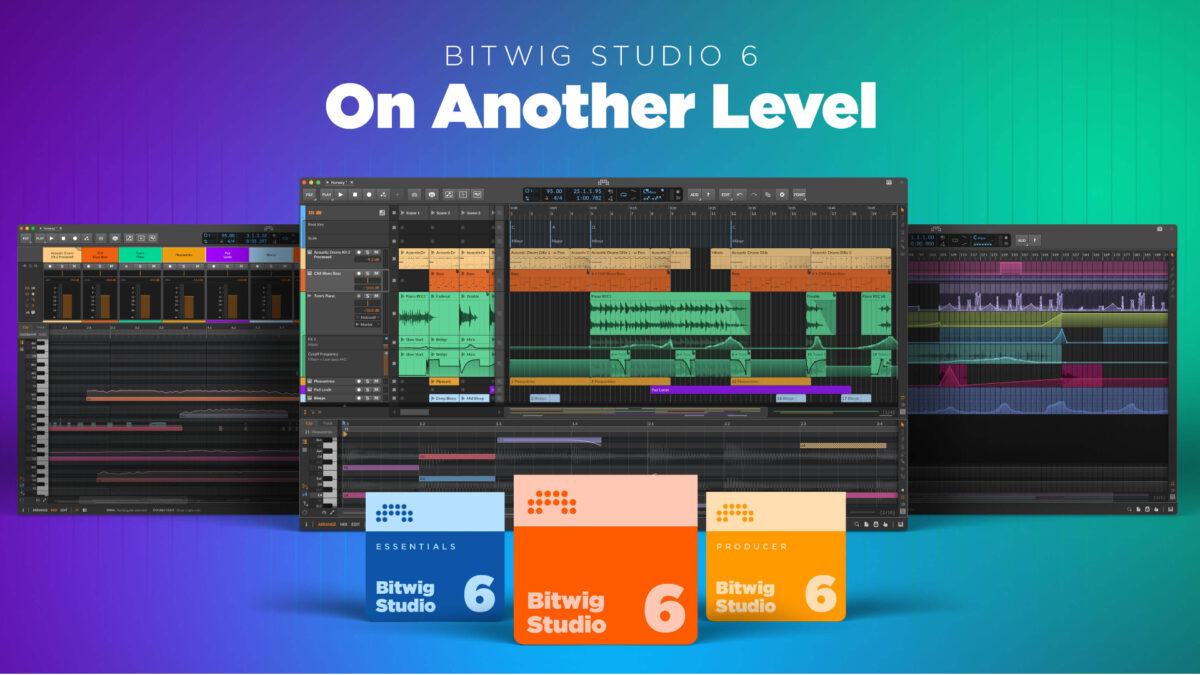
Bitwig Studio 6 vs Ableton Live 12.3 — after 28 years of mixing, mastering, and producing on nearly every DAW that has ever existed, I genuinely struggled with this one. March 2026 delivered two blockbuster updates simultaneously, and the producer community split right down the middle. Bitwig brought Automation Clips to the table. Ableton countered with native Stem Separation. So which one deserves your money, your time, and your creative energy? I spent the past weeks stress-testing both in real sessions, and the answer is more nuanced than you might expect.
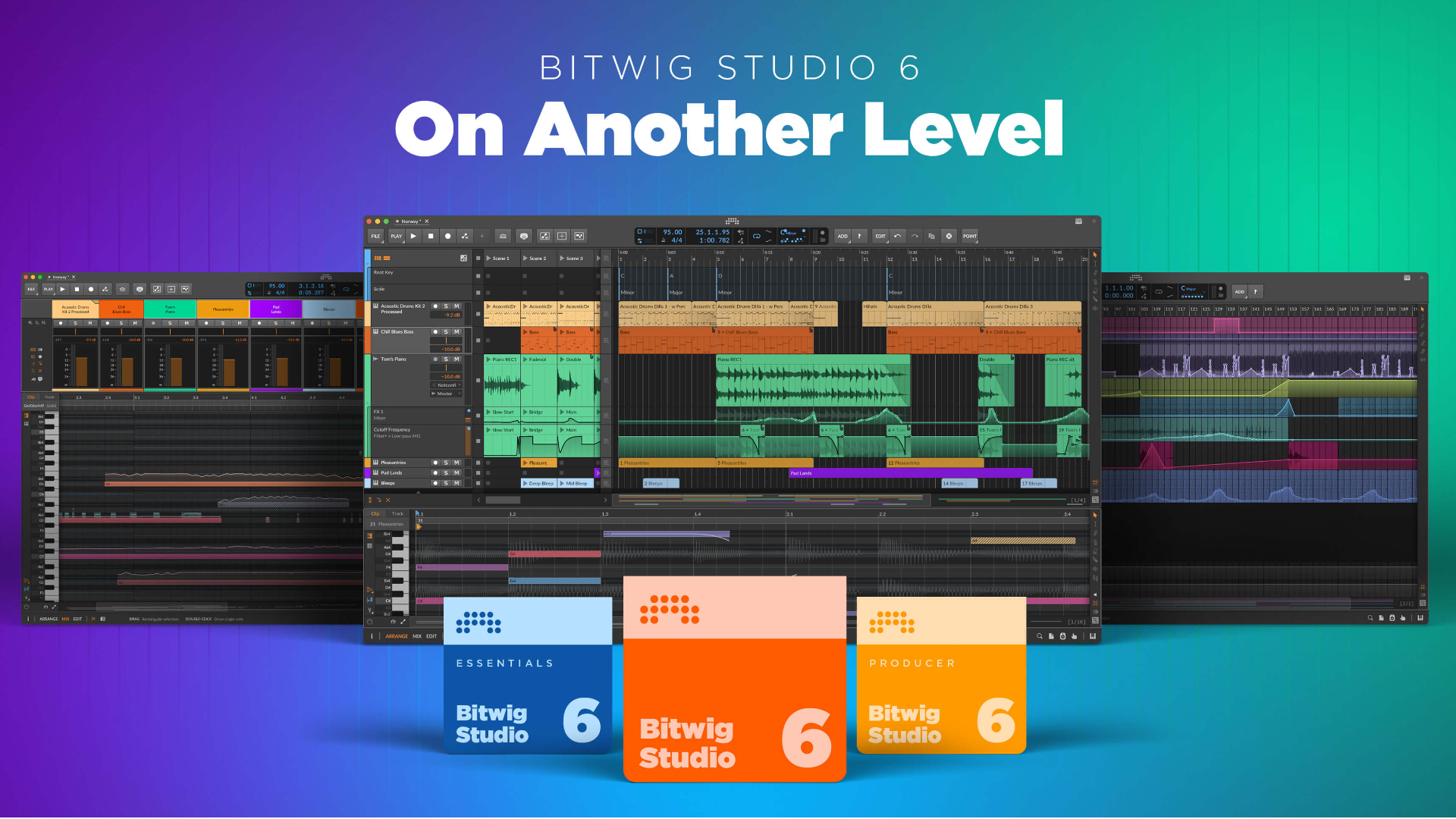
Bitwig Studio 6: Automation Clips and the Modular Sound Design Revolution
Bitwig Studio 6 officially launched on March 11, 2026, and it fundamentally changes how we think about automation in a DAW. The headline feature is Automation Clips — automation data that exists as independent, reusable clips rather than being locked to a specific track. Build a complex modulation pattern once, then drag and drop it anywhere in your project. For sound designers who spend hours crafting intricate parameter movements, this is nothing short of revolutionary. I tested this with a multi-layered ambient piece that used the same filter sweep pattern across eight different tracks — what used to require painstaking copy-paste-and-adjust now takes a single drag operation.
Clip Aliases take this concept further. Multiple clips can reference a single source, and when you edit that source, every alias updates automatically. Think of it as “smart copies” for your arrangements — change the verse pattern once and every verse in your arrangement follows suit. MusicRadar awarded Bitwig Studio 6 a 4.25 out of 5, calling it “the creative sound designer’s ultimate home base.” The new Global Key and Scale System lets you apply key and scale constraints across your entire project, which is a game changer for producers who frequently experiment with key changes or modal shifts mid-arrangement. Meanwhile, the enhanced automation editing — powered by a freehand gesture algorithm — makes drawing curves feel more natural than ever. You sketch a shape with your mouse, and Bitwig intelligently smooths it into a usable automation curve.
The UI modernization in version 6 deserves mention too. The interface feels cleaner and more responsive, with better visual feedback when working with complex modulation routing. For longtime Bitwig users, these refinements add up to a noticeably smoother daily experience.
Pricing remains one of Bitwig’s strongest arguments. At $99 for Essential, $199 for Producer, and $399 for the Full license, you are getting a feature-complete professional DAW for roughly half the cost of Ableton Suite. Add in Linux support (still the only major DAW that runs natively on Linux), plugin sandboxing that prevents a misbehaving VST from crashing your entire session, and The Grid — Bitwig’s built-in modular synthesis environment where you can build instruments and effects from scratch — and the value proposition becomes very hard to ignore. For experimental producers and sound designers on a budget, Bitwig Studio 6 delivers an extraordinary amount of creative power per dollar.
Ableton Live 12.3: Native Stem Separation and Seamless Splice Integration
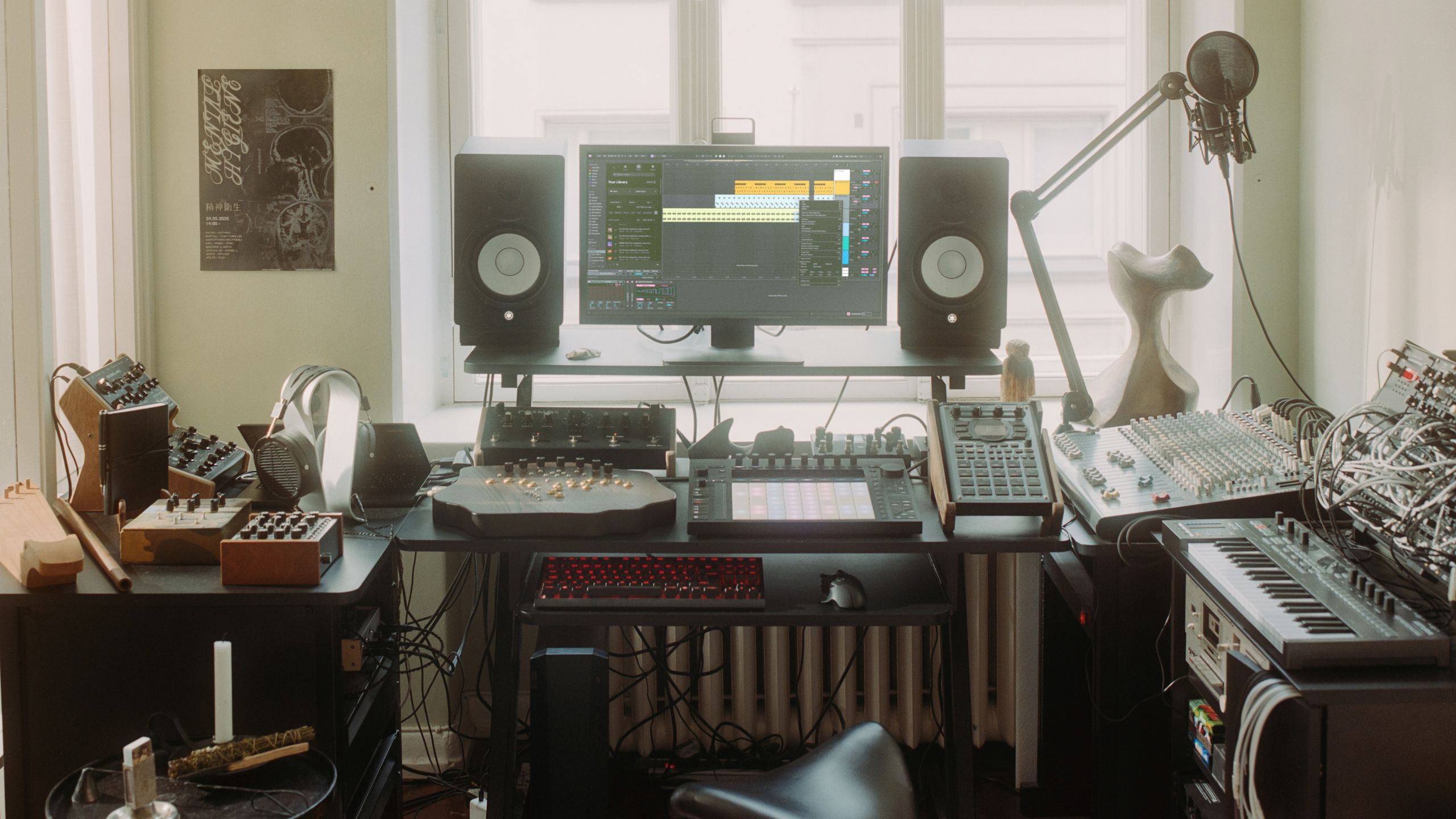
Ableton Live 12.3 finally delivered the feature producers had been begging for: native Stem Separation. According to Sweetwater’s review, the implementation is powered by Music.AI (the technology behind Moises) and processes everything locally on your machine — no cloud processing, no latency concerns, no privacy issues with uploading client stems to external servers. You get two modes — Fast for quick previews during a creative session, and High Quality for final separation when accuracy matters most. The results are genuinely impressive, especially on well-recorded material. Vocals, drums, bass, and other instruments can be isolated directly inside the DAW without any third-party plugins. For remixers, sample-based producers, and anyone working with reference tracks, this eliminates an entire step from the workflow and keeps you in creative flow.
The Splice integration built directly into Live’s browser is another significant addition that deserves attention. “Search with Sound” lets you find samples by audio similarity rather than text tags, which is a far more intuitive way to hunt for the right texture or groove. Drop in a sound you like, and Splice serves up similar options from its massive library. Bounce Groups and Paste Bounced Audio streamline CPU management by making it effortless to freeze and flatten tracks without disrupting your arrangement. The updated Auto Pan-Tremolo with Device A/B comparison lets you audition processing changes instantly by toggling between two configurations, and the Push 3 XYZ layout opens up new performance possibilities for hardware-centric artists. As MusicRadar noted, the best features in 12.3 are actually the ones “hidden beyond the headlines.”
Ableton’s greatest weapon remains its ecosystem. The Max for Live device library is staggeringly deep — thousands of community-built instruments, effects, and MIDI tools that extend Live’s capabilities in ways no other DAW can match. Push hardware integration is unmatched, offering a tactile creative experience that bridges the gap between software production and hardware performance. And the user community dwarfs every other DAW, meaning tutorials, troubleshooting forums, and collaborative resources are always a search away. Pricing sits at $99 for Intro, $249 for Standard, and $749 for Suite — the full package is expensive, but Live 12 owners get the 12.3 update completely free.
Bitwig Studio 6 vs Ableton Live 12.3: The Core Differences That Matter
After mixing and mastering hundreds of tracks over nearly three decades, I have learned that DAW selection ultimately comes down to workflow compatibility. Both Bitwig and Ableton offer clip launchers and timeline arrangement views. Both handle MIDI and audio editing at a world-class level. Both support VST3 and CLAP plugins. But their design philosophies diverge sharply, and understanding those differences is what separates a frustrating tool from a creative partner.
Choose Bitwig if: You are a sound designer who thrives on modular synthesis and deep parameter manipulation. You work on Linux or need cross-platform flexibility. You want to push automation to its absolute limits with experimental electronic music. You need a full-featured professional DAW without spending $749. You value plugin sandboxing for session stability during live performances. The combination of The Grid modular system and the new Automation Clips expands sound design possibilities to near-infinite territory. If your creative process involves building custom instruments and effects from the ground up, Bitwig was literally designed for you.
Choose Ableton if: Live performance is central to your workflow and you need battle-tested stability on stage. Push hardware integration is non-negotiable for your hands-on creative process. You frequently need stem separation for remixes or sample work and want it built directly into your DAW. You rely on a massive community for tutorials, Max for Live devices, and troubleshooting support. Audio-to-MIDI conversion and the Max for Live ecosystem remain uniquely powerful advantages that no other DAW can match. If you collaborate frequently, Ableton’s ubiquity means your collaborators almost certainly know their way around it.
Here is a fascinating piece of context that adds nuance to this comparison: Bitwig was founded in 2014 by former Ableton developers who wanted to push DAW design in a more modular, open direction. These two DAWs share DNA but have evolved in completely different directions — Ableton toward polish, ecosystem, and performance, Bitwig toward flexibility, experimentation, and modularity. As MusicTech’s comparison guide emphasizes, the right question is not “which DAW is better” but rather “which DAW fits your workflow better.”
The 2026 Verdict: Let Your Workflow Decide
I personally run both DAWs in my studio, and I have for years. Sound design sessions and modular experiments happen in Bitwig, where The Grid and Automation Clips give me creative freedom I cannot find anywhere else. Live performance setups, vocal production, and collaborative projects happen in Ableton, where the ecosystem depth and Push integration keep everything flowing smoothly. The honest 2026 answer might be “both” rather than “either/or” — especially since Bitwig’s full license at $399 plus Ableton Standard at $249 totals less than Ableton Suite alone.
But if you must pick one, here is my recommendation after testing both extensively: sound design and automation-focused producers should lean toward Bitwig Studio 6, while performance-oriented artists and those who value community ecosystem breadth should go with Ableton Live 12.3. Neither choice is wrong. Both DAWs are at the peak of their game in 2026. At the end of the day, the DAW is just a tool — what matters is the music you make with it.
Looking for expert guidance on DAW selection or studio workflow optimization? A 28-year audio engineering veteran is ready to help.






