

Claude Opus 4.6: 7 Groundbreaking Features That Make It Anthropic’s Most Powerful AI Model
February 2, 2026
Claude Opus 4.6 vs GPT-5.1 vs Gemini 3.5: The February 2026 Benchmark Battle That Changes Everything
February 3, 2026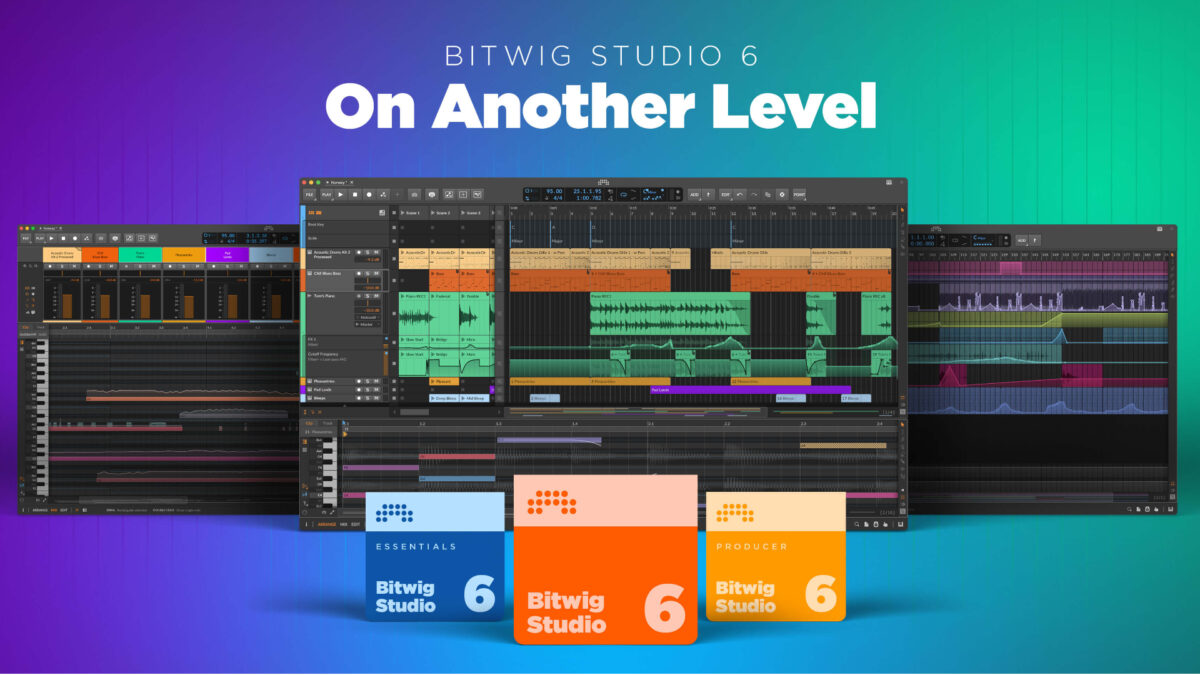
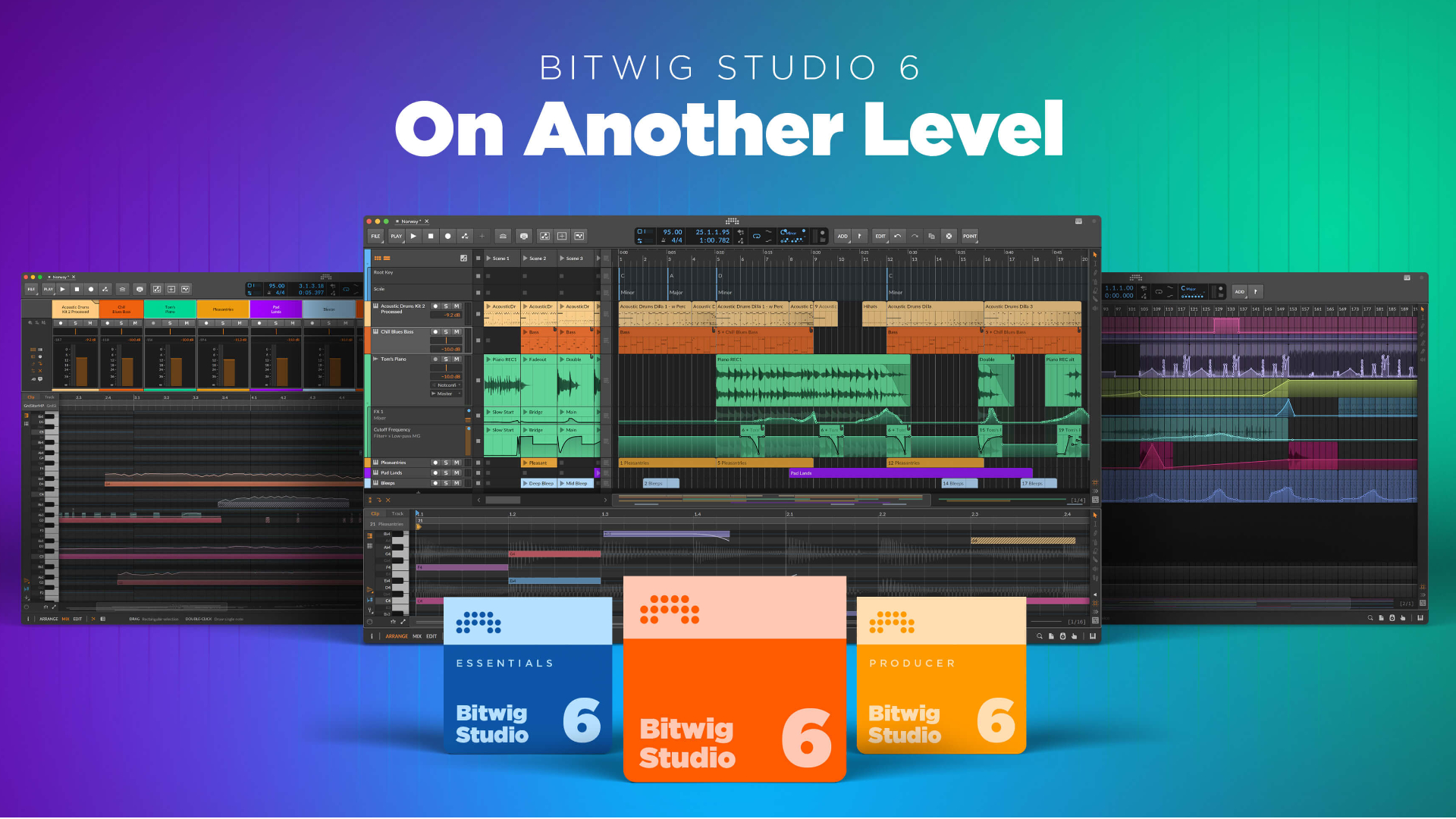
After five months of public beta testing, Bitwig Studio 6 is locked in for its official March 11, 2026 release — and the beta testers aren’t staying quiet about it. Automation clips, clip aliases, a project-wide key signature system, and a completely reworked editing interface are just the headline features. This isn’t a maintenance update. Bitwig has gone after the core DNA of how producers interact with their DAW, and from what I’ve seen in the beta, they’ve nailed it. Here’s what’s coming and why it matters.
1. Automation Editing Gets a Complete Overhaul in Bitwig Studio 6
The single biggest change in Bitwig Studio 6 is the automation system redesign. Press the A key, and the new Automation Mode overlays each track with the automation curve of the last parameter you touched. No more hunting through lanes, no more clicking through menus — just one key and you’re editing.
The gesture-based editing is where it gets really impressive. Draw a freehand curve, and Bitwig’s new algorithm translates it into clean, precise automation. The Spread behavior adds randomized variation to your curves — imagine adding subtle humanization to volume automation with a single gesture. Hold (press H) locks a parameter at a flat value until the next point, which is exactly what you need for step-sequence style automation. Segment-level curvature control in the Inspector gives you DAW-grade precision that rivals dedicated automation tools like those in Pro Tools or Cubase.
\n\n\n\nThere’s also an upgraded Pencil tool and a new Spray Can tool that creates points at grid intervals — perfect for rhythmic filter sweeps, stutter effects, or building complex LFO-like modulation patterns. The Detail Editor Panel offers a second way to access automation, providing a dedicated workspace below the arranger for focused curve editing without switching modes.
Having worked with automation across every major DAW over the past 28 years, I can say this level of editing flexibility is genuinely unprecedented. Ableton Live and Cubase have solid automation, but Bitwig Studio 6 is operating on a different level of granularity.
2. Automation Clips — The Feature Bitwig Studio 6 Producers Have Been Waiting For
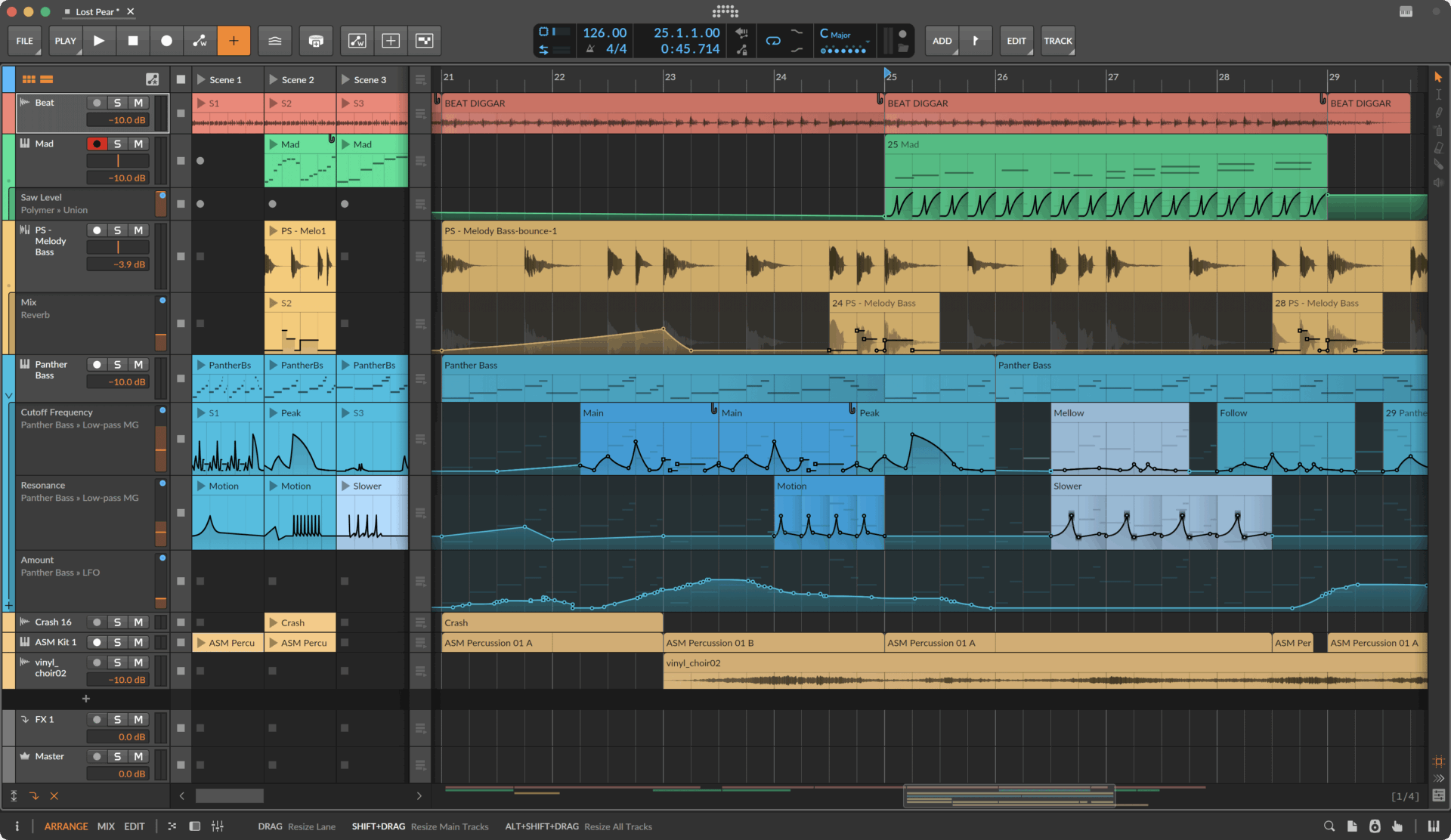
Bitwig Studio 6 introduces Automation Clips, bringing automation into the same clip-based workflow that already powers audio and MIDI. This is massive. Instead of track-level automation that’s locked to the timeline, you now get independent clips with their own looping, start times, time-sliding, and stretching capabilities.
Build an 8-bar filter sweep automation clip, loop it, and it repeats across your entire arrangement — edit it once, and every instance updates. Need a sidechain-style pumping effect that runs through your entire track? Create it once as an automation clip, set it to loop, done. These clips integrate with the browser, so you can save your best automation patterns as presets and load them into any project. They even work with the Segments MSEG device for modular-style parameter control. For electronic music producers who live and breathe automation, this single feature could justify the upgrade on its own.
3. Clip Aliases — Bitwig Studio 6’s New Structural Powerhouse
Clip Aliases are entirely new to Bitwig Studio 6 and might be the most productivity-boosting feature in the update. Instead of duplicating a clip (creating an independent copy), you drag it as an alias. All aliases share a single “pattern” — edit any one of them, and every alias updates instantly. Individual clip settings like position and length remain independent.
This works across audio, note, and automation clips, in both the Clip Launcher and the Arranger. Picture this: a 32-bar drum pattern aliased across 12 sections of your arrangement. Change the snare pattern in one alias, and all 12 update. Need to swap a hi-hat sample across your entire track? Edit the alias once. Want to try a different chord voicing in every chorus? One edit propagates everywhere.
\n\n\n\nFor anyone working on large-scale projects — film scoring, live performance sets, album production — clip aliases eliminate hours of repetitive editing. Combined with automation clips, you can build entire arrangement templates where structural changes happen in seconds rather than minutes. It’s the kind of feature that makes you wonder how you ever worked without it.
4. Global Key Signature and New Grid Modules
Bitwig Studio 6 adds a project-wide key signature alongside tempo and time signature. The Piano Roll now displays the active scale visually, and Snap to Key (K) locks your edits to scale-appropriate notes. Quantize to Key corrects existing notes in a single action — no more manually hunting for out-of-scale notes in complex chord progressions.
What makes this truly powerful is the integration with Bitwig’s modular Grid system. Four new modules — Scale Quantizing, Scale Steps, Root Key, and Pitch Class — tap into the global key signature for generative music workflows. The Arpeggiator’s new “Use Global Key” option means your entire project can share harmonic context. For producers working with generative and algorithmic composition, this turns Bitwig into a truly key-aware production environment.
5. Editing Tool Overhaul and UI Refresh
Bitwig Studio 6 doesn’t just add features — it rethinks how you access them. The editing tool palette has been relocated to a slim panel on the right side of the interface. The new Audition tool lets you preview any track or clip directly, while the Step Input tool supports multi-note entry for rapid composition.
Expression editing now puts micro-pitch, gain, and pressure curves directly on notes and audio clips. Layered editing lets you select multiple clips for simultaneous detail view comparison. Track headers now use dynamic layouts that respond to resizing, the Arranger has an Auto Zoom feature, and the Clip Launcher shows position and loop visualization for the first time.
One underrated addition is the Safety Feature: when you open a project from a previous Bitwig version, a permanent backup of the original file is automatically created. Every DAW major update carries project compatibility risks — I’ve personally lost hours recovering projects after premature upgrades in other DAWs. Bitwig has addressed this with a simple, elegant solution that every other DAW should copy. The Piano Roll also gains a new Piano Pattern background option and adaptive key coloring that responds to the global key signature, making scale-aware editing visually intuitive.
Release Date, Pricing, and Platform Support
Bitwig Studio 6 launches March 11, 2026. It’s a free upgrade for anyone with an active update plan valid through August 27, 2025 or later. The beta has been running for over five months, giving the team ample time to squash bugs and refine the experience. Full support for Windows, Mac, and Linux continues — a critical advantage over platform-locked competitors like Logic Pro and FL Studio (which finally added macOS support but still lacks Linux).
While other DAWs chase AI-powered features, Bitwig doubled down on the fundamentals: editing, automation, and structural workflow tools. Whether that bet pays off will be clear once March 11 arrives and the broader producer community gets their hands on it. But from everything I’ve seen in the beta, Bitwig Studio 6 isn’t just a version bump — it’s a paradigm shift in how a DAW handles the creative workflow. The combination of automation clips, clip aliases, and global key signature creates a production environment that’s genuinely more flexible than anything else on the market right now. If your update plan is active, clear your schedule for March 11. And if it’s expired, this might be the update that justifies renewing it.
Need professional mixing, mastering, or help building your Dolby Atmos production setup? Let’s talk — 28 years of hands-on studio experience.
Get weekly AI, music, and tech trends delivered to your inbox.






