


ChatGPT Memory Update: How Persistent Context Across All Chats Changes Everything (And What You Should Watch Out For)
May 9, 2025
Claude Code Multi-File Editing: How a 49% to 72.7% SWE-bench Jump Is Reshaping Developer Workflows
May 12, 2025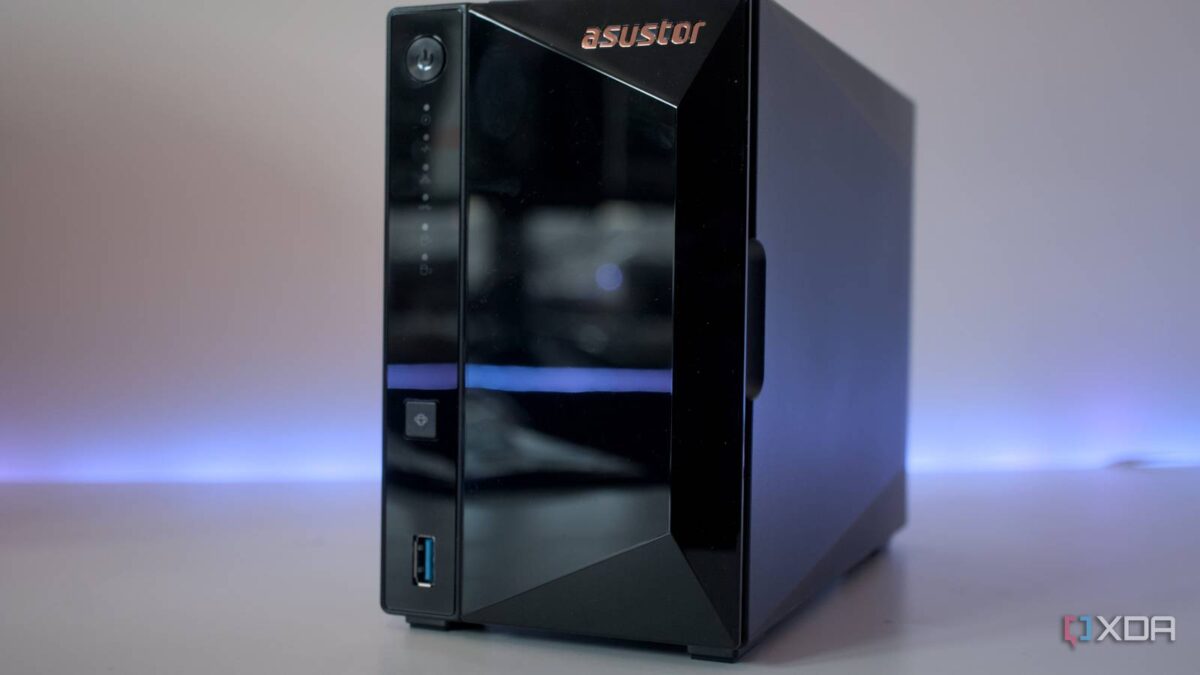
“Cloud storage just got more expensive. Again.” If that thought crossed your mind this month, you’re not alone. With Google Drive quietly raising prices and iCloud still offering anemic storage tiers, May 2025 is seeing a massive wave of people deciding to take their data back. The question is: which best NAS for home 2025 actually deserves your money?
I’ve spent weeks testing and researching the three most popular 2-bay NAS devices on the market — the Synology DS224+, QNAP TS-264, and Asustor Drivestor 2 Pro Gen2 (AS3302T v2). This isn’t a spec sheet copy-paste. I’m breaking down which NAS wins for each real-world use case, from Plex media serving to Docker homelab setups, so you can make a decision you won’t regret in six months.
Best NAS for Home 2025: Core Specs at a Glance
Before diving into use cases, let’s establish the baseline. These three models span from $269 to roughly $400 — a meaningful price range that reflects very different hardware philosophies.
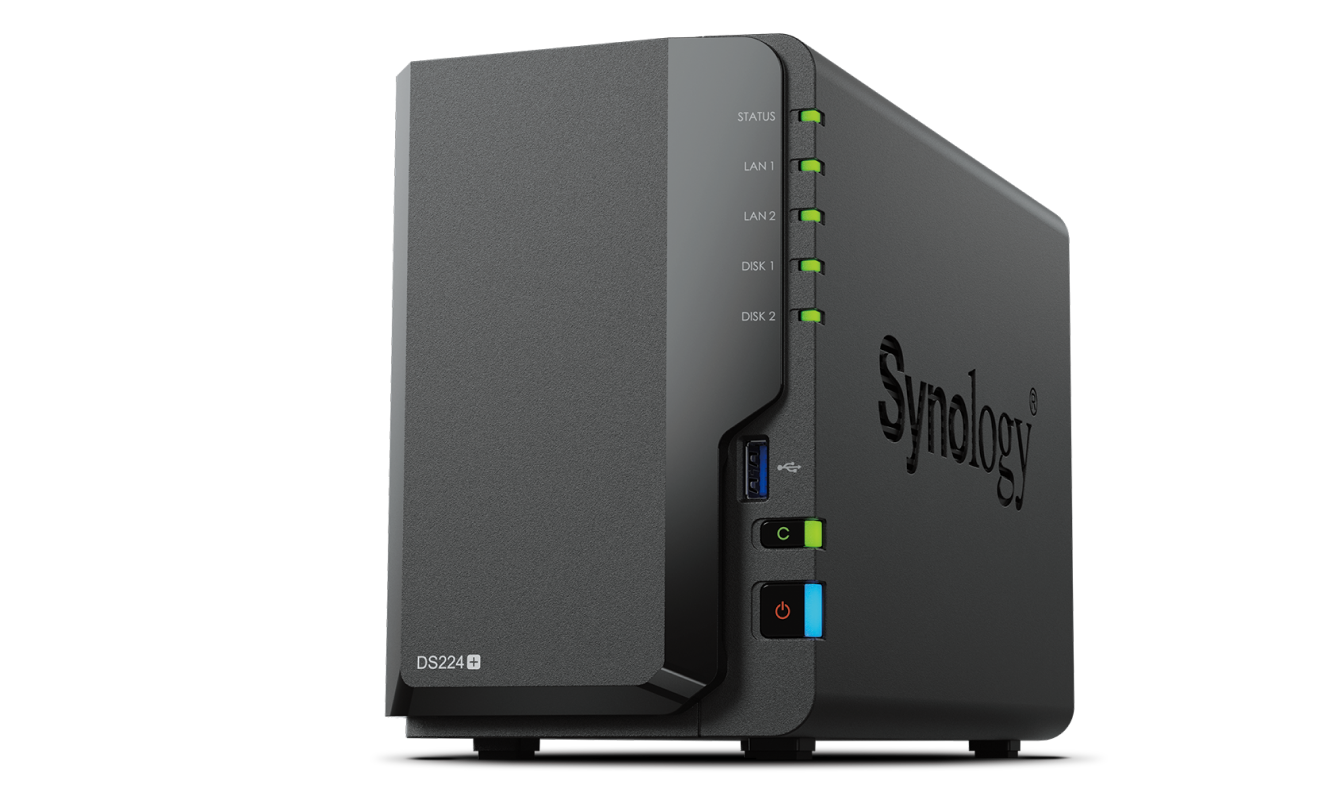
Synology DS224+ — ~$300. Intel Celeron J4125 quad-core, 2GB DDR4 (expandable to 6GB), dual 1GbE ports, no M.2 slots. Real-world SMB performance: 231MB/s read, 222MB/s write according to StorageReview’s benchmarks.
QNAP TS-264 — ~$400. Intel Celeron N5095 quad-core, 8GB DDR4 (expandable to 16GB), dual 2.5GbE, two M.2 NVMe slots, HDMI 2.0 output. The hardware king of this comparison by a significant margin.
Asustor Drivestor 2 Pro Gen2 (AS3302T v2) — ~$269. Realtek RTD1619B quad-core ARM, 2GB DDR4 (non-expandable), single 2.5GbE. RAID 1 performance: 283MB/s read, 280MB/s write. The best price-to-network-speed ratio in this lineup, as noted by XDA’s review.
On paper, the QNAP TS-264 dominates every spec category. But it also costs $100–130 more than its rivals. The real question isn’t “which has better specs” — it’s “which specs actually matter for what I do?”
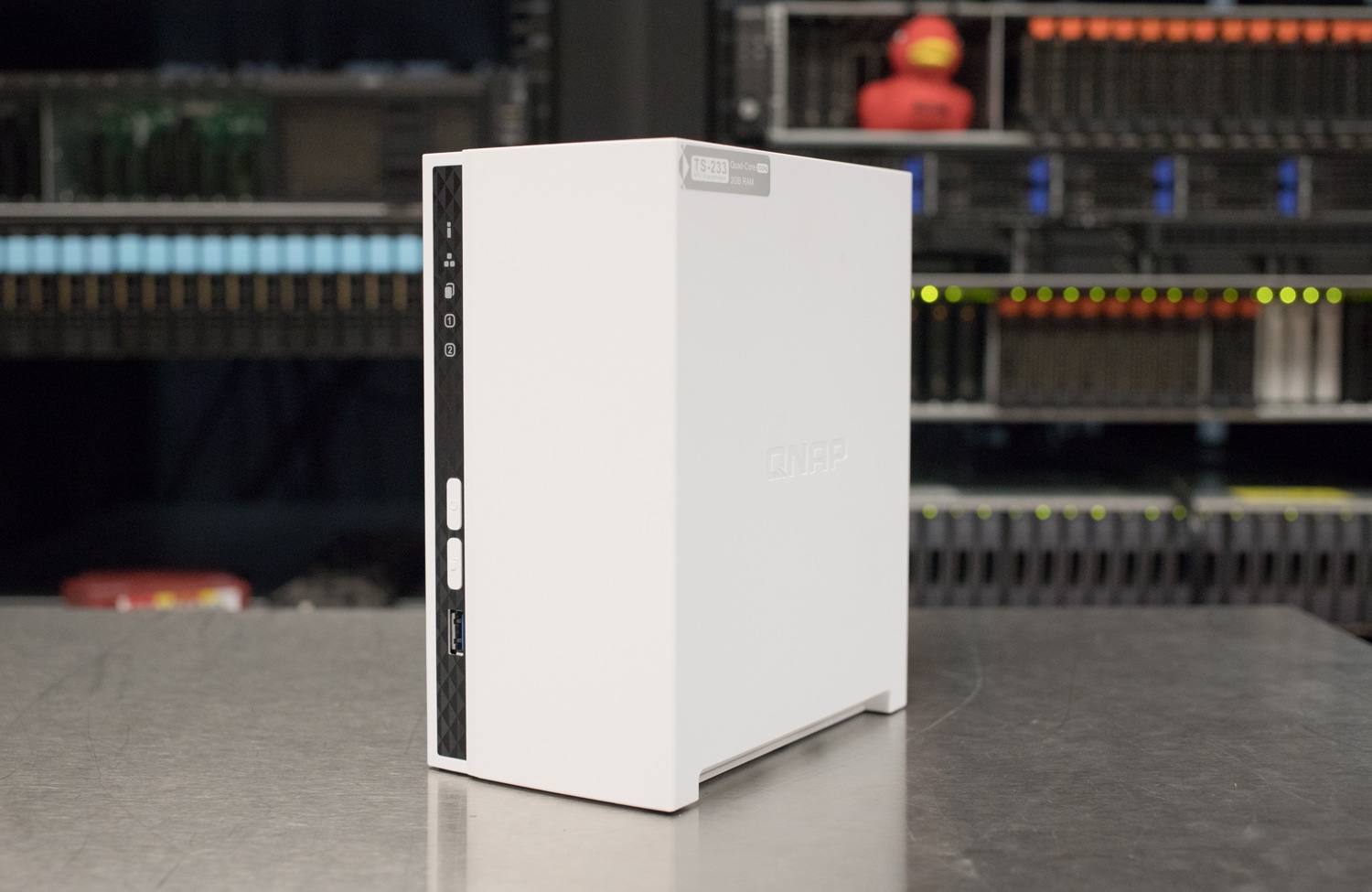
It’s also worth noting what’s not on this list. The QNAP TS-233 at $199 is a solid entry-level option for basic backup duties, but its ARM processor and 2GB RAM limit its versatility. And Synology’s next-generation DS225+ is expected around July 2025, so if you can wait a couple months, that might be worth monitoring — though current DS224+ pricing is unlikely to drop significantly.
Software Ecosystems: DSM vs QTS vs ADM
A NAS is only as good as its operating system. The best hardware in the world is useless if the software makes you want to throw it out the window every time you log in.
Synology DSM is the gold standard. The web interface is clean and intuitive, the mobile apps (DS File, DS Photo, DS Video) are genuinely well-designed, and the Package Center offers stable, well-maintained applications. First-time NAS users can go from unboxing to a fully configured RAID setup in under 30 minutes. There’s a reason Synology commands a premium — you’re paying for software as much as hardware.
QNAP QTS wins on sheer feature count. Virtualization Station lets you run full VMs, Container Station handles Docker with a GUI, and QVR Pro provides free surveillance camera licenses out of the box. The trade-off? QTS is more complex, and QNAP has had notable security incidents (the Deadbolt ransomware attacks in 2022-2023) that make diligent update management essential.
Asustor ADM occupies the middle ground. Its app ecosystem is smaller but covers the essentials — Plex, Docker, backup utilities, and surveillance. The interface is clean enough, and at this price point, the software experience is more than adequate.
Real-World Use Cases: Who Wins Where?
Spec sheets don’t tell the full story. Here’s how each NAS performs in the scenarios that actually matter to home users.
Plex Media Server & 4K Transcoding
If Plex is your primary use case, you need an Intel CPU for hardware transcoding. Both the Synology DS224+ (J4125) and QNAP TS-264 (N5095) support Intel Quick Sync, enabling real-time 4K HEVC to 1080p transcoding. The Asustor AS3302T v2’s ARM chip handles 1080p direct play fine but struggles with 4K transcoding.
The TS-264 pulls ahead for multi-user households. With 8GB RAM and M.2 SSD caching, it handles simultaneous streams without breaking a sweat. If three family members are watching different content on different devices, the extra RAM and cache make a noticeable difference.
Backup & File Sync
For straightforward backup and cloud sync, all three NAS devices get the job done. However, Synology’s Hyper Backup and Synology Drive offer versioning and sync capabilities that rival cloud-native services like Dropbox. The experience is polished in a way that QNAP’s Hybrid Backup Sync and Asustor’s backup tools haven’t quite matched.
On a tight budget? The QNAP TS-233 at $199 is a perfectly capable backup and file server. Its ARM processor limits Docker and transcoding performance, but for automated backups and basic file sharing, it’s hard to beat the value.
Docker & Home Server
Docker capability is where RAM matters most. The QNAP TS-264’s 8GB (expandable to 16GB) lets you comfortably run Pi-hole, Home Assistant, Nextcloud, and more simultaneously. The DS224+’s 2GB (expandable to 6GB) can handle Docker, but you’ll hit memory limits faster with multiple containers.
Surveillance
QNAP has the edge here. QVR Pro includes free camera licenses, while Synology Surveillance Station only includes two free licenses with additional cameras requiring paid licenses at roughly $50 each. For a home with 4+ IP cameras, the licensing cost difference adds up quickly.
Asustor also offers its Surveillance Center at no additional cost, though the camera compatibility list is somewhat smaller than Synology’s or QNAP’s. For a basic 2–3 camera home security setup, any of the three will work — but scaling beyond that favors QNAP’s licensing model.
Networking: Does 2.5GbE Actually Matter?
The DS224+’s biggest weakness is its 1GbE-only networking. In 2025, this is increasingly hard to justify at the $300 price point. While Synology offers link aggregation (bonding both 1GbE ports), single-connection transfers top out around 113MB/s in practice.
The QNAP TS-264 offers dual 2.5GbE, and the Asustor AS3302T v2 provides a single 2.5GbE port. At 2.5GbE speeds, the Asustor achieves 283MB/s reads in RAID 1 — over twice the single-connection speed of the Synology. For users regularly transferring large files (video projects, music production sessions, photo libraries), the speed difference is substantial and immediately noticeable.
One caveat: to benefit from 2.5GbE NAS speeds, your computer and network infrastructure need to support it too. If you’re running a standard 1GbE router and switch, you’ll need to budget for network upgrades or at minimum a USB 2.5GbE adapter ($15–25). Many newer motherboards and laptops from 2024 onward include 2.5GbE ports natively, so this is becoming less of an obstacle. A 2.5GbE unmanaged switch runs about $30–50, making the total upgrade cost very manageable.
Data Protection & Reliability
All three NAS devices support RAID 1 mirroring for redundancy, and each brand offers its own proprietary RAID format for flexibility — Synology’s SHR, QNAP’s RAID management, and Asustor’s MyArchive. For a 2-bay unit, RAID 1 (mirroring) is the standard recommendation: you lose half your raw capacity but gain protection against a single drive failure.
Synology’s built-in snapshot and replication tools are the most mature in this comparison. Active Backup for Business (free for Synology users) can back up PCs, Macs, and even other NAS devices. QNAP offers similar functionality through Hybrid Backup Sync and QNAP’s snapshot feature, while Asustor provides Snapshot Center for point-in-time recovery.
My Take: What 28 Years in Audio Taught Me About Storage
After 28 years working in professional audio — mixing, mastering, producing — I’ve learned that storage isn’t just a place to dump files. It’s the backbone of your workflow. A single Pro Tools session with multi-track recordings at 96kHz/24bit can easily hit 50GB. Multiply that by years of projects, and you understand why NAS selection isn’t a casual decision.
I’ve been a Synology user for years, and DSM’s reliability has earned my trust. But I’ll be honest: shipping 1GbE-only in 2025 at $300 is a tough sell, especially for content creators. When you’re streaming multi-track sessions directly from NAS, 1GbE becomes a bottleneck once track counts climb.
If I were buying a NAS today, my choice would depend entirely on the use case. For a power user who wants room to grow — the QNAP TS-264. The 8GB RAM, M.2 caching, and dual 2.5GbE ports give you headroom for music production file serving, Docker containers, and media streaming all at once. For a family media server and backup solution where simplicity matters — the Synology DS224+ remains unbeatable. Nothing touches DSM for set-it-and-forget-it reliability.
The Asustor AS3302T v2 is the dark horse at $269 with 2.5GbE standard. Its ARM chip limits heavy compute tasks, but for users who want fast file transfers without paying Synology or QNAP premium prices, it’s the smart budget pick.
Final Verdict: Which NAS Should You Buy?
- Best for beginners & reliability → Synology DS224+ ($300) — Best software, best mobile apps, lowest learning curve
- Best for power users & expandability → QNAP TS-264 ($400) — Top-tier hardware, M.2 caching, 2.5GbE, Docker-ready
- Best budget + fast networking → Asustor AS3302T v2 ($269) — 2.5GbE standard, best transfer speed per dollar
- Best ultra-budget entry → QNAP TS-233 ($199) — Solid basics for backup and file sharing
As of May 2025, the Synology DS225+ hasn’t been announced yet (expected July 2025), so buying now doesn’t mean missing a major refresh. Prices have stabilized after the Gen2 model launches in late 2024. If you’re spending $10+ per month on cloud storage subscriptions, a NAS pays for itself within two to three years — and you get to keep your data under your own roof.
Get weekly AI, music, and tech trends delivered to your inbox.





