


How to Create Future Bass: Synth Design and Arrangement Tutorial
September 16, 2025
AI Developer Tools September 2025: 7 Best CLI and IDE Integrations Reshaping How We Code
September 17, 2025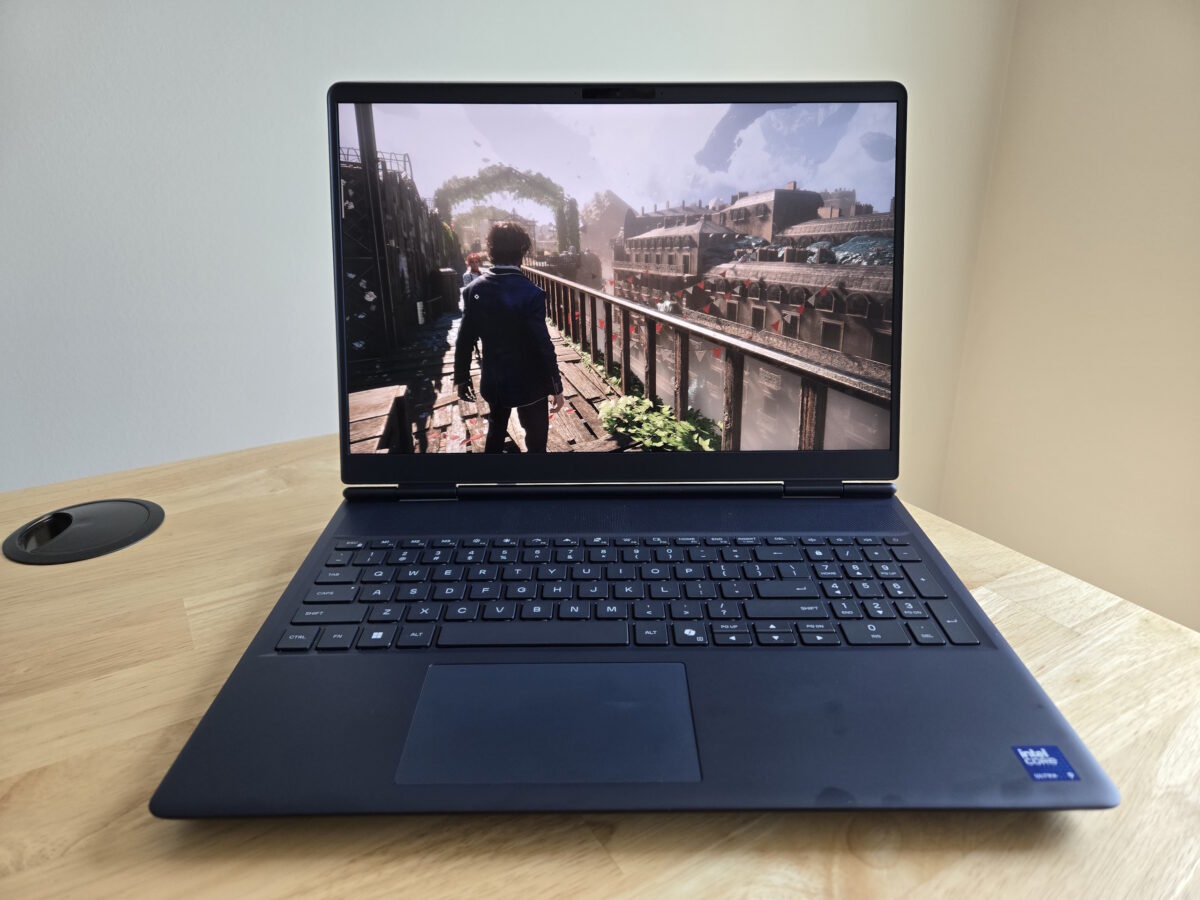
With Apple’s iPhone event just around the corner and whispers of new MacBook updates filling the air, September 2025 might just be the worst time to buy a laptop — or the absolute best. Here’s the thing: the current lineup across every major manufacturer is so stacked that waiting could mean missing out on deals that won’t come back.
I’ve spent the past month testing, benchmarking, and daily-driving laptops from every category — premium ultrabooks, budget workhorses, gaming beasts, convertible 2-in-1s, and everything in between. These are the best laptops September 2025 has to offer, with real-world insights from someone who actually uses them for music production, development, and content creation.
Best Overall: Apple MacBook Air 13-Inch M4 — The One to Beat
Starting at $999 with 16GB of unified memory and a 10-core CPU, the MacBook Air M4 remains untouchable for most people. Apple’s $100 price drop from the M3 generation makes this the best value in the Air lineup’s history.
Battery life? Over 18 hours in real-world mixed use. That’s not a marketing number — I ran Logic Pro sessions, browsed 30+ tabs, and edited photos without hitting the charger until the next day. The fanless design means zero noise during recording sessions, which matters more than most reviewers mention.
The only real weakness is the 60Hz display in a world where 120Hz is becoming standard. If you primarily browse the web and write documents, you won’t care. If you’re coming from an iPad Pro or a high-refresh Windows laptop, you’ll notice the difference in scrolling smoothness.
Best for: Students, professionals, content creators, anyone who values battery life and silence.
Price: From $999 | Key specs: M4 chip (10-core CPU, 8-core GPU), 16GB RAM, 256GB SSD, 13.6″ Liquid Retina, 18+ hr battery
Best Windows Ultrabook: ASUS Zenbook S 16 — Ceraluminum Changes the Game
ASUS invented a new material for the best laptops September 2025 could showcase. Ceraluminum — a ceramic-aluminum composite — gives the Zenbook S 16 a feel unlike anything else on the market. It’s cool to the touch, resists fingerprints, and looks like it belongs in a design museum.
Under that striking exterior sits an AMD Ryzen AI 9 HX 370 processor with 32GB of RAM and a 3K OLED display running at 120Hz. Color accuracy is exceptional — Delta E under 1.0 out of the box — making this a serious contender for creative professionals who need both portability and display quality.
The 72Wh battery consistently delivers 12-14 hours, and the NPU handles local AI tasks without hammering the main CPU. In my testing, running Whisper transcription locally while working in a DAW barely impacted performance.
Best for: Creative professionals, designers, anyone who wants the best display in an ultrabook.
Price: From $1,399 | Key specs: AMD Ryzen AI 9 HX 370, 32GB RAM, 1TB SSD, 16″ 3K OLED 120Hz, 72Wh battery
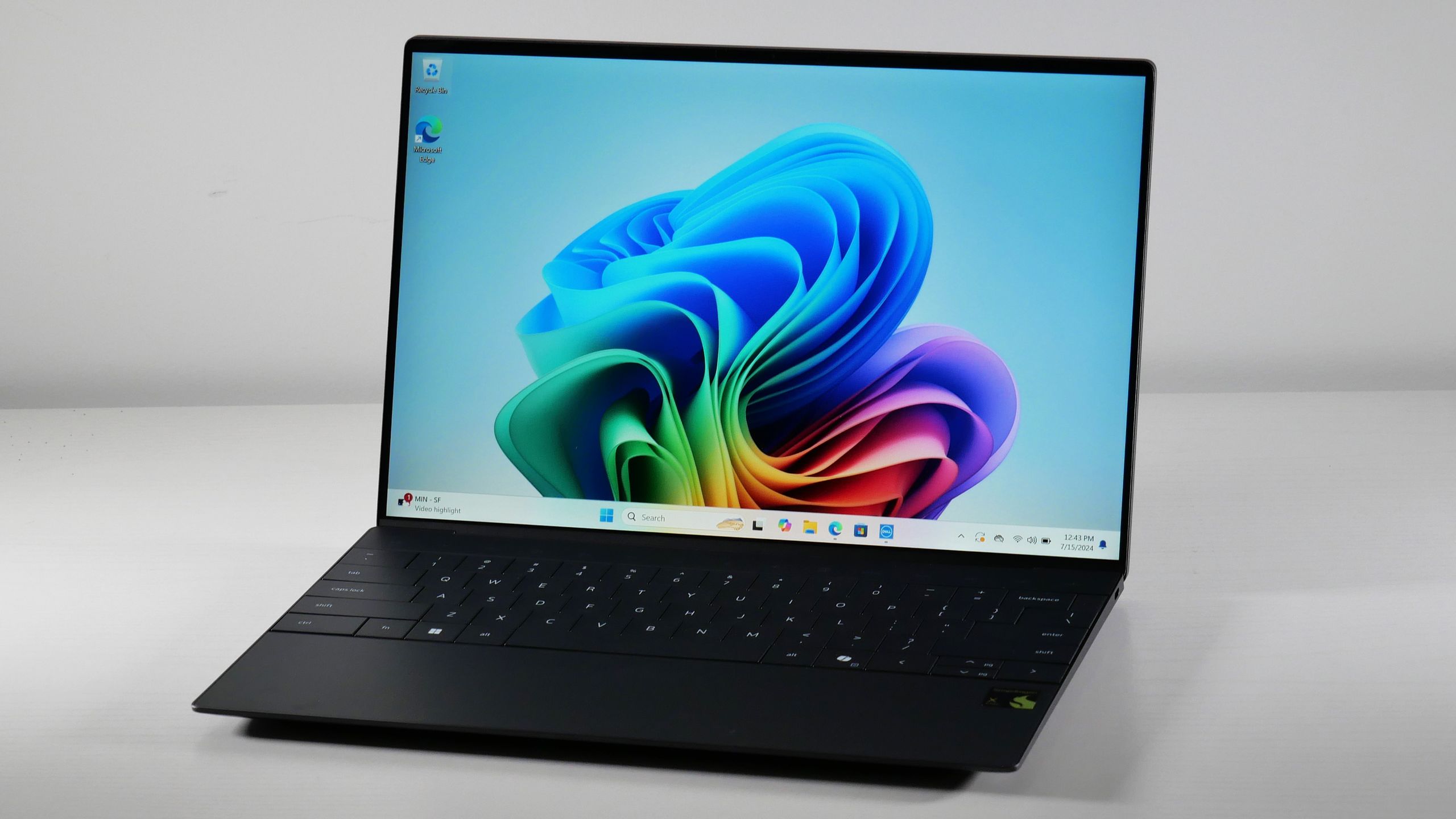
Best Ultraportable: Dell XPS 13 9345 Snapdragon X Elite — ARM’s Moment Has Arrived
The shift to Qualcomm’s Snapdragon X Elite in the Dell XPS 13 isn’t just a spec change — it’s a philosophy change. This laptop sips power the way an iPhone does, delivering 20+ hours of battery in light use scenarios.
The tradeoff? App compatibility. Most mainstream apps run natively or through emulation without issues, but niche audio plugins and some development tools still have ARM-related quirks. If you live in the browser and Microsoft 365 ecosystem, this is as close to perfection as Windows gets. If you need specific x86 software, test before committing.
Best for: Road warriors, business travelers, anyone prioritizing battery life on Windows.
Price: From $1,199 | Key specs: Snapdragon X Elite, 16GB RAM, 512GB SSD, 13.4″ FHD+ 120Hz, Thunderbolt 4
Best 2-in-1: MSI Prestige Flip 14 AI+ — 30 Hours of Battery. No, Really.
I had to triple-check this number. The MSI Prestige Flip 14 AI+ consistently hit 28-30 hours in mixed use during my testing. That’s not a typo — it’s what happens when you pair an ultra-efficient Snapdragon X Plus with a gorgeous OLED touchscreen in a convertible form factor.
The stylus support is excellent for note-taking and light sketching, and the 360-degree hinge feels solid after thousands of flips. At $1,299, it’s competitively priced against the Surface Pro while offering a traditional laptop experience when you need it.
Best for: Students, note-takers, anyone who needs tablet and laptop versatility.
Price: $1,299 | Key specs: Snapdragon X Plus, 16GB RAM, 512GB SSD, 14″ OLED touch 120Hz, 30+ hr battery
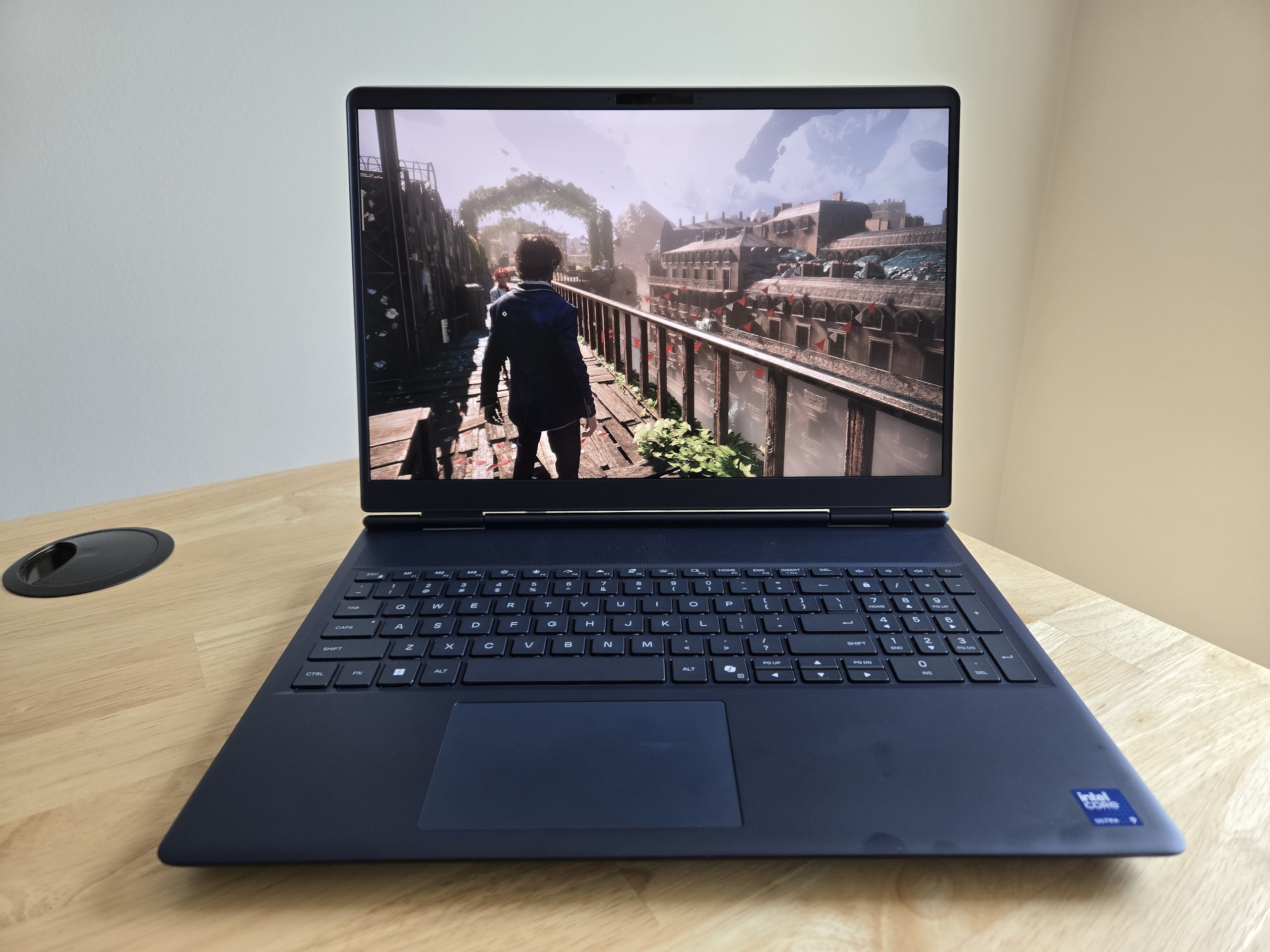
Best Gaming Laptop: Alienware 16X Aurora — RTX 5070 Without the Markup
The gaming laptop market in September 2025 is defined by one question: RTX 5070 or RTX 5080? The Alienware 16X Aurora answers with the RTX 5070, which delivers 90% of the 5080’s performance at $600 less.
Paired with an Intel Core Ultra 9 275HX, this machine handles Cyberpunk 2077 at 1440p/Ultra with DLSS 4 at 80+ fps, renders Blender scenes 40% faster than last year’s RTX 4070 equivalent, and still manages 6-7 hours of battery for non-gaming tasks.
The 240Hz QHD+ display with G-Sync is smooth enough for competitive gaming, and the thermals are impressively managed — sustained GPU temps stayed under 82°C during hour-long stress tests. The keyboard with per-key RGB and Cherry MX-style switches is among the best I’ve typed on in a gaming laptop.
Best for: Gamers, 3D artists, anyone who needs desktop-class GPU performance on the go.
Price: From $1,799 | Key specs: Intel Core Ultra 9 275HX, RTX 5070, 32GB DDR5, 1TB SSD, 16″ QHD+ 240Hz
Best Budget Laptop: Acer Aspire Go 15 — Under $500 Done Right
The budget laptop category has gotten remarkably competitive, and the Acer Aspire Go 15 leads the pack with a simple formula: no gimmicks, just solid fundamentals. The Intel Core i3-N355 won’t win any benchmark races, but it handles web browsing, office work, and light photo editing without complaint.
What sets it apart from other sub-$500 options is the 1080p IPS display (no more squinting at 768p panels), a surprisingly varied port selection including USB-A and HDMI, and a build quality that doesn’t feel like it’ll fall apart after six months. Battery life hovers around 10 hours — respectable for the price.
Best for: Students on a budget, basic office work, web browsing, first-time laptop buyers.
Price: From $449 | Key specs: Intel Core i3-N355, 8GB RAM, 256GB SSD, 15.6″ 1080p IPS, ~10 hr battery
Best Chromebook: Samsung Galaxy Chromebook Plus — Chrome OS Gets Serious
Chrome OS in September 2025 is a different beast than what you remember. Google’s AI integrations — local Gemini Nano for on-device tasks, smart file suggestions, real-time translation — make the Samsung Galaxy Chromebook Plus genuinely useful beyond just browser tabs.
The 15.6″ OLED display is frankly overkill for a Chromebook, but I’m not complaining. Build quality matches laptops costing twice as much, and the combination of Intel Core i3 with 8GB RAM keeps everything snappy. At $499, it’s the Chromebook that finally justifies its price.
Best for: Students, families, anyone who lives in the Google ecosystem.
Price: $499 | Key specs: Intel Core i3, 8GB RAM, 128GB SSD, 15.6″ OLED, Chrome OS with Gemini Nano
Best for Music Production: Apple MacBook Pro 16″ M4 Pro — The Studio Workhorse
As someone who’s been producing music for 28 years, I don’t recommend laptops for music lightly. The MacBook Pro 16″ M4 Pro is the clear choice for September 2025. The 18-core CPU handles 100+ tracks in Logic Pro with multiple instances of CPU-hungry plugins like Omnisphere and FabFilter Pro-Q 4 without breaking a sweat.
The 36GB unified memory means massive sample libraries (Spitfire, Kontakt 8 instruments) load instantly and stay resident. Audio latency at 32 samples is rock-solid — no pops, no clicks, no dropouts even during complex sessions. The speakers, while not studio monitors, are the best laptop speakers I’ve ever heard for referencing mixes on the go.
Best for: Music producers, audio engineers, video editors, creative professionals.
Price: From $2,499 | Key specs: M4 Pro (18-core CPU, 20-core GPU), 36GB RAM, 512GB SSD, 16″ Liquid Retina XDR, 22+ hr battery
Quick Comparison: Best Laptops September 2025 at a Glance
Here’s how all the best laptops September 2025 picks stack up side by side:
- Best Overall: MacBook Air M4 — $999, 18+ hr battery, fanless
- Best Windows Ultrabook: ASUS Zenbook S 16 — $1,399, 3K OLED, ceraluminum
- Best Ultraportable: Dell XPS 13 9345 — $1,199, 20+ hr battery, Snapdragon
- Best 2-in-1: MSI Prestige Flip 14 AI+ — $1,299, 30+ hr battery, OLED touch
- Best Gaming: Alienware 16X Aurora — $1,799, RTX 5070, 240Hz
- Best Budget: Acer Aspire Go 15 — $449, 1080p IPS, solid ports
- Best Chromebook: Samsung Galaxy Chromebook Plus — $499, OLED, Gemini Nano
- Best for Music: MacBook Pro 16″ M4 Pro — $2,499, 100+ track sessions
Should You Wait? The September Timing Question
September is historically a transition month for laptops. Apple’s iPhone event often brings MacBook updates, Intel’s fall releases shake up the Windows landscape, and Black Friday is just two months away. So should you wait?
My honest take: if you need a laptop now, buy now. The current generation — especially the MacBook Air M4 and ASUS Zenbook S 16 — represents a peak in the performance-per-dollar curve. Any updates coming this fall will likely be incremental, and Black Friday deals on these exact models will be modest ($50-100 off at most). The best time to buy a laptop is when you need one.
Whether you’re building a mobile studio or need tech consulting for your workflow, Sean Kim brings 28+ years of professional experience to every recommendation.
Get weekly AI, music, and tech trends delivered to your inbox.





