


Focusrite Scarlett 5th Gen Rumors: 7 Features We Expect in the Next Update
January 21, 2026
New Plugin Releases January 2026: 10 Best VSTs from NAMM, FabFilter Pro-C 3 to Free UA 610
January 22, 2026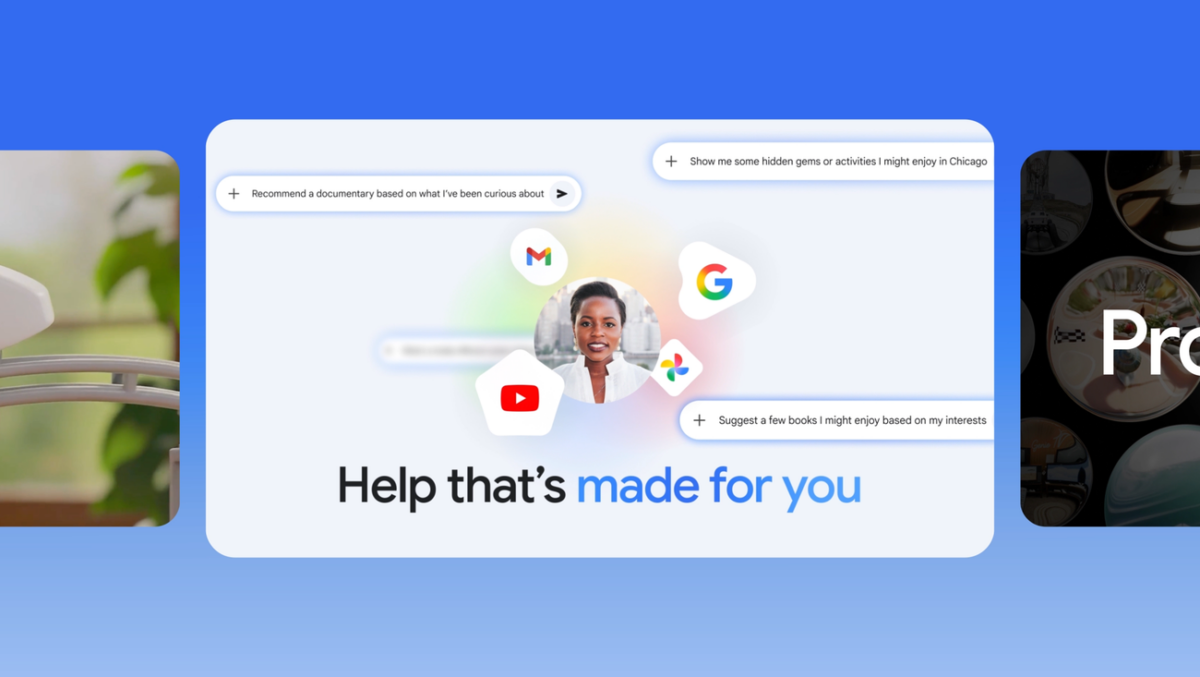
Searching for the best AI tools 2026 has to offer? The landscape just shifted more dramatically in two weeks than all of 2025 combined. CES 2026 wrapped, NVIDIA announced Vera Rubin with a promised 10x inference cost reduction, Notion dropped version 3.2 with mobile AI agents, and Claude Code went from zero to the most loved coding tool in eight months flat. As someone who has spent 28 years bouncing between music studios and tech stacks, I have never swapped out this many tools in a single month. Here is my curated breakdown — and how to actually combine them for real work.
Best AI Tools 2026 — Productivity: Notion AI 3.2 and Gemini Redefine the Game
Notion 3.2, released January 20, is not just an incremental update — it is a fundamental rethinking of what a workspace can do. The headline feature is mobile AI with full agent capabilities: record a meeting on your phone, get instant transcription and summarization, and let Notion’s AI agents take action on the takeaways. But the real power move is multi-model selection. You can now choose between GPT-5.2, Claude Opus 4.5, Gemini 3, or set it to Auto mode where Notion picks the optimal model for each task. Enterprise users get an AI usage analytics dashboard to track how teams leverage AI across their organization.
The performance gains are tangible too — 27% faster page loads on Windows, enhanced Jira integration for development teams, and a new People Directory that makes large org navigation smoother. I run Montadecs entirely on Notion, and the 3.2 update has cut my meeting note processing time in half. The multi-model approach is particularly smart because different models genuinely excel at different tasks: Claude for nuanced writing, GPT for creative brainstorming, Gemini for data-heavy analysis.
Google’s Gemini app received a massive January update as well. It now connects directly to your Google ecosystem — Gmail, Calendar, Drive, Maps — functioning as a truly personalized assistant. The opt-in beta lets Gemini proactively suggest actions based on your email context and calendar. Gmail’s free “Help me write” feature is now available to all users, lowering the barrier for AI-assisted communication. Perhaps most interesting was Google’s announcement of the Universal Commerce Protocol (UCP) at NRF 2026, signaling a future where AI agents handle shopping transactions autonomously.
Zapier’s comprehensive 2026 AI productivity tools list highlights NotebookLM as a game-changer for deep research, now supporting up to 50 source uploads for thorough analysis. ChatGPT maintains its position as the market leader for general-purpose tasks, but the gap is closing fast as specialized tools carve out their niches. The trend is clear: 2026 is not about one AI tool to rule them all — it is about assembling the right stack for your specific workflow.
Coding: Claude Code vs Cursor vs GitHub Copilot — The 2026 Showdown
MIT Technology Review named generative coding one of its 10 Breakthrough Technologies for 2026, and for good reason. The pace of improvement in AI coding tools has been staggering, and I am saying this as someone who builds and maintains a six-agent automated blog pipeline entirely through AI-assisted development.
Claude Code is the story of the year. Launched in May 2025, it achieved a 46% “most loved” developer rating within just eight months — an unprecedented rise. Unlike browser-based AI assistants, Claude Code operates directly in your terminal, understanding your entire codebase context. It handles multi-file edits, writes tests, debugs issues, and orchestrates complex refactoring across project boundaries. I use it daily to manage this blog’s multi-agent pipeline, and the difference between asking an AI about code versus having an AI that lives inside your code is night and day. It does not just suggest — it executes, tests, and iterates.
Cursor takes the opposite approach by embedding AI directly into the IDE experience. Its inline code editing, chat-based refactoring, and intelligent autocomplete make it the fastest tool for visual development work. Frontend developers especially benefit from Cursor’s ability to understand component hierarchies and suggest contextual modifications. The tab-completion is eerily accurate — it often predicts what you want to write three lines ahead.
GitHub Copilot remains the enterprise standard. Native VS Code integration, the largest training dataset, enterprise-grade security features, and organizational policy controls make it the default choice for teams that prioritize compliance and standardization. Its Copilot Workspace feature for issue-to-PR automation is genuinely impressive for large codebases.
Then there are Lovable and Replit, which are democratizing software creation entirely. These tools let non-developers build full-stack web applications from natural language prompts. A product manager can now prototype a working app in an afternoon without writing a single line of code. MIT’s recognition of generative coding as a breakthrough technology validates what practitioners have known for months: the barrier between “idea” and “working software” has never been thinner.
Creative: Midjourney v7 and the New Standard for AI Image Generation
In the creative space, Midjourney v7 is the clear frontrunner as we enter 2026. The improvements over v6 are not incremental — they represent a qualitative leap. Historically problematic areas like finger rendering, text generation within images, and maintaining consistent character design across multiple generations have seen dramatic improvements. The prompt comprehension is notably better, producing results that more faithfully match complex creative briefs.
For music and audio professionals, the AI creative tool evolution is equally significant. AI mastering tools now support Dolby Atmos spatial audio formats, and vocal separation technology has reached near-studio quality for stem extraction. At Greit Studios, I use AI mastering as a reference point for client projects — the 2026 generation of tools produces draft masters that genuinely inform the final product. Album covers, YouTube thumbnails, social media visuals — Midjourney v7 delivers production-ready quality that would have cost hundreds of dollars in design fees just two years ago.
The broader creative AI ecosystem is also maturing rapidly. DALL-E 3’s integration into ChatGPT makes basic image generation accessible to everyone, while tools like Runway Gen-3 push the boundaries of AI video generation. Adobe’s suite continues to embed generative AI features across Photoshop, Illustrator, and Premiere Pro, making AI enhancement a natural part of existing creative workflows rather than a separate step.
CES 2026: The Hardware Foundation for AI’s Next Chapter
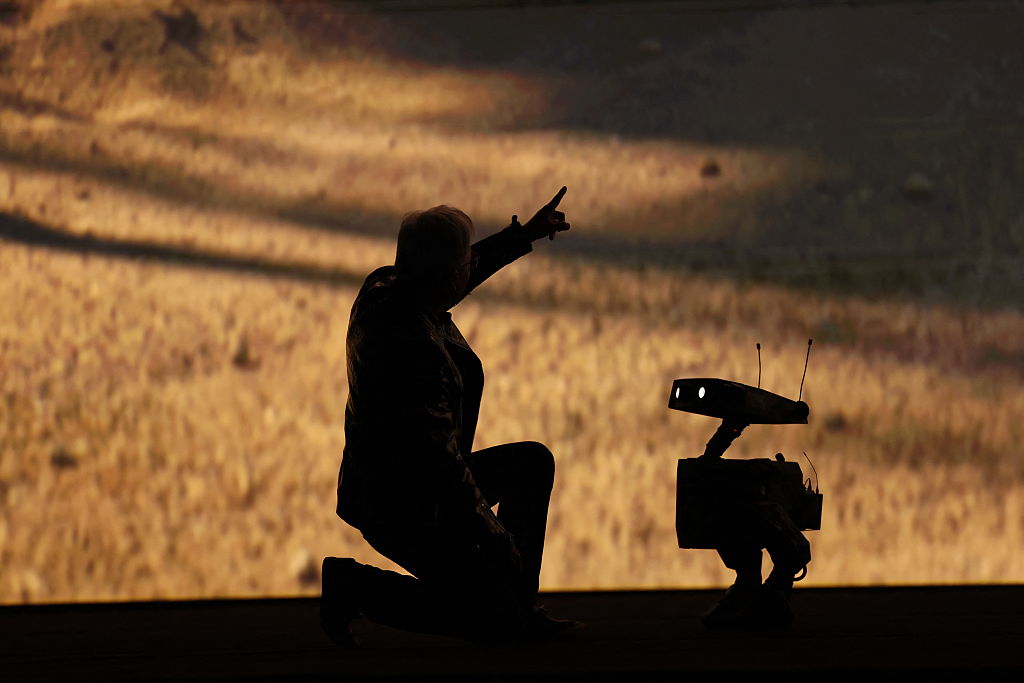
CES 2026 (January 6-9) marked a pivotal moment: AI’s transition from purely digital tools to physical-world integration. NVIDIA’s Jensen Huang unveiled the Vera Rubin architecture, claiming a 10x reduction in inference costs. If that holds true, running large AI models locally becomes economically viable for individual creators and small studios — not just hyperscale cloud providers.
Intel’s Core Ultra Series 3, built on the Intel 18A process, pushes the AI PC category forward with high-performance NPUs (Neural Processing Units) that enable local model execution. The implication for privacy-conscious professionals is enormous: your data stays on your machine while still benefiting from AI acceleration. For audio professionals running real-time AI processing during sessions, local inference eliminates the latency that makes cloud-based AI impractical for creative work.
Ford’s AI assistant with vehicle sensor integration demonstrated how AI is moving beyond screens entirely. The convergence of AI software, dedicated AI hardware, and physical-world sensors suggests that by the second half of 2026, the tools we use will be fundamentally different from what we see today. The hardware announcements at CES lay the foundation — the software ecosystem will build on top throughout the year.
Your 2026 AI Tool Stack: Practical Recommendations by Role
With this many options, choice paralysis is real. Here are the combinations I have tested and validated in actual production work across different roles.
- Freelancers and Solo Creators: ChatGPT (general purpose) + Notion AI 3.2 (project management) + Midjourney v7 (visuals) + Claude Code (website maintenance). This stack covers writing, organizing, creating, and building — the four pillars of independent work.
- Developers: Claude Code (complex systems and architecture) + Cursor (daily coding and frontend) + GitHub Copilot (team projects and enterprise) + NotebookLM (technical research and documentation deep-dives). Match the tool to the task, not the other way around.
- Music and Audio Producers: AI mastering tools (reference drafts) + AI vocal separation (stem work) + Midjourney v7 (album art and visual assets) + Notion AI (project tracking and client communication). The creative AI stack in 2026 is finally practical enough for professional workflows.
- Marketers and Product Managers: Gemini (Google ecosystem integration) + Notion AI 3.2 (content calendars and team coordination) + Lovable or Replit (landing page prototypes) + ChatGPT (copywriting and ideation). The ability to prototype without developers fundamentally changes how marketing teams operate.
The key insight for 2026 is that no single AI tool dominates every category. Notion 3.2’s multi-model selection feature is a microcosm of the broader trend: the winners are those who learn to orchestrate multiple AI tools into a coherent workflow. Just as a recording studio uses different microphones for different instruments, your AI toolkit should be purpose-matched to each task.
The AI tool market will continue to evolve rapidly throughout 2026. The hardware innovations revealed at CES will meet the software ecosystem in the second half of the year — that is when the real inflection point arrives. For now, the smartest move is to experiment with these tools, find the combinations that fit your workflow, and build the muscle memory before the next wave hits. The tools are ready. The question is whether your workflow is.
Looking to build AI-powered automation systems or need tech consulting from someone who has been in the trenches for 28 years? Let’s talk.
Get weekly AI, music, and tech trends delivered to your inbox.






