


Komplete 15 Collector’s Edition Review: 165 Instruments for $1,799 — Is NI’s Biggest Bundle Worth It?
October 31, 2025
GPT-5.1 Launch: 83% Lower Latency and the Production-Ready Features That Actually Matter
November 3, 2025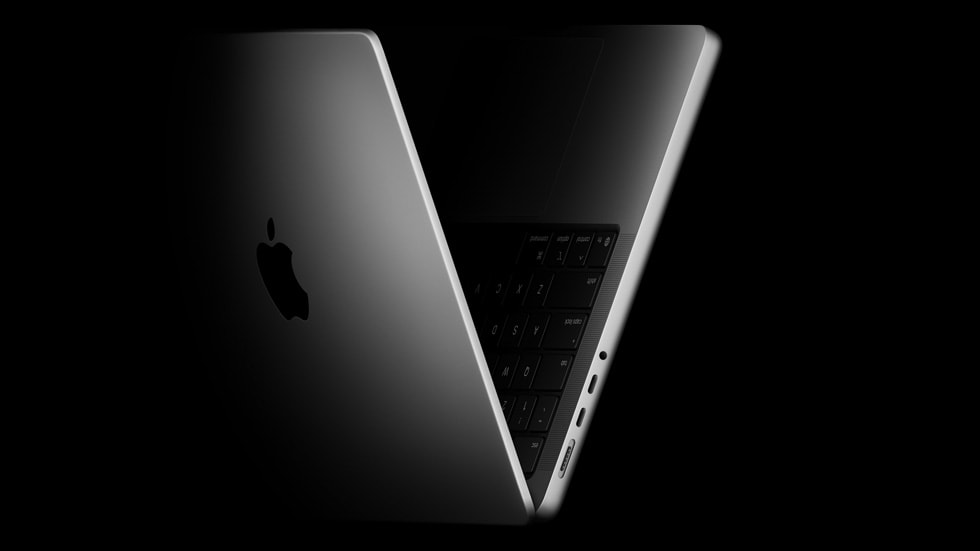
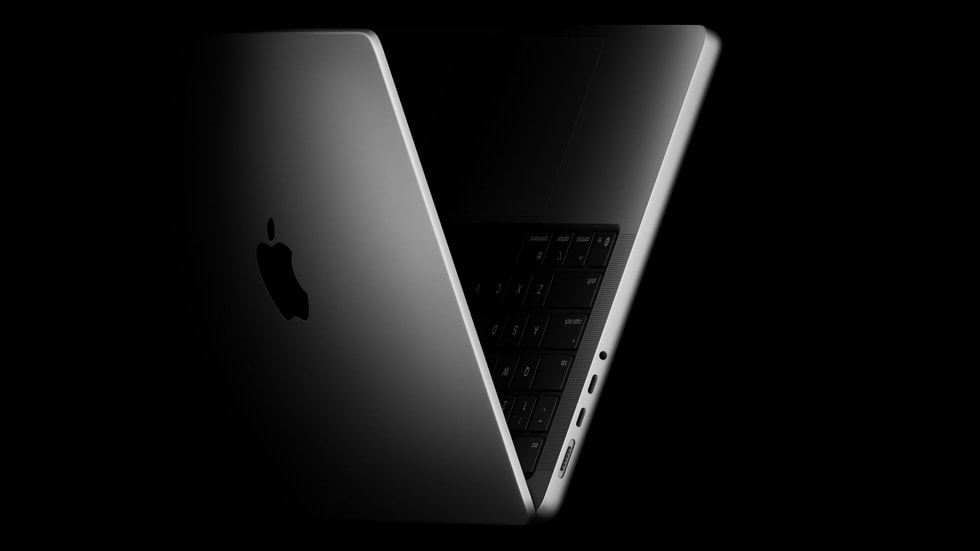
Apple just dropped the M5 MacBook Pro, and it’s impressive — but if you’re a pro user, you already know the real question: should you wait for the M5 Pro or go all-in on the M5 Max? Leaked specs and supply chain reports are painting a clearer picture than ever, and the gap between these two chips might be larger than any previous generation.
MacBook Pro M5 Pro vs M5 Max: Why This Generation Is Different
With the base M5 chip already delivering 4x AI compute performance over the M4 thanks to its new Neural Accelerator-equipped GPU cores, the Pro and Max variants are expected to push these numbers into territory that previously required desktop workstations. Apple’s new Fusion Architecture — combining two 3nm dies into a single SoC — fundamentally changes how these chips scale. This isn’t just a core count bump; it’s an architectural rethink.
According to multiple supply chain leaks and analyst reports, both the MacBook Pro M5 Pro vs M5 Max models are expected to arrive in the first half of 2026. Apple’s CFO Kevan Parekh all but confirmed this timeline during the company’s latest earnings call, noting a “very difficult compare” against the M4 MacBook Pro for Q4 2025 — industry speak for “we’re not launching new Pro models this quarter.”
M5 Pro Expected Specs: The Sweet Spot for Most Professionals
Based on leaked specifications that have surfaced through benchmark databases and supply chain sources, the M5 Pro is shaping up to be a significant leap over the M4 Pro:
- CPU: 18-core design with 6 “super cores” (highest-performance cores Apple has ever made) and 12 performance cores — up from the M4 Pro’s 14-core layout
- GPU: Up to 20 cores, each with a dedicated Neural Accelerator for AI workloads
- Unified Memory: Up to 64GB with 307 GB/s bandwidth
- Neural Engine: Enhanced 16-core design optimized for on-device LLM inference
- Process: Third-generation 3nm with Apple’s new Fusion Architecture (dual-die SoC)
- Connectivity: Thunderbolt 5, Wi-Fi 7 via the new N1 chip
The jump from 14 to 18 CPU cores is substantial — a 28% increase in core count alone. But the real story is those six super cores. If the base M5’s super cores already deliver 15% faster single-threaded performance over M4, the Pro variant with six of them (versus four in the base M5) should handle complex compilation, audio rendering, and photo editing workflows with noticeably less waiting.
For most professionals — software developers, music producers, photographers, and video editors working in 4K — the M5 Pro will likely be more than enough. The 64GB memory ceiling covers large Xcode projects, Logic Pro sessions with hundreds of tracks, and Lightroom catalogs without breaking a sweat.
M5 Max Expected Specs: When “Enough” Isn’t in Your Vocabulary
The M5 Max takes the same CPU foundation and doubles down on GPU and memory:
- CPU: Same 18-core design (6 super cores + 12 performance cores)
- GPU: Up to 40 cores — double the M5 Pro’s maximum, each with Neural Accelerator
- Unified Memory: Up to 128GB with bandwidth reaching 614 GB/s
- Media Engine: Enhanced hardware acceleration for ProRes, HEVC, and AV1
- Storage: Expected to start at 2TB with up to 2x faster SSD speeds
- Display Support: Up to 4 external displays (vs. 2 for M5 Pro)
The numbers tell the story: 614 GB/s memory bandwidth is more than double the M5 Pro’s 307 GB/s. For GPU-bound workflows — 3D rendering in Blender, training machine learning models locally, editing 8K RAW footage in DaVinci Resolve — this bandwidth difference translates directly into productivity. You’re not just getting more cores; you’re getting a wider data highway to feed them.
The 128GB unified memory option is particularly interesting for AI practitioners. Running large language models locally — think Llama 2 70B or similar — requires massive memory pools. The M5 Max’s unified memory architecture means the GPU can access all 128GB without the PCIe bottleneck that plagues discrete GPU setups.
The $1,400 Question: Is the M5 Max Worth the Premium?
Based on Apple’s historical pricing patterns and early leak information, here’s what we expect:
- 14″ MacBook Pro M5 Pro: Starting around $2,199
- 16″ MacBook Pro M5 Pro: Starting around $2,699
- 14″ MacBook Pro M5 Max: Starting around $3,599
- 16″ MacBook Pro M5 Max: Starting around $3,899
That’s roughly a $1,200-$1,400 premium for the Max over the Pro in equivalent form factors. The question isn’t whether the M5 Max is faster — it clearly is. The question is whether your specific workflow will actually leverage that additional horsepower enough to justify the cost.
When the M5 Pro Makes More Sense
- Software Development: Xcode compilation is largely CPU-bound. The M5 Pro’s identical 18-core CPU means you get the same compile times as the Max.
- Music Production: DAWs like Logic Pro, Ableton Live, and Pro Tools are CPU-intensive. The M5 Pro’s 64GB ceiling handles even the most plugin-heavy sessions.
- Photography: Lightroom and Capture One are well-optimized but rarely GPU-limited. 64GB handles large catalogs easily.
- 4K Video Editing: Final Cut Pro and Premiere Pro handle 4K timelines comfortably on Pro-class chips. The hardware Media Engine handles encoding/decoding.
- General Pro Work: If you’re a consultant, analyst, or creative who needs power but not extreme GPU throughput.
When You Actually Need the M5 Max
- 8K Video / Multi-stream 4K: DaVinci Resolve with multiple 4K streams, 8K RAW footage, or heavy color grading with dozens of nodes.
- 3D Rendering and Animation: Blender, Cinema 4D, or Houdini — GPU rendering scales directly with core count.
- Local AI/ML Development: Running and fine-tuning LLMs locally. The 128GB unified memory is a game-changer for models that won’t fit in 64GB.
- Scientific Computing: Large dataset analysis, computational fluid dynamics, molecular simulation.
- Multi-Display Workflows: If you need 3-4 external displays for trading, broadcast monitoring, or complex development environments.
The AI Performance Factor: Why It Matters More Than Ever
The base M5 already delivers over 4x the peak GPU compute for AI workloads compared to the M4. With Neural Accelerators embedded in every GPU core, both the M5 Pro and M5 Max are positioned to make on-device AI inference a first-class experience. Apple Intelligence features will run faster, and third-party AI tools — from Adobe’s Generative Fill to local LLM interfaces — will benefit significantly.
The difference is scale: the M5 Pro’s 20 GPU cores with Neural Accelerators should handle most AI-assisted creative workflows. But if you’re running inference on 70B+ parameter models or training custom models locally, the M5 Max’s 40 GPU cores and 614 GB/s bandwidth create a fundamentally different experience. According to Apple’s M5 announcement, the architecture delivers over 6x peak GPU compute for AI versus the M1 — and the Max variant should push that even further.
Thermal Design and the Fusion Architecture Advantage
One leak that caught attention: Apple is reportedly using SoIC-MH (System on Integrated Chip – Molding Horizontal) packaging for the M5 Pro and Max. This separates CPU and GPU blocks physically, which should address the thermal concerns some users reported with the base M5 hitting 99°C under sustained loads. Better thermals mean sustained performance doesn’t throttle — critical for long rendering jobs or extended compilation sessions.
The Fusion Architecture’s dual-die design also opens up interesting possibilities for future scalability. Apple can independently optimize CPU and GPU dies, potentially allowing faster iteration cycles and more aggressive binning strategies. For end users, this could mean better price-to-performance ratios compared to monolithic chip designs.
Should You Buy the M5 Now or Wait for Pro/Max?
If you’re currently on an M1 or M2 machine, the base M5 MacBook Pro at $1,599 is already a massive upgrade. The 24-hour battery life, Liquid Retina XDR display with nano-texture option, and 4x AI performance improvement make it compelling for most users.
But if you’re on an M3 Pro or M4 Pro and considering an upgrade, waiting for the M5 Pro makes strategic sense. The leaked 18-core CPU with 30% faster multi-threaded performance and the new Fusion Architecture represent a generational leap, not just an incremental bump. With an expected H1 2026 launch, you’re looking at roughly 4-5 months of waiting.
For M5 Max buyers: you likely already know who you are. If your workflow regularly maxes out 64GB of memory, if you’re GPU-limited in your rendering or ML pipelines, or if you need the multi-display support — the wait is worth it. The $3,599+ price tag is significant, but for professionals whose time is literally money, the productivity gains from 40 GPU cores and 128GB unified memory can pay for themselves quickly.
The Bottom Line: Choose Based on Your Bottleneck
The MacBook Pro M5 Pro vs M5 Max decision comes down to one question: what’s your bottleneck? If it’s CPU performance, save your money — both chips share the same 18-core CPU. If it’s GPU throughput, memory capacity, or memory bandwidth, the Max is the answer. For the vast majority of professionals, the M5 Pro will be the smart choice. It delivers the same CPU performance, substantial GPU capability, and enough memory for virtually any single-app workflow. The M5 Max is for the 10% of users who genuinely push their machines to the limit — and know it.
Need help choosing the right MacBook Pro configuration for your creative or technical workflow? Get personalized advice from an industry veteran.
Get weekly AI, music, and tech trends delivered to your inbox.





