


Corsair Xeneon Flex OLED Review: The World’s First 45-Inch Bendable Gaming Monitor Worth $2,000?
July 18, 2025
Sub Bass Processing Streaming: 7-Step Guide to Low End That Translates on Every Playback System
July 21, 2025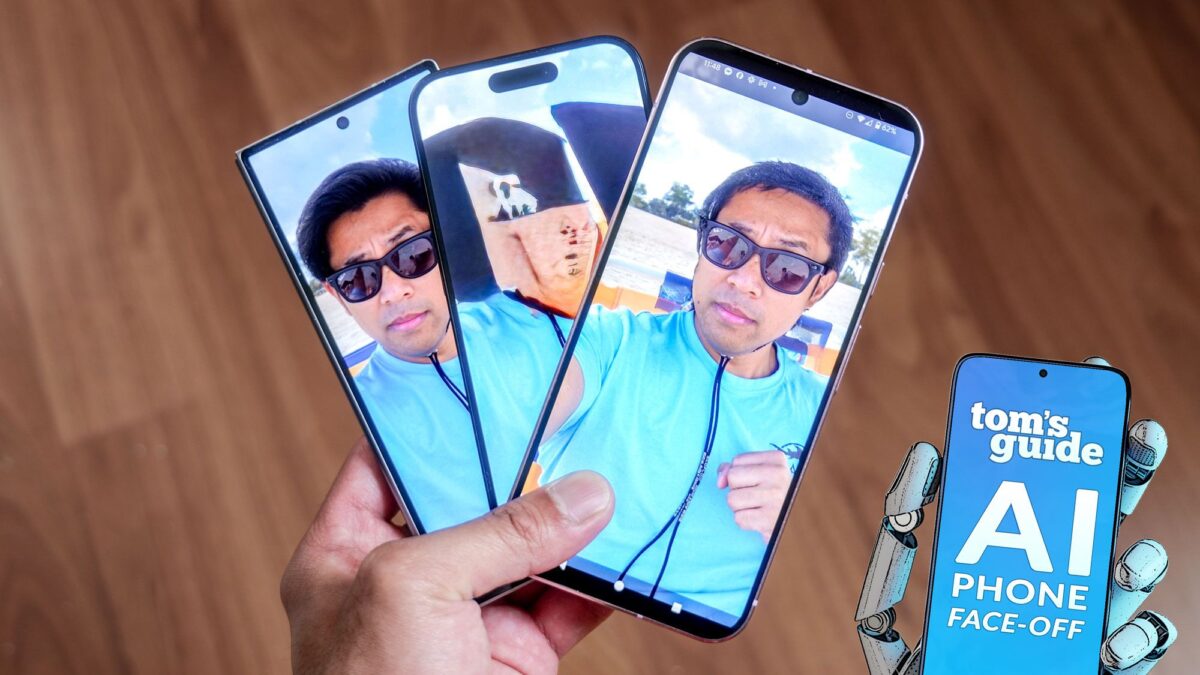
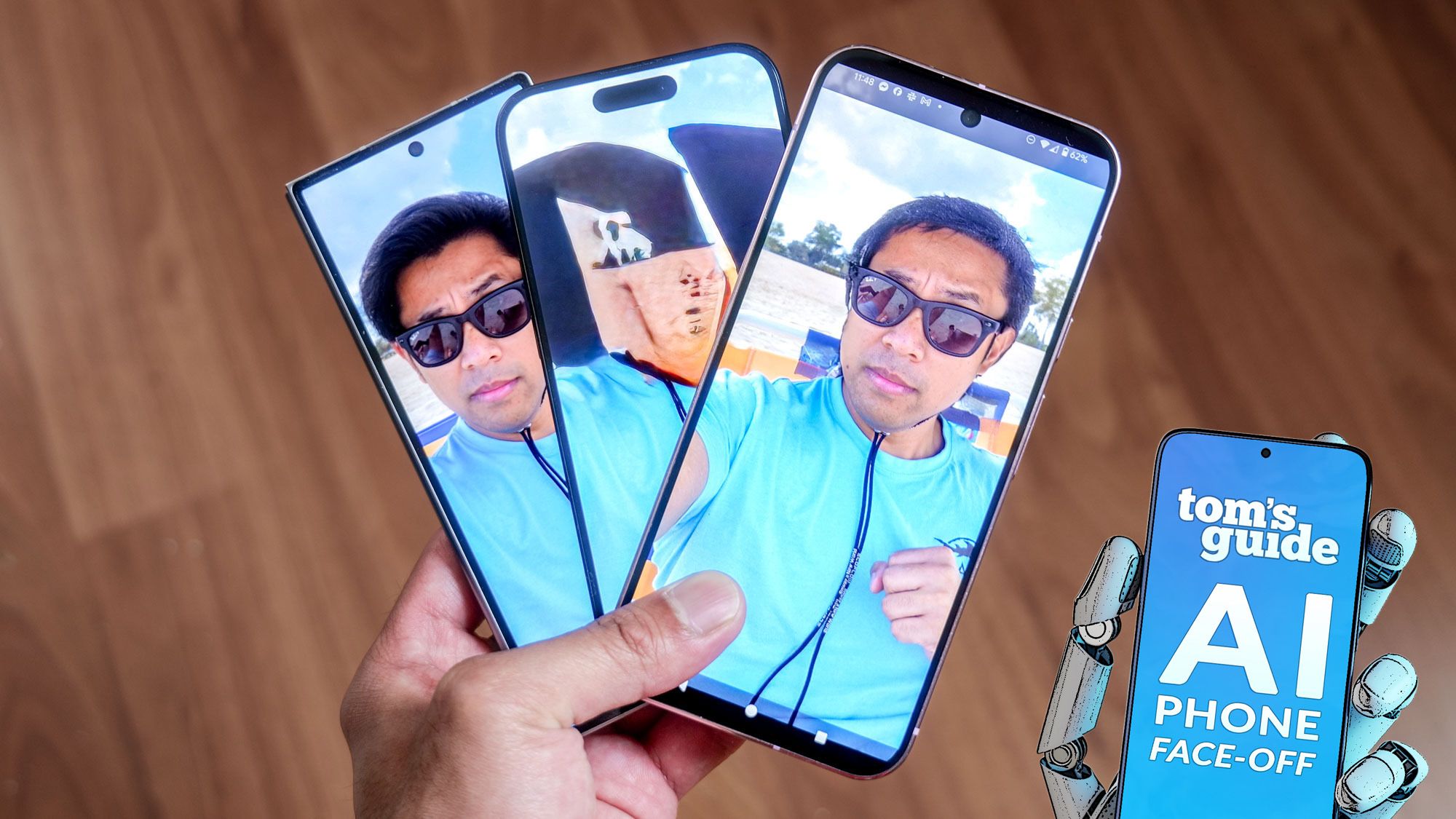
Three seconds. That is all it takes to erase a stranger from your vacation photo in 2025. But here is the uncomfortable truth: those three seconds produce wildly different results depending on which phone you are holding. I put the AI photo editing comparison 2025’s three heavyweight contenders — Google Magic Editor, Apple Clean Up, and Samsung Generative Edit — through seven real-world scenarios, and the results challenged everything I expected.
” alt=”AI photo editing comparison 2025 Google Magic Editor Apple Clean Up Samsung Generative Edit test results”/>
AI Photo Editing Comparison 2025: Why This Showdown Matters Now
As of July 2025, all three platforms have significantly upgraded their AI photo editing capabilities. Google has opened Magic Editor to all Pixel users for free, with non-Pixel users getting 10 free saves per month. Apple’s Clean Up has been available since iOS 18.1 — roughly eight months of real-world usage data. And Samsung just dropped major Generative Edit improvements with One UI 7, including smarter shadow removal, improved texture blending, and a unique multi-mask support feature. The playing field has never been this competitive, which makes this the perfect time to run a head-to-head comparison.
The Contenders: What Each Platform Brings to the Table
Google Magic Editor — The Cloud-Powered All-Rounder
Google’s AI photo editing suite has evolved well beyond basic object removal. Magic Editor handles object removal and repositioning. Reimagine lets you transform images using text prompts — think “change the background to a sunset” or “make this look like a watercolor painting.” Best Take swaps faces in group photos so everyone looks their best. And Pixel Studio generates entirely new images from text at 4096×4096 resolution. All processing happens in the cloud, which means serious computational power but also a hard requirement for internet connectivity.
Apple Clean Up — Privacy-First On-Device Processing
Apple’s approach is characteristically focused and opinionated. Clean Up lives inside the Photos app and handles object removal entirely on-device. It works on iPhone 15 Pro and later, as well as iPads with A17 Pro or M1 chips and above. No internet connection needed — ever. What makes Apple’s implementation particularly interesting is the automatic metadata tagging: every photo edited with Clean Up gets a “Modified with Clean Up” flag embedded in its metadata, making AI edits transparent and traceable. The trade-off? Clean Up only removes objects. No repositioning, no resizing, no generative features. It does one thing, and it aims to do it well.
Samsung Generative Edit — One UI 7’s Upgraded Powerhouse
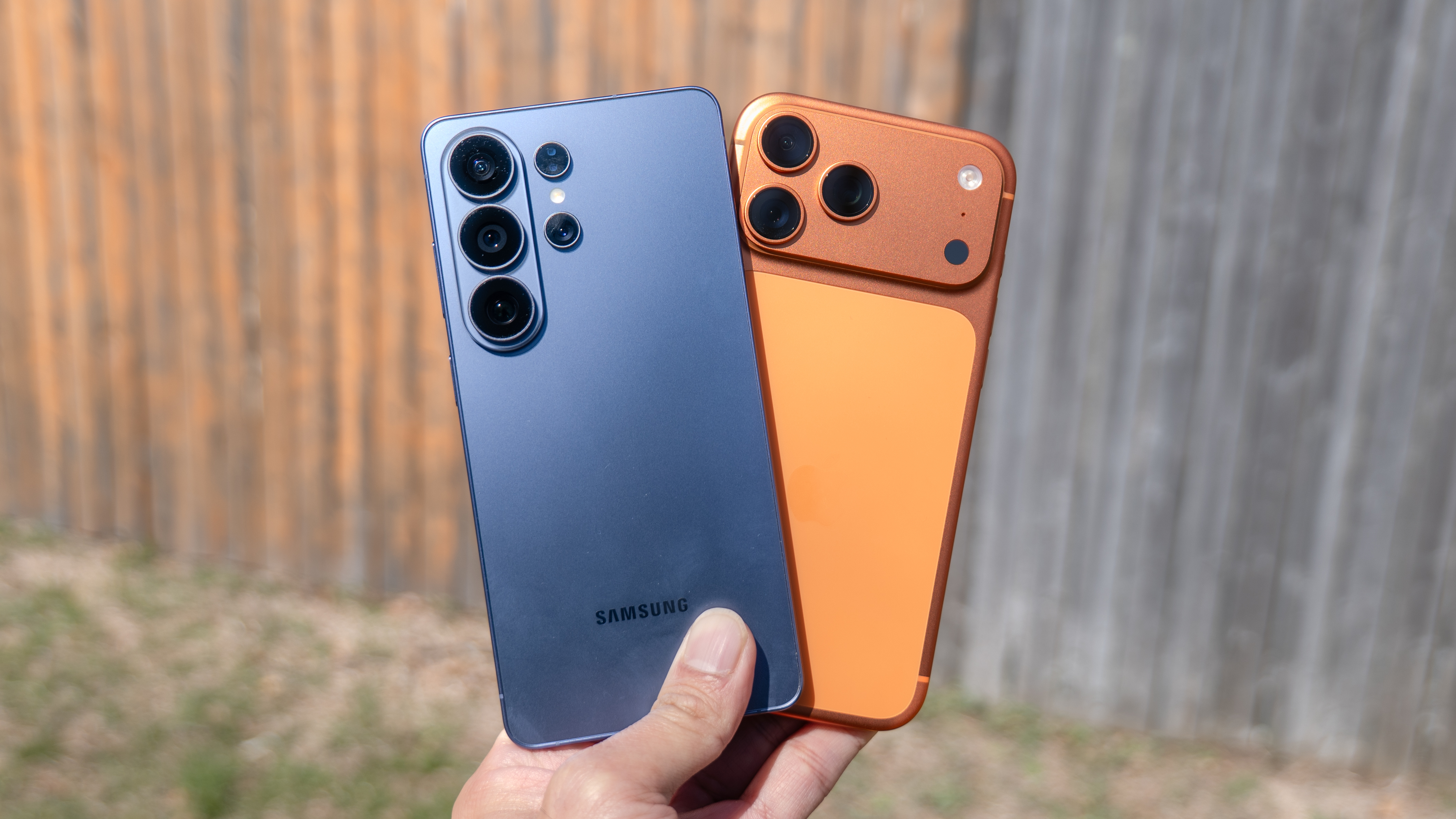
Samsung’s Generative Edit supports object removal, repositioning, and resizing — putting it closer to Google’s feature set than Apple’s. The One UI 7 update brought meaningful improvements: smarter shadow removal that actually tracks and eliminates shadows along with their source objects, significantly improved texture blending powered by an updated Samsung Vision Model, and multi-mask support that lets you select and edit multiple areas simultaneously. There is also Sketch to Image, which converts hand-drawn doodles into photorealistic elements within your photos. All of these features are free through the end of 2025.
Seven Real-World Tests: The Results
Drawing from Tom’s Guide’s comprehensive July 2025 comparison and Android Authority’s seven-scenario breakdown, here is how each platform performed across critical real-world use cases.
Test 1: Simple Object Removal (Cups, Bottles, Small Items)
Google Magic Editor delivered what testers described as “flawless” background recreation. Remove a coffee cup from a table, and the AI reconstructs the table’s grain pattern, lighting, and shadow with remarkable accuracy. Samsung Generative Edit produced natural-looking results but occasionally replaced objects with something else rather than simply removing them — a quirk that can produce unexpected outcomes. Apple Clean Up handled basic removals competently, but complex backgrounds triggered visible oversharpening artifacts where the object used to be.
Test 2: Person Removal from Complex Backgrounds
This is where the gap between platforms became most apparent. Google Magic Editor seamlessly reconstructed buildings, trees, and road patterns behind removed people. Samsung Generative Edit demonstrated the best automatic object detection — selecting people accurately with minimal manual adjustment — but the post-removal texture reconstruction showed subtle inconsistencies. Apple Clean Up worked adequately against simple backgrounds but struggled with complex scenes involving multiple layers of depth and detail.
Test 3: Shadow Handling
This is Samsung’s biggest improvement story with One UI 7. Previous versions would remove an object but leave its shadow behind — an immediately noticeable flaw. The updated Samsung Vision Model now tracks shadows intelligently and removes them alongside their source objects. Google also handles shadows well, with clean elimination in most scenarios. Apple manages simple shadows but leaves partial remnants when dealing with complex shadow patterns cast across textured surfaces.
Test 4: Object Repositioning and Resizing
Apple drops out of this competition entirely — Clean Up simply does not support moving or resizing objects. Both Google Magic Editor and Samsung Generative Edit let you grab an object, drag it to a new position, and resize it while the AI fills in the vacated space. Both platforms produced impressive results in filling gaps, but Samsung’s multi-mask support gives it a workflow efficiency advantage. Being able to select and manipulate multiple objects simultaneously rather than one at a time saves meaningful time when editing complex scenes.
Test 5: Text-Prompt Based Editing
This is Google’s exclusive territory. Reimagine accepts natural language commands to transform your photos in ways that go far beyond object removal. “Turn this into a pencil sketch.” “Add dramatic storm clouds to the sky.” “Make it look like golden hour.” No other platform offers anything comparable. Samsung’s Sketch to Image takes a different approach — you draw directly on the photo and the AI converts your sketch into a photorealistic element. Creative and fun, but fundamentally different from text-prompt editing. Apple offers nothing in this category.
” alt=”AI photo editing comparison 2025 object removal before and after results”/>
Test 6: Offline Availability
On an airplane. In a subway tunnel. At a remote campsite with zero cell coverage. Can you still edit your photos? Apple Clean Up is the only platform that works entirely offline with full functionality. Google Magic Editor requires an internet connection for all processing — no cloud, no edits. Samsung falls in the middle: basic editing works on-device, but advanced generative features need a network connection. For frequent travelers or anyone who values editing freedom regardless of connectivity, this distinction matters significantly.
Test 7: Privacy and Metadata Transparency
With growing concerns about AI-edited photos being used for deepfakes and misinformation, Apple’s metadata approach deserves attention. Every Clean Up edit automatically embeds a record of AI modification in the photo’s metadata — making it possible for platforms and fact-checkers to identify AI-altered images. Neither Google nor Samsung provides this kind of automatic metadata tagging by default. On the privacy front, Apple’s on-device processing means your photos never leave your device for editing. Google’s cloud processing means your images are uploaded to Google’s servers, and Samsung’s advanced features similarly require server-side processing.
The Verdict: Best Tool for Each Use Case
After examining all seven scenarios, clear patterns emerge about where each platform excels.
- Best Overall Editing Quality: Google Magic Editor — Produces the most realistic results even in complex scenes. Background reconstruction is best-in-class, and Reimagine opens up creative possibilities that competitors simply cannot match. The internet requirement is a real constraint, but the quality justifies it.
- Best Workflow Efficiency: Samsung Generative Edit — The most accurate automatic object detection of the three, combined with multi-mask support for batch editing multiple areas at once. One UI 7’s texture blending improvements have narrowed the quality gap with Google significantly.
- Best for Privacy and Offline Use: Apple Clean Up — The most limited feature set by far, but the only option that works completely offline and automatically records AI edits in metadata. For privacy-conscious users, this is the only acceptable choice.
Which AI Photo Editor Should You Actually Use?
If you are editing photos for social media and want speed, Samsung Generative Edit’s automatic detection and multi-mask support will save you the most time. If you are cleaning up travel photos and need the best possible quality for removing tourists from your landmark shots, Google Magic Editor’s background reconstruction is unmatched. If privacy is non-negotiable or you frequently edit photos without internet access, Apple Clean Up is your only real option.
The fascinating dynamic here is how rapidly all three platforms are evolving. Google has expanded into generative territory with Reimagine and Pixel Studio. Samsung has made dramatic quality improvements with One UI 7’s updated Vision Model. And Apple, while currently the most limited, has established a privacy-first framework that could become increasingly important as AI editing regulations emerge. The second half of 2025 could narrow these gaps considerably.
There is no single “best” AI photo editor that wins every scenario. But if forced to pick one platform for the widest range of editing tasks with the highest quality floor, Google Magic Editor holds a narrow lead as of mid-July 2025. Samsung is closing fast with genuinely impressive One UI 7 improvements, and Apple’s privacy-first approach fills a niche that neither competitor addresses. This three-way AI photo editing competition ultimately benefits every smartphone photographer — and the tools will only get better from here.
Interested in AI, tech trends, and smartphone innovation? Get expert tech consulting or explore automation solutions.
Get weekly AI, music, and tech trends delivered to your inbox.





