


Grok 4 vs GPT-4o vs Claude 3.5 Sonnet: The Definitive Reasoning Benchmark Showdown — July 2025
July 31, 2025
Prime Day 2025 Gaming Deals: GPUs Below MSRP, 87% Off Games, and OLED Monitors at Record Lows
July 31, 2025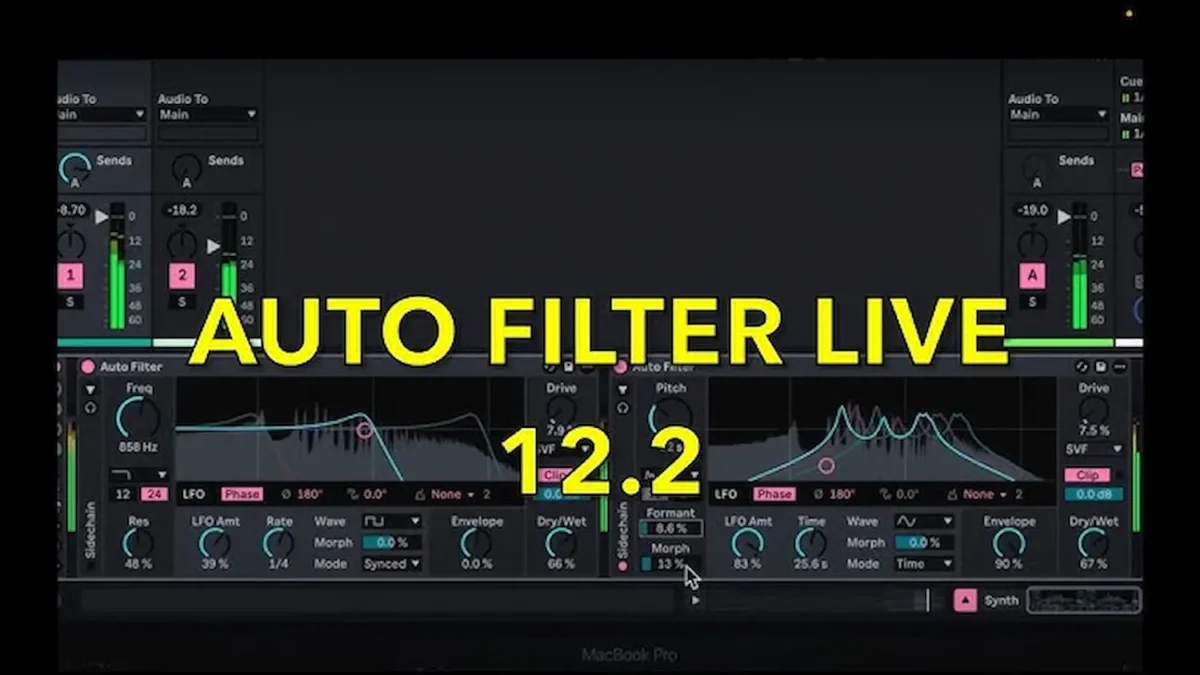
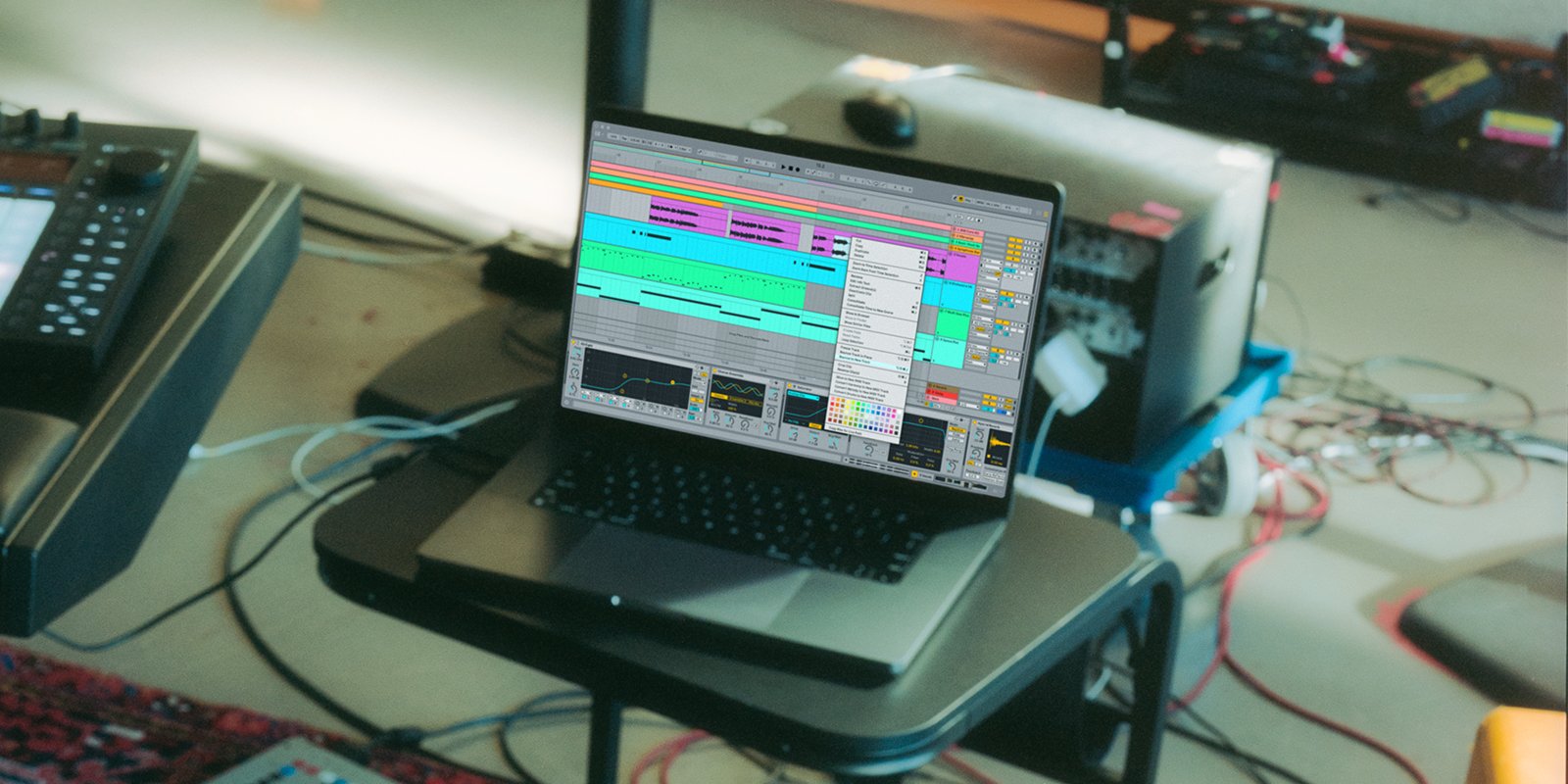
Ableton just handed Push 3 owners the biggest standalone upgrade since launch — and it didn’t cost a single dollar. The Ableton Push 3 summer update, delivered through Live 12.2 on June 11, 2025, transforms the hardware controller into a genuine live performance powerhouse with Follow Actions, a brand-new 16 Pitches layout, Expressive Chords, Groove Pool access, and an Auto Filter so thoroughly redesigned it barely resembles its predecessor.
” alt=”Ableton Push 3 summer update Live 12.2 interface”/>
What Changed: Ableton Push 3 Summer Update at a Glance
Live 12.2 is a free update for all Ableton Live 12 license holders — Standard, Suite, and Intro. For Push 3 standalone users, however, the update hits differently. Features that were previously locked behind the computer version are now available directly on the hardware, turning Push 3 into a self-contained production and performance instrument that rivals dedicated grooveboxes and stage controllers.
Here’s the full breakdown of what Push 3 gained in this cycle.
Follow Actions on Push 3: Clip and Scene Sequencing Without a Laptop
Follow Actions have existed in Ableton Live for years, but they were always a computer-side feature. With the 12.2 update, Push 3 standalone users can now set up Follow Actions directly from the hardware — meaning clips can automatically trigger other clips based on rules you define. Play a four-bar intro, then automatically jump to the verse. Loop a breakdown three times, then launch the drop.
This is a game-changer for live performers who want to build intricate song structures without touching a laptop. According to Ableton’s official announcement, Scene Follow Actions now include “Unlinked” and “Longest” options, giving performers granular control over how scenes transition during a set. You can program an entire live show’s structure into Push 3 and let the hardware handle the sequencing while you focus on expression and improvisation.
16 Pitches Layout: Melodic Sample Sequencing Comes to Push 3
The 16 Pitches layout mirrors functionality that debuted on Ableton Move, bringing melodic sample exploration to Push 3’s RGB pad grid. Instead of the traditional chromatic or scale-locked layouts, 16 Pitches gives you 16 pads each tuned to a different pitch of the same sample — making it dead simple to create melodic patterns from a single one-shot or loop.
For beat-makers and sample-based producers, this is the kind of workflow acceleration that saves hours. Load a vocal chop, a pluck, or a texture, and you immediately have a playable melodic instrument. Combined with Push 3’s expressive pads (which support polyphonic aftertouch), you get nuance that flat-screen sample sequencers simply can’t match.
Bounce to New Track: Commit and Move On
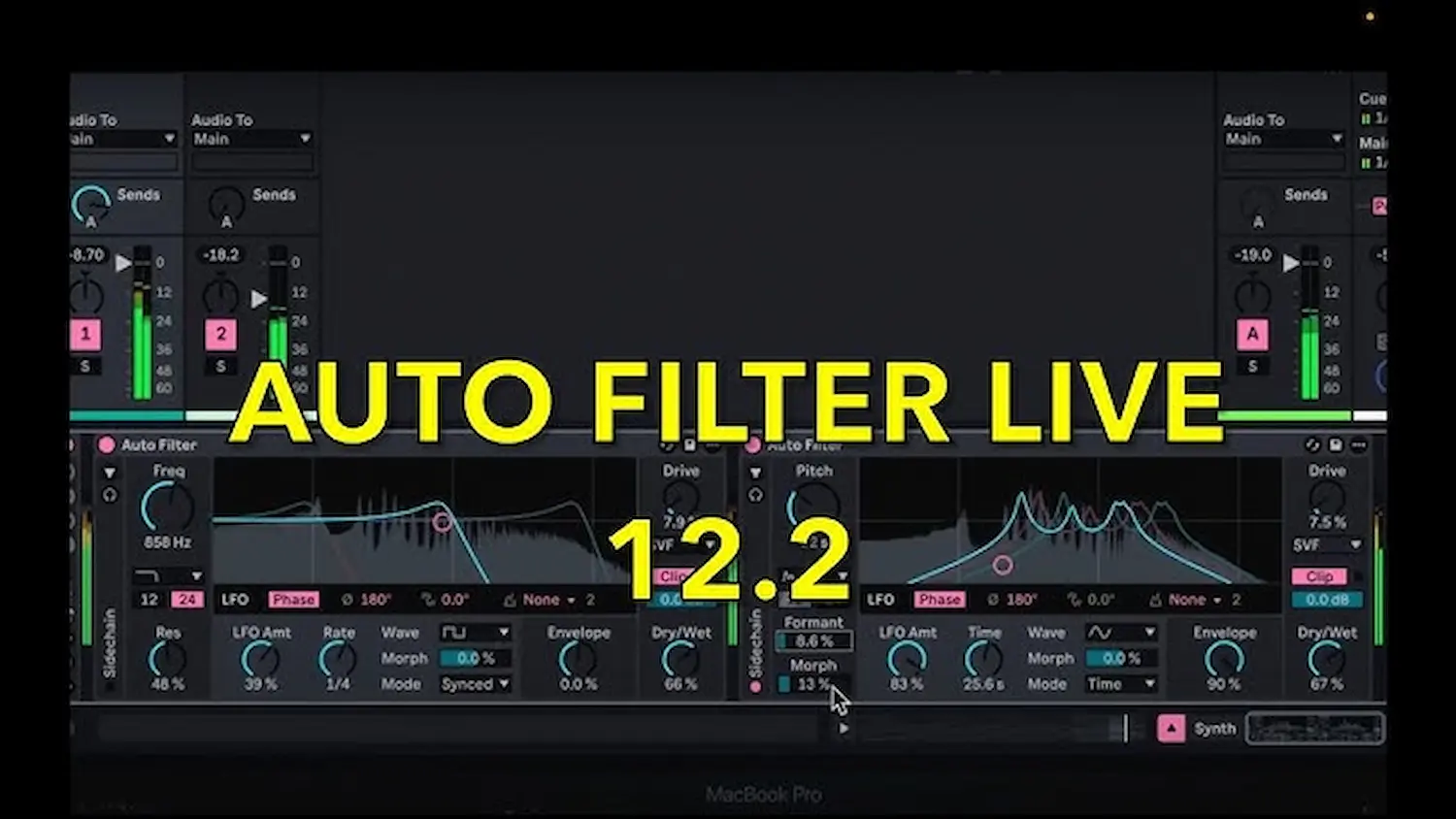
Another welcome addition is Bounce to New Track, which renders clips with all their processing — effects, automation, warping — into a new audio track. This is essential for standalone Push 3 users who need to manage CPU resources carefully. Instead of stacking effects chains that eat into processing power, you can bounce a finished clip to audio and free up headroom for new layers.
It also serves as a creative tool: bounce a synth part to audio, then slice, reverse, or granularize it without affecting the original. The workflow mirrors what producers have done in desktop DAWs for decades, but having it accessible from Push 3’s touchscreen and encoders — no computer required — removes a significant friction point.
” alt=”Push 3 standalone performance with Ableton Push 3 summer update features”/>
Expressive Chords: 52 Chord Sets with MPE Support
Expressive Chords is a new Max for Live device that ships with the 12.2 update, and it’s particularly compelling on Push 3. The device provides 52 pre-built chord sets that respond to MPE (MIDI Polyphonic Expression) controls — meaning aftertouch, slide, and pitch bend affect individual notes within a chord rather than the entire chord uniformly.
For Push 3 users, this means pressing harder on a single pad can swell one voice in a chord while the others remain steady. Sliding a finger can bend just the top note. It’s the kind of expressiveness that typically requires a dedicated MPE controller like a Roli Seaboard or Linnstrument, but here it’s built into Push 3’s existing pad grid. As noted in Ableton’s pre-release blog post, the device was designed specifically with hardware expression in mind.
The Auto Filter Overhaul: Six New Filter Types and Analog Circuit Emulations
If there’s one feature in this update that will change how you produce music day-to-day, it’s the redesigned Auto Filter. Ableton didn’t just add a few knobs — they rebuilt the entire device from scratch. The new Auto Filter includes six filter circuit emulations: SVF (State Variable Filter), Sallen-Key, Ladder, DFM (Diode Feedback Model), and two additional modes. On top of that, entirely new filter types have been introduced:
- Comb Filter — Creates metallic, resonant textures by feeding delayed signal back into the input
- Vowel Filter — Shapes sound through formant frequencies, emulating vocal-like characteristics
- DJ Filter — A single-knob high/low pass sweep designed for live performance transitions
- Morph Filter — Smoothly interpolates between filter types for evolving textures
- Resampling Mode — Oversamples the filter for cleaner behavior at high resonance settings
The LFO section has also been expanded with new shapes including Wander, Ramp Up, and Ramp Down — all with morphing capability. This means you can smoothly transition between LFO shapes in real time, creating modulation patterns that evolve organically rather than switching abruptly between preset waveforms.
Groove Pool and Tuning Systems on Push 3
Two features that were previously accessible only from Ableton Live’s desktop interface are now available directly on Push 3: Groove Pool and Tuning Systems. Groove Pool lets you apply swing and groove templates to MIDI and audio clips — essential for genres like hip-hop, house, and neo-soul where rigid quantization sounds lifeless. Tuning Systems support means Push 3 can now work with microtonal scales, just intonation, and other non-Western tuning systems directly from the hardware.
For producers working in Middle Eastern, South Asian, or experimental microtonal music, this is a long-awaited addition. Previously, achieving non-12TET tuning on Push required workarounds through Max for Live devices. Now it’s a native, first-class feature.
Additional Live 12.2 Upgrades Worth Noting
Beyond the Push 3-specific features, Live 12.2 brought several broader improvements that benefit all users:
- Operator expanded to 32-voice polyphony — Up from the previous limit, this makes Operator viable for dense pad sounds and layered textures
- Spectral Resonator updates — Suite users get refined spectral processing with improved sound quality
- Roar enhancements — The distortion/saturation device received additional algorithms
- Resonators made scale-aware — Now responds to tuning system settings for consistent pitch behavior
- Meld gains Chord oscillator — Plus a new Scrambler LFO shape for unpredictable modulation
- Smart browser with Sound Similarity Search — AI-powered browsing that finds sonically similar samples and presets
The subsequent firmware updates (Push 2.2.1 and 2.2.5) also added Control Surface support for the Novation Launch Control XL 3, sidechain routing for Gate, Glue Compressor, and Multiband Dynamics, plus a Program Change tab and improvements to polyphonic aftertouch ramping and latency compensation. The firmware was updated to version 1.4.10, addressing LED flicker issues and refining the overall hardware responsiveness that Push 3 users depend on during live performance scenarios.
Who Benefits Most from This Update?
The Ableton Push 3 summer update clearly targets three groups. First, live performers who want to leave the laptop backstage — Follow Actions and Scene sequencing on hardware make this genuinely viable for the first time. With the addition of Groove Pool directly on the device, you can apply swing and shuffle to your clips in real time during a performance, something that previously required diving into Live’s desktop interface mid-set. Second, sample-based producers who’ve been eyeing the Ableton Move’s workflow — 16 Pitches brings that same melodic sample approach to Push 3’s superior pad feel and screen. The combination of 16 Pitches with Bounce to New Track creates a compelling loop: sample, pitch, arrange, bounce, layer, repeat. Third, sound designers who live inside filters and modulation — the rebuilt Auto Filter alone is worth the update. The Vowel and Comb filter types open up entirely new sonic territories that previously required third-party plugins or complex Max for Live patches.
If you’re a Push 3 owner who’s been treating it primarily as a clip launcher and mixer, this update gives you serious reasons to dig deeper. The standalone experience is maturing rapidly, and with each update, the gap between “Push 3 standalone” and “Push 3 tethered to a computer” continues to narrow.
The smartest move right now is to update to Live 12.2, spend an afternoon exploring the new Auto Filter presets, and try building a simple live set using nothing but Follow Actions and Scene sequencing on Push 3. Once you feel the freedom of performing without a screen in front of you, there’s no going back.
Looking for help optimizing your Push 3 live performance setup or dialing in a studio workflow that gets the most out of Live 12.2?
Get weekly AI, music, and tech trends delivered to your inbox.






