


Claude Model Lineup 2026: Opus 4.6, Sonnet 4.6, Haiku 4.5 — Which One to Pick
March 18, 2026
Devious Machines Duck 2 Review: The $40 Sidechain Plugin That Makes Compressor Sidechaining Obsolete
March 18, 2026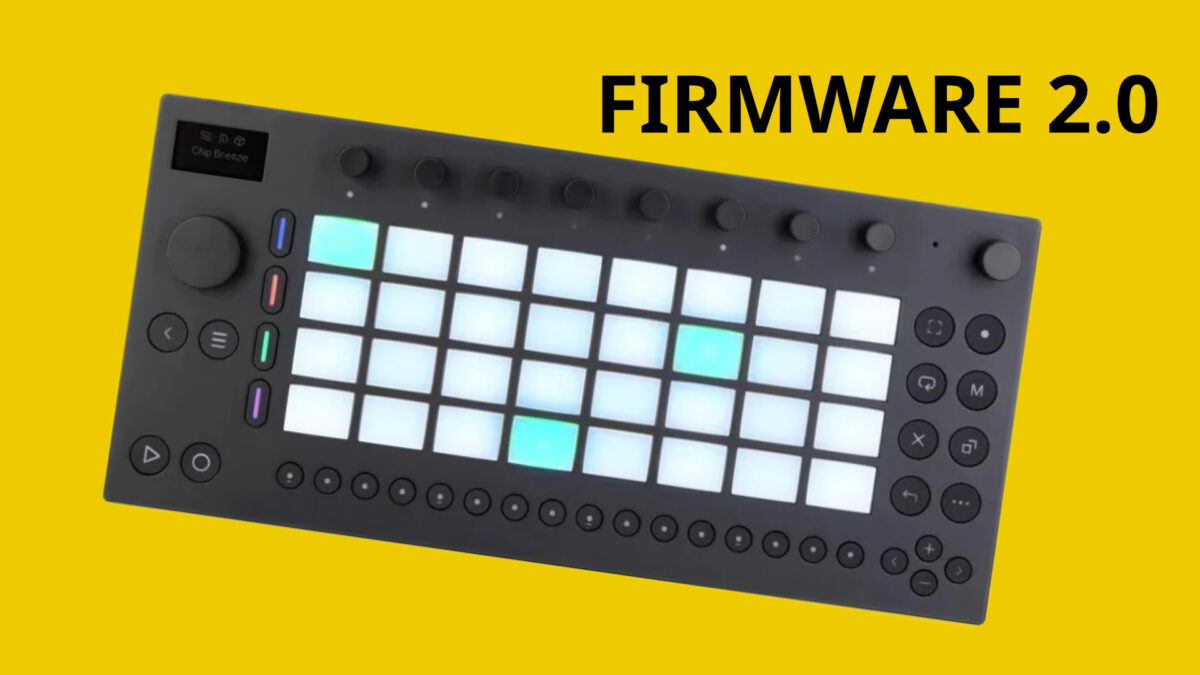
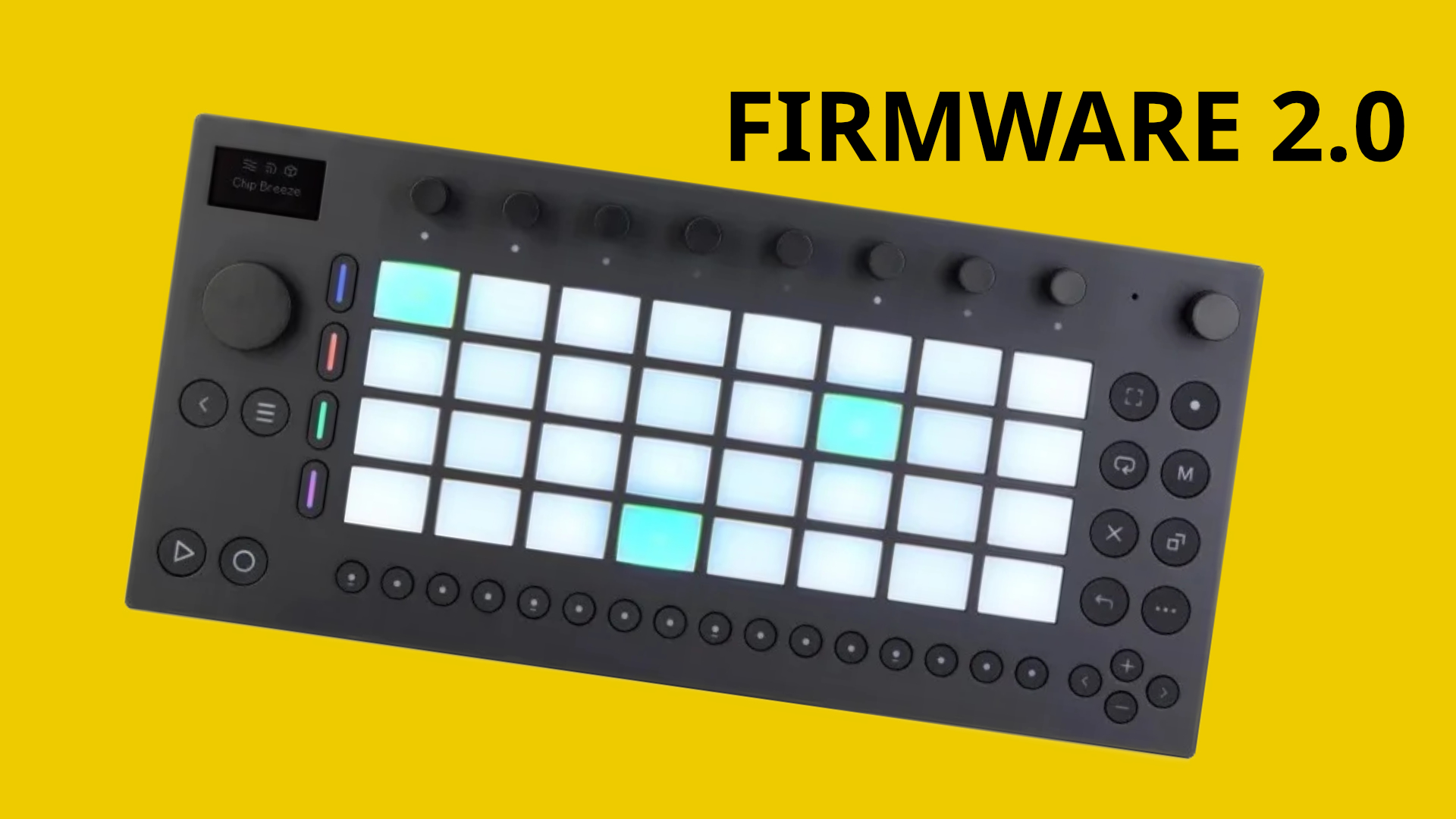
Finally — the one update that Ableton Move owners have been waiting for since day one. Ableton Move 2.0 firmware, now in public beta as of February 10, 2026, transforms what was already an impressive portable sketchpad into something that genuinely threatens to replace your laptop on the go. Audio tracks, clip warping, and real-time audio streaming through Link Audio — this isn’t a minor patch. This is a reinvention.
When Ableton first launched the Move at $449/€449, it was a compelling idea: 32 velocity-sensitive pads with polyphonic aftertouch, 64GB of built-in storage, and up to 4 hours of battery life, all packed into a 0.97kg chassis you could toss in a backpack. But there was always that asterisk — it was MIDI-only. You could sketch beats and melodic ideas, but recording a vocal take or sampling a guitar riff directly? Not possible. That limitation made the Move feel like half a studio. Firmware 2.0 removes that asterisk entirely.
Audio Tracks: The Feature That Changes Everything for Ableton Move 2.0
The headline feature of firmware 2.0 is straightforward but profound: you can now record audio directly on the Move. Plug in a microphone, connect a line-level source, or route audio over USB-C — the Move captures it all. This means vocalists can lay down takes in a park, guitarists can capture riffs on a train, and field recording enthusiasts finally have a reason to leave their dedicated recorders at home.
But Ableton didn’t stop at simple recording. The audio tracks include MIDI-to-audio conversion, which lets you bounce your synthesizer parts down to audio directly on the device. This is a workflow that desktop DAW users take for granted, but having it available on a battery-powered portable device is genuinely new territory. You can now iterate on arrangements without worrying about voice count limitations from stacking too many MIDI instruments.
Even more impressive is the live processing capability. The Move can now monitor incoming audio through its built-in effect chain in real time. Set up a reverb and compressor chain, plug in your microphone, and you’re essentially running a portable effects processor. For buskers, podcast field recordings, or quick demo sessions, this is a legitimate game-changer. According to CDM’s detailed coverage, the live processing pipeline runs with impressively low latency considering the hardware constraints.
Clip Warping: Pitch-Independent Tempo Changes On the Go
If you’ve used Ableton Live for any length of time, you know that warping is one of its secret weapons — the ability to stretch and compress audio without affecting pitch. Firmware 2.0 brings this exact capability to the Move hardware. Record a vocal phrase at 120 BPM, then seamlessly match it to a beat running at 85 BPM without chipmunk effects or pitch artifacts.
This matters more than it might seem on the surface. Portable production has always struggled with the “sample tempo problem” — you find a great loop or capture a perfect field recording, but its natural tempo doesn’t match your project. On a laptop, warping solves this instantly. On hardware? Until now, you were stuck manually editing or just living with the mismatch. The Move’s warping implementation uses the same algorithms that have made Live the go-to DAW for electronic producers, and having it available offline on a sub-1kg device is a significant technical achievement.
The new Auto Shift feature complements the warping engine by intelligently detecting rhythmic content and suggesting optimal warp markers. It’s not perfect — complex polyrhythmic material can still trip it up — but for standard loops and recordings, it saves considerable time compared to manual marker placement.
Link Audio: Real-Time Streaming That Bridges the Gap
Ableton Link has been quietly revolutionary since its introduction — it lets multiple devices sync tempo and phase over a local network without any configuration. Link Audio in firmware 2.0 takes this further by enabling unidirectional real-time audio streaming from the Move to Ableton Live or other Link-compatible devices.
Here’s the practical scenario: you sketch a beat on the Move during your commute. When you get to the studio, instead of exporting, transferring files, and importing, you simply stream the audio directly from the Move into Live. The tracks arrive time-aligned and ready for further production. It’s the kind of seamless workflow integration that justifies buying into the Ableton ecosystem.
There is an important caveat, though. Link Audio is unidirectional — the Move can send audio out, but it cannot receive audio streams from Live or other devices. This means you can’t use the Move as a remote control surface that also receives stems from your main session. It’s a “push to studio” workflow, not a “collaborate in real time” one. For most portable production use cases, this is perfectly adequate, but it’s worth knowing the limitation before building your workflow around it.
Per-Track Audio Routing: Studio-Grade Flexibility
Previous firmware versions routed all audio through the main stereo output. Firmware 2.0 introduces per-track audio routing, which means each track can be directed to a specific output or bus. This is the kind of granular control that separates a sketchpad from a production tool.
For live performers, per-track routing means you can send your drums to the PA system while keeping a click track in your headphones. For studio use, it means you can record individual stems into your DAW simultaneously rather than bouncing one track at a time. Combined with the Move’s 9 encoders and touch-sensitive jog wheel, the mixing workflow becomes surprisingly tactile for a device this compact — measuring just 313.5 x 146.3 x 34mm, roughly the footprint of a hardcover book.
Live 12.4 Integration: The Desktop Connection
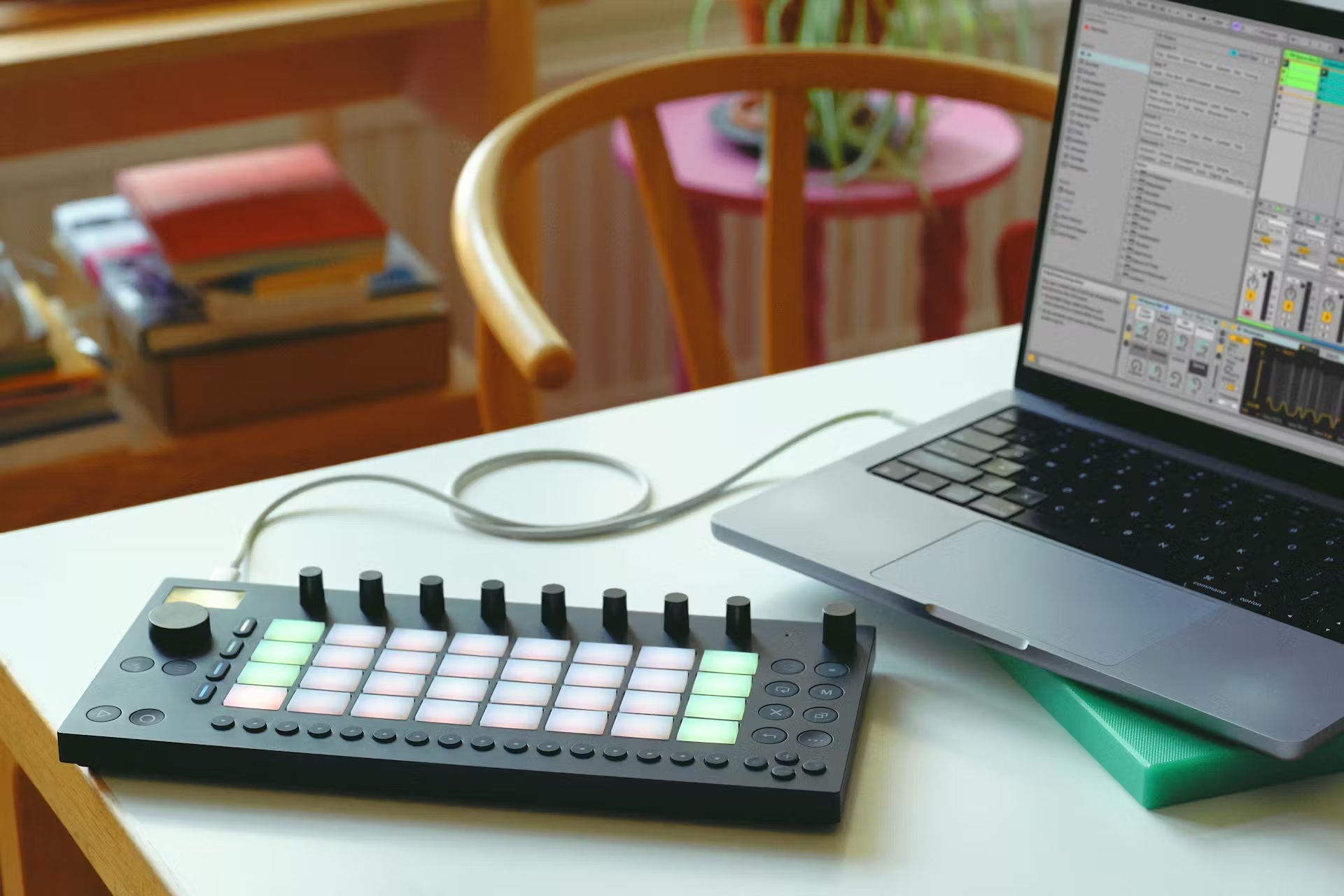
Firmware 2.0 arrives alongside Ableton Live 12.4, and the two are designed to work as a unified system. Projects created on the Move transfer to Live with full fidelity — audio tracks, warping data, effect chains, and arrangement decisions all survive the transition. This is a stark contrast to many portable production devices where “transferring to your main DAW” really means “starting over with exported stems.”
The integration extends to the device management experience as well. Live 12.4 serves as the firmware update conduit, the preset management interface, and the sound pack installation tool. If you’re already a Live user, the Move slots into your existing workflow rather than demanding its own separate ecosystem.
The $449 Question: Who Should Care?
At $449/€449, the Move sits in a fascinating market position. It’s more expensive than an iPad running a mobile DAW, but it offers dedicated hardware controls and a purpose-built workflow. It’s less expensive than a laptop-plus-controller setup, but it can’t run plugins or handle complex arrangements with dozens of tracks.
With firmware 2.0, the Move makes the strongest case for a specific kind of producer: someone who already uses Ableton Live as their main DAW, frequently has musical ideas outside the studio, and values the tactile experience of physical pads and encoders over touchscreen interaction. The 64GB of built-in storage is generous enough for extended sessions, and the 4-hour battery life covers most real-world portable production scenarios — though heavy audio processing with live effects will drain the battery faster.
As MusicRadar’s retrospective on the Move astutely observed, the device works best when you stop trying to use it as a full DAW replacement and instead embrace it as a dedicated idea-capture tool. Firmware 2.0 dramatically expands what “idea capture” means — from MIDI-only sketches to fully formed audio productions — without trying to turn the Move into something it’s not.
Ableton Move 2.0 Key Specs at a Glance
- Price: $449/€449
- Pads: 32 velocity-sensitive with polyphonic aftertouch
- Controls: 9 encoders + touch-sensitive jog wheel
- Storage: 64GB built-in
- Battery: Up to 4 hours
- Weight: 0.97kg (2.1 lbs)
- Connectivity: USB-C, mic/line-in
- New in 2.0: Audio tracks, clip warping, Link Audio, live processing, per-track routing, Auto Shift
- Status: Public beta since February 10, 2026
The Bigger Picture: Portable Production in 2026
The Move 2.0 firmware update is significant beyond Ableton’s product line. It signals a broader shift in how hardware manufacturers think about portable music production. The era of “simplified mobile versions” is ending. Producers expect desktop-grade features — audio recording, real-time processing, advanced warping — in portable form factors. Ableton’s willingness to deliver these features through a free firmware update (rather than launching a Move 2 hardware revision) is a strong consumer-friendly move that should pressure competitors to follow suit.
For existing Move owners, firmware 2.0 is an unqualified win — you get a significantly more capable device at no additional cost. For potential buyers, the Move now has a much stronger value proposition. And for the portable production category as a whole, the bar just got raised considerably.
The public beta status means there may be rough edges. If you depend on the Move for live performance, it might be wise to wait for the stable release. But if you’re a studio producer looking to extend your creative workspace beyond the desk, now is the time to take the Move seriously — firmware 2.0 makes the “portable recording studio” label feel earned rather than aspirational.
Looking for professional mixing, mastering, or Dolby Atmos production to polish the tracks you sketch on the Move?
Get weekly AI, music, and tech trends delivered to your inbox.






