


OpenAI 12 Days of Shipmas One Year Later: What Survived, What Evolved, and Why GPT-5.2 Changes Everything
December 12, 2025
Apple Intelligence Review: What Actually Shipped vs What Was Promised After One Year
December 15, 2025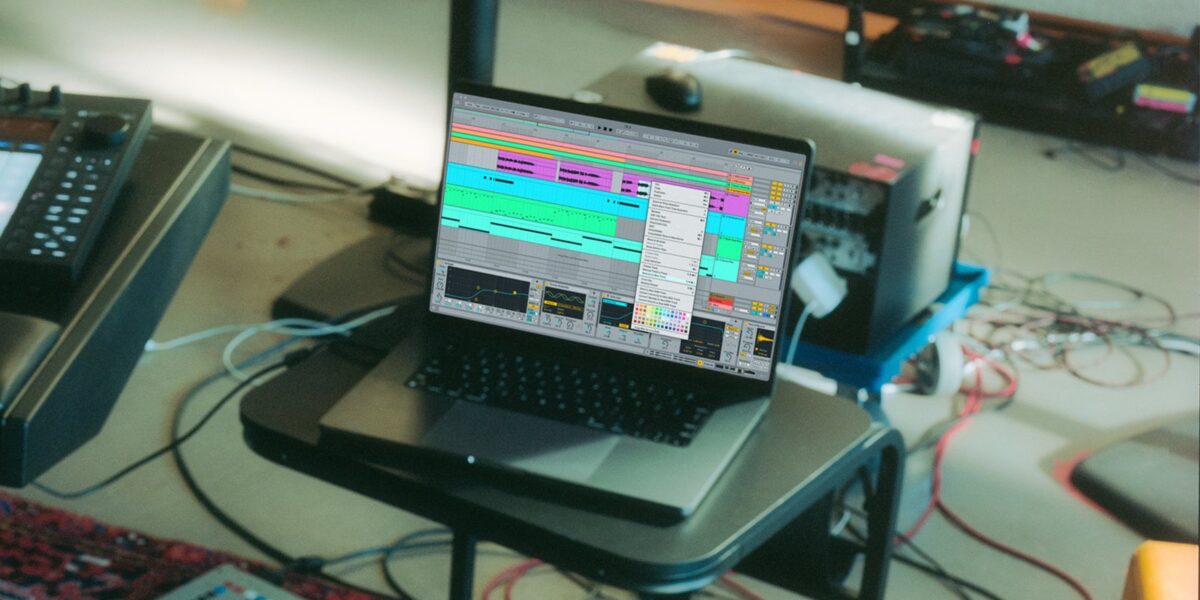
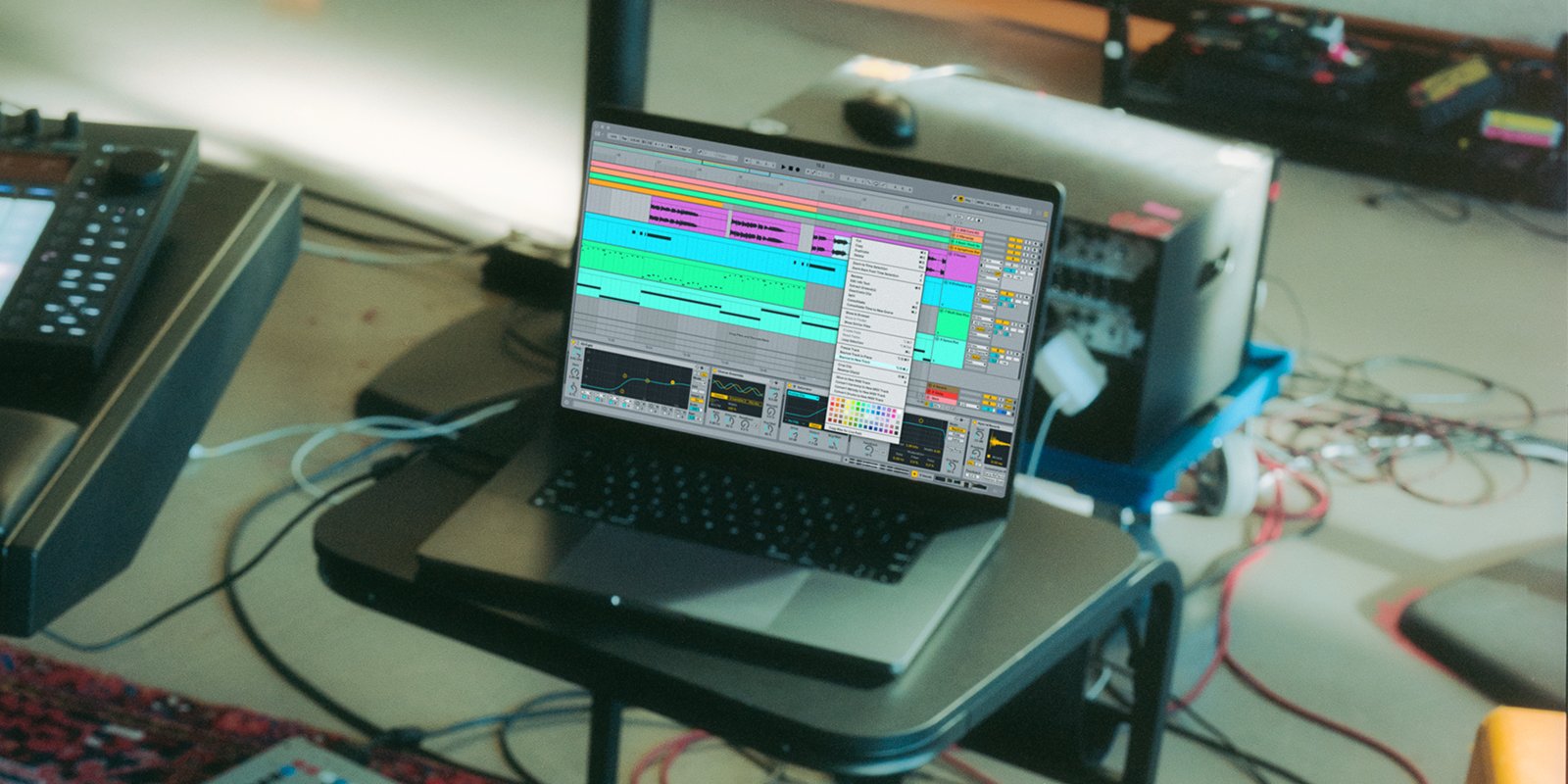
When Ableton Live 12.2 dropped in June, the first thing I did was hit that Bounce to New Track button. After 28 years of making music, I didn’t expect a single workflow shortcut to change my entire production process — but here we are.
2025 has been a landmark year for Ableton. Two major updates — Live 12.2 and 12.3 — rewrote the rules for what a DAW can do out of the box, while the community delivered everything from Chappell Roan’s arena-shaking playback sets to KMRU’s experimental field recording art. As the year winds down, let’s break down every major move Ableton made and why it matters for your productions heading into 2026.
Ableton Live 12.2 — Bounce to New Track and the Workflow Revolution
Released on June 11, 2025, as a free update for all Live 12 owners, version 12.2 wasn’t a maintenance patch — it was a statement. Ableton’s official announcement laid out an impressive list of additions that touched nearly every corner of the software.
Bounce to New Track is the headline feature, and for good reason. The old workflow of resampling — create a new track, set up routing, arm recording, hit play, then clean up — is now a single click. Select your clip, bounce it to a new track, done. It’s the kind of quality-of-life improvement that sounds minor on paper but saves hours over a production session. Whether you’re flattening complex effect chains, preparing stems for a live set, or just committing to a sound direction, this feature eliminates friction at the exact point where creative momentum matters most.
The Complete Auto Filter Redesign — From DJ Filter to Vowel Synthesis
Auto Filter has been a staple of Ableton Live since its earliest versions, but 12.2 turned it into something entirely new. The update introduced four additional filter types — Resampling, Comb, Vowel, and DJ Filter — each opening up sonic territory that previously required third-party plugins.
The DJ Filter deserves special attention. As MusicTech noted in their coverage, it works similarly to the single-knob high/low pass filters found on Pioneer DJ and AlphaTheta mixers. For producers who use Ableton for DJ sets or hybrid performances, this means no more relying on external plugins to get that smooth, sweepable filter sound that’s become a standard in DJ culture. Turn the knob one way for a high-pass sweep, the other for low-pass — simple, effective, and immediately musical.
The Vowel filter simulates vocal formant characteristics, adding an organic, human-like quality to synth pads and leads. The Comb filter creates metallic, resonant textures that work beautifully for ambient sound design. And the Resampling filter introduces aliasing artifacts deliberately, which — used tastefully — can add digital grit and lo-fi character to otherwise clean sounds.
Expressive Chords, Roar, Meld, and the Synthesis Upgrades
One of the most practical additions in Ableton Live 12.2 is Expressive Chords, a MIDI effect that ships with 52 chord sets covering everything from jazz voicings to ambient pads. But calling it a chord generator undersells what it actually does. Expressive Chords responds to your MIDI input dynamically — adjusting voicing, inversion, and spread in real time based on velocity, pitch, and modulation. You don’t need conservatory-level keyboard skills to produce harmonically rich progressions. You just need ideas.
The synthesis instruments received substantial upgrades as well. Roar now features MIDI sidechain capabilities, Delay routing, and a new Dispersion filter, expanding its distortion palette from aggressive to nuanced. Meld gained a four-voice Chord oscillator and a Scrambler LFO, making it possible to create complex, evolving textures within a single instrument. Both Resonators and Spectral Resonator now support scale awareness — meaning they can automatically tune their resonance to your project’s key, producing harmonically correct overtones without manual adjustment.
The Browser also received a major quality-of-life upgrade with Quick Tags, custom icons, and metadata columns, making it significantly faster to find and organize your growing sound library. It’s a change that doesn’t make headlines but makes every session smoother.
Push 3 and Move 1.5 — Hardware Keeps Evolving
Ableton’s hardware story in 2025 is just as compelling as its software updates. Push 3 received the 16 Pitches layout, which arranges pad rows chromatically for melodic instruments — a departure from the drum-focused grid that Push has traditionally used. Combined with the addition of Follow Actions, Groove Pool access, and Tuning Systems directly on Push, you can now build and perform complete live sets without ever looking at a computer screen.
Move 1.5 evolved from a sketch pad into a legitimate production tool. Sample slicing, MIDI In/Out, and clock reception transform it into a device that can sync with external gear and integrate into larger setups. It’s no longer just for capturing ideas on the go — it’s a viable node in a multi-device performance rig.

Live 12.3 — Stem Separation Changes Everything
Just when producers thought 12.2 was the year’s big release, Ableton dropped Live 12.3 on November 25, and it brought the feature everyone had been asking for: Stem Separation.
Powered by Music AI technology from Moises, the stem separation engine can split any audio track into vocals, drums, bass, and other elements. The critical detail that sets this apart from third-party solutions? It runs entirely locally. No cloud processing, no internet connection required, no privacy concerns about uploading client work to external servers. Your Mac or PC handles everything on-device, which is a significant advantage for professional studios working with unreleased material under NDA.
Splice integration arrived alongside stem separation, allowing you to search, preview, and drag Splice samples directly into your session without leaving Live. Bounce Groups — a logical extension of the Bounce to New Track feature from 12.2 — let you bounce multiple tracks simultaneously, streamlining the stem export workflow that every producer deals with at the end of a project. Ableton also ran a promotional period with 25% off Live 12.3 upgrades and 20% off hardware, making it an appealing time to jump into the ecosystem.
2025 Community Highlights — The Artists Who Defined the Year
Ableton’s official year-in-review spotlighted eight features and artist stories that capture the diversity of what the community accomplished this year. The lineup is striking in its range.
- Chappell Roan and Overmono demonstrated how Ableton-powered playback systems are becoming the backbone of arena-level live shows, blending pre-produced elements with real-time performance
- Buci used Push 3 to fuse traditional Chinese instrumentation with trap production, proving that the hardware’s expressive capabilities extend far beyond electronic music
- Flava D contributed a free Live Set alongside her drum and bass productions, giving the community hands-on access to her workflow
- KMRU pushed boundaries with experimental sound art and released free field recordings, reminding us that Ableton is a tool for sonic exploration, not just beat-making
- Raúl Sotomayor brought the rhythmic complexity of Mexico City into Ableton, demonstrating how regional musical traditions can thrive inside a DAW
- Patricia Wolf explored nature-inspired sound design and shared a free sample pack, bridging the gap between field recording and electronic production
- Rival Consoles released a documentary that pulled back the curtain on his creative process, offering a rare long-form look at how a professional artist uses Ableton from concept to finished work
- Granulator III tutorial by dnksaus introduced micro-sound design techniques, making granular synthesis accessible to producers who’d never explored it
What connects all of these stories is a theme that’s been building for years: Ableton is no longer just a DAW — it’s a creative platform. From EDM to field recording to traditional instrument performance, the boundaries between genres and workflows are dissolving faster than ever.
What 2025 Tells Us About Where Ableton Is Heading
Looking back at the full arc of 2025, Ableton’s direction is unmistakable. Bounce to New Track and the Auto Filter redesign embody the “make complex things simple” philosophy that’s defined the company since Live 1.0. Stem Separation and Splice integration show how Ableton is embracing AI and cloud services without sacrificing the local-first, privacy-respecting approach that professional users demand. And the continuous Push 3 and Move updates are blurring the line between software and hardware in ways that make both sides stronger.
For producers, the practical takeaway is clear: if you’re on Live 12, you already have access to every feature discussed in this review at no extra cost. Bounce to New Track, the expanded Auto Filter, Expressive Chords, stem separation, Splice integration — it’s all included. That’s a remarkable amount of value delivered through free updates in a single year. As we head into 2026, the question isn’t whether Ableton will continue innovating — it’s how other DAWs will respond to the pace they’ve set.
Need help optimizing your Ableton workflow or professional mixing and mastering for your next release?
Get weekly AI, music, and tech trends delivered to your inbox.






