


Claude Opus 4.6 vs GPT-5.1 vs Gemini 3.5: The February 2026 Benchmark Battle That Changes Everything
February 3, 2026
GPT-5.2 40% Faster: OpenAI’s February 2026 Inference Optimization Reshapes the API Race
February 4, 2026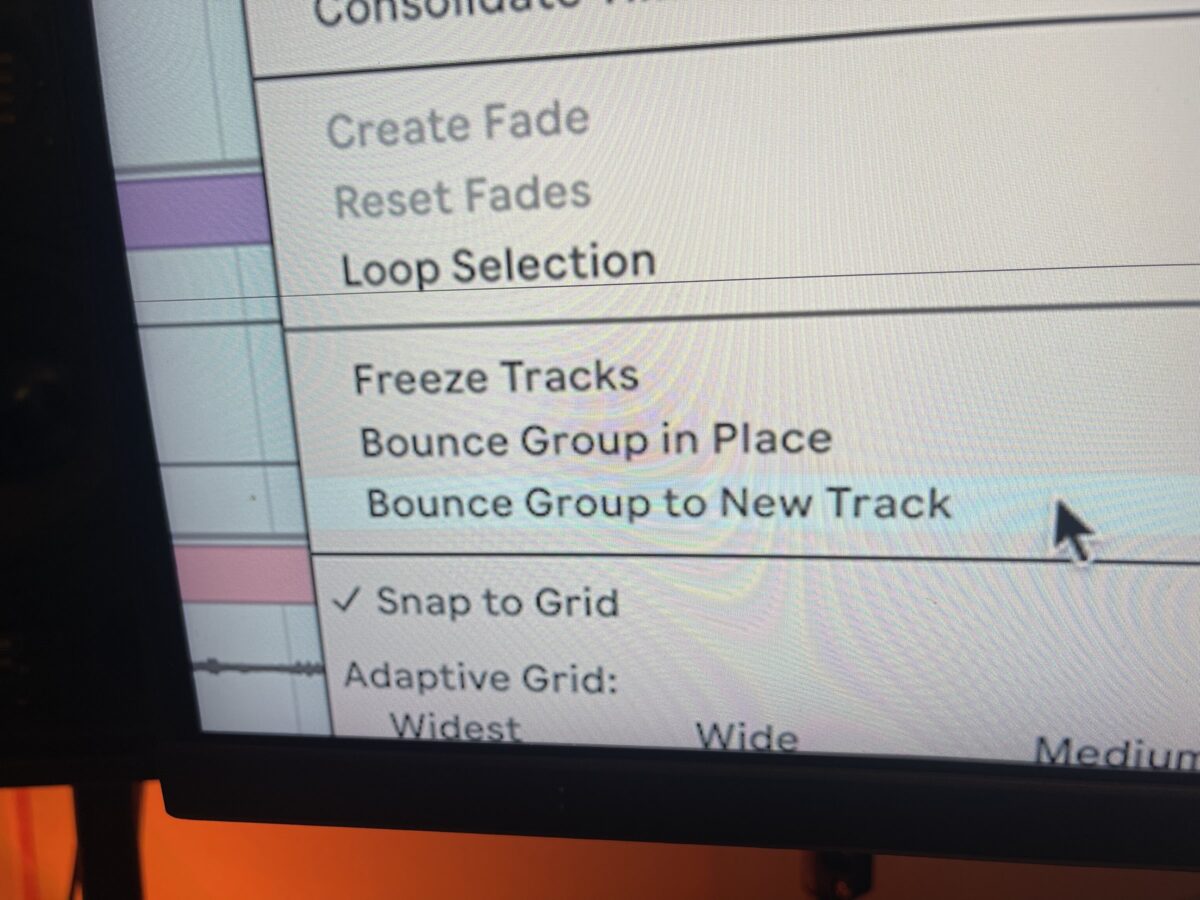
Finally — the update Ableton users have been demanding for years just dropped, and it’s massive. The Ableton Live 12.3 update delivers built-in stem separation, native Splice integration, redesigned instruments, and a stack of workflow improvements that change how you produce music. Whether you’ve been waiting for stems inside your DAW or craving more expressive control on Push 3, this release has something for every producer.
Stem Separation: Studio-Grade Splitting Built Right In
The headline feature of Live 12.3 is Stem Separation — and it’s a game-changer. Powered by Music.AI’s technology, you can now split any audio clip into four stems: Vocals, Drums, Bass, and Others. No third-party plugins. No round-tripping to another app. It happens right inside your Session or Arrangement view.
There are two processing modes to choose from. High Speed delivers results quickly for rough sketches and live performance situations. High Quality takes more time but produces cleaner, more artifact-free separations suitable for final production work. The feature is available exclusively to Suite users, which makes the Suite upgrade even more compelling for anyone doing remix work, sample manipulation, or vocal extraction.
What makes this implementation stand out is the seamless integration. Separated stems land on new tracks with all routing intact, ready for individual processing. It’s the kind of workflow that used to require bouncing out to iZotope RX or LALAL.AI, then importing back — now it’s a right-click away.
Splice Integration: Your Sample Library, Inside Ableton
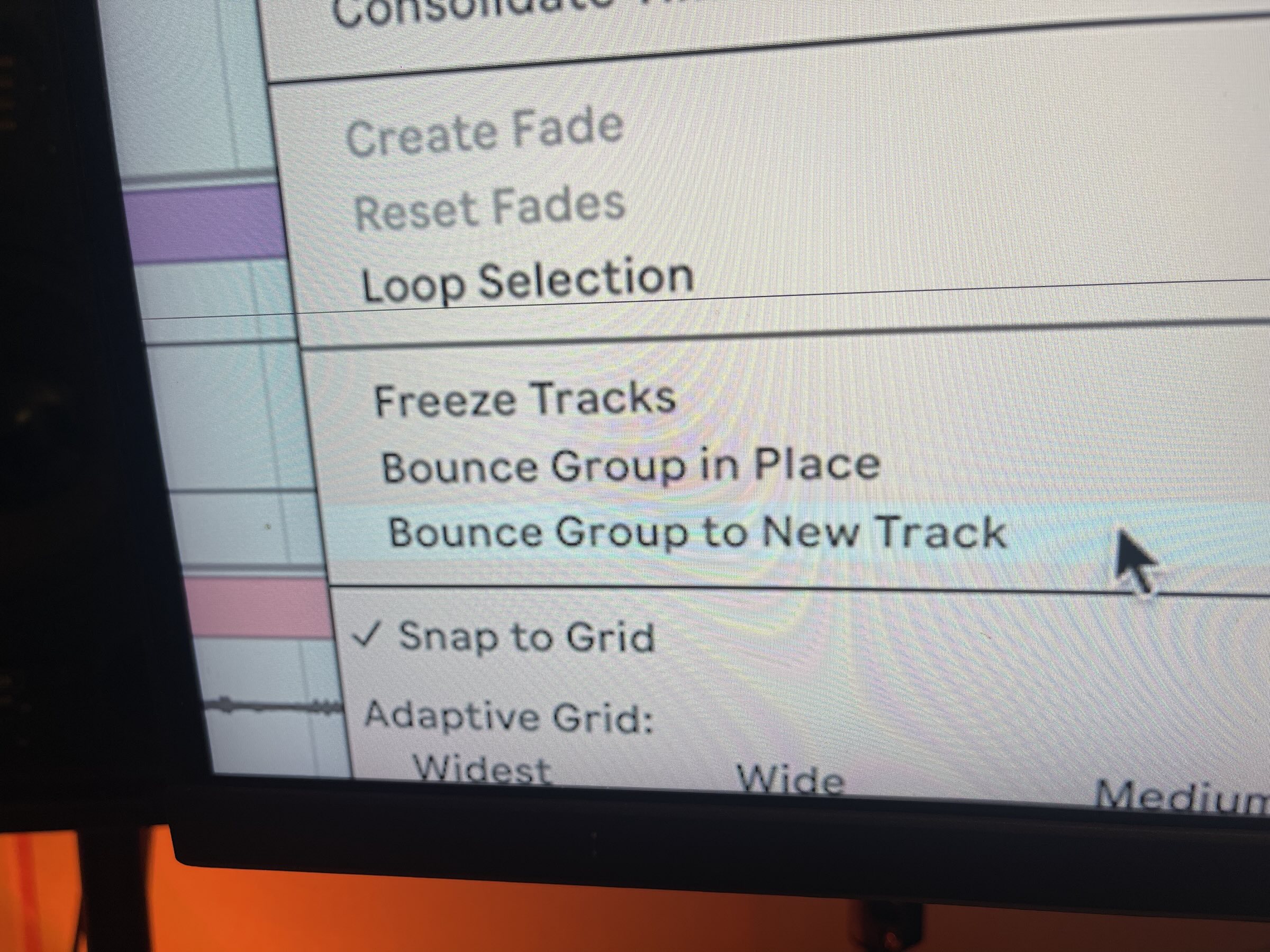
Ableton and Splice have finally bridged the gap between sample browsing and production. The Live 12.3 browser now includes direct Splice integration, letting you search, preview, and drag samples straight into your session without ever leaving the DAW.
The standout addition is Search with Sound. Drop an audio clip into the search field and Splice finds similar samples from its library. It’s an incredibly intuitive way to find complementary sounds — imagine dragging in a hi-hat pattern and getting back dozens of matching percussion loops. For producers who rely heavily on Splice’s catalog, this eliminates the constant app-switching that breaks creative flow.
Ableton Live 12.3 Update: Auto Pan-Tremolo Redesigned
The classic Auto Pan effect has been completely rebuilt and renamed to Auto Pan-Tremolo. It now features dedicated Panning and Tremolo modes, giving you cleaner control over each effect type independently. The LFO section adds new Time modes including 16th notes, Triplet, and Dotted divisions — finally bringing tempo-synced modulation into precise rhythmic territory.
New parameters include Modulation Attack for shaping how the effect ramps in, and Frequency Modulation for creating more complex, evolving textures. These additions transform what was a simple utility into a genuine sound-design tool. The Euclidean rhythm capabilities noted by CDM add yet another layer of creative possibility.
Device A/B: Compare Parameters Instantly
Here’s a feature that sounds small but will change your mixing workflow dramatically. Every built-in device in Live now supports A/B parameter comparison. Press the shortcut P to toggle between two parameter states on any native device. Dialing in EQ settings? Save state A, tweak to your heart’s content in state B, then flip between them to hear the difference instantly.
This eliminates the old workaround of duplicating tracks or using third-party A/B comparison plugins. It’s baked into every Ableton device — Compressor, EQ Eight, Saturator, everything. For mixing engineers and sound designers who constantly compare settings, this is pure efficiency.
Meld and Roar: Serious Instrument Upgrades
Meld receives a powerful new Chord oscillator type — four detuned sawtooth oscillators that create rich, stacked chord textures with a single note. Combined with the new Scrambler LFO, Meld can now generate everything from thick supersaws to evolving pads that shift unpredictably. This is a substantial expansion of Meld’s sonic palette.
Roar gets equally impressive additions. The new Delay routing mode adds feedback delay processing to Roar’s distortion engine, opening up entirely new territory for aggressive textures and rhythmic destruction. A new Dispersion filter models the frequency-spreading behavior of physical materials. External and MIDI sidechain inputs give you dynamic control over the distortion response, and Envelope Hold lets you sustain the envelope at peak level before release — perfect for punchy, sustained transients.
On top of these, Operator now supports up to 32 voices of polyphony (up from the previous limit), and Resonators gains scale awareness for more musically coherent results.
Push 3 XYZ Layout: Expressive Performance Reimagined
Push 3 users get a brand new XYZ pad layout that turns the pad grid into an expressive control surface. Instead of triggering clips or playing drum racks, the XYZ layout maps pad pressure, horizontal position, and vertical position to different parameters simultaneously. It’s a completely new way to perform with Push — more akin to an MPE controller than a traditional pad grid.
This opens up real-time sound manipulation that was previously only possible with dedicated controllers like the Roli Seaboard or Sensel Morph. For live performers and electronic artists, the XYZ layout adds a dimension of expression that Push has been missing.
Workflow Improvements: Bounce, Paste, and More
Beyond the headline features, Live 12.3 packs several workflow refinements that speed up daily production tasks:
- Bounce Group to New Track / Bounce Group in Place — consolidate group tracks including return effects with a single command
- Paste Bounced Audio (Cmd+Opt+V) — paste clipboard content as rendered audio instantly
- Generators by Iftah — a new Pack featuring Sting (acid bass synthesizer) and Patterns (percussion generator), available for Suite and Standard+Max for Live users
- Max 9.0.9 — updated Max runtime with new API methods including Track.insert_device, Chain.insert_device, and RackDevice.insert_chain for deeper Max for Live development
Performance Fixes: Faster, Leaner, More Stable
The release notes reveal a long list of performance improvements that address real pain points:
- Significantly faster opening of .ablbundle project files
- Memory optimization for large Sets — less RAM consumption when working with complex sessions
- Reduced CPU usage when navigating projects with many locators
- Smoother VST3 plugin UI rendering
- Prevention of hangs during dense MIDI CC recording — a critical fix for users with hardware controllers sending continuous data
These aren’t glamorous features, but they’re the kind of improvements that make daily production sessions noticeably smoother. If you’ve ever experienced stutters when opening large projects or UI lag with VST3 plugins, this update directly addresses those frustrations.
Should You Update?
Live 12.3 is a free update for all Live 12 users — there’s no reason not to grab it. The stem separation alone justifies an immediate download for Suite owners. For Standard and Intro users, the Device A/B comparison, Auto Pan-Tremolo redesign, workflow improvements, and performance fixes make this a substantial quality-of-life upgrade.
The combination of built-in stem splitting, native Splice browsing, and genuinely useful instrument updates makes 12.3 feel less like a point release and more like a milestone. If you’re running any version of Live 12, update now — your production workflow will thank you.
Looking for professional mixing, mastering, or studio workflow optimization with the latest Ableton features? Sean Kim brings 28+ years of audio engineering experience to every project.
Get weekly AI, music, and tech trends delivered to your inbox.






