


WWDC 2025 iOS 19 AI Features Preview — On-Device Image Understanding and Smart Replies Are Coming
June 3, 2025
Apple M5 Chip: 6 Performance Estimates Before WWDC 2025 Changes Everything
June 3, 2025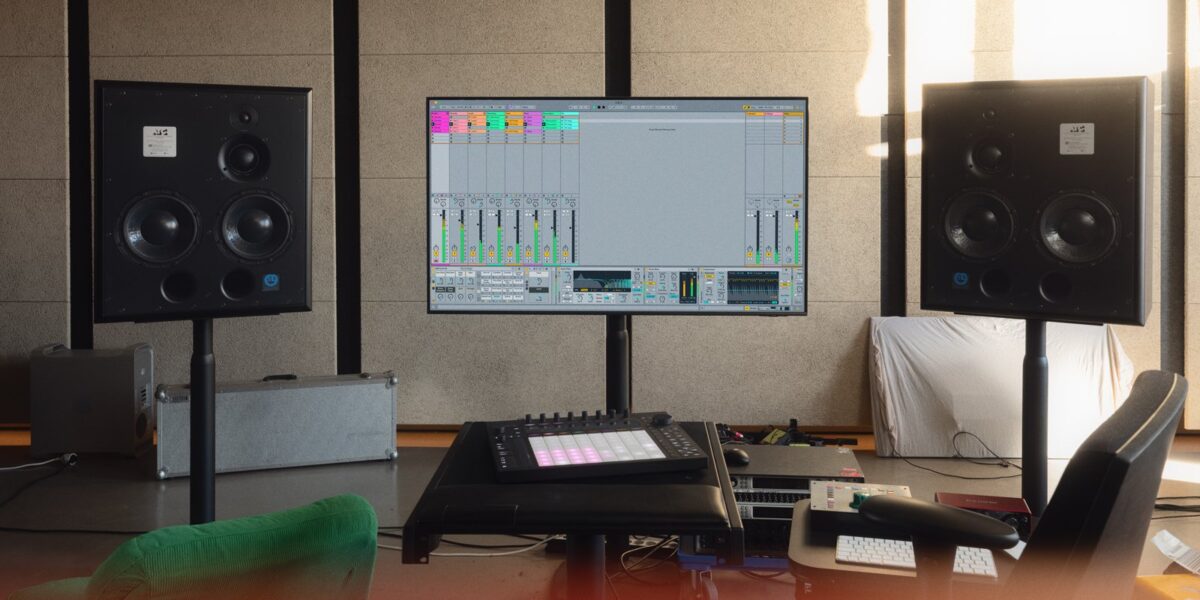
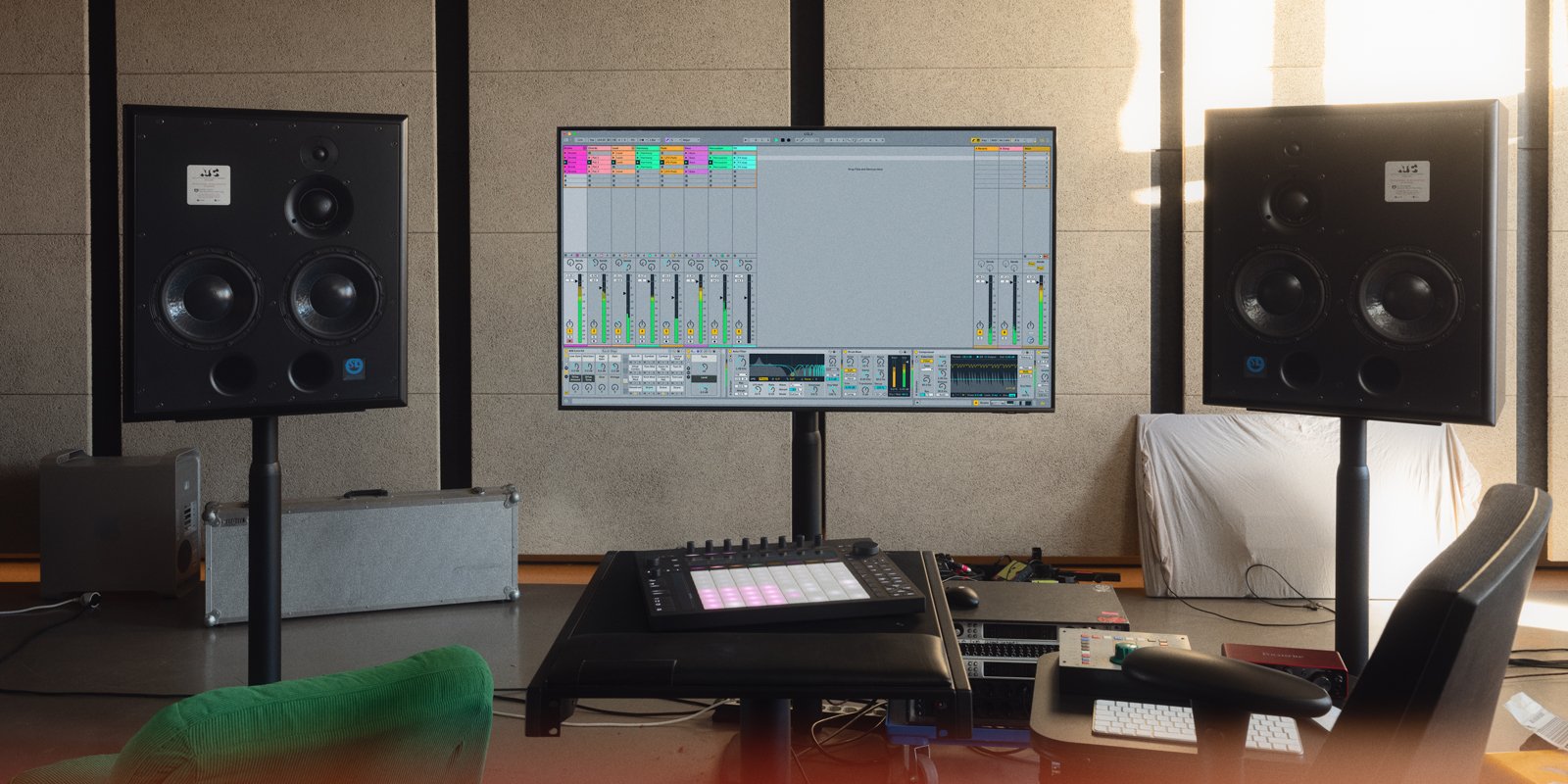
Finally, the update we’ve been waiting for. Ableton just announced Live 12.2, dropping June 11, 2025, and it’s packed with Ableton Live 12.2 new devices that go far beyond incremental tweaks. We’re talking a completely rebuilt Auto Filter, a four-voice chord oscillator in Meld, delay routing in Roar, a brand-new Expressive Chords MPE device, scale-aware Spectral Resonator, and a Bounce to New Track workflow feature that should have existed years ago. This is a free update for all Live 12 users, and every single feature here opens up serious sound design possibilities.
Let me walk you through each device, what’s actually new, and how to put these tools to work in your productions right now.
Auto Filter Redesign: 6 New Filter Types and 4 Circuit Models
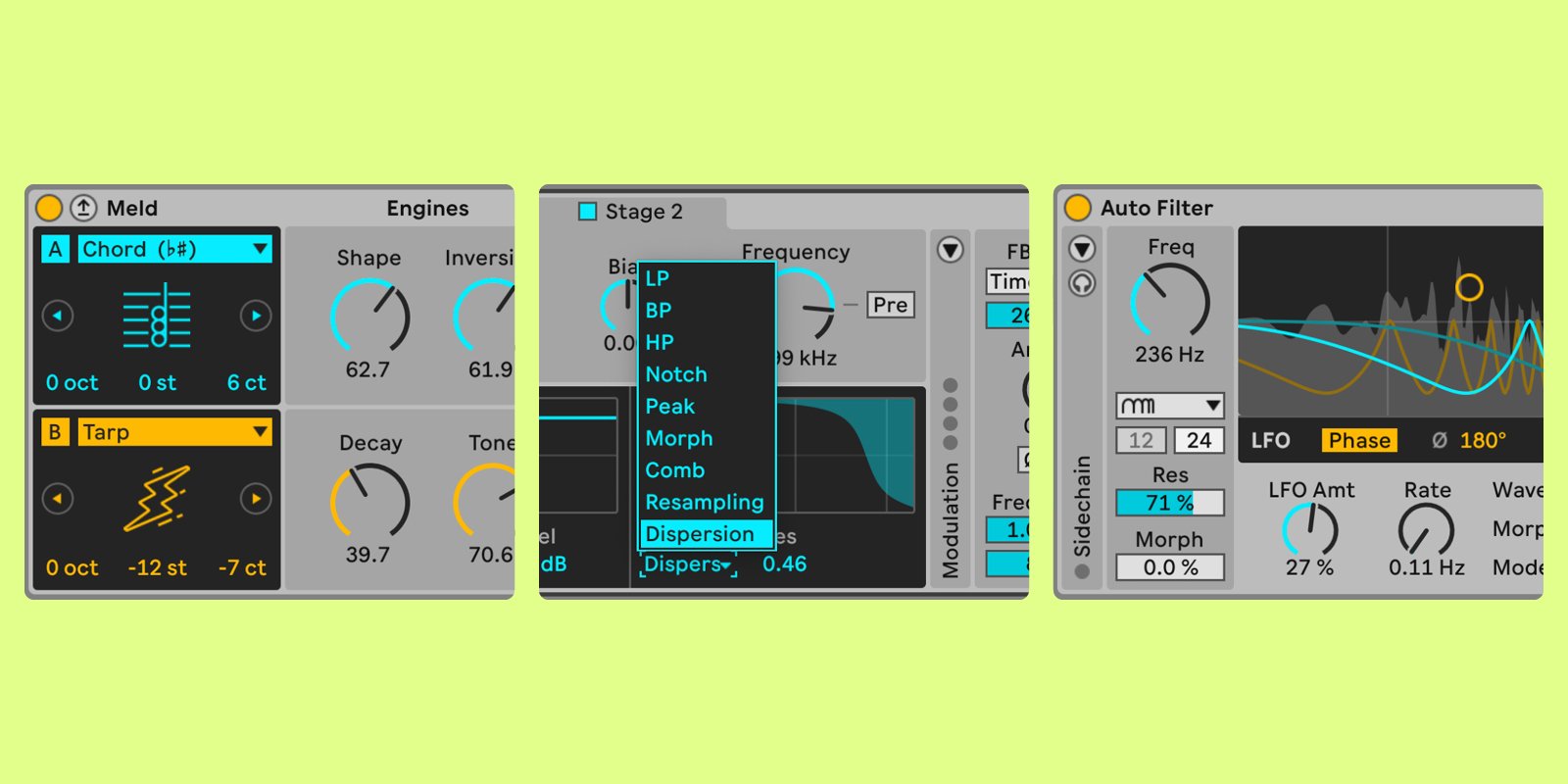
The Auto Filter in Live 12.2 isn’t just an update. It’s a ground-up rebuild. Ableton has added six new filter types: Resampling, Comb, Vowel, DJ, Morph (four slopes), and Notch + LP. On top of that, four new circuit models give you drastically different tonal characters: SVF (clean with optional drive), DFM (distorted feedback for aggressive textures), MS2 (Sallen-Key warmth), and PRD (ladder-style resonance).
The modulation section has been completely revamped with separate L/R channel modulation, which means you can create stereo movement that wasn’t possible before. There’s also a real-time output spectrum display, so you can actually see what the filter is doing to your signal. This turns Auto Filter from a basic utility into a genuine sound design instrument.
Sound Design Tip: Wobble Bass with Stereo Depth
Try loading the new Vowel filter type on a sustained bass patch. Set the LFO to modulate the filter frequency at a slow rate, then use the separate L/R modulation to offset the left and right channels by about 15-20%. The result is a wobble bass that breathes in stereo, perfect for electronic productions where you want width without losing low-end focus. Pair it with the DFM circuit for extra grit, or SVF for a cleaner, more controlled sweep.
Meld’s Four-Voice Chord Oscillator: Lush Chords from a Single Note
Meld gets what might be the most musically exciting addition in Live 12.2: a four-voice Chord oscillator. Play a single MIDI note and Meld generates a full chord with four voices. Two macro controls let you adjust the chord shape and inversion in real time, and the whole system is scale-aware, meaning it respects the scale you’ve set in your Live Set.
There’s also a new Scrambler LFO effect that randomizes elements of the chord voicing over time, adding organic movement that makes static pads come alive. According to Ableton’s own creative tips, the Chord oscillator can produce everything from lush ambient pads to tightly voiced jazz chords, all from a single finger on the keyboard.
Sound Design Tip: Evolving Pad Textures
Load Meld, select the Chord oscillator, and set the shape macro to around 60%. Map the Scrambler LFO to the inversion macro at a very slow rate (0.1-0.3 Hz). Now hold a single note. You’ll get a constantly shifting chord that never quite repeats, perfect for ambient intros or cinematic underscore. Add some reverb and a touch of Auto Filter’s new Comb type for metallic shimmer. This one technique alone justifies the update.
Roar Gets Delay Routing and the Dispersion Filter
Roar, Ableton’s multi-band distortion processor, receives two significant additions. The new Delay routing mode lets you feed Roar’s distortion output into a delay line, creating rhythmic distorted textures that combine saturation and time-based effects in a single device. The Dispersion filter is a new filter type that smears transients into a lo-fi warble, similar to the allpass diffusion found in reverb algorithms but applied as a creative effect.
Roar also gains MIDI sidechain control in Note mode, where incoming MIDI pitch controls the distortion character. Plus, you can now feed external audio into Roar’s envelope follower input, letting other tracks drive Roar’s dynamics. These are Suite-only features, but they turn Roar into something closer to a modular processing environment than a simple distortion plugin.
Sound Design Tip: Lo-Fi Warble with Dispersion
Insert Roar on a clean electric piano or Rhodes sample. Select the Dispersion filter and set the amount to around 40%. Now engage the Delay routing at a short delay time (30-80ms) with moderate feedback. The combination creates a VHS-style warble that sounds like a tape machine slowly degrading. Automate the Dispersion amount over 8 bars for a transition effect that takes a clean signal into full lo-fi territory. This is the kind of texture that used to require three or four plugins chained together.
Expressive Chords: MPE Harmonies for Every Edition of Live
Expressive Chords is a brand-new Max for Live device that ships with every edition of Live 12, including Intro. It takes a single MIDI note and generates natural-sounding chord harmonies from 52 curated chord sets. What makes it special is full MPE (MIDI Polyphonic Expression) support. If you’re playing on a Linnstrument, Roli Seaboard, or any MPE controller, each voice in the chord responds independently to pressure, slide, and per-note pitch bend.
Even without an MPE controller, Expressive Chords works beautifully with standard MIDI. The chord sets cover everything from simple triads and seventh chords to more complex extended voicings. It’s essentially a one-finger chord generator with expression built in, and it’s available to every Live 12 user regardless of edition.
Sound Design Tip: MPE Pad Performance
Place Expressive Chords before any polyphonic synth (Meld with the new Chord oscillator creates an interesting double-chord effect, but a simple pad works best to start). Select a jazz voicing chord set, then use aftertouch or an MPE controller’s pressure axis to control filter cutoff on the destination synth. Each note in the chord will open the filter independently, creating a breathing, organic chord that responds to your touch. Map slide to vibrato depth for an additional dimension of expression. This setup turns a basic pad patch into a performance instrument.
Spectral Resonator and Resonators: Scale-Aware Harmonics
Both Spectral Resonator and Resonators now support scale awareness and tuning systems. Spectral Resonator can quantize its harmonics to a chosen musical scale, which means the resonant frequencies it generates will always be musically related to your project’s key. Resonators get the same treatment, with harmonics snapping to scale degrees rather than fixed frequency ratios.
This is a subtle but powerful change. Before 12.2, using Spectral Resonator on melodic material often produced atonal artifacts unless you carefully tuned each partial by hand. Now, set your scale and the device handles the rest. It also supports alternative tuning systems, opening up microtonal and non-Western tuning possibilities that were previously difficult to achieve in Live.
Sound Design Tip: Pitched Percussion from Noise
Feed white noise or a drum loop into Spectral Resonator, set the scale to match your project key, and increase the resonance. The device will pull pitched tones out of the noise, creating tuned percussion or metallic melodic patterns that sit perfectly in key. Automate the frequency shift parameter to create rising or falling pitched textures. This technique is excellent for creating unique transition effects or textural layers that are harmonically locked to your track.
Bounce to New Track: The Workflow Feature We’ve All Been Asking For
This isn’t a sound design tool, but it might save you more time than anything else in this update. Bounce to New Track lets you bounce clips or time selections across multiple tracks with all processing baked in, or convert entire tracks to audio in place. No more solo-and-export routines, no more manual resampling workarounds. Select your clips, bounce, and you have a new audio track with all effects rendered.
This feature is available in all editions of Live 12 and works in both Session and Arrangement views. For producers who regularly bounce stems for collaboration, mixing, or sample creation, this single feature could shave hours off your weekly workflow. It’s the kind of practical, session-speed improvement that makes the entire update worthwhile even if you never touch the new devices.
Browser Improvements and Push Updates
Live 12.2 also brings significant improvements to the Browser with a new Quick Tags panel, custom icons for labels and folders, multiple metadata columns, and a simplified Filter View. Finding sounds and presets is now faster and more visual.
Push users get 16 Pitches layout, Follow Actions, Groove Pool access, Tuning Systems support, and the External Audio Effect device. These additions make Push an even more capable standalone instrument and bring it closer to feature parity with the desktop application.
What This Means for Your Productions
Live 12.2 is a free update arriving June 11, 2025, and it genuinely expands what’s possible within Ableton’s ecosystem. The Auto Filter redesign alone gives you more tonal options than most third-party filter plugins. Meld’s Chord oscillator eliminates the need for external chord generators. Roar’s Delay routing and Dispersion filter create textures that used to require complex effect chains. And Bounce to New Track finally addresses one of Live’s oldest workflow gaps.
The best approach is to update on day one and spend a session just exploring. Load each updated device on a simple sound source, turn knobs, and listen. The sound design possibilities in this update are deep enough to keep you experimenting for weeks. Whether you’re producing electronic music, scoring for media, or designing sounds for games, these Ableton Live 12.2 new devices deserve a spot in your creative toolkit.
Looking to take your sound design and mixing workflow to the next level? Sean Kim brings 28+ years of audio engineering experience to every project.
Get weekly AI, music, and tech trends delivered to your inbox.






