
Google I/O 2025 Android 16 AI: Gemini Nano Finally Brings On-Device Intelligence to Every App
May 5, 2025
Google AI Overviews Hits 1.5 Billion Users — Is This the End of Search as We Know It? (2025 Guide)
May 6, 2025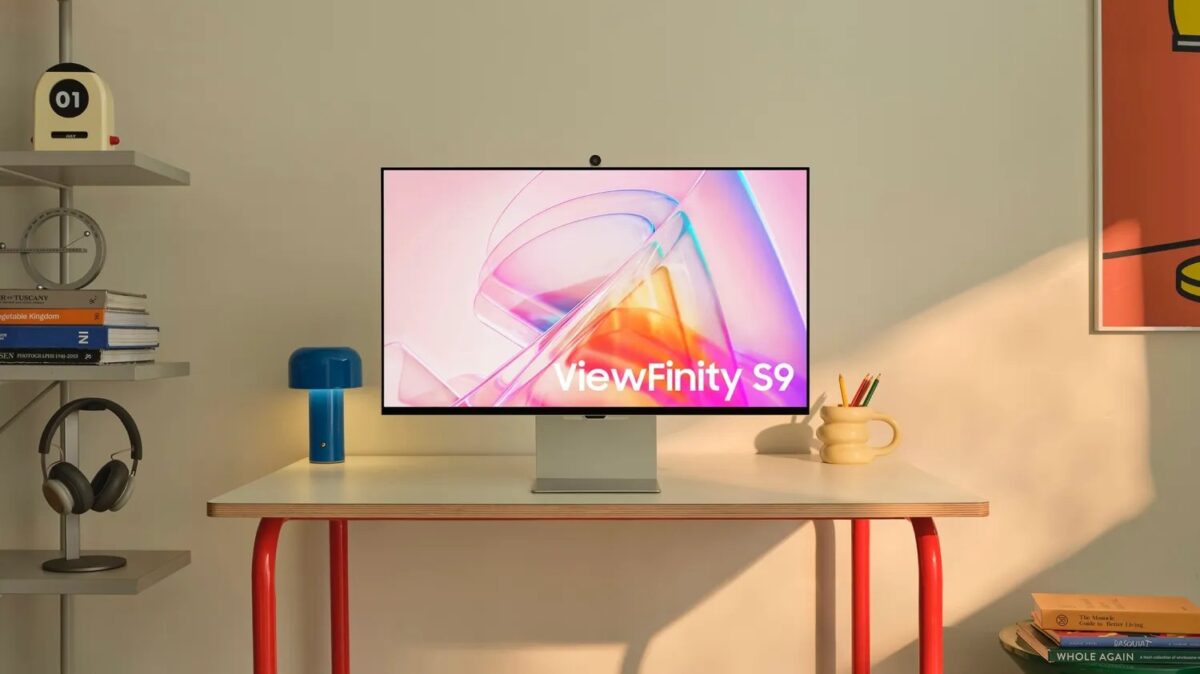
One cable. Charging, data, video — all at once. If you’re still fumbling with HDMI dongles and separate chargers in 2025, you’re leaving productivity on the table. With the M4 chip lineup now fully rolled out across MacBooks, Mac Minis, and iMacs, the best monitors for Mac USB-C have never been more capable — or more affordable. But with so many options flooding the market, picking the wrong one can be an expensive mistake.
M4 Chip Display Support: What Best Monitors for Mac USB-C Can Actually Handle
Before you start shopping, you need to know exactly what your Mac can drive. According to Apple’s official support documentation, the M4 chip family has significantly improved external display capabilities compared to previous generations.
- M4 (base): Up to 2 external displays at 6K@60Hz
- M4 Pro: Up to 2 external displays via Thunderbolt 4 at 6K@60Hz
- M4 Max: Up to 4 external displays simultaneously
Every M4 Mac ships with Thunderbolt 4, which means 40Gbps bandwidth for high-resolution display connections. The fact that even the base M4 now supports two external displays is a massive upgrade from the M1 and M2 era. Now, let’s break down the best USB-C monitors you can pair with these machines in May 2025.
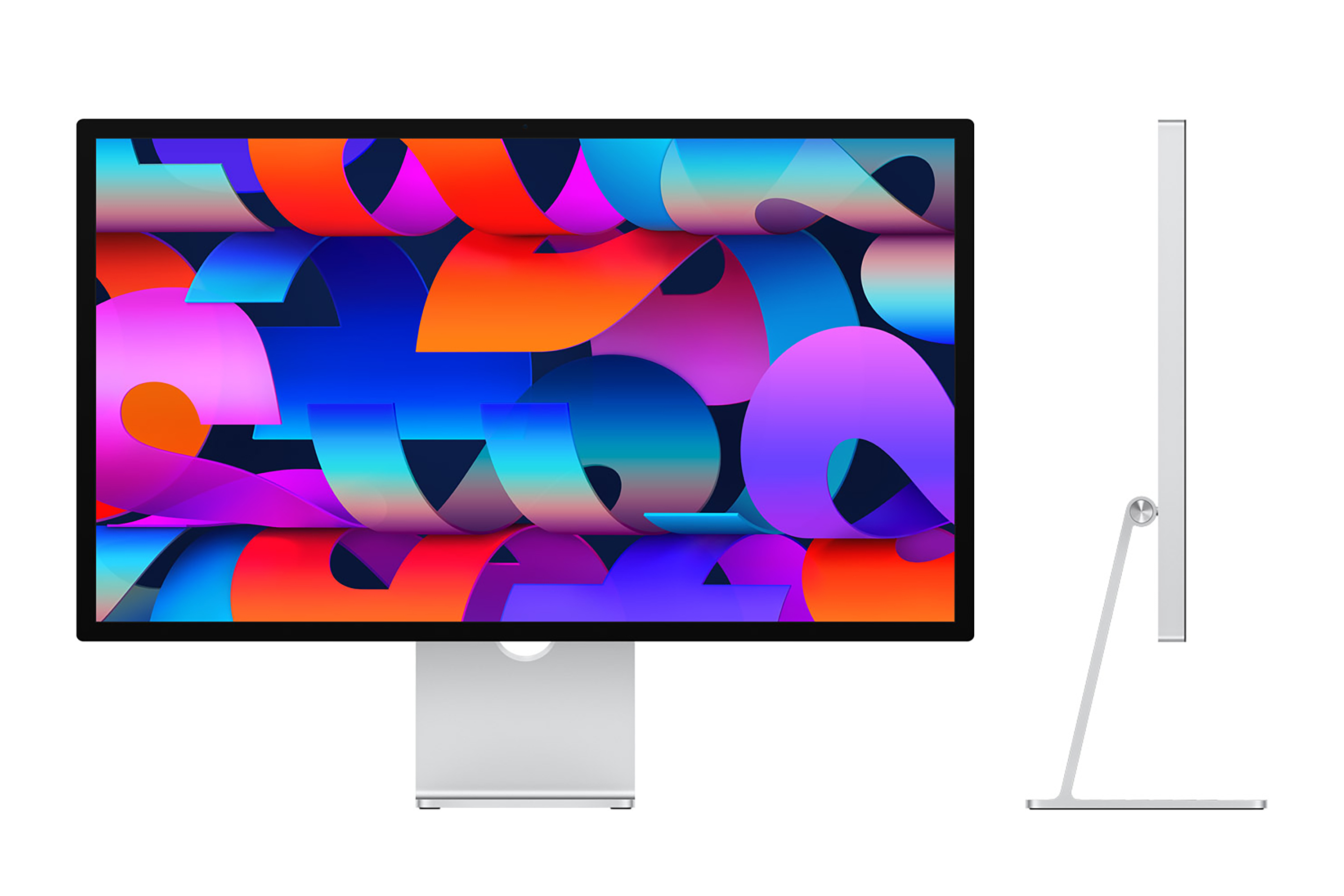
1. Apple Studio Display — The Gold Standard for macOS Integration
The Apple Studio Display remains the benchmark for Mac monitors. Its 5K (5120×2880) resolution, P3 wide color gamut, and 600 nits of brightness make it exceptional for photo editing, video production, and design work. A single Thunderbolt 3 cable handles video output while delivering up to 96W of power to your MacBook.
What sets it apart from every competitor is the ecosystem integration. The 12MP Ultra Wide camera with Center Stage, six-speaker sound system with spatial audio, and three-mic array with beamforming mean you don’t need separate peripherals for video calls. Macworld’s comprehensive monitor guide continues to rank it as the top pick for those who want seamless macOS harmony.
The catch? It starts at $1,599, and the height-adjustable stand is a $400 add-on — a price that’s hard to justify when competitors include adjustable stands at no extra cost.
2. Samsung ViewFinity S9 5K — The Best Value in 5K Thunderbolt Displays
The Samsung ViewFinity S9 might be the most compelling Mac monitor story of 2025. It matches the Apple Studio Display spec-for-spec on the display front — 5K 5120×2880 resolution, 600 nits brightness, and excellent color accuracy — but at roughly $900, it costs nearly half as much.
According to AppleInsider’s detailed comparison, the ViewFinity S9 actually beats the Studio Display in several areas. It ships with Thunderbolt 4 (versus Apple’s Thunderbolt 3), includes a height-adjustable stand at no extra charge, and features a matte anti-glare coating that many professionals prefer over the Studio Display’s glossy panel.
Where does Apple win? Camera quality, speaker quality, and the invisible integration benefits of staying within the Apple ecosystem. If those matter to you, the premium may be worth it. If pure display performance per dollar is your priority, the ViewFinity S9 is the clear winner.
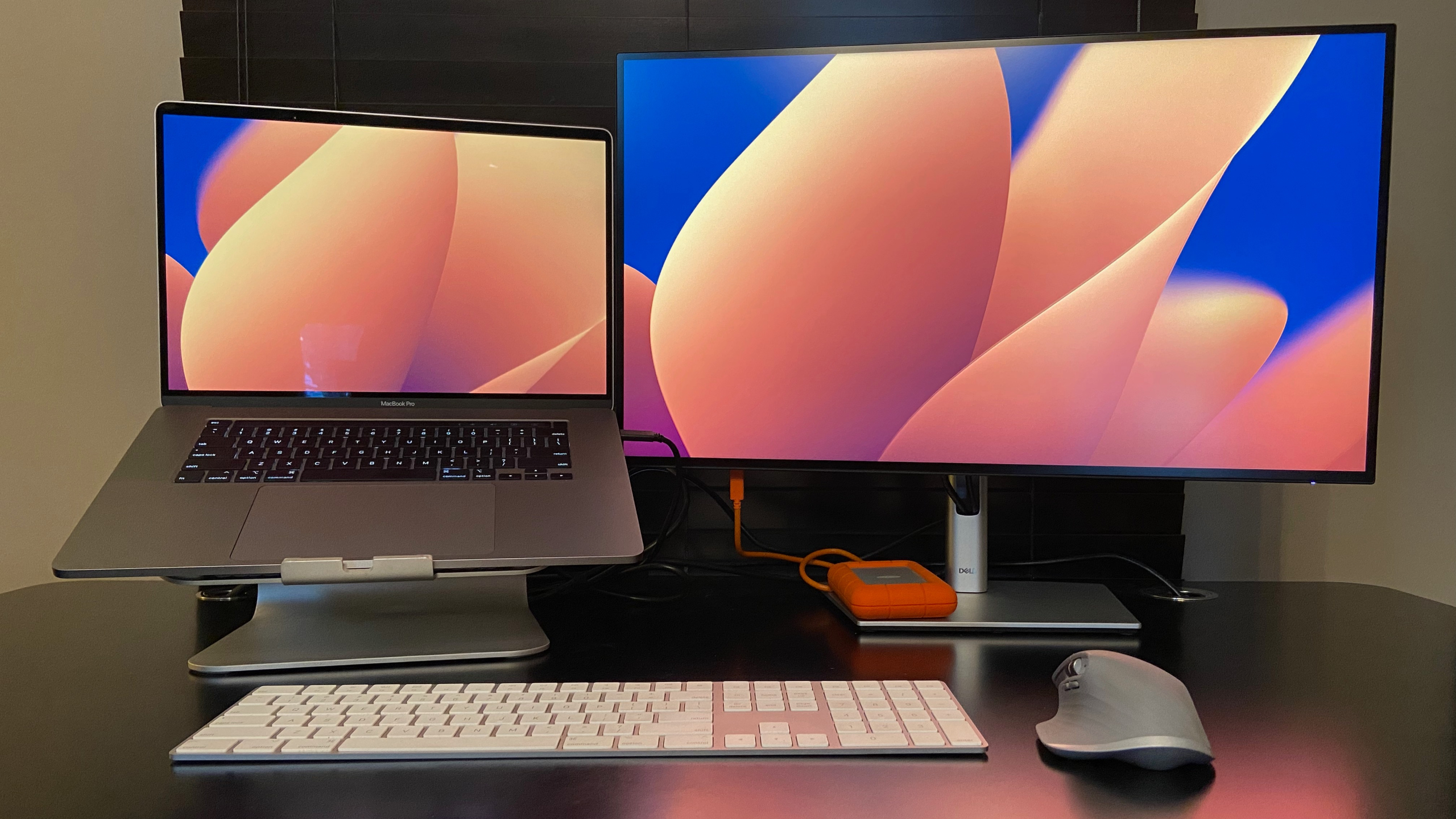
3. Dell UltraSharp U2725Q — Best 4K Value for Mac Users
TechRadar named the Dell UltraSharp U2725Q as the best 4K monitor for MacBook Pro, and it’s easy to see why. This 27-inch IPS Black panel delivers stunning contrast ratios, DCI-P3 98% color coverage, and factory calibration with Delta E below 2 — all for around $500.
The USB-C connectivity is robust: 90W power delivery charges even the 16-inch MacBook Pro at near-full speed, while downstream USB-A ports and Ethernet passthrough effectively turn the monitor into a docking station. For professionals who don’t need 5K resolution — and honestly, at 27 inches, 4K with macOS Retina scaling looks excellent — this is the sweet spot of performance, features, and price.
4. ASUS ProArt PA27JCV / PA279CRV — The Color Accuracy Champions
If color accuracy is non-negotiable — and for photographers, colorists, and graphic designers, it should be — the ASUS ProArt lineup deserves your attention. The PA279CRV delivers 4K resolution with DCI-P3 99% coverage, Calman Verified certification, and Delta E below 2 out of the box. USB-C with 96W power delivery means it keeps your MacBook Pro 16-inch fully charged during intensive editing sessions.
The newer PA27JCV steps up to 5K resolution while maintaining ProArt’s legendary color precision. Macworld highlights it as one of the strongest Studio Display alternatives for creative professionals. Both models include built-in hardware calibration tools that let you maintain color accuracy over time without external calibration devices.
5. BenQ PD2725U / PD2730S — Thunderbolt Daisy-Chaining Done Right
BenQ’s DesignVue series brings a killer feature to the table: Thunderbolt 3 daisy-chaining. Connect two PD2725U monitors to each other, then plug a single Thunderbolt cable from the first monitor into your MacBook. That’s it — dual 4K displays, one cable from your laptop. TechRadar specifically praised this daisy-chain capability for its reliability and ease of setup.
The PD2725U delivers 4K resolution with AQCOLOR technology for DCI-P3 95% coverage, making it suitable for creative work while not commanding the premium of studio-grade monitors. The successor PD2730S pushes into 5K territory with DCI-P3 99% coverage. Paired with an M4 Pro MacBook Pro, the BenQ daisy-chain setup gives you the cleanest dual-monitor desk possible — no hub, no dock, no cable mess.
6. LG UltraFine 5K — The Proven Workhorse
The LG UltraFine series has the longest track record of Mac compatibility of any third-party display, thanks to its history of co-development with Apple. The 27-inch 5K model delivers P3 wide color gamut and reliable Thunderbolt 3 connectivity that just works.
9to5Mac’s USB-C/Thunderbolt display guide continues to list LG UltraFine as a proven choice for Mac users who prioritize reliability over cutting-edge features. However, with the Samsung ViewFinity S9 and ASUS ProArt PA27JCV now offering competitive 5K panels at similar or lower price points, the UltraFine’s position has become harder to justify unless you find it at a significant discount.
USB-C Monitor Buying Checklist for Mac Users
Before you pull the trigger, run through these key considerations:
- USB-C Power Delivery wattage: MacBook Air needs just 30W, but MacBook Pro 16-inch requires 90W+ for full-speed charging. Don’t cheap out here — underspec’d power delivery means your MacBook drains its battery during heavy workloads even while plugged in.
- Thunderbolt 4 vs standard USB-C: Thunderbolt 4 delivers 40Gbps bandwidth, enough for 5K@60Hz plus data simultaneously. Standard USB-C may cap out at 4K reliably. All M4 Macs have Thunderbolt 4, so take advantage of it.
- Daisy-chaining support: If you plan to run multiple monitors, check if the display supports Thunderbolt daisy-chaining (BenQ PD2725U, some Dell models). This eliminates the need for a separate dock.
- Color gamut: sRGB 100% is baseline. For creative work, look for DCI-P3 95%+ coverage with Delta E below 2.
- Resolution and scaling: macOS is optimized for Retina scaling. At 27 inches, 5K provides the sharpest text and UI elements. 4K is excellent but may show slight softness at certain scaling options.
My Take: What 28 Years in Tech Taught Me About Choosing Displays
After 28 years in the music, audio, and tech industry — and as CEO of Montadecs — I’ve been through more monitor setups than I can count. Studios, production environments, offices — each with different demands but one universal truth: the display you stare at for 8+ hours a day matters more than almost any other piece of hardware.
Here’s my honest take: if budget isn’t a concern, the Apple Studio Display remains the most worry-free option. Everything integrates seamlessly with macOS, the camera and speakers eliminate extra peripherals, and it simply works without a single driver or configuration headache. That kind of invisible reliability has value, especially in professional environments where downtime costs real money.
But I’d be dishonest if I didn’t acknowledge the Samsung ViewFinity S9 as a game-changer in terms of value. Getting 5K Thunderbolt display quality at nearly half the price of the Studio Display — with an adjustable stand included — is the kind of market pressure that benefits everyone. For teams that need multiple workstations equipped with quality displays, the cost savings are substantial.
The criterion I personally weigh most heavily is what I call the “one-cable rule.” In my workflow, I move between stations with a MacBook Pro. Sitting down, plugging in one cable, and having power, video, data, and peripherals all connected instantly — that’s the workflow that makes USB-C and Thunderbolt worth the investment. With M4’s Thunderbolt 4 across the entire lineup, that experience has never been smoother. May 2025 is genuinely the best time to buy a USB-C monitor for your Mac.
Bottom Line: Which Monitor Is Right for You?
- Budget no object, best integration: Apple Studio Display
- 5K quality at half the price: Samsung ViewFinity S9
- Best 4K value overall: Dell UltraSharp U2725Q
- Color accuracy is everything: ASUS ProArt PA279CRV / PA27JCV
- Dual monitors, one cable: BenQ PD2725U (daisy-chain)
- Proven Mac compatibility: LG UltraFine 5K
The biggest shift in the M4 era isn’t any single monitor — it’s that Apple no longer has a monopoly on great Mac displays. Competition has driven prices down and quality up across the board. Whatever your budget and workflow demands, there’s a USB-C monitor on this list that fits. And once you experience the one-cable lifestyle, trust me — you’ll never go back to dongle life.
Need help choosing the right hardware setup for your Mac workflow, or want to optimize your studio and office environment?
Get weekly AI, music, and tech trends delivered to your inbox.