

Granular Synthesis Ambient Music: Sound Design Guide for Evolving Textures
June 12, 2025
Ableton Live 12.2 Launch: Bounce to New Track, Redesigned Auto Filter, and 7 Features That Change Your Workflow
June 13, 2025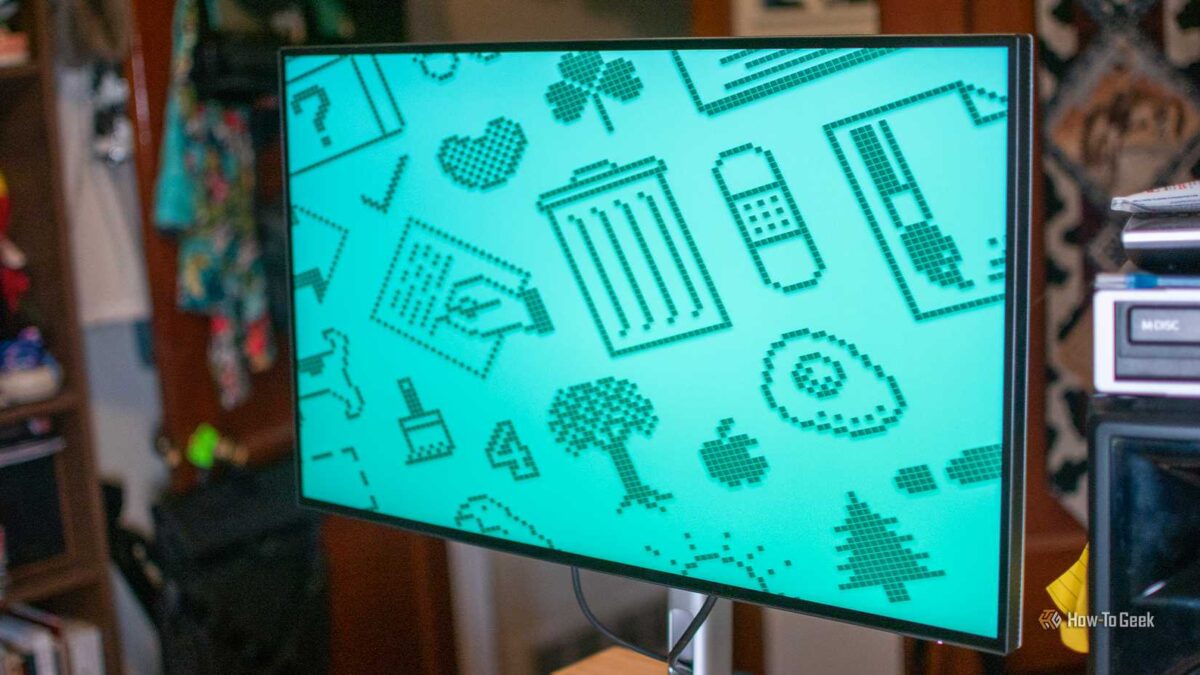
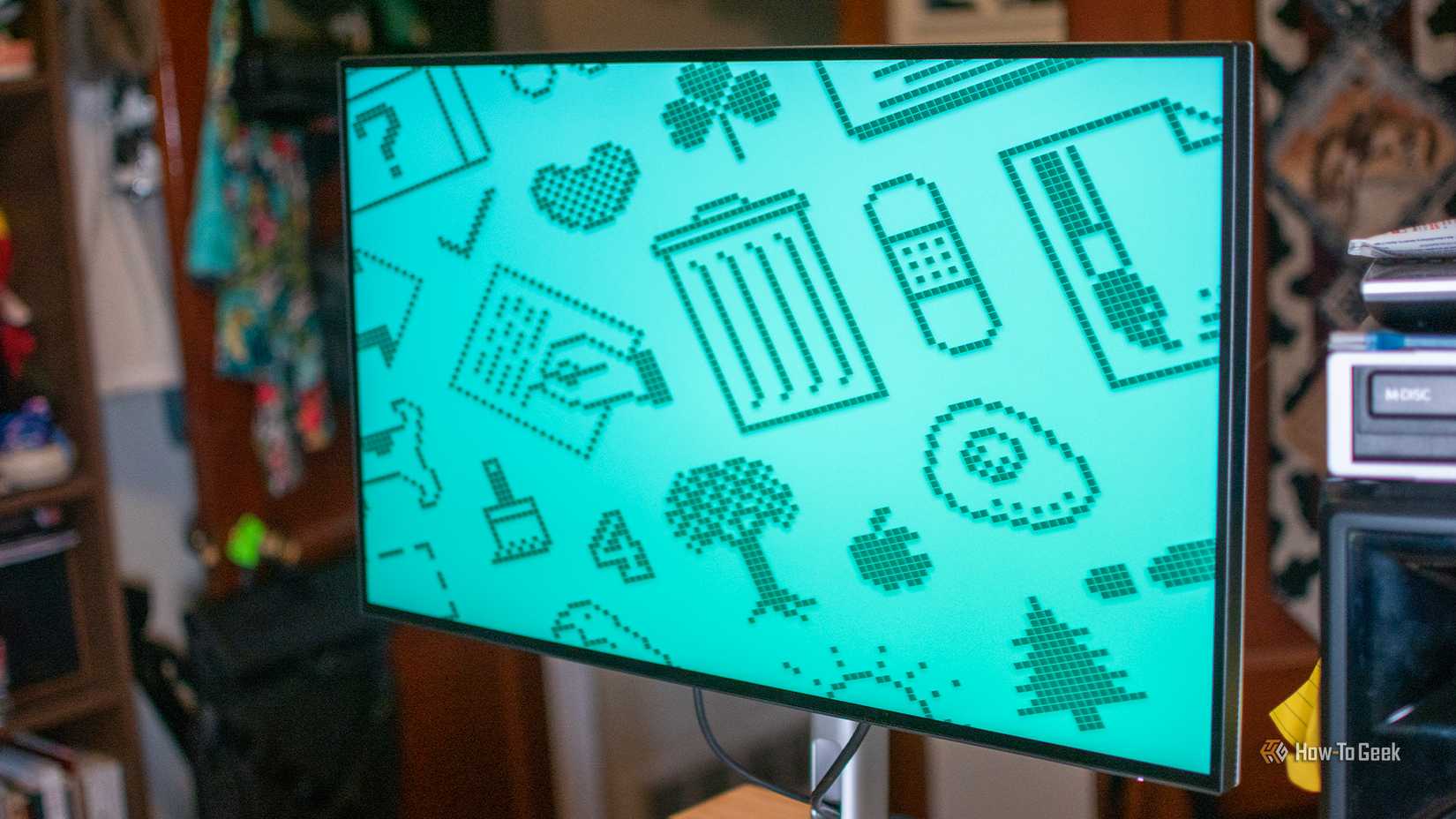
Finally, a 4K productivity monitor that actually eliminates desk clutter instead of adding to it. The Dell UltraSharp U2725Q (officially U2725QE) ships with nine USB ports, 140W power delivery, and the world’s first enhanced IPS Black panel — and after weeks of daily use, I’m convinced this Dell UltraSharp U2725Q review needed to exist because this monitor changes how you think about your entire workspace setup.
Why the Dell UltraSharp U2725Q Matters in 2025
Dell has been dominating the professional monitor space for years, but the U2725Q represents a genuine generational leap. The predecessor, the U2723QE, was already a solid workhorse — decent 4K IPS panel, USB-C hub, 90W power delivery. Good enough for most professionals. But “good enough” doesn’t win CES 2025 awards.
The U2725Q earned that recognition by addressing every pain point that productivity users have been complaining about for years: washed-out blacks on IPS panels, sluggish 60Hz scrolling, insufficient laptop charging, and the perpetual need for a separate docking station. At $699.99, it’s not cheap — but when you factor in the dock it replaces, the math starts making a lot of sense.
” alt=”Dell UltraSharp U2725Q review front view showing 27-inch 4K display”/>
Enhanced IPS Black: The Panel Technology That Changes Everything
Let’s address the elephant in the room. Standard IPS monitors have always had a contrast problem. Where VA panels deliver 3000:1 contrast ratios with deep blacks, IPS panels typically sit around 1000:1 — giving you that characteristic grayish-black look that’s particularly noticeable in dark room environments or when working with dark-themed IDEs and video editing timelines.
Dell’s enhanced IPS Black technology claims a 3000:1 contrast ratio. RTINGS measured it closer to 2000:1 in their comprehensive testing — which, while falling short of Dell’s claim, is still double what you’d get from a standard IPS panel. That’s a massive improvement in real-world use.
According to How-To Geek’s review, the reviewer called it “the best looking LCD monitor I’ve tested” — specifically noting that blacks are noticeably deeper and shadow detail is more refined than any standard IPS panel they’d evaluated. Viewing angles remain excellent despite the deeper blacks, which is a common concern when manufacturers push contrast ratios higher.
For professionals spending 8-10 hours a day staring at a screen, this improvement isn’t subtle. Photo editors will see more accurate shadow representation, developers working in dark mode will experience less eye strain from milky blacks, and content creators reviewing video footage will get a much more reliable preview of their work.
Color Accuracy: Factory-Calibrated Perfection
Color accuracy is where the U2725Q truly earns its “UltraSharp” badge. According to Expert Reviews’ detailed measurements, the monitor delivers 97% DCI-P3, 100% sRGB, and 94% Adobe RGB color coverage. Factory calibration produces an average Delta E under 0.6 — a level of accuracy that most professionals wouldn’t be able to distinguish from a perfect reference monitor.
In sRGB mode specifically, Expert Reviews measured an average Delta E of 0.5 with a maximum of just 0.9. This means right out of the box, without any additional calibration hardware or software, you’re getting monitor performance that rivals displays costing twice as much. For photographers and designers who need sRGB accuracy for web work, this is as close to plug-and-play perfection as it gets.
Peak brightness hits 408 cd/m² in Display P3 mode and pushes up to 659 cd/m² in HDR. The VESA DisplayHDR 600 certification is a notable upgrade from the predecessor’s HDR 400 rating — and while it won’t compete with dedicated HDR displays, it’s more than enough for occasional HDR content viewing and provides excellent visibility in bright office environments.
120Hz Refresh Rate: Why It Matters for Productivity
“120Hz on a productivity monitor? Why would anyone need that?” — this was my initial reaction too. Gaming monitors have been pushing 240Hz and beyond for years, but productivity displays have stubbornly remained at 60Hz. Dell’s decision to push this to 120Hz seemed like a marketing checkbox at first. After using it for a week, I can’t go back to 60Hz for desktop work.
The difference is immediately noticeable in everyday tasks. Windows Central highlighted the smooth scrolling and fluid cursor movement as a standout feature — and they’re right. Scrolling through long documents, navigating spreadsheets, dragging elements in design tools, even just moving your cursor across the screen feels fundamentally different at 120Hz.
It’s worth noting that this is not a gaming monitor. The 5ms response time makes that clear. But for office productivity, 120Hz transforms the experience in ways that are hard to quantify on a spec sheet but impossible to ignore in practice. It’s the kind of upgrade where you don’t realize how much you needed it until you experience it.
Thunderbolt 4 Hub: One Cable to Rule Them All
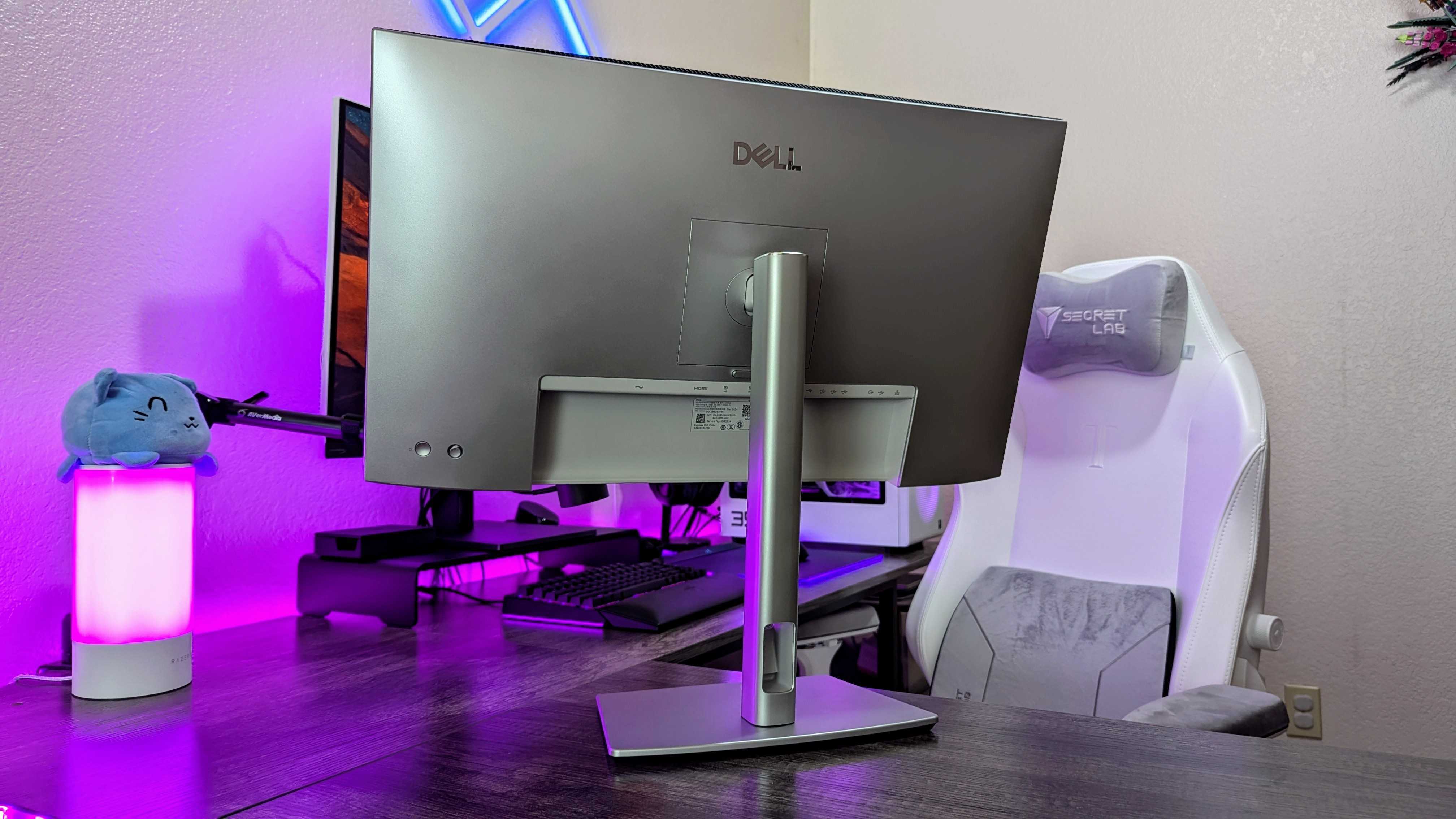
The connectivity story is where the U2725Q makes its strongest case as a workspace centerpiece. Nine USB ports — including four USB-C — Thunderbolt 4, HDMI 2.1, DisplayPort 1.4, and RJ45 Ethernet. This isn’t just a monitor; it’s a full docking station that happens to have a stunning 4K display attached.
The 140W USB-C Power Delivery is the headline feature here. The previous model topped out at 90W, which left 16-inch MacBook Pro users needing a separate charger during heavy workloads. The U2725Q delivers enough power to charge even the most demanding laptops at full speed through a single Thunderbolt cable. One cable. Display output, data transfer, peripheral connectivity, network access, and power delivery — all through one connection.
” alt=”Dell UltraSharp U2725Q rear connectivity panel with Thunderbolt 4 ports”/>
Windows Central’s reviewer was particularly impressed by the KVM switching capability for managing multiple desktops and the daisy-chain support that lets you connect a second 4K display through the monitor. For multi-computer or multi-display setups, this eliminates cable management headaches entirely.
There is one firmware quirk worth mentioning: some users have reported that the USB hub may default to USB 2.0 speeds on Mac cold boot. A firmware update from Dell typically resolves this, but it’s something to be aware of if you’re a Mac user planning to rely heavily on the USB hub for data transfer.
Dell UltraSharp U2725Q vs the Competition
At $699.99, the U2725Q sits in a competitive but well-defined market position. Here’s how it stacks up against the alternatives worth considering:
vs Apple Studio Display ($1,599): Apple offers 5K resolution and a built-in camera/speaker system, but at more than double the price with no hub features, no 120Hz, and significantly less connectivity. The Studio Display also lacks any form of KVM switching or daisy-chain support, making multi-device setups far more complicated. Unless you absolutely need 5K or are deeply invested in the Apple aesthetic, the Dell is the smarter buy by a wide margin.
vs BenQ PD2725U ($650): The BenQ offers Thunderbolt 3 at a slightly lower price but is stuck at 60Hz, 1200:1 contrast, and only 65W power delivery. The Dell’s enhanced IPS Black panel, double the refresh rate, and more than double the power delivery justify the $50 premium.
vs Dell U2723QE (predecessor, ~$450 discounted): If budget is your primary constraint, the outgoing model is still a capable monitor. But you’d be sacrificing 120Hz, 50W of power delivery, significantly better contrast, and HDR 600. The jump from the U2723QE to the U2725Q is one of the most meaningful generational upgrades Dell has ever delivered in the UltraSharp line.
Who Should Buy the Dell UltraSharp U2725Q?
This monitor is built for a specific audience, and it serves that audience exceptionally well. If you’re a professional who needs accurate colors, deep connectivity, and the convenience of a single-cable workspace setup, the U2725Q is the best 27-inch 4K USB-C monitor you can buy in 2025.
- Creative professionals — photographers, designers, and video editors who need sRGB/DCI-P3 accuracy without buying a separate calibrator
- Software developers — the 120Hz refresh rate and deep blacks in dark mode make all-day coding sessions significantly more comfortable
- Remote workers — the Thunderbolt hub eliminates the need for a separate dock, and KVM switching is ideal for work/personal computer setups
- Mac users — 140W PD means even 16-inch MacBook Pro charges at full speed, making this the best USB-C monitor for Mac workflows
Who should skip it? Gamers looking for fast response times will find the 5ms pixel response inadequate for competitive play. Anyone on a tight budget who doesn’t need hub features can find capable 4K IPS panels for half the price. And users who only need basic 4K output without the premium panel technology and extensive connectivity would be paying for features they’ll never use.
Dell UltraSharp U2725Q Review: Final Verdict
The Dell UltraSharp U2725Q isn’t just a monitor upgrade — it’s a workspace transformation. The enhanced IPS Black panel delivers contrast that was previously exclusive to VA technology, the 120Hz refresh rate makes everyday tasks feel smoother than you thought possible, and the Thunderbolt 4 hub genuinely replaces a $200+ docking station. At $699.99, you’re getting a monitor, a dock, and a color-accurate display all in one device. For productivity-focused professionals, this is the monitor to beat in 2025.
Get weekly AI, music, and tech trends delivered to your inbox.





