


Dell UltraSharp U2725Q Review: The 4K USB-C Monitor That Replaced My Entire Dock
June 12, 2025
Bitwig Connect 4/12 Review: The $599 USB-C Interface That Bridges DAW and Modular Hardware
June 13, 2025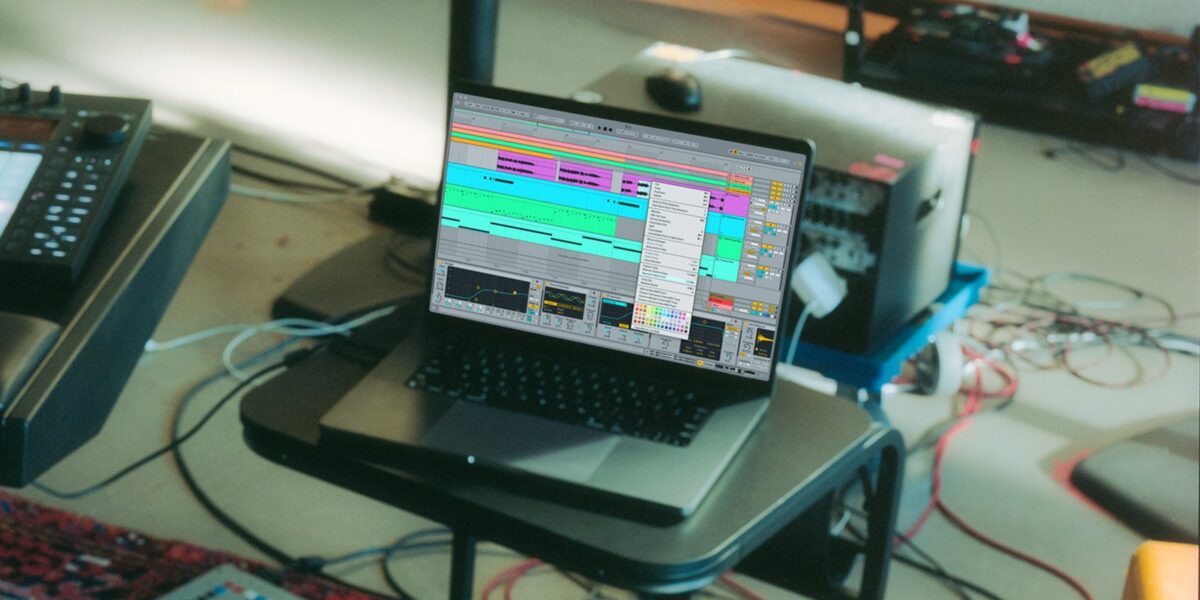
Two days ago, Ableton Live 12.2 dropped — and this one actually matters. After months in public beta, the free update landed on June 11 with a feature that producers have been begging for since the Session View era: Bounce to New Track. But that’s just the headline. Underneath, there’s a completely rebuilt Auto Filter, a surprisingly deep Max for Live chord device, and enough Push 3 upgrades to make standalone users rethink their entire live setup.
Here’s everything that changed in Ableton Live 12.2, why it matters, and how it fits into the broader trend of DAWs quietly absorbing AI-adjacent intelligence into their workflows.
Ableton Live 12.2 Bounce to New Track: The Feature That Should Have Existed 10 Years Ago
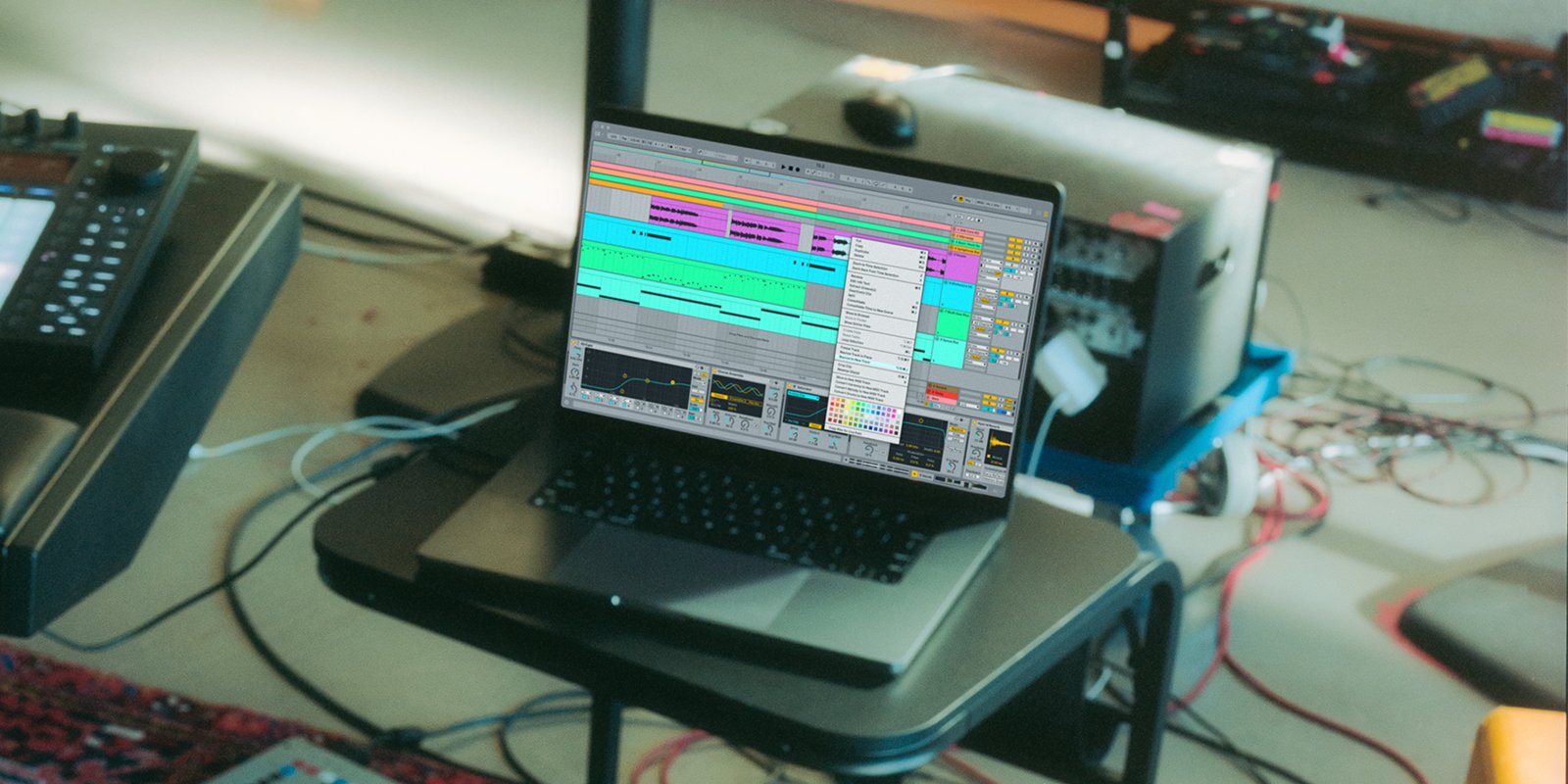
Let’s start with the biggest workflow change. Ableton Live 12.2 introduces two new commands: Bounce Track in Place and Bounce to New Track. The first converts an entire MIDI or audio track — including all effects, instruments, and processing — into a flat audio track. The second lets you select a specific time range across clips and render just that selection to a new track.
If you’ve ever exported a stem, re-imported it, and lined it up manually just to get a processed audio file, you know why this matters. The processing happens pre-mixer but post-effects, so what you hear is what you get. It’s not revolutionary technology — Logic, Cubase, and FL Studio have had variations of this for years — but Ableton’s implementation is clean, fast, and works beautifully with the clip-based workflow.
The real power shows up in sound design scenarios. Bounce a clip with heavy Roar distortion, slice it in a Drum Rack, and you have an instant sample pack from your own processing chain. For producers working with Ableton Live in live performance contexts, this eliminates the freeze-flatten dance that has been the unofficial workflow for a decade.
Auto Filter: Not a Refresh — A Complete Rebuild
The redesigned Auto Filter in Ableton Live 12.2 is the update’s sleeper hit. Ableton didn’t just add a coat of paint; they rebuilt the device from the ground up with four new filter types that significantly expand its creative range.
The new filter types include:
- DJ Filter — A smooth, one-knob high/low pass sweep optimized for live performance transitions
- Comb Filter — Creates flanger-like metallic textures with precise pitch control
- Vowel Filter — Formant filtering that moves through vowel shapes (think filter-house and classic talkbox-style effects)
- Morph Filter — A variable-slope design that seamlessly blends between filter characteristics
Beyond the new types, Ableton added four distinct filter circuits — SVF, DFM, MS2, and PRD — each with its own sonic personality. The SVF (State Variable Filter) is clean and precise, while PRD adds a grittier, more analog-like resonance. Combined with expanded LFO shapes and morphing modulation, the Auto Filter now rivals dedicated filter plugins from FabFilter and Soundtoys.
As someone who has spent 28 years in audio production, I can tell you that the Comb filter alone is worth the update. Routing it into Roar’s new delay mode creates feedback textures that previously required three or four devices chained together.
Expressive Chords: MPE Meets Instant Harmony
Expressive Chords is a new Max for Live device included with all Live 12 editions — Intro, Standard, and Suite. It’s deceptively simple: play one note, get a full chord progression. But the execution goes much deeper than that.
The device ships with 52 curated chord sets spanning jazz voicings, ambient pads, neo-soul progressions, and cinematic textures. Each set responds to MPE (MIDI Polyphonic Expression), meaning that on a Push 3 or any MPE controller, you can add per-note vibrato, slide, and pressure to individual chord voices. The result sounds organic and human in a way that most chord generators completely miss.
This is where the “AI-adjacent” label fits. Expressive Chords doesn’t use machine learning, but it represents the same design philosophy: remove friction from creative decisions. Instead of spending 20 minutes voicing a chord progression manually, you can audition 52 professionally designed sets and tweak them with expression data. It’s algorithmic assistance without the AI buzzword.
Meld, Roar, and Spectral Resonator: The Suite-Only Power Upgrades
Live 12 Suite users get the most dramatic device updates in this release:
Meld gains a new Chord oscillator and a Scrambler LFO effect. The Chord oscillator lets you stack intervals on top of any oscillator voice, turning Meld from a dual-oscillator synth into something closer to a supersaw factory. The Scrambler randomizes LFO patterns in musically useful ways — it’s controlled chaos.
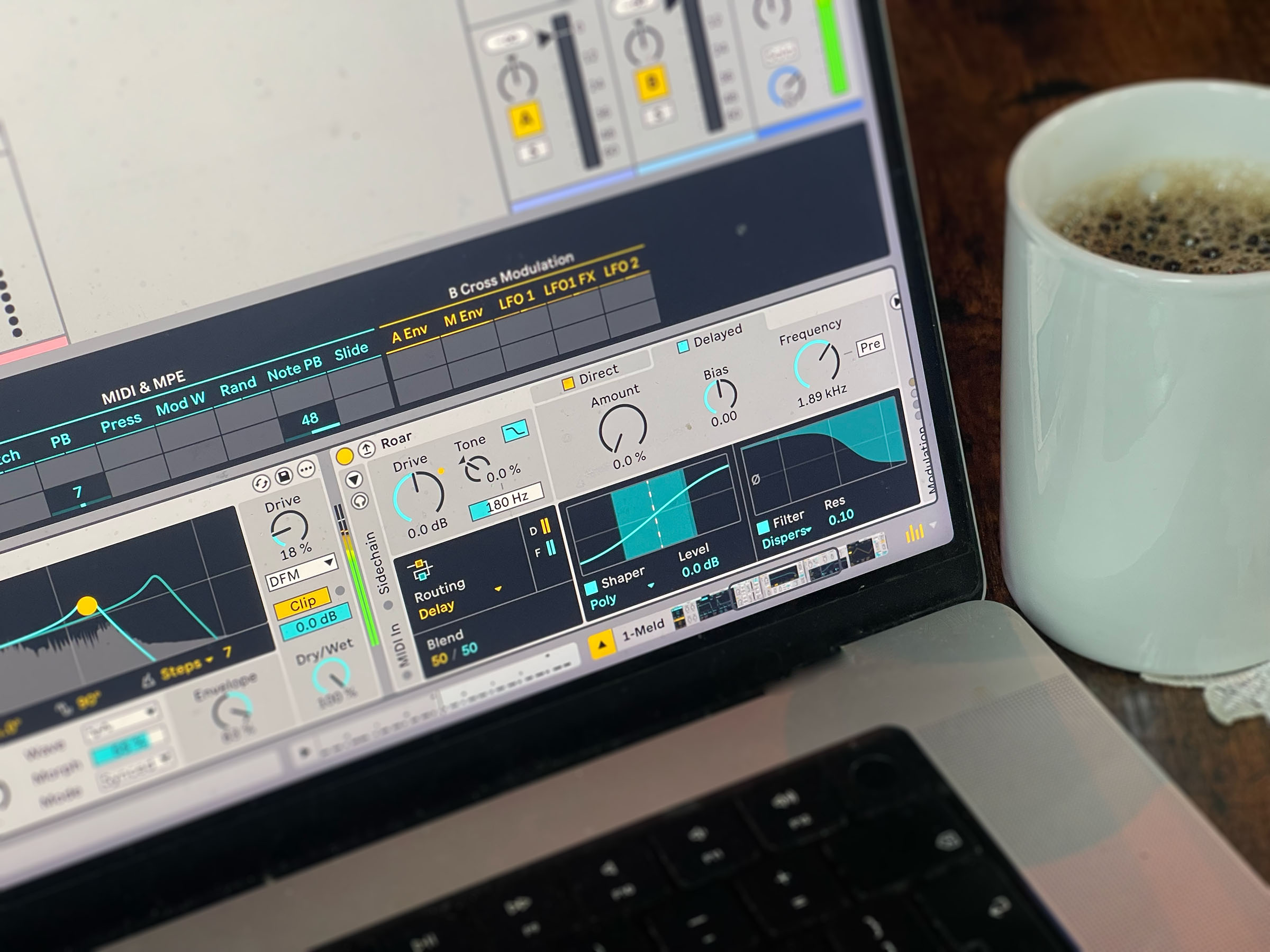
Roar gets a new Delay routing mode, a Dispersion filter, and full external audio and MIDI sidechain support. The Delay mode feeds the output back through the saturation circuit, creating feedback loops that range from subtle tape-echo warmth to screaming industrial textures. The MIDI sidechain input means you can now trigger Roar’s envelope from a drum pattern while processing a pad — a technique that used to require Max for Live patches.
Spectral Resonator now supports scale awareness, locking its resonant frequencies to your project’s key. This is massive for sound designers working with atmospheric textures — no more dissonant overtones clashing with your harmonic content.
Operator has been upgraded from 20 to 32 maximum voices, which is a welcome change for anyone who has run into voice-stealing artifacts in dense arrangements.
Push 3 Updates: Follow Actions and Tuning Controls
Push 3 standalone users, listen up. Ableton Live 12.2 brings Follow Actions directly to Push, which means you can now build conditional clip-launching structures without touching the computer screen. Set a clip to play once, then jump to a random clip in the group — the kind of generative performance tool that makes Push feel like an instrument rather than a controller.
The update also adds expanded Groove Pool access, a new 16 Pitches layout for playing drum pads melodically, and direct access to Bounce features from the hardware. These aren’t headline features, but collectively they represent Ableton’s commitment to making Push a genuinely computer-free production environment.
Under the Hood: GPU Acceleration and Memory Improvements
Ableton Live 12.2 also delivers performance improvements that don’t make the marketing videos but matter enormously in daily production:
- GPU hardware acceleration is now available on Windows as an opt-in feature, offloading UI rendering from the CPU
- Reduced memory usage for large Sets, which is critical for composers working with 100+ track templates
- VST3 MIDI program change support — finally allowing DAW-level preset switching for compatible plugins
- Keyboard-only automation editing — add, navigate, and delete breakpoints without touching the mouse
- Take lane creation via Max for Live API — opening doors for generative recording scripts
The keyboard automation workflow deserves special attention. You can now add breakpoints with a shortcut, navigate between them with arrow keys, and adjust values with Enter — all without leaving the keyboard. For producers who work in the Arrangement View, this cuts automation editing time significantly.
The Bigger Picture: DAWs Are Getting Smarter Without Saying “AI”
Here’s what makes Ableton Live 12.2 interesting in the broader context of 2025’s music production landscape. While competitors race to slap “AI” labels on everything — Logic Pro‘s Session Players, FL Studio’s stem separation, Studio One’s smart assistants — Ableton is taking a different approach.
Features like Expressive Chords, scale-aware Spectral Resonator, and Follow Actions are algorithmically intelligent without being marketed as AI. They reduce friction, suggest possibilities, and keep you in creative flow — which is exactly what the best AI tools do. Ableton seems to be betting that producers want smarter tools, not AI-branded tools, and this update validates that thesis.
Whether you’re a sound designer who lives in the Arrangement View, a live performer who needs Push to work independently, or a bedroom producer looking for faster workflows, Live 12.2 delivers meaningful improvements without asking you to change how you work. And it’s free for all Live 12 owners — no upsell, no subscription tier. That alone makes it one of the most significant DAW updates of 2025 so far.
Looking to optimize your DAW workflow or need professional mixing and mastering that takes full advantage of the latest production tools?
Get weekly AI, music, and tech trends delivered to your inbox.






