


AMD Zen 6 Architecture Preview: 12-Core CCDs, TSMC 2nm, and 5 Reasons Next-Gen Ryzen CPUs Could Dominate 2026
September 24, 2025
Avid Pro Tools 2025.6: Splice Integration, AI Speech-to-Text, and Why Cloud Collaboration Finally Works
September 25, 2025
“What if AI could organize every idea in your head — automatically?” This AI note taking app comparison answers that question with a deep dive into the four frontrunners of September 2025. Notion just shipped AI Agents in version 3.0, Reflect launched graph-aware AI, Mem rebuilt everything from scratch as version 2.0, and Obsidian’s local AI plugins quietly reached maturity. Here’s everything you need to know to pick the right second brain.
Why This AI Note Taking App Comparison Matters Now
September 2025 is a watershed moment for note-taking apps. On September 5th, Reflect unveiled AI that understands your entire note graph — not just individual notes. Notion launched version 3.0 with autonomous AI Agents that can work independently for up to 20 minutes across hundreds of pages. Mem 2.0 is in final testing before its October 1st launch, completely rebuilt as an “AI thought partner.” And Obsidian’s Smart Connections v4 has stabilized with local-first embeddings that work entirely offline. With Apple’s fall event and AES Convention happening this month, the productivity tool landscape is shifting faster than ever.
Notion AI: The All-in-One Workspace Gets Autonomous Agents
Notion AI isn’t just a note-taking app — it’s a full workspace that combines project management, databases, wikis, and document collaboration under one roof. The headline feature in Notion 3.0, released September 2025, is AI Agents. Powered by GPT-4.1 and Claude 3.7 Sonnet, these agents autonomously execute multi-step tasks for up to 20 minutes at a time.
Tell the agent to “analyze last quarter’s customer feedback and draft a report,” and it will crawl hundreds of pages, update database entries, and build interconnected page structures — all without further input. This isn’t text generation. This is AI that actually works.
The trade-off? AI features require the Business plan at $20/user/month. Free and Plus ($10/month) users only get a limited AI trial. Since May 2025, AI is baked into the Business tier rather than sold as a separate add-on. Notion also requires constant internet connectivity and can slow down with massive databases — a real consideration for power users.
Obsidian AI: Local-First Privacy Meets a Plugin Powerhouse
Obsidian takes the opposite approach. Every note is a local Markdown file on your machine. AI capabilities come through community plugins, and the ecosystem has matured remarkably. The flagship is Smart Connections v4, which creates local embeddings automatically — no API key, no cloud service, no data leaving your device.
Smart Connections treats privacy and local-first as design constraints, not optional settings. Once your vault is indexed, semantic search and related-note connections work entirely offline. Your notes never touch an external server unless you explicitly choose a cloud AI provider.
Obsidian’s AI Plugin Trifecta
- Smart Connections v4 — Local embedding-based semantic search with automatic note linking
- Obsidian Copilot — Chat with your notes using 100+ models including Claude, GPT, Gemini, and Llama
- Text Generator — AI-powered text generation directly within your notes
The price is unbeatable: Obsidian is free for personal use, and most AI plugins are open-source. Optional paid services include Sync ($4/month) and Publish ($8/month). The catch? There’s no built-in AI — you’ll need to install and configure plugins, which means a steeper learning curve and no real-time collaboration.
Mem AI: Zero-Friction Capture Meets the AI Thought Partner
Mem pulled off the boldest rebuild of 2025. Mem 2.0 bills itself as “the world’s first AI thought partner,” and the product has been completely rewritten from the ground up. The core philosophy is zero-friction capture — dump any thought into Mem, and AI handles the organization.
Voice Mode lets you brain-dump during your morning walk, transforming rambling audio into organized, searchable notes. It can also record, transcribe, and summarize meetings without a dedicated bot. The Agentic Chrome Extension converts any webpage into a beautifully formatted note with a single click — no decisions about where to save or how to tag it.
The standout feature is Copilot. Unlike typical generative AI tools, Copilot doesn’t write for you. Instead, it automatically surfaces relevant notes from your knowledge base as you type. It connects your thinking rather than replacing it. Mem Pro launches at $12/month on October 1st, while the free plan limits you to 25 notes and 25 chat messages per month. Full offline support across web, desktop, and mobile is a major plus.
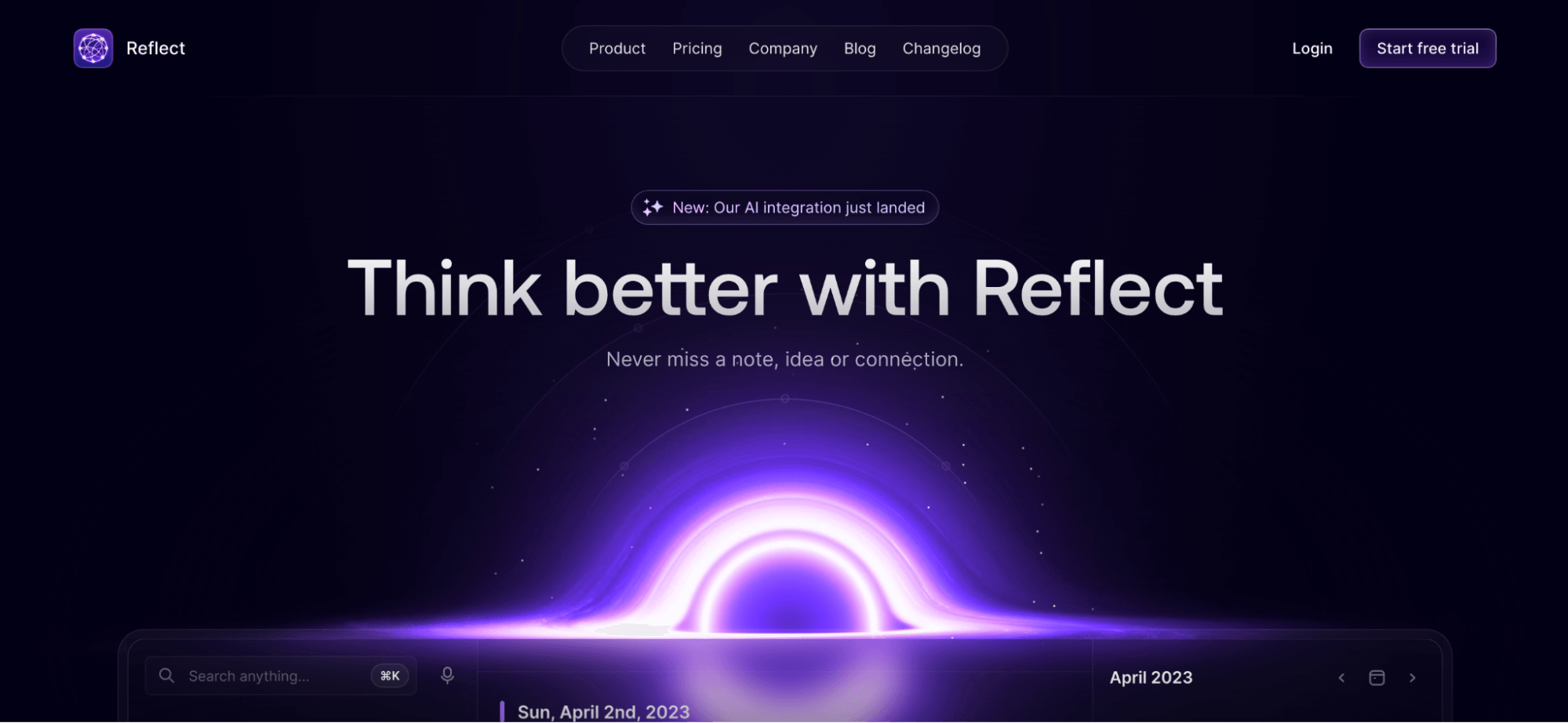
Reflect: The First AI That Understands Your Note Graph
On September 5th, 2025, Reflect dropped a feature that could reshape this entire AI note taking app comparison. They claim to be the first note-taking app where AI understands your entire note graph — the connections between notes, not just individual content.
The killer feature is cross-note synthesis. Ask “what have I learned about X?” and Reflect’s AI pulls insights from 20+ connected notes to give you a synthesized answer. You can choose between GPT-4o and Claude 3.5 Sonnet, save custom AI prompts for quick recall, and even transcribe voice memos with AI.
For developers, Reflect offers an MCP server that lets AI coding assistants like Claude Code, Codex, and Cursor search, read, and write to your Reflect notes directly from the terminal. At $10/month (annual billing), all features are included. The caveat: AI value is minimal with fewer than 50 notes, becomes genuinely useful at 100+, and truly justifies the price at 200+ well-connected notes.
Head-to-Head Comparison Table
| Feature | Notion AI | Obsidian AI | Mem AI | Reflect |
|---|---|---|---|---|
| Price (monthly) | $20 (Business) | Free (plugins) | $12 (Pro) | $10 |
| AI Models | GPT-4.1 + Claude 3.7 | Local + 100+ APIs | Proprietary AI | GPT-4o / Claude 3.5 |
| Offline | ❌ | ✅ Full support | ✅ Full support | Partial |
| Privacy | Cloud storage | Local files (best) | E2E encrypted | E2E encrypted |
| Team Collaboration | ✅ Best-in-class | ❌ Limited | Team plan available | ❌ Personal only |
| Learning Curve | Medium | High | Low | Low |
| Killer Feature | AI Agents (20min autonomous) | Local embeddings + graph | Voice mode + zero friction | Cross-note AI + MCP |
Which AI Note-Taking App Fits Your Workflow?
Team Project Managers → Notion AI
If you’re managing a team of 10+ people and need project management, wikis, and docs in one place, Notion AI is the clear winner. AI Agents automate repetitive work across databases and pages. Just budget $20/user/month — that’s $2,400/year for a 10-person team.
Privacy-Conscious Researchers → Obsidian AI
If you handle sensitive research materials or can’t risk data leaving your device, Obsidian is the only real option. Smart Connections v4 gives you local AI capabilities at zero cost. The trade-off is investing time in initial setup and plugin configuration.
Fast-Capture Creators → Mem AI
Ideas during morning walks, web browsing inspiration, meeting notes — if capture speed is everything, Mem 2.0 is purpose-built for you. Voice Mode and the Chrome extension eliminate organizational friction entirely. Note that Mem 2.0 is still in final testing ahead of its October 1st launch.
Knowledge-Linking Developers and Writers → Reflect
If you build up 200+ notes over time and want AI to discover connections between ideas, Reflect delivers the truest “second brain” experience. Cross-note synthesis is genuinely powerful, and the MCP server makes developer integration seamless.
The Bottom Line: There’s No Single Winner
There’s no “best AI note-taking app” — only the best one for your workflow. Notion AI’s agent automation, Obsidian’s local privacy, Mem’s zero-friction capture, and Reflect’s graph intelligence each solve fundamentally different problems. With all four apps shipping major AI upgrades in September 2025, now is the perfect time to choose your second brain. Start with the workflow question: “How do I actually capture and use ideas?” The answer will point you to the right app.
One final consideration: don’t underestimate the switching cost. If you’ve been using Notion for years with thousands of pages, migrating to Obsidian means converting your entire knowledge base to Markdown files. Mem offers import tools, but your organizational structure won’t transfer perfectly. Reflect’s import is smoother for smaller vaults but lacks bulk migration features. The best approach? Start your new app alongside your current one for a month. Use it for all new notes and see if the workflow clicks before committing to a full migration. Your future self — and your second brain — will thank you for the patience.
Looking to build an AI-powered productivity system or automate your knowledge management workflow? Let’s design the optimal solution for your needs.
Get weekly AI, music, and tech trends delivered to your inbox.






