


Fall 2025 Studio Upgrade Guide: 5 Best Gear Investments Under $1000
September 29, 2025
Claude Sonnet 4.5 Release: 77.2% SWE-bench Score and 30-Hour Autonomous Agents — What Changed
September 30, 2025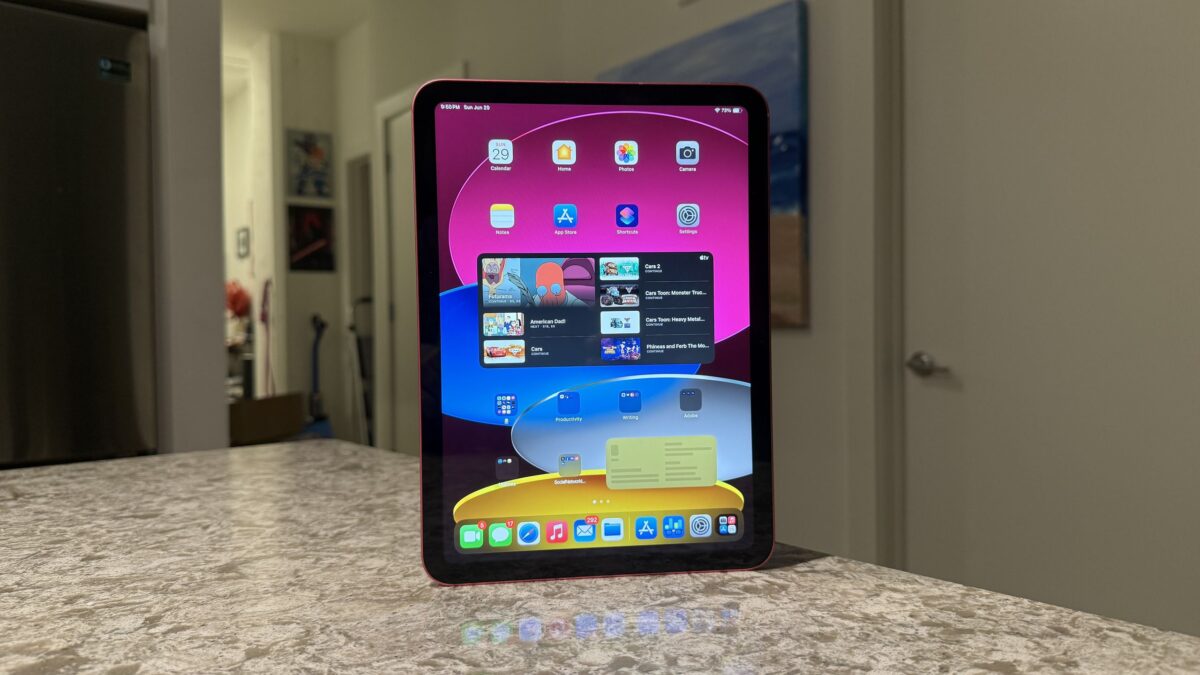
A $349 tablet now has desktop-class window management. Let that sink in. With iPadOS 26 officially arriving on September 15, the iPad 11 iPadOS 26 combination has transformed Apple’s most affordable tablet into something that would have been unthinkable just a year ago. But there’s a catch that keeps getting harder to ignore — Apple Intelligence is still nowhere to be found.
When Apple launched the 11th-generation iPad back in March 2025, it checked almost every box for a budget tablet: the A16 Bionic chip, 128GB base storage (double the predecessor), and that familiar 10.9-inch Liquid Retina display — all at the same $349 price point. TechRadar gave it 4.5 out of 5 stars, calling it “still one of the best,” while Tom’s Guide awarded it 4 out of 5, praising Apple for nailing the affordable tablet formula. Now, two weeks after iPadOS 26 dropped, this already-impressive device has become something genuinely remarkable — with one glaring exception.
iPad 11 iPadOS 26 Liquid Glass: A Visual Revolution on a Budget
The centerpiece of iPadOS 26 is Liquid Glass, Apple’s new design language that replaces the flat, opaque interface elements with translucent, depth-rich layers that shift and adapt as you interact with them. It’s the most dramatic visual overhaul iPad has received since iOS 7 introduced flat design back in 2013.
Every corner of the operating system has been touched. App icons now feature subtle glass-like reflections. The notification center feels like peering through frosted crystal. Settings, Control Center, and even the home screen dock — everything carries this new sense of physical depth that makes the interface feel three-dimensional without resorting to skeuomorphism.
What’s genuinely impressive is how smoothly all of this runs on the iPad 11’s A16 Bionic chip. The real-time blur effects, the animated transitions, the layered transparency — none of it causes the slightest stutter. The A16’s 5-core CPU and 4-core GPU handle the visual complexity with ease, which is a testament to Apple’s optimization. You’d never guess you were using the cheapest iPad in the lineup based on the interface responsiveness alone.
Desktop-Class Windowing: Where the iPad 11 Punches Way Above Its Weight
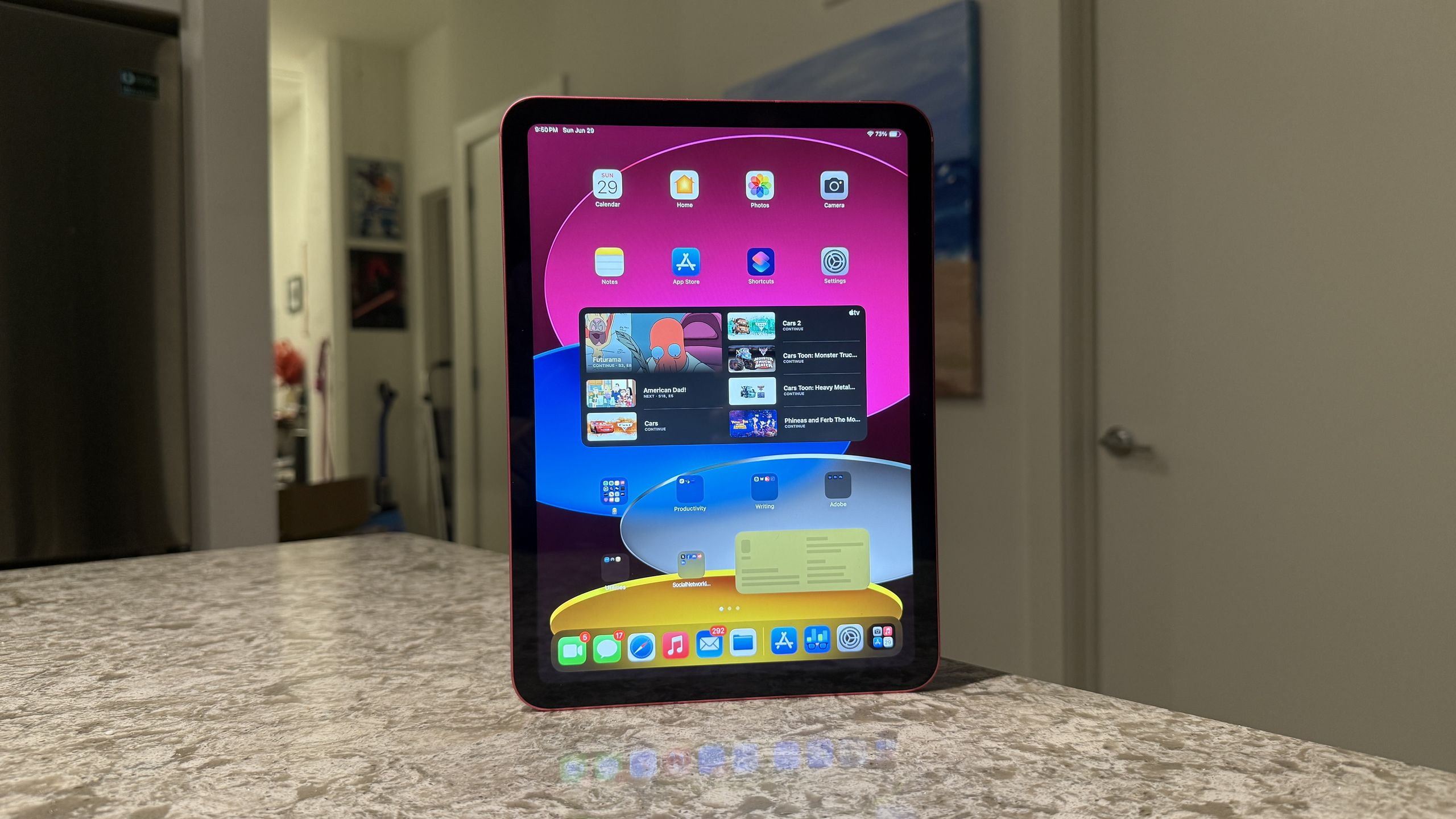
If Liquid Glass is the aesthetic headline, desktop-class windowing is the functional one. iPadOS 26 introduces a fundamentally new approach to multitasking that goes far beyond the Split View and Slide Over limitations of previous versions.
You can now freely resize, overlap, and rearrange app windows just like on a desktop operating system. It’s reminiscent of macOS Stage Manager, but reimagined for touch interaction. Drag a Safari window to one side, pull up Notes alongside it, and have Messages floating in a smaller window on top — all on the iPad 11’s 10.9-inch Liquid Retina display.
Is it perfect on a 10.9-inch screen? Not entirely. Three windows start feeling cramped, and the 60Hz refresh rate becomes more noticeable when you’re rapidly switching between tasks compared to the 120Hz ProMotion on iPad Pro. But for two to three windows, it’s genuinely practical. And when you connect an external monitor via USB-C, the experience opens up dramatically — you get true extended desktop support that turns the iPad 11 into a surprisingly capable workstation.
The A16 Paradox: Powerful Enough for Everything Except AI
Here’s where the iPad 11’s story gets complicated. The A16 Bionic is clearly a capable chip. It drives Liquid Glass without breaking a sweat. It handles desktop-class windowing with aplomb. It delivers over 11 hours of real-world battery life. It even packs a 16-core Neural Engine. And yet, it falls short of the one threshold that increasingly defines the modern Apple experience: Apple Intelligence requires A17 Pro or M-series silicon.
This isn’t about a single missing feature. Apple Intelligence encompasses system-wide AI capabilities — writing tools that can rewrite and proofread your text, image generation with Image Playground, a dramatically enhanced Siri that understands context and can take actions across apps, and smart summaries that condense notifications and emails. With iPadOS 26, these AI features are more deeply integrated than ever, creating a tangible two-tier experience within the iPad lineup.
iPad Air users with M-series chips are getting intelligent text summaries in Safari, AI-powered photo editing, and a Siri that can actually understand complex multi-step requests. iPad 11 users are getting… none of that. The hardware gap between the $349 iPad and the $599 iPad Air has always existed in areas like display quality and processing power. But the AI gap feels different — it’s not just about performance percentages, it’s about entire categories of functionality that simply don’t exist on the cheaper device.
As Macworld noted in their review, “Who needs Apple Intelligence?” It’s a fair question today, when many of these AI features are still finding their footing. But six months from now? A year from now? The answer might be very different as Apple continues to build more of the iPadOS experience around AI capabilities that the A16 chip simply cannot access.
iPad 11 Hardware: What $349 Actually Gets You in 2025
Setting the AI question aside, the iPad 11’s hardware specification sheet reads remarkably well for its price point. Here’s what you’re getting:
- Processor: A16 Bionic (5-core CPU, 4-core GPU, 16-core Neural Engine)
- Memory: 6GB RAM (up from 4GB in 10th gen)
- Storage: 128GB / 256GB / 512GB (base doubled from 64GB)
- Display: 10.9-inch Liquid Retina, 2360×1640, 60Hz, 500 nits
- Cameras: 12MP rear (f/1.8) + 12MP front ultrawide
- Battery: 28.93Wh, up to 10 hours video playback, 11+ hours real-world
- Connectivity: Wi-Fi 6, Bluetooth 5.3, USB-C, optional 5G
- Biometrics: Touch ID (top button)
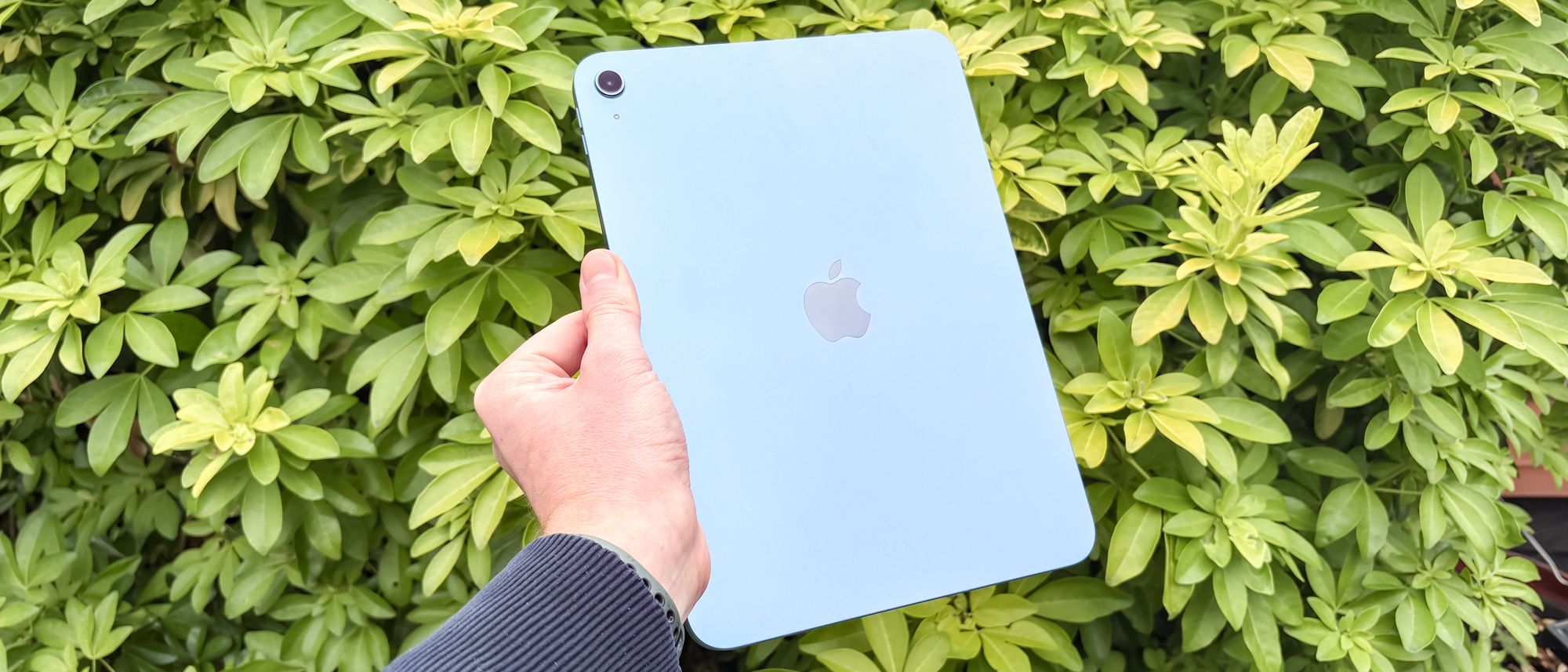
- Colors: Blue, Pink, Yellow, Silver
- Pricing: $349 (128GB Wi-Fi), $449 (256GB), $549 (512GB)
The doubling of base storage from 64GB to 128GB is one of the most welcome changes. Tom’s Guide highlighted this in their review, noting that the previous 64GB base was increasingly untenable as apps and media files grew larger. The jump to 6GB RAM (from 4GB) also helps with the new windowing features — keeping multiple apps active in resizable windows demands more memory than the old Split View approach.
The display remains the same 60Hz, 500-nit panel, which is the most obvious area where cost-cutting shows. It’s perfectly fine for most tasks, but side by side with an iPad Pro’s 120Hz ProMotion display, the difference in scrolling smoothness is immediately apparent. Tom’s Guide also flagged the lack of Apple Pencil Pro support as a notable omission for creative users.
Beyond Liquid Glass: iPadOS 26 Features That Work on iPad 11
The good news is that iPadOS 26 brings plenty of non-AI features that work flawlessly on the iPad 11. Live Translation is now built into Safari and Messages, enabling real-time translation of web pages and conversations without needing a third-party app. For anyone who browses international websites or communicates across languages, this is a genuine productivity booster.
The Preview app, long a staple of macOS, has finally made its way to iPad. It handles PDF markup, basic image editing, and file previewing natively — tasks that previously required downloading separate apps. The improved Journal app adds new creative tools and prompts, while system-wide refinements to Files, Mail, and Calendar round out an update that goes well beyond skin-deep visual changes.
Every one of these features runs smoothly on the A16 chip. Apple clearly optimized iPadOS 26 to scale across its hardware lineup, ensuring that even the entry-level iPad gets a meaningful upgrade. The only tier of features locked behind newer silicon is Apple Intelligence — but it’s a significant tier.
Who Should Buy the iPad 11 in Late 2025?
With iPadOS 26 in the picture, the iPad 11’s value proposition has shifted in interesting ways. For students, it’s arguably the best deal in the entire tablet market — the combination of desktop-class windowing, 128GB storage, and an all-day battery makes it ideal for research, note-taking, and writing papers. The 10.9-inch screen is large enough for split-screen work during lectures, and the USB-C port means easy connection to external displays for dorm room study sessions.
For media consumers — people who primarily stream video, browse the web, and read — the iPad 11 with Liquid Glass is more than sufficient. The visual redesign makes every interaction feel premium, and the A16 chip handles 4K video playback without any issues. The four color options (Blue, Pink, Yellow, Silver) add a personal touch that the more expensive iPad Air doesn’t offer.
Where the calculus gets tricky is for professionals and power users who anticipate needing AI tools in their daily workflow. If you’re someone who relies heavily on writing tools, needs intelligent photo editing, or wants Siri to actually be useful for complex tasks, the iPad 11 will leave you wanting. The $250 premium for an iPad Air with M3 chip buys you not just better hardware, but access to an entirely different software experience that will only grow more capable over time.
The Verdict: Best Budget Tablet Gets Better, But the AI Gap Is Growing
The iPad 11 running iPadOS 26 is, without question, the best budget tablet experience money can buy in late 2025. The Liquid Glass redesign makes it look and feel like a premium device. Desktop-class windowing transforms it into a legitimate productivity tool. And the underlying hardware — faster chip, more RAM, doubled storage — provides a solid foundation for years of use.
But the Apple Intelligence absence casts a growing shadow. Today, you can fairly argue that most AI features are nice-to-have rather than essential. But Apple is building its entire software roadmap around intelligence features, and every major update will likely widen the gap between AI-capable and AI-excluded devices. The iPad 11 is a fantastic tablet for what it can do right now. The question is whether “right now” is enough when you’re making a purchase that you’ll likely use for three to five years.
For web browsing, media consumption, note-taking, and light productivity, the iPad 11 with iPadOS 26 is hard to beat at $349. If AI-powered workflows matter to you — or if you suspect they will soon — the $599 iPad Air with its M3 chip represents a meaningfully different proposition. Either way, iPadOS 26 has made every iPad in the lineup better. It’s just made some of them a lot more future-proof than others.
Get weekly AI, music, and tech trends delivered to your inbox.





