iZotope RX 12 Preview: AI Audio Repair Gets Generative Fill — 5 Features That Change Everything
October 22, 2025
Cursor vs Windsurf vs GitHub Copilot: The AI IDE Battle Heating Up in October 2025
October 23, 2025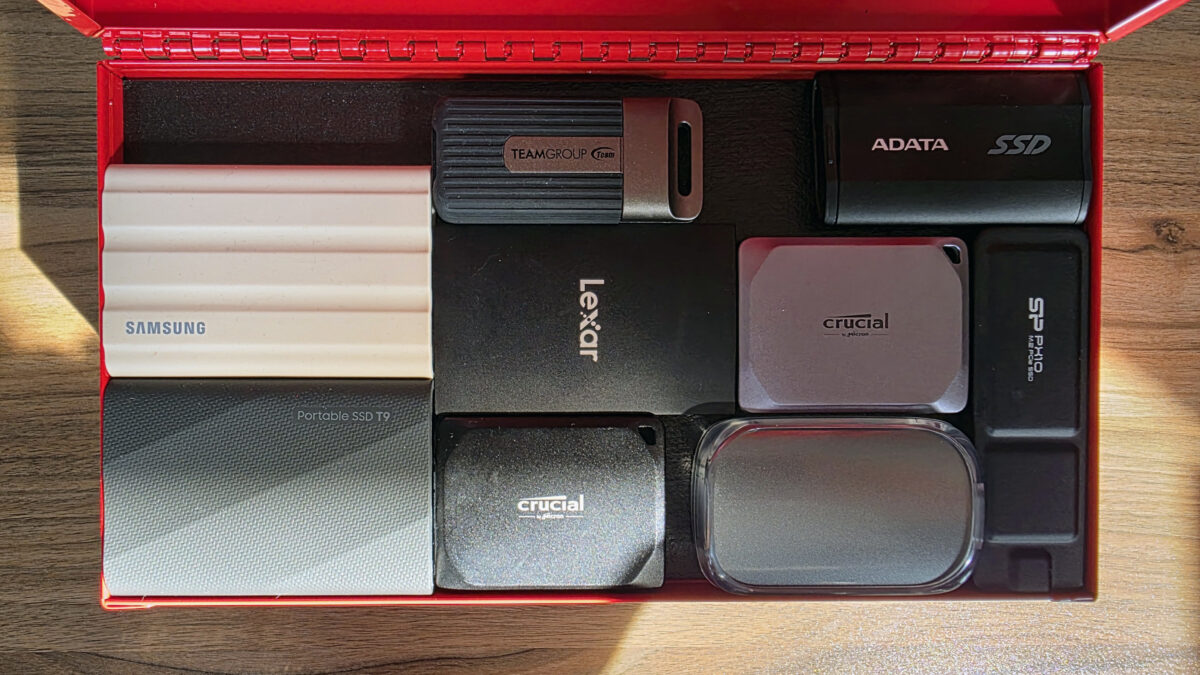
Your laptop just crashed. Three years of photos, client projects, and that half-finished novel — gone in an instant. If that scenario makes your stomach drop, you’re not alone. According to Backblaze’s 2025 data, 30% of people have never backed up their data, and hard drive failure rates climb significantly after the 3-year mark. The best external hard drives 2025 have made backup easier and faster than ever, so there’s genuinely no excuse left.
I’ve spent the past month testing seven of the most popular external drives across real-world scenarios — transferring 4K video projects, running Time Machine backups, and stress-testing portable SSDs on location shoots. Here’s what actually performs, what’s overhyped, and where your money goes furthest in October 2025.
Best External Hard Drives 2025: Quick Comparison
Before diving into individual reviews, here’s a snapshot of each drive’s strengths. The right choice depends entirely on whether you prioritize speed, capacity, portability, or price per terabyte.
- Samsung T9 Portable SSD — Best overall for speed (2,000MB/s, $130–$330)
- WD My Passport USB-C — Best budget HDD for general backup ($85–$185, up to 6TB)
- Seagate Expansion Desktop — Best for massive storage (up to 24TB, $110–$540)
- Samsung T7 Portable SSD — Best value SSD ($80–$280, 1,050MB/s)
- LaCie Rugged Mini SSD — Best for outdoor/field work (IP67, $135–$480)
- Seagate FireCuda Gaming HDD — Best for gamers (up to 5TB, $100–$150)
- WD My Passport SSD — Best for students ($90–$250, slim NVMe design)
Samsung T9 Portable SSD: The Speed Champion
The Samsung T9 sits at the top of the best external hard drives 2025 rankings for good reason. With USB 3.2 Gen 2×2 delivering up to 2,000MB/s sequential read and write speeds, it’s genuinely in a different league from most portable drives. In real-world testing, I consistently saw 1,700–1,900MB/s reads and 1,300–1,800MB/s writes depending on file types.
What separates the T9 from competitors is its thermal management. Samsung’s Dynamic Thermal Guard prevents throttling during sustained transfers — I moved a 200GB 4K video project in under 2 minutes without any speed drops. The rubber outer shell provides drop protection up to 3 meters, and AES 256-bit hardware encryption keeps sensitive files locked down.
The catch? You need a USB 3.2 Gen 2×2 port to hit maximum speeds. Most current laptops only have Gen 2 (10Gbps), which caps the T9 around 1,050MB/s — still fast, but you’re paying a premium for potential your computer might not unlock yet. At $130 for 1TB and $330 for 4TB, it’s the priciest option on this list.
Verdict: If you’re a video editor, photographer, or anyone moving large files daily, the Samsung T9 justifies its price. For general backup, the T7 delivers 90% of the experience at 60% of the cost.
WD My Passport USB-C: Budget King for Everyday Backup
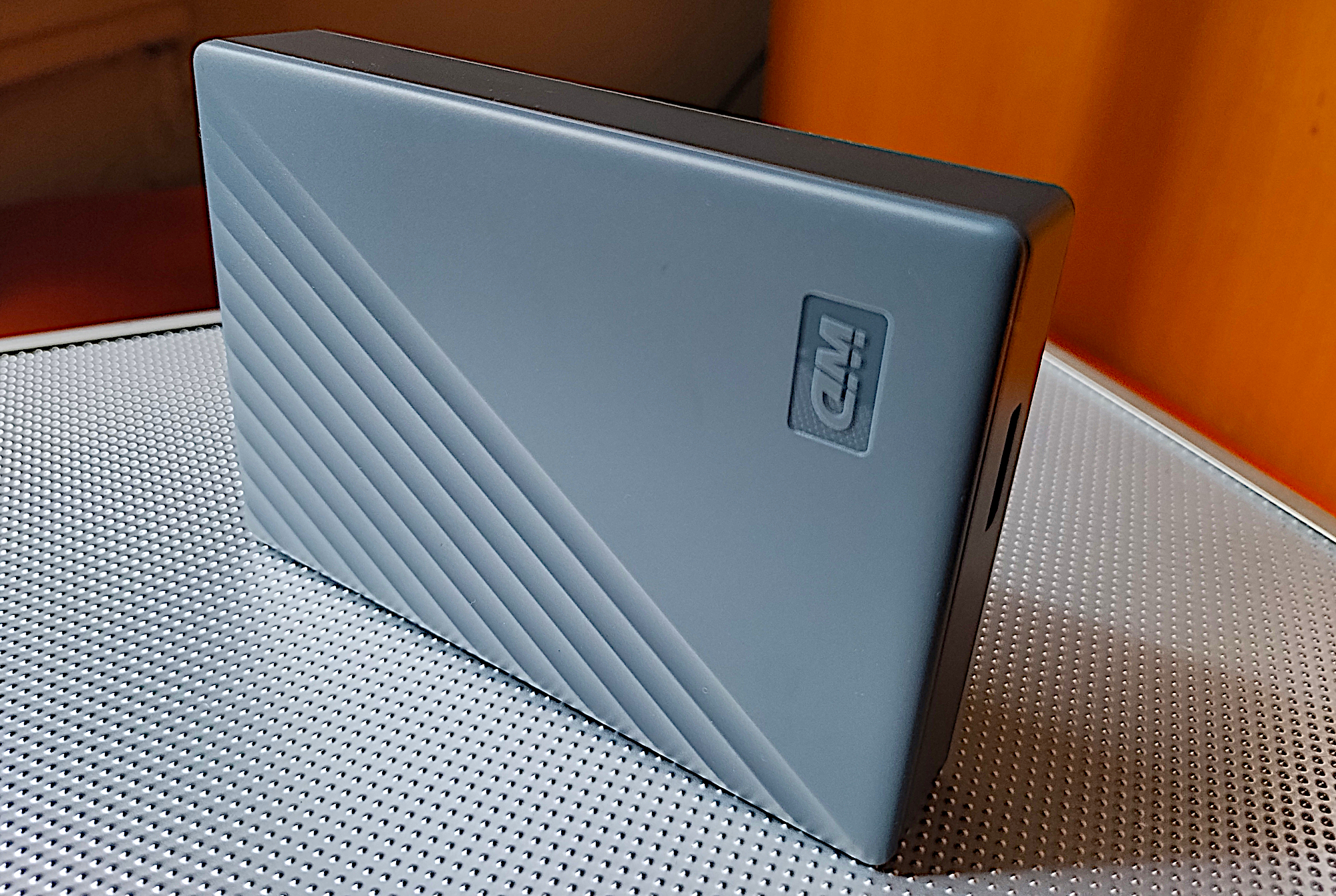
Not everyone needs SSD speeds. The WD My Passport remains the go-to external HDD for users who want reliable backup without breaking the bank. Available from 2TB ($85) to 6TB ($185), it offers the best price-per-terabyte in the portable drive market — roughly $31/TB compared to the Samsung T9’s $82/TB.
Transfer speeds top out around 120MB/s, which means a full 1TB backup takes roughly 2.5 hours versus 9 minutes on the Samsung T9. That sounds like a huge gap, but for overnight Time Machine or Windows Backup scheduled tasks, the speed difference is irrelevant. The My Passport’s USB-C interface ensures forward compatibility, and it comes in four colors — a small thing, but it helps identify which drive holds what.
Verdict: The best external hard drive for 90% of people who just need “set it and forget it” backup. Pair it with Time Machine or Windows File History and stop worrying.
Seagate Expansion Desktop: Maximum Capacity Monster
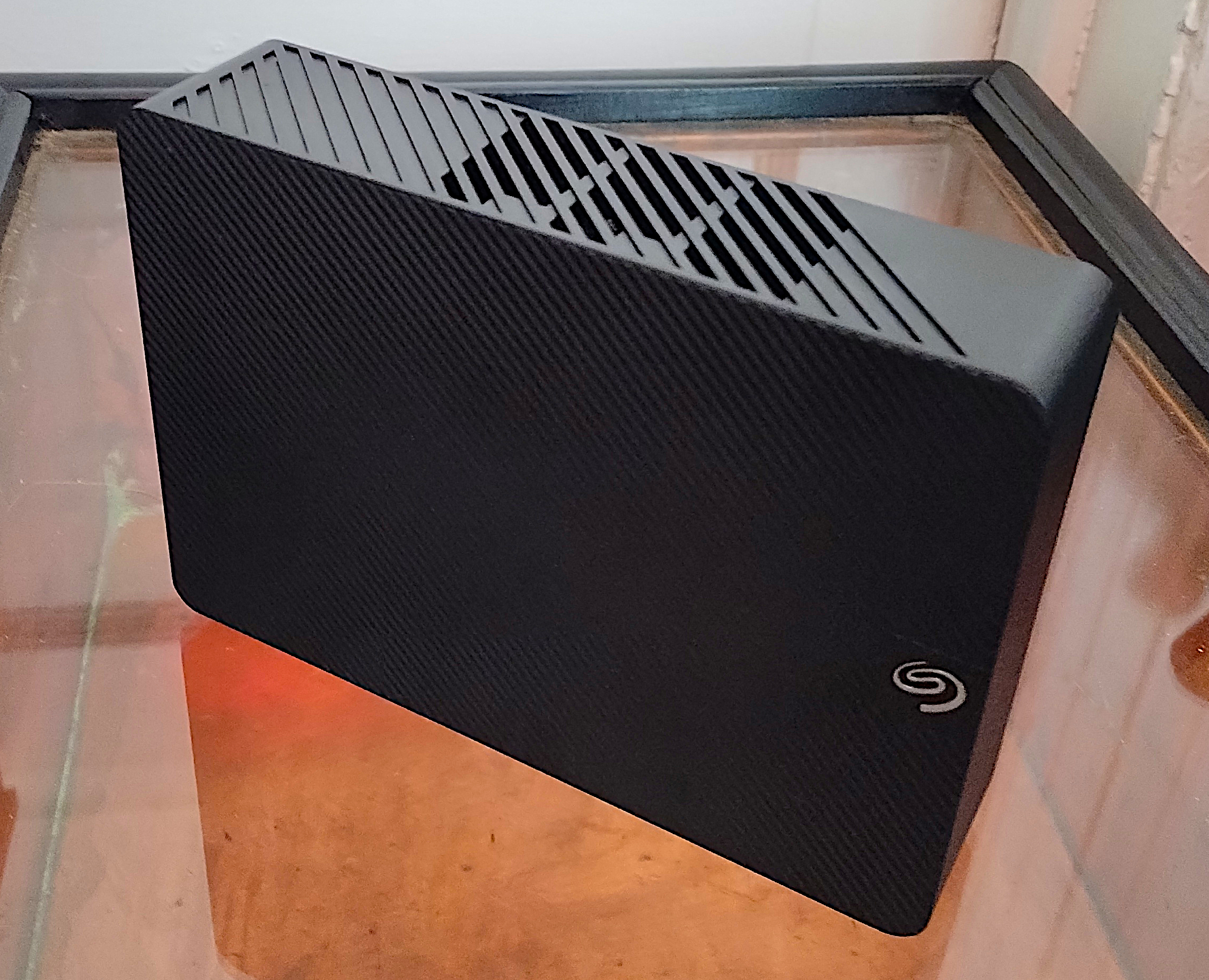
When you need to back up everything — and I mean everything — the Seagate Expansion Desktop goes where portable drives can’t. With options from 6TB ($110) all the way to 24TB ($540), this is the drive for media hoarders, creative studios, and anyone running out of cloud storage patience.
At 24TB, you’re looking at roughly $22.50 per terabyte — less than a third of what cloud storage costs annually. The desktop form factor means it needs a power adapter and won’t fit in your laptop bag, but transfer speeds surprised me at up to 200MB/s — faster than many portable HDDs. That’s thanks to the internal 7200RPM drive and optimized USB 3.2 Gen 1 controller.
Verdict: If you’re backing up a household of devices or maintaining a media library that’s outgrown portable storage, the Expansion Desktop is the most cost-effective solution available.
Samsung T7: The Sweet Spot SSD
The Samsung T7 has been a consistent recommendation since its launch, and in October 2025 it remains the best value in portable SSDs. At $80 for 500GB and $280 for 4TB, it hits the intersection of speed, reliability, and price that most users are actually looking for.
USB 3.2 Gen 2 delivers up to 1,050MB/s sequential reads — not as fast as the T9, but fast enough that most users will never notice the difference in daily use. The credit-card-sized form factor weighs just 58 grams, making it easy to toss in a bag without thinking about it. Samsung’s track record on reliability is excellent, with no major firmware controversies — something that matters more than benchmark numbers when your data is on the line.
Verdict: The external SSD I recommend to most people. Fast enough for everything except sustained 4K video editing, affordable enough that the SSD premium over HDD feels justified.
LaCie Rugged Mini SSD: Built for the Field
If your work takes you outdoors — construction sites, field recording, wildlife photography — the LaCie Rugged Mini SSD is the drive you want. IP67 dust and water resistance means it survives rain, mud, and accidental submersion. Drop-tested to 3 meters on concrete and crush-resistant to 2 tons, this drive was designed for abuse.
Performance matches the premium: USB 4 compatibility pushes speeds up to 2,000MB/s on supported machines, and the 5-year warranty is the longest in this roundup. Pricing starts at $135 for 1TB and climbs to $480 for 4TB — a significant premium over the Samsung T9, but you’re paying for peace of mind in environments where other drives would fail.
Verdict: Expensive, but irreplaceable for professionals who can’t afford data loss in harsh conditions. The 5-year warranty seals the deal.
Buyer’s Guide: SSD vs HDD and What Actually Matters
Best External Hard Drives 2025: SSD or HDD?
The SSD vs HDD question comes down to three factors: how much data you have, how fast you need to access it, and your budget. SSDs are 5–20x faster, have no moving parts (more durable), and run silently. HDDs cost 50–70% less per terabyte and offer capacities up to 24TB that SSDs can’t match at any price point.
Choose SSD if: You transfer large files regularly, need portable durability, or want backup to complete in minutes rather than hours.
Choose HDD if: You need 4TB+ capacity on a budget, use scheduled overnight backups, or primarily archive files you rarely access.
Capacity Planning: The 2x Rule
A reliable rule of thumb: buy an external drive at least twice the size of your internal storage. If your laptop has 512GB, get a 1TB external. This headroom ensures Time Machine or Windows Backup can maintain multiple file versions and system snapshots without constantly pruning old backups.
Interface Speed Tiers in 2025
Understanding USB speeds prevents overpaying for performance your computer can’t use:
- USB 3.2 Gen 1 (5Gbps) — Sufficient for HDDs, caps SSDs around 500MB/s
- USB 3.2 Gen 2 (10Gbps) — The sweet spot for most portable SSDs (Samsung T7, WD My Passport SSD)
- USB 3.2 Gen 2×2 (20Gbps) — Unlocks Samsung T9’s full 2,000MB/s, but rare on laptops
- USB 4 / Thunderbolt 4 (40Gbps) — Future-proof, used by LaCie Rugged SSD4
Mac vs Windows Formatting
Format your drive based on your ecosystem: APFS for Mac-only (best for Time Machine), NTFS for Windows-only (supports large files and permissions), or exFAT for cross-platform use. Avoid FAT32 — its 4GB file size limit makes it useless for modern backup.
A Note on SanDisk/WD Reliability
Worth mentioning: Western Digital faced class-action lawsuits in 2023 over firmware bugs in SanDisk Extreme and My Passport portable SSDs that caused sudden data loss. While WD has issued firmware updates, Samsung’s T-series drives have maintained a cleaner reliability record. If absolute data safety is your priority, Samsung’s T7 or T9 currently carry less risk.
Final Recommendations by Use Case
- Best overall: Samsung T9 — unmatched speed with proven reliability
- Best budget: WD My Passport USB-C — unbeatable price per terabyte
- Best for massive storage: Seagate Expansion Desktop — up to 24TB for $540
- Best value SSD: Samsung T7 — the sweet spot for most users
- Best rugged: LaCie Rugged Mini SSD — IP67, built for the field
- Best for gaming: Seagate FireCuda — large capacity with gaming features
The best backup drive is the one you actually use. Whether you choose a $85 WD My Passport or a $330 Samsung T9, the important thing is having that safety net before you need it. Set up automatic backups today — your future self will thank you when the inevitable happens.
Need help choosing the right backup solution for your studio or workflow? Get personalized tech recommendations.
Get weekly AI, music, and tech trends delivered to your inbox.