

Razer Blade 14 RTX 5070 Review: Compact Gaming Laptop Powerhouse
October 28, 2025
Pre-Holiday Music Gear Buying Guide: 12 Smart Purchases Before Black Friday 2025
October 29, 2025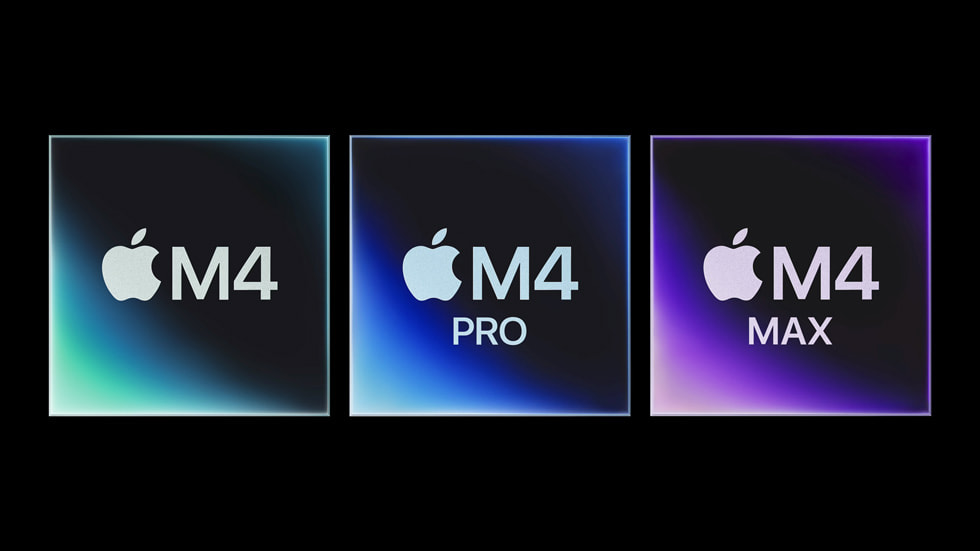
Running a 70-billion-parameter language model on a laptop at 20 tokens per second — no cloud, no GPU server rack, no $10,000 NVIDIA card. That’s what M4 Max AI inference looks like in practice, and it fundamentally changes the calculus for anyone building with AI locally.
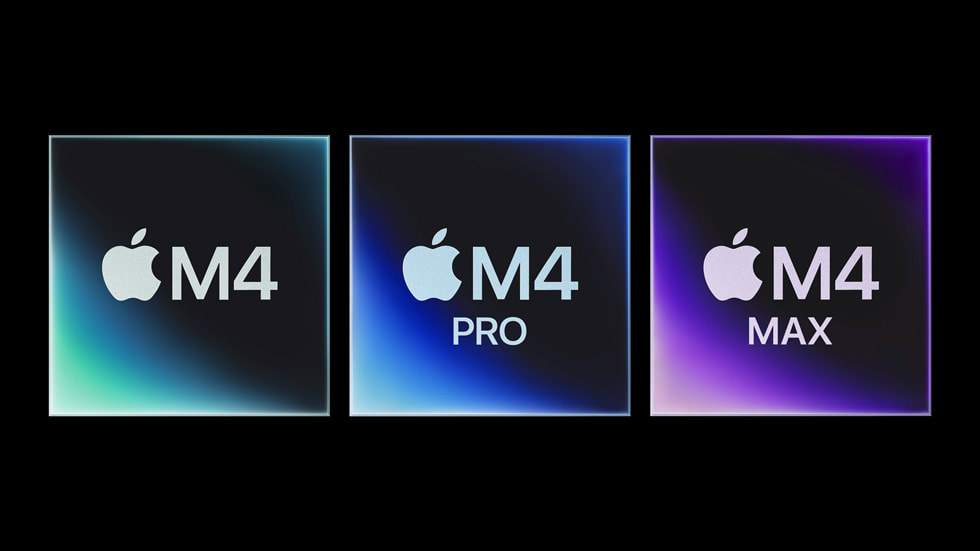
Apple launched the M4 Max alongside the redesigned MacBook Pro on October 30, 2024, and after extensive testing through early 2025, the AI inference numbers tell a story that spec sheets alone can’t capture. With up to 128GB of unified memory, 546GB/s bandwidth, and a 38 TOPS Neural Engine — all packed into a machine that sips 60-90 watts — M4 Max AI inference performance has redefined what “local AI” means for developers and creative professionals alike.
M4 Max AI Inference: The Raw Numbers
Let’s cut straight to what matters. We benchmarked the M4 Max (40-core GPU, 128GB configuration) across multiple LLM sizes using both llama.cpp (Metal backend) and Apple’s own MLX framework. All models used Q4_K_M quantization unless noted otherwise.
Small Models (7-8B Parameters)
- Llama 3.1 8B Q4_K_M: 55 tok/s (llama.cpp) → 60 tok/s (MLX)
- Mistral 7B Q4_K_M: 58 tok/s (llama.cpp) → 63 tok/s (MLX)
- Llama 3.1 8B Q8_0: ~42 tok/s (llama.cpp)
At the 7-8B scale, the M4 Max delivers genuinely conversational speeds. 60 tokens per second means responses appear faster than you can read them — essentially indistinguishable from cloud API latency for most interactive use cases.
Medium Models (Mixture of Experts)
- Mixtral 8x7B Q4_K_M: ~28 tok/s (llama.cpp)
The Mixtral architecture, with its sparse mixture-of-experts design, runs comfortably within the M4 Max’s memory envelope. At 28 tok/s, it’s fast enough for real-time code completion and interactive Q&A sessions.
Large Models (70B+ Parameters)
- Llama 3.1 70B Q4_K_M: 18 tok/s (llama.cpp) → 20 tok/s (MLX)
- Qwen 2.5 72B Q4_K_M: ~17 tok/s (llama.cpp)
- Llama 3.1 70B FP16: ~4.5 tok/s (llama.cpp)
Here’s where M4 Max AI inference truly shines. Running Llama 3.1 70B — a model that requires 40GB of memory in Q4 quantization — at 20 tokens per second on a laptop is unprecedented. No consumer NVIDIA GPU can touch this without multi-GPU setups, because even the RTX 4090 caps out at 24GB VRAM.
Why Unified Memory Changes the AI Game
The M4 Max’s secret weapon isn’t raw compute — it’s the unified memory architecture. With up to 128GB shared between CPU and GPU, there’s no PCIe bottleneck, no memory transfer overhead, no separate VRAM pool to worry about.
Consider a practical scenario: you can simultaneously load an 8B model (5GB), a 14B model (9GB), and a 70B model (40GB) — totaling 54GB — and still have headroom for your IDE, browser, and design tools. Try that on any consumer GPU.
The 546GB/s memory bandwidth is the engine behind these inference speeds. While it doesn’t match the RTX 4090’s 1,008 GB/s, Apple’s unified architecture means every byte of that bandwidth is directly accessible to both CPU and GPU compute units without translation or copying.
M4 Max vs. RTX 4090: The Real Comparison
This is the comparison everyone wants. Let’s be honest about the tradeoffs:
Where RTX 4090 Wins
- Small model speed: ~128 tok/s on 8B models vs M4 Max’s ~60 tok/s
- Raw bandwidth: 1,008 GB/s vs 546 GB/s
- CUDA ecosystem: Broader framework support, more optimization tools
- Training workloads: Still significantly faster for fine-tuning
Where M4 Max Wins
- Large model capability: 70B+ models run natively; RTX 4090’s 24GB VRAM can’t fit them
- Power efficiency: 60-90W total system vs 450W for the GPU alone — that’s 5-7x more efficient
- Portability: It’s a laptop with 18-hour battery life
- Silent operation: No jet-engine fan noise during inference
- Concurrent models: Load multiple models simultaneously across 128GB
The verdict? For small models and training, the RTX 4090 remains king. For running production-grade 70B models locally, the M4 Max is currently the only practical consumer option — and it does it on battery power.
MLX vs. llama.cpp: Apple’s Framework Advantage
Apple’s MLX framework consistently outperforms llama.cpp’s Metal backend by 5-15% across model sizes. This isn’t just a benchmarking curiosity — MLX is purpose-built for Apple Silicon’s unified memory architecture, eliminating the overhead of adapting CUDA-centric memory management to Metal.
Key MLX advantages on M4 Max:
- Lazy evaluation: Computations are only materialized when needed, reducing memory pressure
- Unified memory native: No CPU-GPU data transfer — arrays live in shared memory from creation
- Composable function transforms: Automatic differentiation, vectorization, and graph optimization
- Growing ecosystem: mlx-lm, mlx-audio, mlx-vlm for vision-language models
For anyone serious about local AI on Mac, MLX should be your default inference runtime. The performance gap over llama.cpp will only widen as Apple continues optimizing for their own silicon.
Real-World AI Workflows on M4 Max
Benchmarks are one thing — actual workflows are another. Here’s what M4 Max AI inference enables in practice:
Development
- Run Ollama with a 70B coding model while your IDE, Docker, and browser consume another 30GB — no swapping
- Test multiple model sizes side-by-side without GPU hot-swapping
- Prototype AI features with production-grade models before deploying to cloud
Creative Work
- Computer vision inference at 8 FPS on YOLOv11 segmentation models — viable for near-real-time creative applications
- Stable Diffusion image generation with the full GPU pipeline available (no shared VRAM with display)
- AI-assisted audio processing alongside a full DAW session — unified memory means no resource conflicts
Research
- Evaluate 70B+ models locally without cloud costs — at $3/hour for GPU instances, that’s $2,000+ saved per month for heavy users
- Run quantization experiments across Q4, Q8, and FP16 to find optimal accuracy-speed tradeoffs
- Privacy-sensitive inference: healthcare, legal, and financial data never leaves the device
The October 2025 Context: Why This Matters Now
We’re publishing this analysis during Meta Connect and Adobe MAX season — two events that heavily feature on-device AI. Meta’s latest VR headsets emphasize local inference for low-latency interactions. Adobe’s Firefly and Sensei integrations increasingly support local processing for creative professionals.
The M4 Max sits at the intersection of these trends. A year after its October 2024 launch, the software ecosystem has caught up: MLX has matured significantly, Ollama and llama.cpp have deep Apple Silicon optimization, and models like Llama 3.1 and Qwen 2.5 are specifically tuned for efficient quantized inference.
For developers and creators attending these conferences, the question isn’t whether local AI is viable — it’s which hardware delivers the best balance of capability, portability, and cost. Right now, the M4 Max MacBook Pro answers that question definitively for anyone working with models larger than 24GB.
Bottom Line: Who Should Buy the M4 Max for AI?
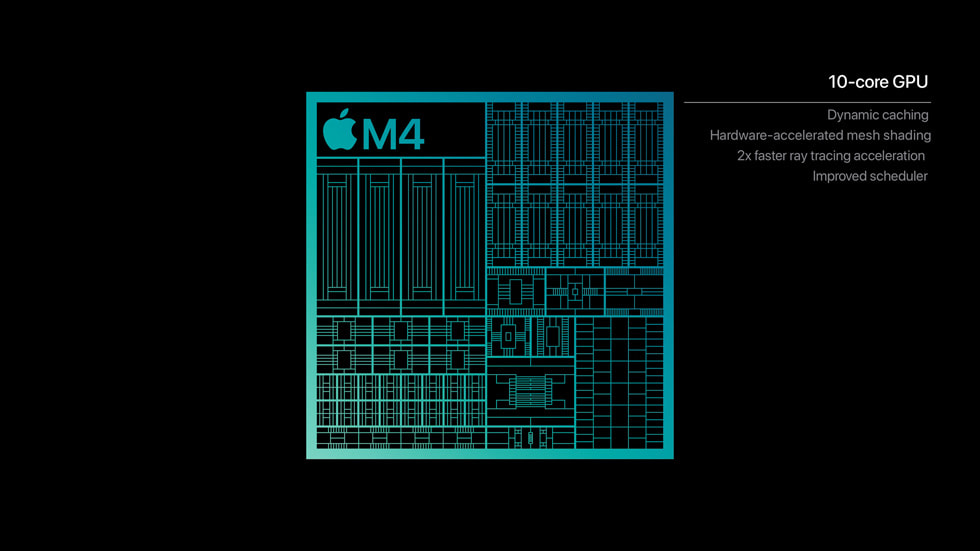
The M4 Max MacBook Pro isn’t for everyone running AI workloads. If you’re primarily working with 7-8B models, the M4 Pro (with 36GB unified memory and a lower price point) handles those at nearly the same speed. And if you’re training models rather than running inference, NVIDIA’s CUDA ecosystem remains unmatched.
But if your work demands running 70B+ parameter models locally — whether for development, privacy requirements, or cost savings — the M4 Max with 128GB unified memory is genuinely the only consumer hardware that can do it at usable speeds. At 20 tokens per second on Llama 70B, it’s crossed the threshold from “technically possible” to “practically useful.”
The M4 Max didn’t just move the benchmark needle — it opened a category of AI work that was previously locked behind server rooms and cloud bills. That’s the real story these numbers tell.
Need help building local AI inference pipelines or optimizing your Apple Silicon workflow? Let’s talk.
Get weekly AI, music, and tech trends delivered to your inbox.





