Vercel AI SDK February Update: Edge Runtime Under 50ms and Streaming That Actually Works
February 26, 2026
GDPR AI Amendments 2026: 5 Critical Changes in the EU Digital Omnibus Every Tech Company Must Know
February 27, 2026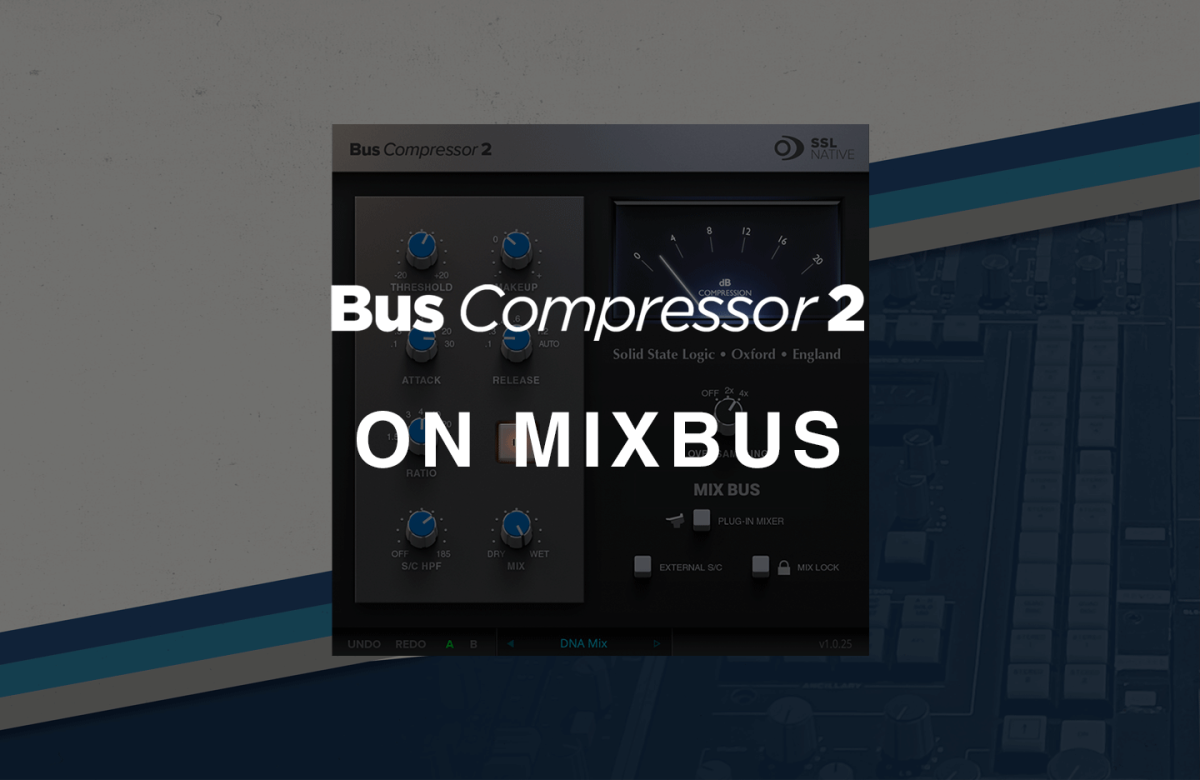
“I put the bus compressor on the mix bus and every time the kick hits, the whole mix pumps” — if this sounds familiar, you’re probably using an SSL bus compressor plugin without a sidechain HPF. The SSL G Series bus compressor’s sidechain HPF and Mix knob have quietly become the two most essential features for modern mixing. Here’s why they matter and which plugins actually have them.
Why the SSL Bus Compressor Plugin Needs a Sidechain HPF
The original SSL 4000 G Series console center section bus compressor didn’t have a sidechain high-pass filter. The hardware offered fixed attack (0.1–30ms), release (0.1–1.2s), and ratio (2:1–10:1) options — and that was it. The problem is that in modern bass-heavy music, kick drums and sub-bass trigger excessive gain reduction, causing the entire mix to “breathe” — the dreaded pumping artifact.
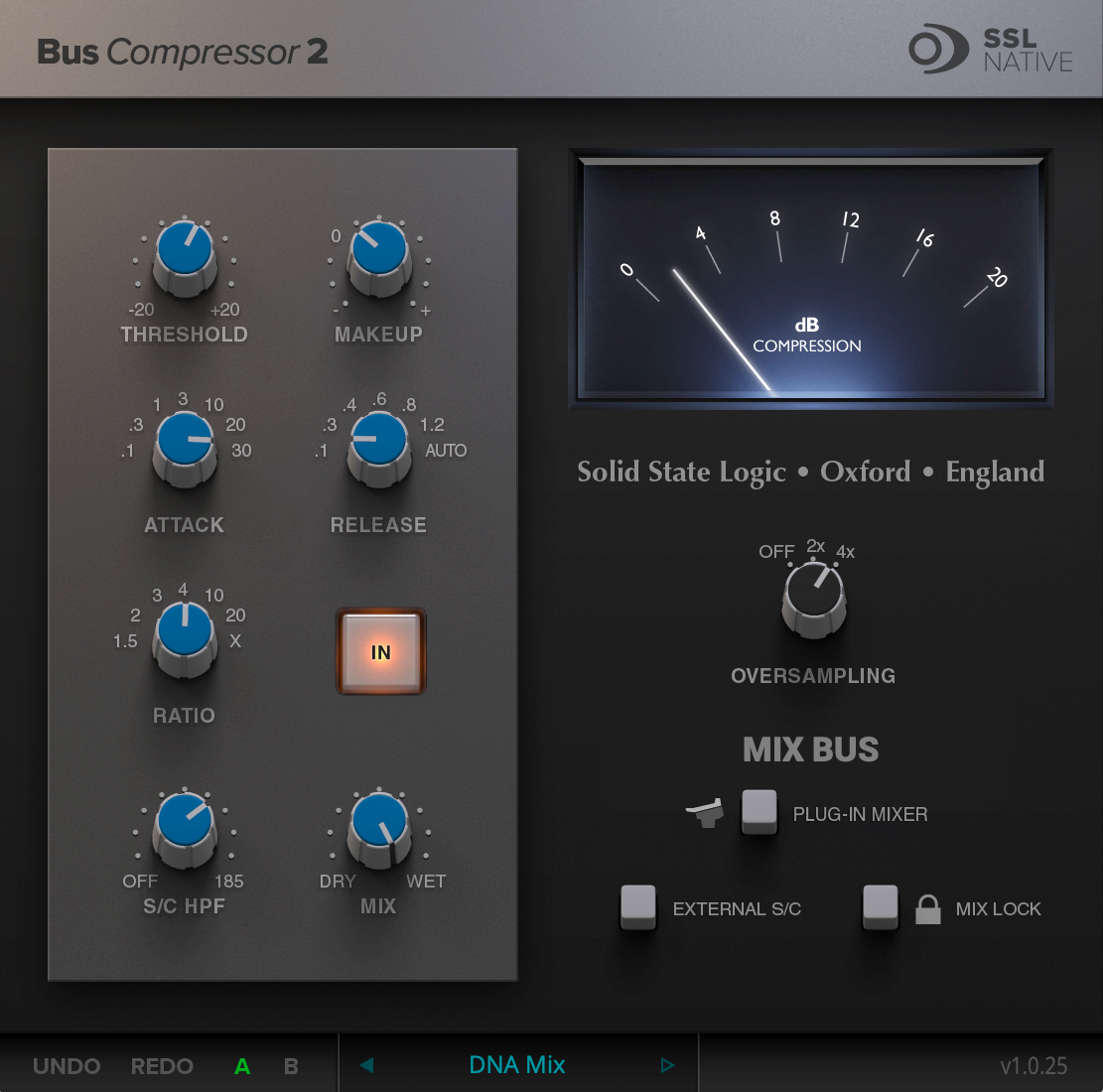
A sidechain HPF (High-Pass Filter) removes low frequencies from the compressor’s detection circuit. It doesn’t touch the audio signal itself — it only filters what the compressor “hears.” The result: kick drums no longer cause excessive gain reduction, while the low-end energy in your mix stays fully intact. This single feature transforms the SSL bus compressor from a sometimes-problematic tool into a reliable mix finisher.
The Mix Knob: Parallel Compression in One Move
Parallel compression (also called New York compression) traditionally required setting up a separate send/return bus to blend dry and compressed signals. The SSL Bus Compressor plugin’s Mix knob (Dry/Wet) eliminates that entire routing complexity in a single control.
Dialing the Mix knob back from 100% gradually blends in the unprocessed signal. You keep the glue effect of compression while preserving transients and dynamic range. In practice, the most common setting is 60–80% wet on the master bus, delivering natural cohesion without squashing the life out of your mix. On drum buses, dropping to 50–70% wet creates aggressive parallel compression that adds punch without killing the room sound.
SSL Bus Compressor Plugin Comparison: Who Has HPF and Mix?
Not every SSL-style bus compressor plugin offers sidechain HPF and Mix controls. Here’s the 2026 landscape of major contenders and what they actually deliver.
SSL Native Bus Compressor 2 ($99) — SSL’s official second-generation plugin. It packs both sidechain HPF and Mix knob, plus a 20ms attack option, extended release settings (0.4s, 0.8s, 1.2s), new ratios (1.5:1, 3:1, 10:1, 20:1, X), and 2x/4x oversampling. It integrates with the SSL UC1 hardware controller and runs natively on Apple Silicon.
UA SSL 4000 G Bus Compressor ($299) — Universal Audio’s version adds a 500Hz sidechain HPF, Mix knob, and Headroom control. The analog modeling quality is top-tier, but the price is three times higher than SSL’s own plugin.
Waves SSL G-Master Buss Compressor ($99 list, often $29 on sale) — The most widely used version, but it lacks both sidechain HPF and Mix knob. Users have been requesting these features on the Waves forum for years, but they remain absent.
PSP BussPressor ($99) — Sidechain HPF, Wet/Dry Mix, attack extended to 100ms, and auto-release — all for $99. This is the value champion of the SSL bus compressor category.
Cytomic The Glue ($99) — Features a 0.01ms ultra-fast attack, sidechain HPF, Mix knob, and a unique Peak Clip mode. A hidden gem that deserves more attention.
According to SonicScoop’s comprehensive SSL bus compressor roundup, “all of the plug-ins on this list offer highly-accurate emulations of the original SSL-G, so the biggest practical difference between each unit may be the additional features” — and sidechain HPF plus Mix knob are exactly those differentiating features.
Practical Settings: Sidechain HPF + Mix Knob in Action
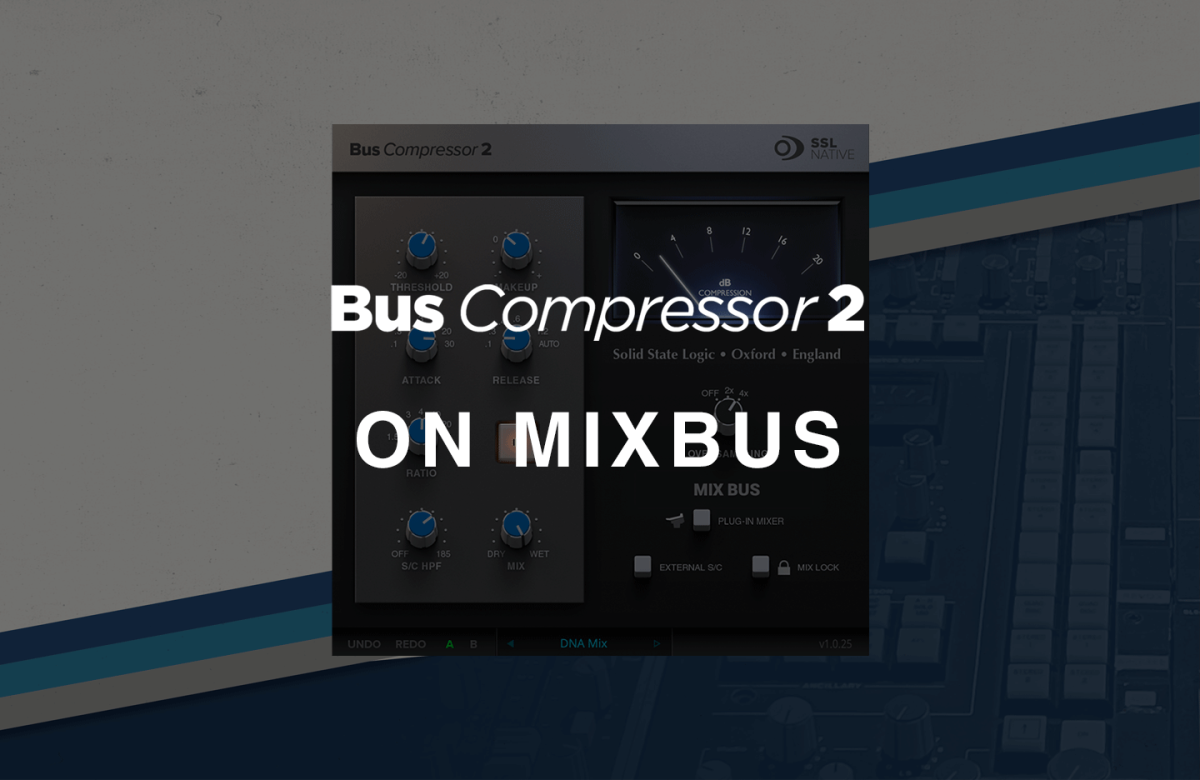
After 28 years as a producer and engineer, I use the sidechain HPF on the bus compressor in virtually every session. Here are the settings I actually reach for.
Master Bus Settings
- Sidechain HPF: 80–120Hz (adjust by genre)
- Ratio: 2:1 or 4:1
- Attack: 10–30ms (preserve transients)
- Release: Auto or 0.3s
- Mix: 70–85% Wet
- Gain Reduction: 2–3dB max
Drum Bus Settings
- Sidechain HPF: 150–200Hz (prevent kick pumping)
- Ratio: 4:1
- Attack: 0.1–3ms (aggressive compression)
- Release: 0.1–0.3s
- Mix: 50–70% Wet (strong parallel effect)
- Gain Reduction: 4–6dB
Vocal/Instrument Subgroup Settings
- Sidechain HPF: OFF or 60Hz
- Ratio: 2:1
- Attack: 10ms
- Release: Auto
- Mix: 80–100% Wet
- Gain Reduction: 1–2dB (glue only)
Which SSL Bus Compressor Plugin Should You Choose?
If budget is a factor, the SSL Native Bus Compressor 2 is the answer. At $99, you get SSL’s official sound plus sidechain HPF, Mix knob, extended controls, and oversampling. It even dropped to $19 in January 2026. If you’re currently using the Waves version and fighting pumping issues with EQ workarounds, switching to a plugin with a built-in HPF is a far more efficient workflow upgrade.
The sidechain HPF and Mix knob aren’t luxury “bonus features.” They’re the essential tools that make the SSL Bus Compressor plugin work properly in modern mixing. Master these two controls, and the bus compressor transforms from a mix-wrecking liability into a mix-finishing superpower.
Looking to optimize your mixing workflow or need professional mastering? Connect with a 28-year veteran engineer who works with these tools every day.